
From my experience with Getimg.ai, I found it excels at providing versatile AI-powered image generation combined with editing and upscaling capabilities all in one platform. The availability of multiple AI models allows for creative flexibility, which is particularly useful for designers and marketers who need quick, unique visuals. The API access is a strong plus for developers integrating image generation into their workflows. However, the platform currently supports only English and lacks a dedicated mobile app, which might limit accessibility for some users. Overall, if you require an all-in-one AI image generation and editing tool with flexible pricing, Getimg.ai delivers solid results.

Getimg.ai AI Image Generator for Creative Visual Content and Design
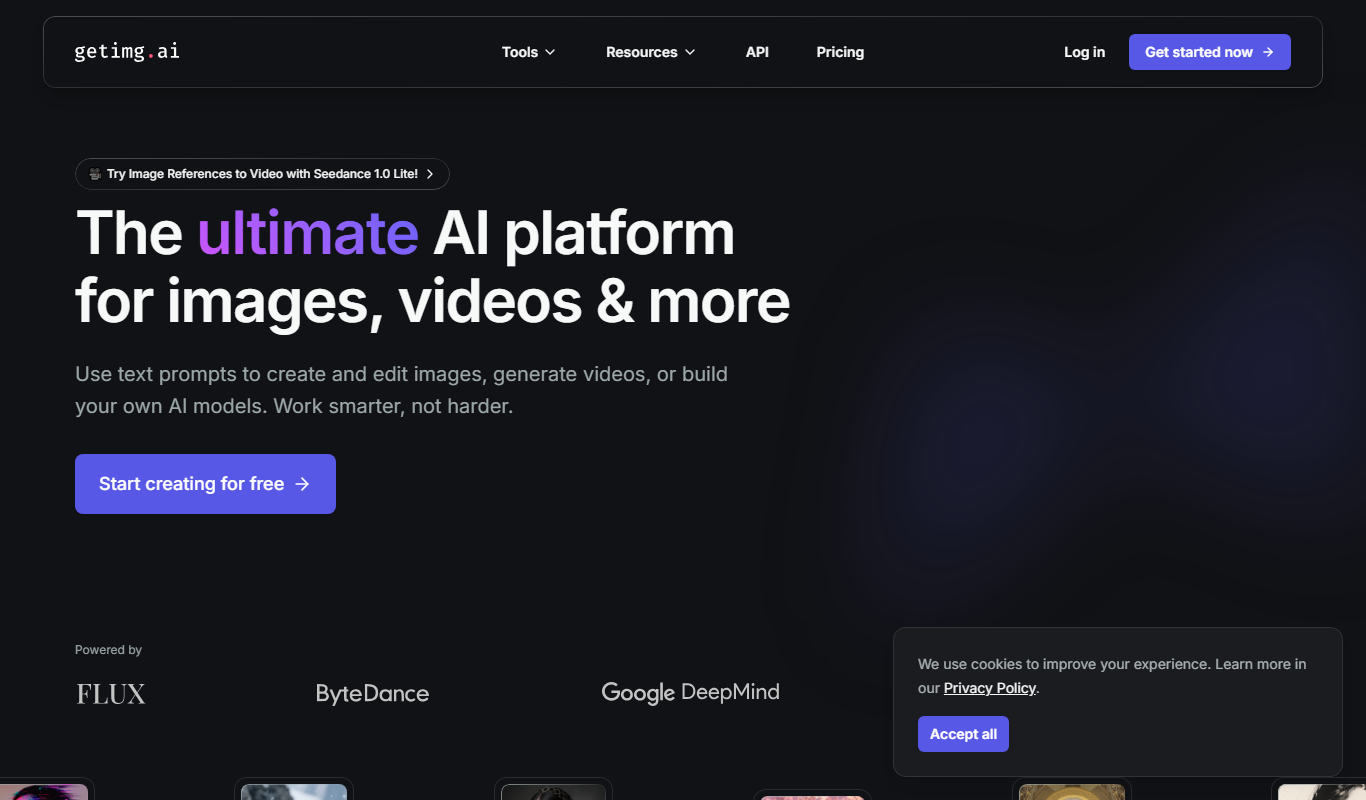
Getimg.ai is an AI image generation platform that creates and edits images from text prompts and existing images, offering multiple AI models, editing tools, upscaling, and API integration.
What is Getimg.ai?
Getimg.ai is an AI-powered image generation platform that enables users to create, edit, and upscale images using advanced text-to-image and image editing models. It leverages artificial intelligence to produce high-quality visuals from simple text prompts or by enhancing existing images, making it a versatile tool for designers, marketers, and content creators.
Key Features of Getimg.ai
Text-to-Image Generation
Create unique images from descriptive text prompts using multiple AI models.
Image Editing Tools
Modify and enhance images with AI-powered editing features.
Image Upscaling
Increase image resolution and quality without losing detail.
API Access
Integrate Getimg.ai’s image generation capabilities into your own software or workflows.
Multiple AI Models
Choose from various AI engines to generate different artistic styles and outputs.
Pros and Cons of Getimg.ai
Pros
- Supports multiple AI models for diverse image styles
- Includes image editing and upscaling features
- Offers API for easy integration
- Flexible pricing with free and paid options
Cons
- Limited language support (English only)
- No dedicated mobile app available
- Country of origin not clearly specified
Key Use Cases for Getimg.ai
Creative Visual Content
Generate unique images for marketing, social media, and advertising campaigns quickly.
Graphic Design Assistance
Support designers by creating concept art, backgrounds, and visual assets with AI.
Content Enhancement
Improve blog posts, websites, and presentations with custom AI-generated images.
Rapid Prototyping
Create visual prototypes and mockups for projects without needing manual illustration.
Image Editing and Upscaling
Edit existing images and upscale them using AI-powered tools for better quality.
How Getimg.ai Works
-
1
Create an Account
Sign up on the Getimg.ai website to access the platform and its features.
-
2
Choose a Model and Input
Select the AI model and enter a text prompt or upload an image to start generating.
-
3
Generate or Edit Images
Use the platform to create new images from text or edit and upscale existing images.
-
4
Download or Integrate
Download your images or use the API to integrate image generation into your applications.
Who's Using Getimg.ai
Graphic designers
Content creators
Marketing professionals
Developers needing image generation API
Small businesses seeking visual content
Getimg.ai Pricing
Free
$0/month
Limited credits for image generation and basic access to features.
Subscription
From $9/month
Monthly plans offering more credits, faster processing, and priority support.
Pay-as-you-go
Variable pricing
Flexible credit purchase for occasional users without subscription commitment.
Frequently Asked Questions About Getimg.ai
Getimg.ai can generate a wide range of images including art, illustrations, concept designs, and photorealistic visuals based on text prompts.
Yes, Getimg.ai offers an API that allows developers to integrate image generation and editing features into their own applications.
Yes, the platform provides AI-powered image editing and upscaling tools to enhance or modify your images.
Getimg.ai offers a free tier with limited credits, subscription plans for regular users, and pay-as-you-go options for flexible usage.
It depends on your specific needs and how you plan to use the tool. The official website and documentation are the best sources for the latest details.
Yes, it can help with that use case depending on how you configure it and what features are available. You’ll get the best results with clear inputs and a defined goal.
Yes, it can help with that use case depending on how you configure it and what features are available. You’ll get the best results with clear inputs and a defined goal.
Some tools offer a free plan or trial with limited features. Availability can vary, so confirm on the official website.
Share your review
Reviews are limited to one per logged-in user and are published after moderation.
You need an account to review this tool.
0.0
★
★
★
★
★
0 reviews
5 star
0
4 star
0
3 star
0
2 star
0
1 star
0
No reviews yet
Be the first to share how this tool worked for you.
Questions from the community
Read questions and answers about this tool, or ask your own.
No questions yet
Start the conversation by asking the first question about this tool.
Is this tool helpful?

Free
PicStudio.AI
PicStudio.AI is a web platform offering AI-driven image generation and photo editing tools that help users create and enhance visuals using text prompts and AI features.

Free
Favicon Helper
Favicon Helper is a free web tool that allows you to generate and convert favicons in multiple formats like ICO, PNG, GIF, and JPG quickly and without registration.

Free
AppIcons AI
AppIcons AI is a web tool that automates the generation of app icons in all required sizes and formats for iOS and Android apps, saving developers time and ensuring consistent design.

Free
SongGenerator.io: Create Music for Free
SongGenerator.io is a free online AI music generator that creates original, royalty-free songs instantly without registration, suitable for content creators and musicians.

Free Trial
Birdbanner
Birdbanner is an AI-driven online tool that simplifies creating social media banners by generating customizable designs optimized for advertising campaigns.

Free
Foxify
Foxify is a web-based AI art generator that creates unique digital artwork from user prompts and style selections, suitable for both personal and commercial use.

Freemium
UIQuill
UIQuill is a web-based AI design tool that helps users quickly create UI prototypes, wireframes, and mockups with AI-generated layouts and real-time collaboration.

Free Trial
StyleGen AI
StyleGen AI is an AI-driven platform that helps users generate unique fashion designs and virtual styling ideas through machine learning technology, accessible via web browser.