

OctoEverywhere Remote Access for OctoPrint - Secure 3D Printer Control
OctoEverywhere is a 3D printer cloud service with secure remote access, AI failure detection and notifications for printers running OctoPrint, Klipper, Bambu Lab OS and Elegoo OS.
- Best for
- Remote 3D Printer Monitoring
- Key capability
- Cloud-Based Secure Tunneling
Save OctoEverywhere, follow its updates and vote on it — everything stays in your account.
Sign in or create a free account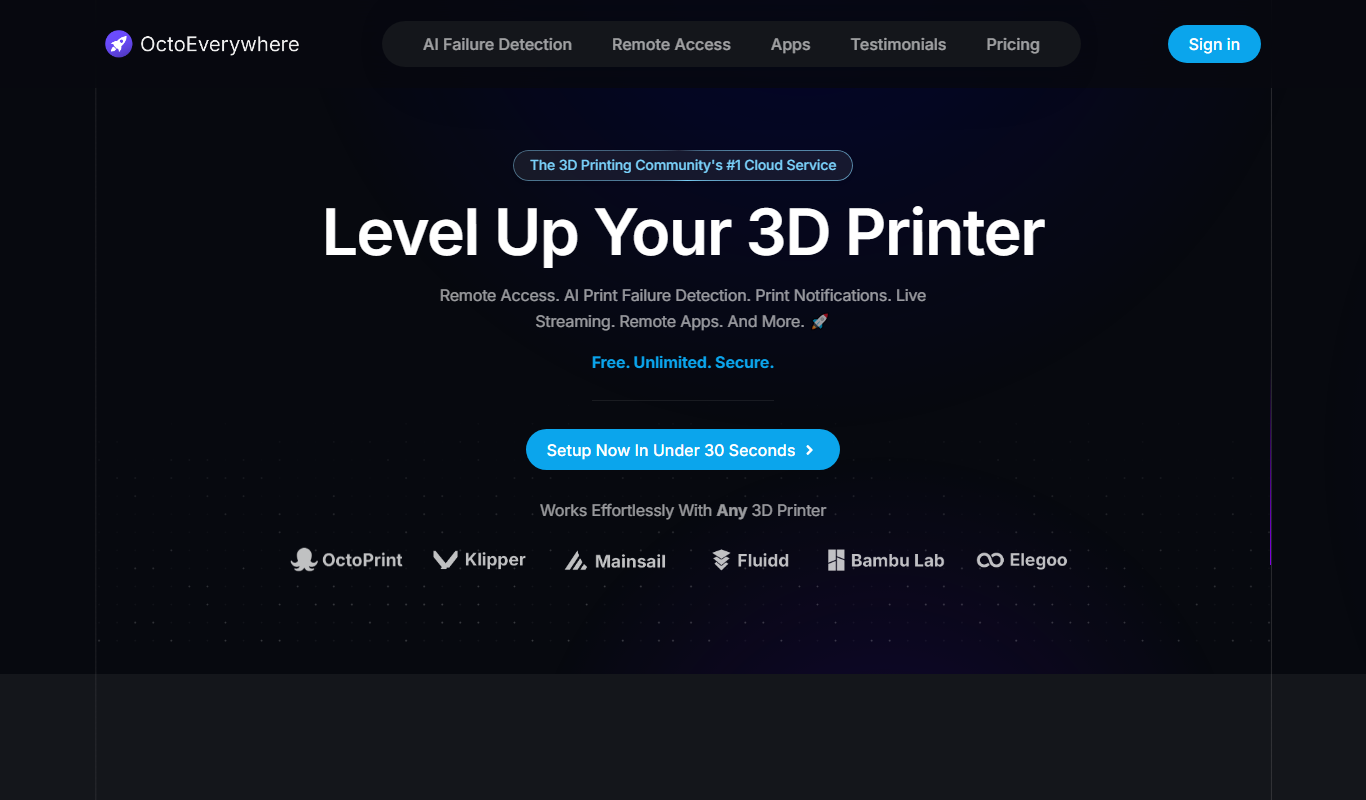

What is OctoEverywhere?
OctoEverywhere is a 3D printer cloud service that gives free, secure and unlimited remote access to 3D printers running OctoPrint, Klipper, Moonraker, Mainsail, Fluidd, Bambu Lab OS and Elegoo OS. Its plugin creates an end-to-end encrypted tunnel, and it adds Gadget AI failure detection, notifications, live streaming and phone app access.
Key features of OctoEverywhere
OctoEverywhere offers secure remote access, real-time printer monitoring, easy setup without port forwarding, multi-printer management, and compatibility with OctoPrint plugins. Its cloud tunneling technology ensures privacy and security while simplifying connectivity.
Cloud-Based Secure Tunneling
Creates an encrypted connection between your device and OctoPrint without exposing your network.
No Port Forwarding Required
Simplifies setup by removing the need for complex router configurations.
Multi-Printer Support
Manage multiple printers from a single interface.
Real-Time Notifications
Receive alerts about print status, errors, or completion.
Compatibility with OctoPrint Plugins
Works seamlessly alongside existing OctoPrint plugins.
Pros and cons of OctoEverywhere
Pros
- Easy setup without network configuration
- Secure encrypted connections
- Supports multiple printers
- Works seamlessly with OctoPrint
- Affordable pricing plans
Cons
- The free Standard level has no app remote access, 20 second webcam streams and 3 printers.
- Requires internet connection for remote access
Key use cases for OctoEverywhere
Remote 3D Printer Monitoring
Allows users to monitor their 3D printers remotely via a secure web interface, enabling real-time status updates and control.
Secure Remote Access
Provides encrypted and authenticated access to OctoPrint instances without exposing local networks or requiring complex VPN setups.
Simplified Network Configuration
Eliminates the need for port forwarding or static IP addresses by using cloud-based tunneling technology.
Multi-Printer Management
Supports managing multiple OctoPrint-enabled 3D printers from a single dashboard for streamlined operations.
Integration with OctoPrint Plugins
Works seamlessly with existing OctoPrint plugins and features, preserving user workflows.
How OctoEverywhere works
- 1
Install OctoEverywhere Plugin
Add the OctoEverywhere plugin to your OctoPrint instance via the plugin manager.
- 2
Create an Account
Sign up for an OctoEverywhere account to link your OctoPrint server.
- 3
Connect Your Printer
Authorize your OctoPrint instance to connect through OctoEverywhere’s cloud service.
- 4
Access Remotely
Use the web dashboard or API to securely monitor and control your 3D printer from anywhere.
Who is using OctoEverywhere
OctoEverywhere pricing
Standard (free)
Free forever
Unlimited remote access and AI failure detection, 20 second webcam streams, limited uploads and downloads, 3 printers included; no app remote access.
Supporter Perks
$4.99/month
Unlimited remote access, AI failure detection and app remote access, 2 minute webcam streams, 500 MB uploads and downloads, 5 printers included and additional printers at $1 per month.
Elite Supporter Perks
$9.99/month
Unlimited webcam streaming, 5 GB uploads and downloads, 10 printers included and additional printers at $2 per month.
Plans and prices are as published by the vendor and can change. Check the official site before you buy. Open the pricing page (opens in a new tab)
Frequently asked questions about OctoEverywhere
No, OctoEverywhere uses cloud tunneling technology that eliminates the need for port forwarding.
Yes, all connections are encrypted to ensure your data and printer control remain private.
Yes. Free accounts can have up to 3 printers at no extra cost; Supporter accounts include 5 printers, and each extra printer costs $1/printer/month.
It is designed to be compatible with most OctoPrint plugins without interfering with their functionality.
Data handling and security practices vary by provider. Review the official privacy policy to understand how your data is stored and used.
Yes, it can help with that use case depending on how you configure it and what features are available. You’ll get the best results with clear inputs and a defined goal.
Some tools offer a free plan or trial with limited features. Availability can vary, so confirm on the official website.
Conclusion
Support now reaches printers on Klipper, Bambu Lab OS and Elegoo OS as well as OctoPrint. A plugin creates an end-to-end encrypted tunnel, so the printer is not publicly exposed on the Internet and no port forwarding is needed. An AI failure assistant called Gadget watches prints for spaghetti, bed adhesion and layer issues and sends an alert when a failure is detected.
Remote access also works through iPhone and Android apps such as OctoApp and Mobileraker, and notifications can go out by push, Discord, Telegram or SMS. The project is community funded. Remote access and AI failure detection are free and unlimited for up to three printers, while paid Supporter Perks add app remote access, longer webcam streams and more printers.
Sources
Sign in to review this tool.
Sign In to ReviewNo reviews yet
Be the first to share how this tool worked for you.
Ask about pricing, limits, or how it compares — or answer someone else.
Sign In to AskNo questions yet
Have a question about using or paying for this tool? Be the first to ask.
Featured on TiorAI



Alternative Tools
Explore similar AI tools that might fit your needs
Polar Cloud
Polar Cloud is a cloud platform that allows users to remotely control 3D printers, manage print files, and collaborate on projects through a web interface, ideal for education and makerspaces.
More AI Printing Tools tools
Other tools in the same category, for when this one is not quite the fit.

Poster Generator
Poster Generator is a free web-based tool that enables users to design and download custom posters quickly using templates and simple editing features without needing graphic design experience.