

Tencent Docs Collaborative Online Document Editor with Real-Time Sharing
Tencent Docs is a free cloud-based office suite by Tencent that enables real-time collaborative editing of documents, spreadsheets, and presentations accessible via web and mobile apps.
- Best for
- Collaborative Document Editing
- Key capability
- Real-Time Collaboration
Save Tencent Docs, follow its updates and vote on it — everything stays in your account.
Sign in or create a free accountWhat is Tencent Docs?
Tencent Docs is a cloud-based office suite developed by Tencent Holdings Limited, offering online document, spreadsheet, and presentation editing with real-time collaboration features. It enables users to create, edit, and share documents seamlessly across devices, supporting teamwork and productivity.
Key features of Tencent Docs
Tencent Docs provides real-time collaborative editing, cloud storage, multi-format document support, version history, commenting, and sharing controls designed to facilitate efficient team collaboration and document management.
Real-Time Collaboration
Multiple users can edit documents simultaneously with instant updates.
Cloud Storage and Sync
Documents are saved in the cloud and synced across devices automatically.
Multi-Format Support
Supports documents, spreadsheets, and presentations with familiar office features.
Version History
Track and restore previous versions of documents easily.
Commenting and Feedback
Users can leave comments and reply to facilitate communication.
Permission Controls
Customize access rights for collaborators to view or edit documents.
Pros and cons of Tencent Docs
Pros
- Completely free with no usage limits
- Smooth real-time collaboration features
- Accessible via web and mobile apps
- Supports multiple document types
- Strong integration within Tencent ecosystem
Cons
- Primarily designed for Chinese-speaking users
- Limited advanced formatting compared to desktop office suites
- No offline editing without internet connection
Key use cases for Tencent Docs
Collaborative Document Editing
Multiple users can edit documents simultaneously with real-time updates and commenting.
Cloud Document Storage
Store and access documents securely in the cloud from any device.
Team Project Management
Organize documents and collaborate efficiently within teams for projects and workflows.
Presentation and Spreadsheet Creation
Create and edit presentations and spreadsheets with familiar office tools.
Document Sharing and Permissions
Share documents with customizable permissions for viewing or editing.
How Tencent Docs works
- 1
Create or Upload Document
Start by creating a new document, spreadsheet, or presentation or upload existing files to the platform.
- 2
Invite Collaborators
Share the document link or invite team members by email to collaborate in real time.
- 3
Edit and Comment
Multiple users can edit simultaneously, leave comments, and track changes.
- 4
Manage Permissions
Set viewing or editing permissions to control access and maintain document security.
- 5
Access Anywhere
Access and edit documents from web browsers or mobile apps on iOS and Android.
Who is using Tencent Docs
Tencent Docs pricing
Free
$0
Free plan with storage limited to 1GB.
Plans and prices are as published by the vendor and can change. Check the official site before you buy. Open the pricing page (opens in a new tab)
Frequently asked questions about Tencent Docs
No. Paid memberships are available, and free storage is limited to 1GB.
Yes, Tencent Docs supports real-time collaborative editing and commenting.
It supports documents, spreadsheets, and presentations similar to Microsoft Office formats.
Yes, Tencent Docs has apps for both iOS and Android platforms.
This tool is designed to help users accomplish its core tasks more efficiently. It is typically used by individuals or teams looking to improve productivity and workflow.
Some tools offer a free plan or trial with limited features. Availability can vary, so confirm on the official website.
Yes, it can help with that use case depending on how you configure it and what features are available. You’ll get the best results with clear inputs and a defined goal.
Yes, it can help with that use case depending on how you configure it and what features are available. You’ll get the best results with clear inputs and a defined goal.
Conclusion
Work begins by creating a document, spreadsheet or presentation, or by uploading existing files, and then sharing the link or inviting team members by email. Multiple users can edit simultaneously, leave comments and track changes, while viewing or editing permissions control access. Documents are saved in the cloud and synced across devices automatically, and previous versions can be tracked and restored.
Developed by Tencent Holdings Limited, the suite is aimed at small to medium-sized teams, educational institutions, remote workers and Chinese-speaking business users.
It is not entirely free: free storage is limited to 1GB, and the two paid memberships cost CNY 12/month or CNY 98/year and CNY 18/month or CNY 158/year.
Sources
Sign in to review this tool.
Sign In to ReviewNo reviews yet
Be the first to share how this tool worked for you.
Ask about pricing, limits, or how it compares — or answer someone else.
Sign In to AskNo questions yet
Have a question about using or paying for this tool? Be the first to ask.
Featured on TiorAI



More Business Management tools
Other tools in the same category, for when this one is not quite the fit.

lxi.ai
lxi.ai is a canvas to collaborate with AI and others on research papers, trip plans and organizing your thoughts, currently in beta.

Quadratic
Quadratic is an AI spreadsheet that connects to your data, lets you ask questions in plain English and writes formulas, Python and SQL for you.
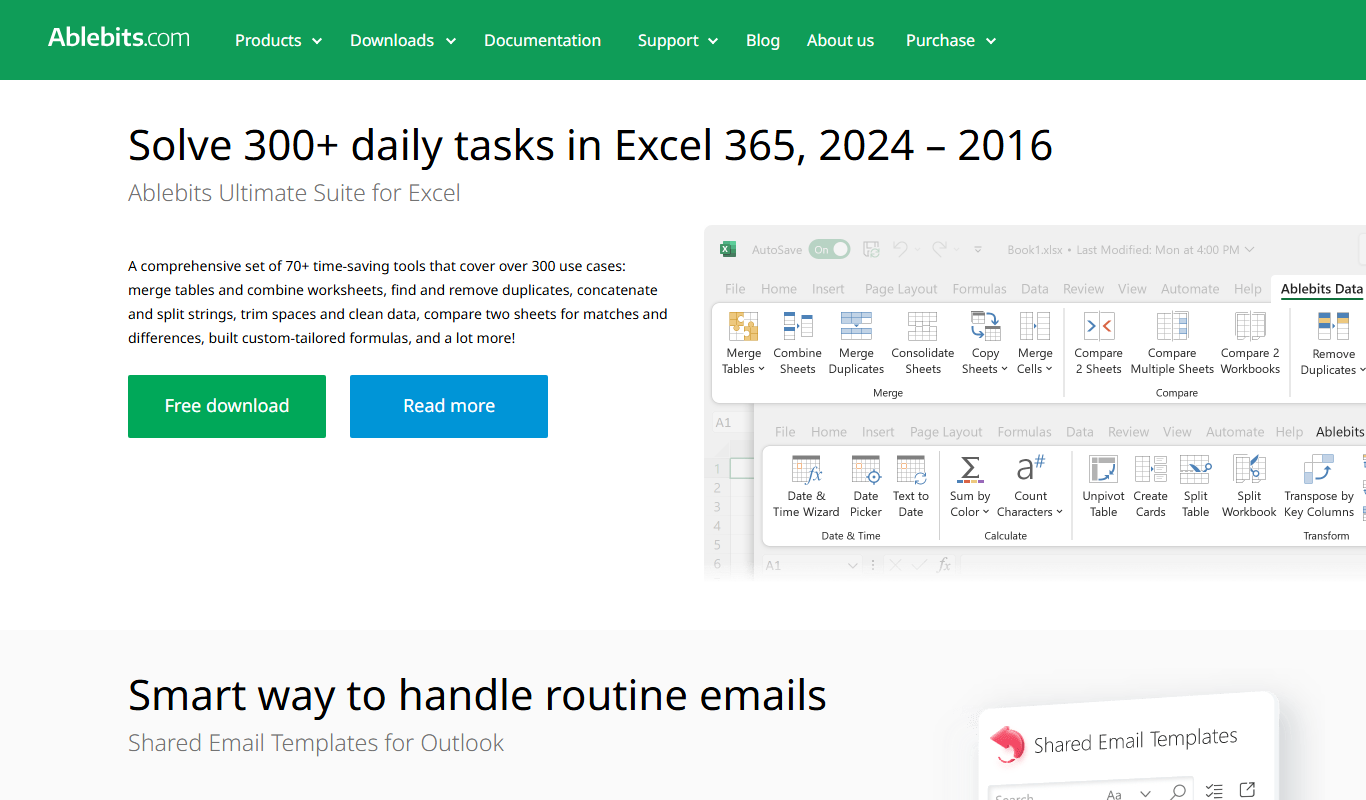
Ablebits Formula Editor
Ablebits Formula Editor is a tool in Ablebits Ultimate Suite for Excel that shows Excel formulas in a tree view so users can edit long and complex formulas, change arguments and spot errors.

Qlient
Qlient is an AI receptionist for beauty salons and spas that answers every call, schedules appointments and integrates with salon management software.
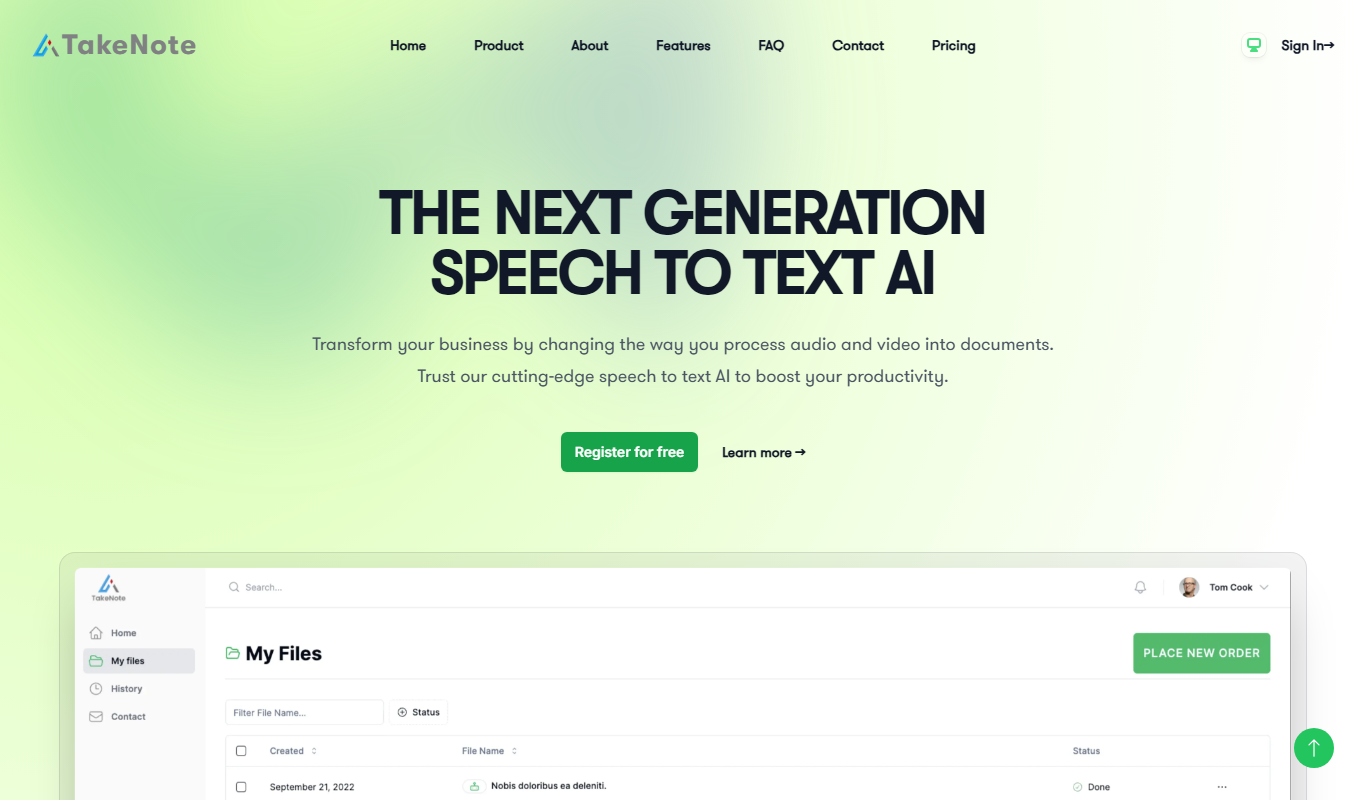
TakeNote
TakeNote provides AI meeting notes, client document extraction, and auto-filled provider forms for UK regulated financial advisers.
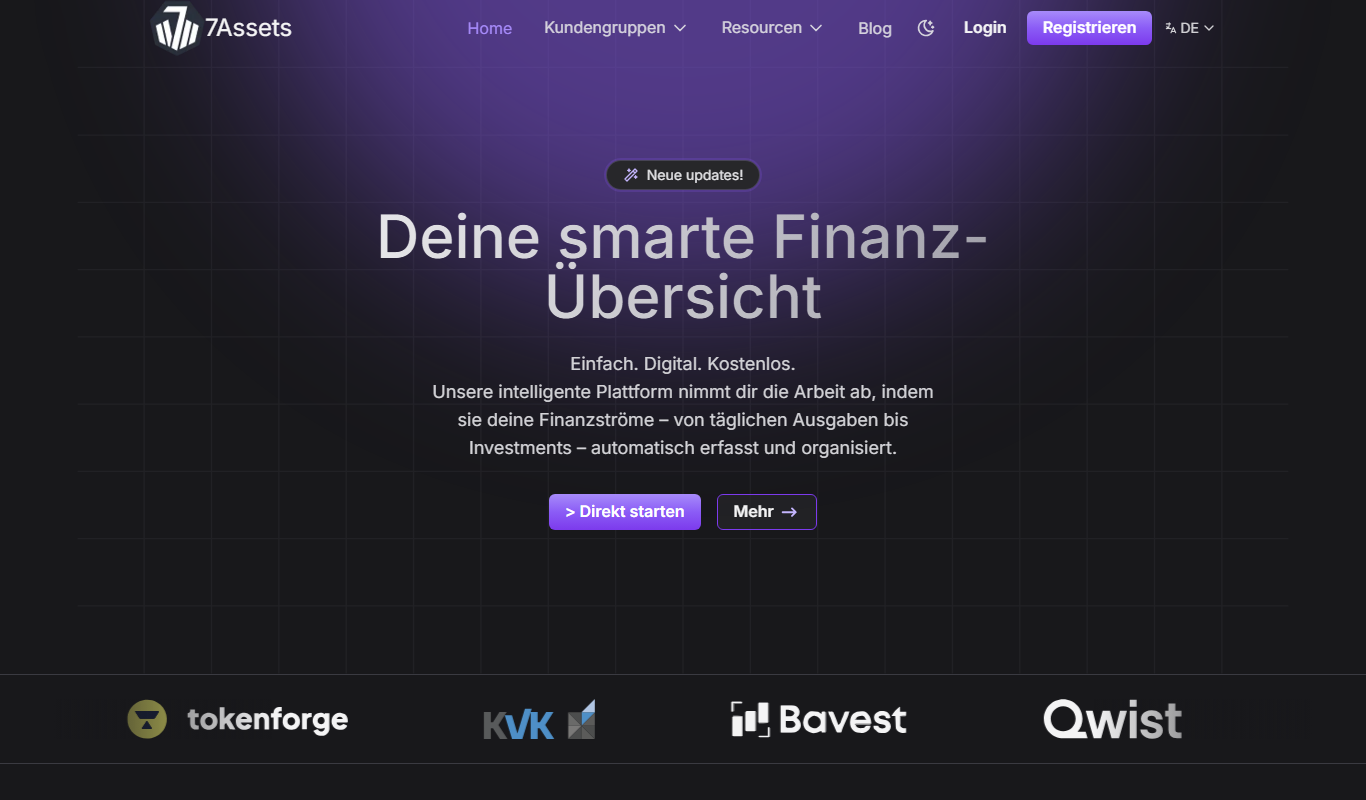
7Assets
7Assets is a wealth data platform that brings all asset classes into one consolidated view for family offices, asset managers, private banks and individuals.
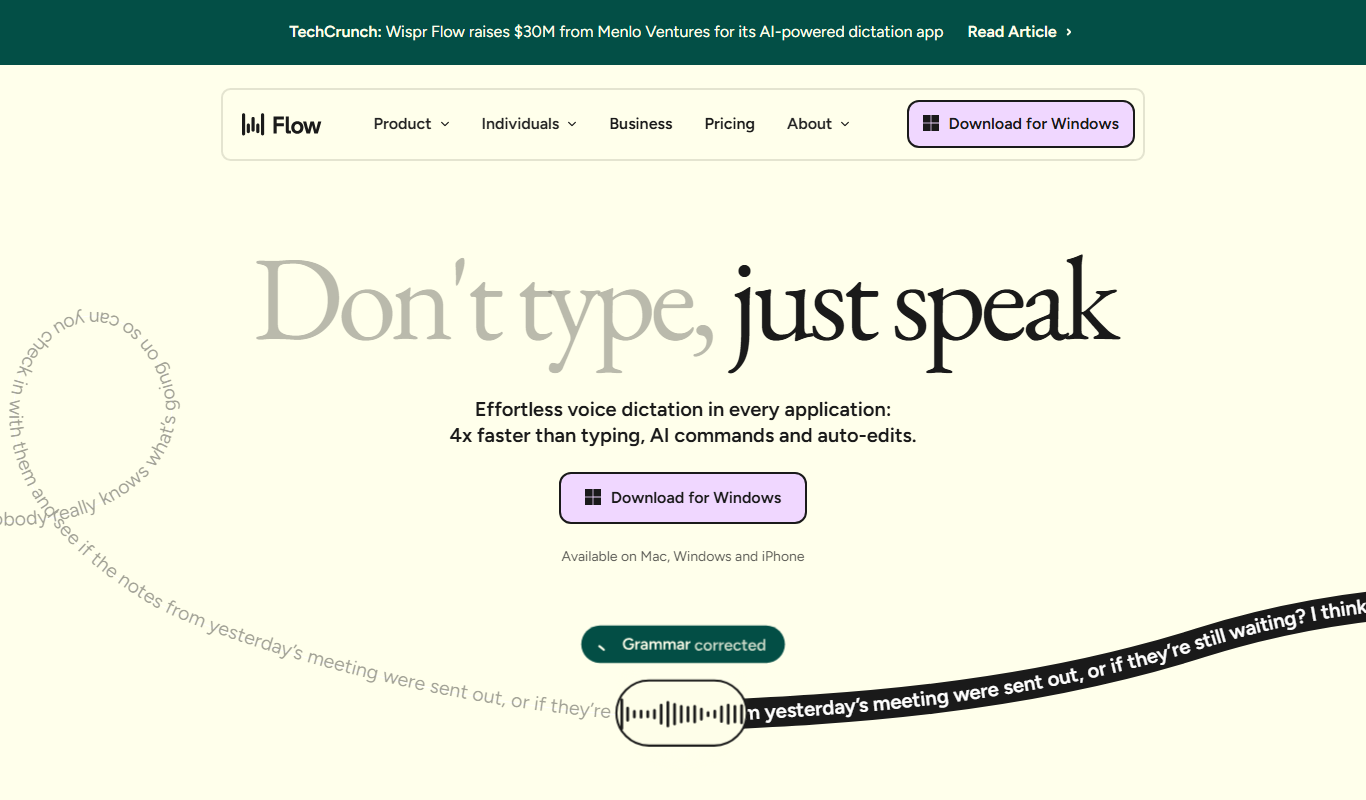
Wispr Flow
Wispr Flow is a voice-to-text dictation app and AI notetaker that turns speech into polished writing in any app on Mac, Windows, iPhone and Android.

SwiftERM
SwiftERM is predictive machine learning for ecommerce that autonomously individualises marketing emails to each customer to recover lost turnover.