

Open GPT AI Chatbot App for Advanced Conversational AI Solutions
OpenGPT lets users run a wide range of ChatGPT applications or create their own in seconds, with access sold as a subscription.
- Best for
- Customer Support Automation
- Key capability
- Advanced GPT-based AI
Save Open GPT, follow its updates and vote on it — everything stays in your account.
Sign in or create a free account
What is Open GPT?
OpenGPT (open-gpt.app) is a web platform where users run a wide range of ready-made ChatGPT applications or create their own ChatGPT application in seconds.
Key features of Open GPT
Open GPT offers a user-friendly interface for engaging with AI-powered chatbots, supporting tasks such as customer support automation, content creation, and personal assistance. It is designed for seamless integration into workflows requiring natural language understanding and generation.
Advanced GPT-based AI
Utilizes state-of-the-art GPT models to deliver accurate and context-aware responses.
User-friendly Interface
Simple and intuitive chat interface accessible via web browsers.
Versatile Use Cases
Supports a wide range of applications including customer support, content generation, and productivity.
Pros and cons of Open GPT
Pros
- Easy to use with no technical setup required
- One-time purchase without recurring fees
- Supports multiple practical AI chatbot use cases
Cons
- Limited to English language support
- No dedicated mobile or desktop apps
- Pricing information limited to one plan
Key use cases for Open GPT
Customer Support Automation
Use Open GPT to automate responses to common customer inquiries, improving response time and reducing workload.
Content Generation
Generate creative content, ideas, or drafts for blogs, marketing, or social media using the AI chatbot.
Personal Productivity Assistant
Leverage Open GPT as a personal assistant to help with scheduling, reminders, and quick information retrieval.
Learning and Research
Ask complex questions and receive detailed explanations to aid in learning or research tasks.
How Open GPT works
- 1
Access the Web App
Browse the ChatGPT applications on open-gpt.app or create your own application.
- 2
Start a Conversation
Type your queries or commands into the chat window to interact with the AI.
- 3
Receive AI Responses
The AI processes your input and generates relevant, human-like replies in real time.
Who is using Open GPT
Open GPT pricing
Subscription
$4.00 to $16.00
Subscription to open-gpt.app sold through the Lemon Squeezy store.
Plans and prices are as published by the vendor and can change. Check the official site before you buy. Open the pricing page (opens in a new tab)
Frequently asked questions about Open GPT
Open GPT is accessible via web browsers on mobile devices but does not have a dedicated mobile app.
Yes, since it operates as a web-based application, an active internet connection is required.
This tool is designed to help users accomplish its core tasks more efficiently. It is typically used by individuals or teams looking to improve productivity and workflow.
Pricing depends on the plan and included features. For the most accurate and up-to-date details, check the official pricing page.
It depends on your specific needs and how you plan to use the tool. The official website and documentation are the best sources for the latest details.
Conclusion
On the site, users run a wide range of ready-made ChatGPT applications or create their own application in seconds. Apps are grouped under tabs such as Productivity Tools, Copywriting Assistant and Code Assistant. Examples on the home page range from a regex generator and a grammar corrector to a Midjourney prompt generator. Each listed app can be run directly or shared.
Access is sold as a subscription through a Lemon Squeezy store, not as a one-time purchase. The site answers questions about free attempts, a character limit and checking the usage of a purchased license key.
Sources
Sign in to review this tool.
Sign In to ReviewNo reviews yet
Be the first to share how this tool worked for you.
Ask about pricing, limits, or how it compares — or answer someone else.
Sign In to AskNo questions yet
Have a question about using or paying for this tool? Be the first to ask.
Featured on TiorAI



More AI Chatbot tools
Other tools in the same category, for when this one is not quite the fit.
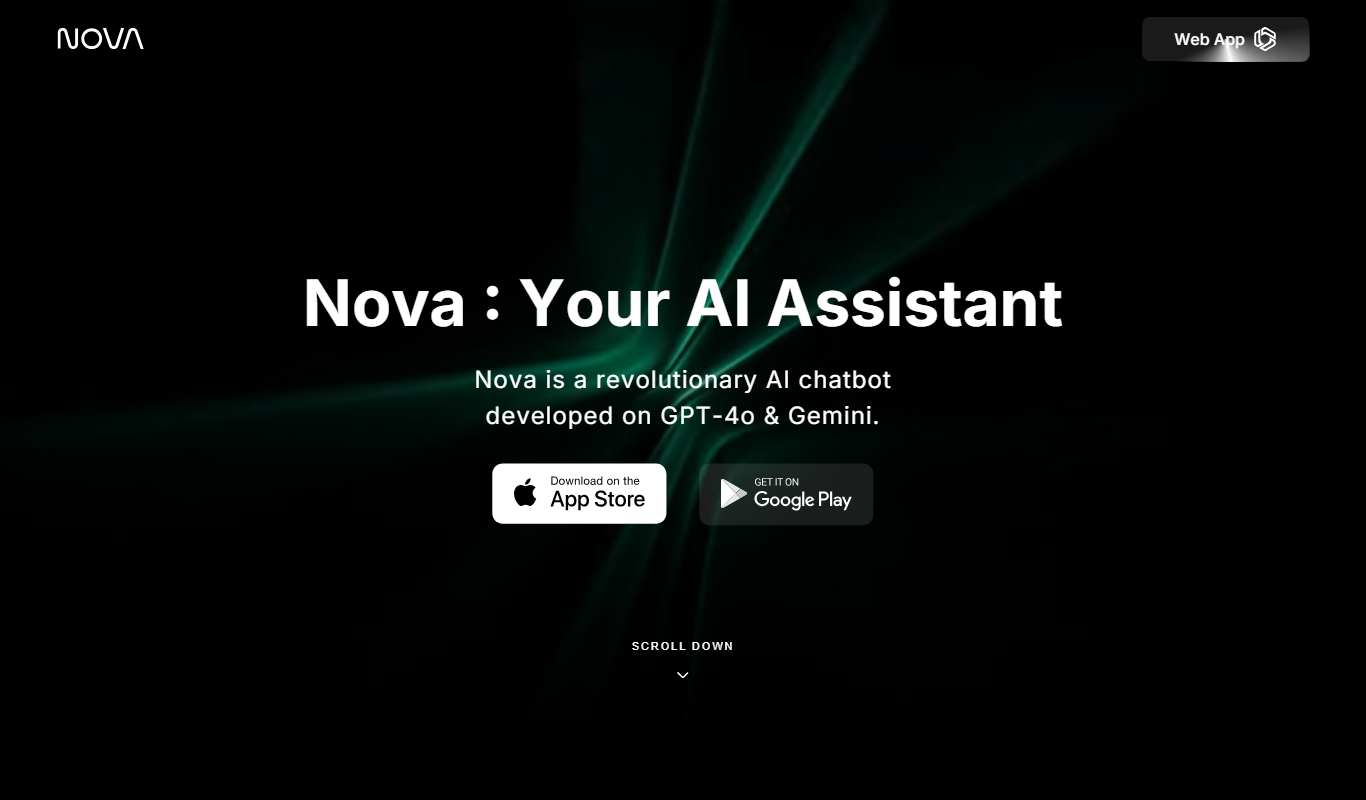
Nova – ChatGPT AI Chatbot
Nova is an AI chatbot powered by ChatGPT technology that helps users automate tasks, generate content, and improve productivity through natural conversational AI available on web and mobile platforms.
Jailbroken ChatGPT
Jailbroken ChatGPT is a web chatbot from AE Studio that bypasses ChatGPT content restrictions and requires the user's own OpenAI API key.

ChatGPT Français (French)
ChatGPT Français is a free web-based AI chatbot designed specifically for French language users to practice conversations, generate content, and support French communication needs.
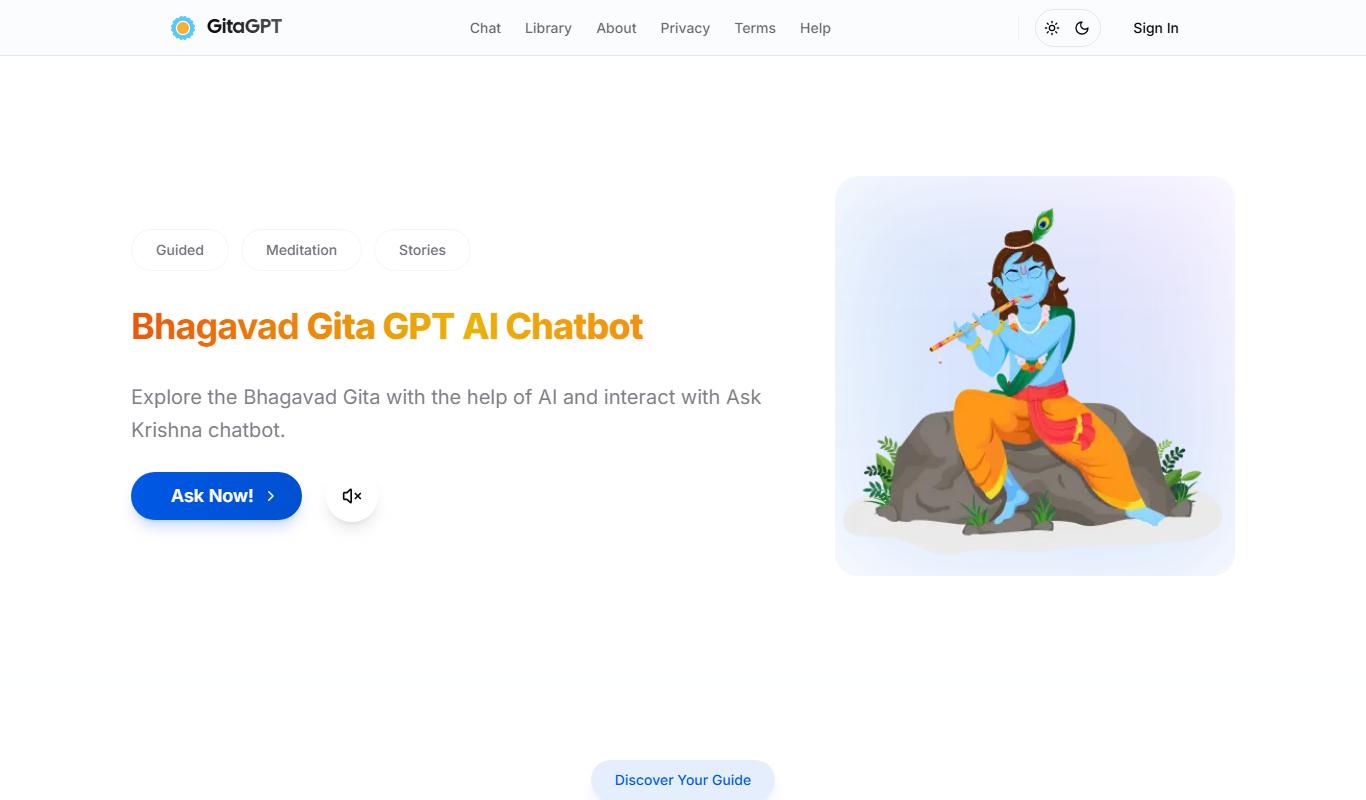
Gita GPT
GitaGPT is an AI spiritual companion that answers life questions with Bhagavad Gita shlokas through 10 spiritual guides in 22+ Indian languages, with a free plan and paid upgrades.
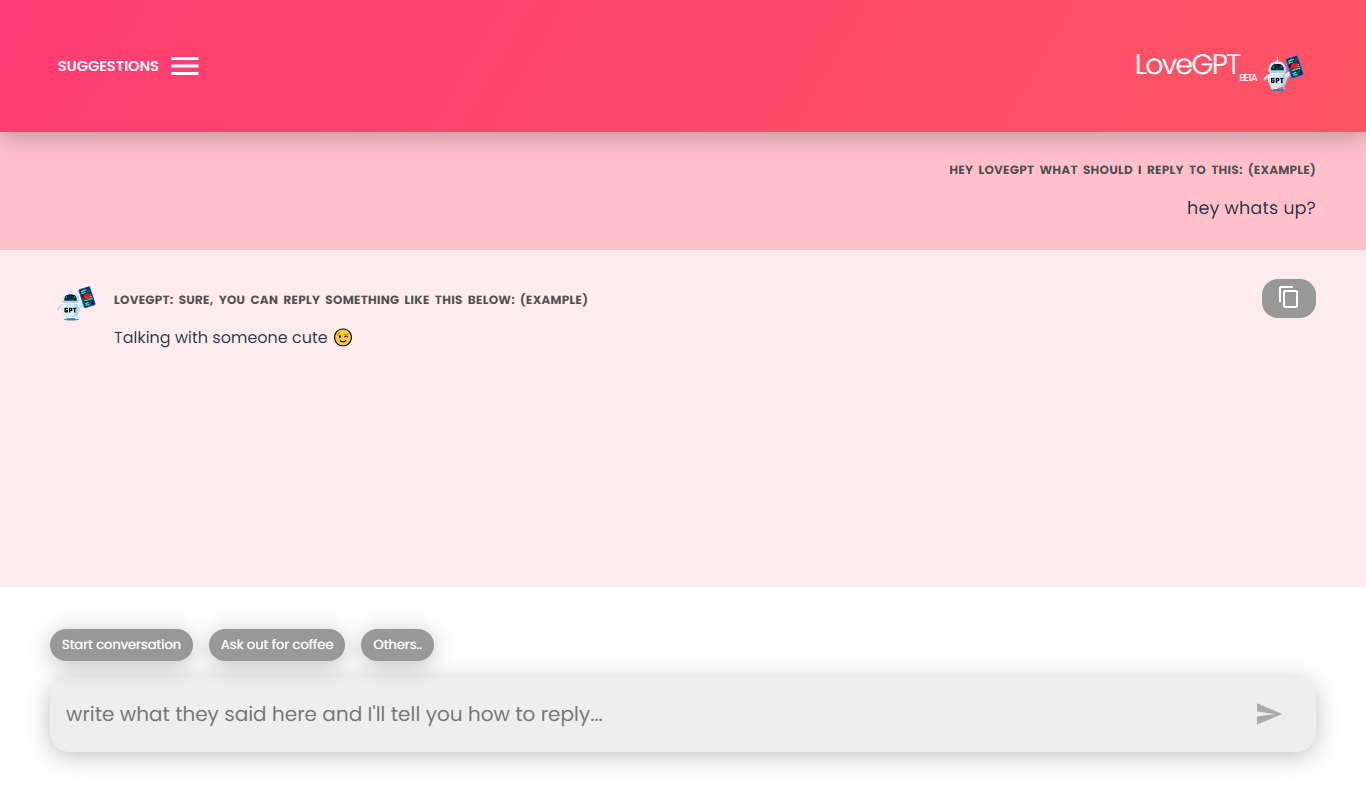
LoveGPT
LoveGPT is a free AI chatbot that provides personalized relationship advice and emotional support through empathetic conversations on its web platform.
NepaliGPT
NepaliGPT is a free AI chatbot designed to understand and generate text in the Nepali language, accessible via a web interface without requiring an account.

Alya
Alya is an AI therapist app. The site lists 22 languages and more than 100 AI models, with downloads on the App Store and Google Play.

HeartDialog
HeartDialog is an AI therapy chatbot providing empathetic mental health support and personalized therapeutic exercises accessible 24/7 via web and mobile platforms.