

QuizRise Online Quiz Maker for Engaging Interactive Assessments
QuizRise is an AI quiz generator that creates quizzes from content; the free plan allows 3 quizzes per month with 20 questions.
- Best for
- Educational Assessments
- Key capability
- Drag-and-Drop Quiz Builder
Save QuizRise, follow its updates and vote on it — everything stays in your account.
Sign in or create a free account

What is QuizRise?
QuizRise generates quizzes and flashcards with AI from PDF, YouTube and text content, and it works in many languages, including Turkish, Spanish and French.
Key features of QuizRise
QuizRise offers a drag-and-drop quiz builder, customizable templates, real-time analytics, and seamless sharing options. It supports multiple question types including multiple choice, true/false, and open-ended questions. The platform also provides instant feedback capabilities and integrates with various marketing tools for lead capture.
Drag-and-Drop Quiz Builder
Intuitive interface to create quizzes quickly without technical skills.
Multiple Question Types
Supports multiple choice, true/false, and open-ended questions for versatile assessments.
Customizable Templates
Pre-designed templates that can be tailored to match branding and style.
Real-Time Analytics
Monitor quiz engagement and results instantly to measure effectiveness.
Lead Capture Integration
Collect participant information to build mailing lists and generate leads.
Pros and cons of QuizRise
Pros
- Easy to use drag-and-drop quiz builder
- Supports multiple question formats
- Real-time analytics for tracking performance
- Lead capture integration for marketing
- Free plan available to get started
Cons
- No mobile app available, web-only platform
- Advanced features require paid subscription
Key use cases for QuizRise
Educational Assessments
Create quizzes to evaluate student knowledge and track learning progress.
Employee Training
Develop interactive quizzes to reinforce training material and assess employee understanding.
Marketing Engagement
Use quizzes to engage website visitors, generate leads, and increase brand interaction.
Event and Webinar Interaction
Incorporate quizzes during live events or webinars to boost audience participation.
How QuizRise works
- 1
Sign Up
Create a free account on QuizRise to access the quiz builder.
- 2
Build Your Quiz
Use the drag-and-drop interface to add questions, customize design, and set scoring rules.
- 3
Publish and Share
Publish your quiz and share it via a direct link, embed code, or social media.
- 4
Analyze Results
Track participant responses and quiz performance through the analytics dashboard.
Who is using QuizRise
QuizRise pricing
Free
$0/month
3 quizzes per month with 20 questions.
Pro
$19/month
Access to all templates, advanced analytics, and lead capture tools.
Plans and prices are as published by the vendor and can change. Check the official site before you buy. Open the pricing page (opens in a new tab)
Frequently asked questions about QuizRise
Yes, QuizRise provides a drag-and-drop interface that requires no coding.
Yes, the free plan allows basic quiz creation with some limitations.
Yes, QuizRise provides embed codes to place quizzes directly on your site.
Yes, it includes features to capture participant information for marketing purposes.
It depends on your specific needs and how you plan to use the tool. The official website and documentation are the best sources for the latest details.
Some tools offer a free plan or trial with limited features. Availability can vary, so confirm on the official website.
Yes, it can help with that use case depending on how you configure it and what features are available. You’ll get the best results with clear inputs and a defined goal.
Conclusion
From PDF, YouTube and text content, the platform generates quizzes and flashcards with AI. It works in many languages, including Turkish, Spanish and French. Finished quizzes can be shared through a direct link, an embed code or social media, and an analytics dashboard tracks participant responses. Participant information can also be captured for marketing purposes.
It is designed for educators and trainers who assess student knowledge or reinforce employee training material. The free plan allows 3 quizzes per month with 20 questions.
Sources
Sign in to review this tool.
Sign In to ReviewNo reviews yet
Be the first to share how this tool worked for you.
Ask about pricing, limits, or how it compares — or answer someone else.
Sign In to AskNo questions yet
Have a question about using or paying for this tool? Be the first to ask.
Featured on TiorAI



Alternative Tools
Explore similar AI tools that might fit your needs
Typeform
Typeform is an online platform that enables users to create interactive, conversational forms and surveys to collect data, feedback, and leads with customizable templates and logic jumps.
More AI Education & Learning Tools tools
Other tools in the same category, for when this one is not quite the fit.

Planit Teachers
Planit Teachers generates lesson plans, slide decks, worksheets and marking feedback for primary and secondary teachers, aligned to the National Curriculum.

PIXTA AI – AI/ML Training data service
PIXTA AI is a service that provides custom annotated datasets and data labeling solutions to help train AI and machine learning models effectively.

Create my test
Create My Test converts a document to a test with AI, and the site offers free registration.
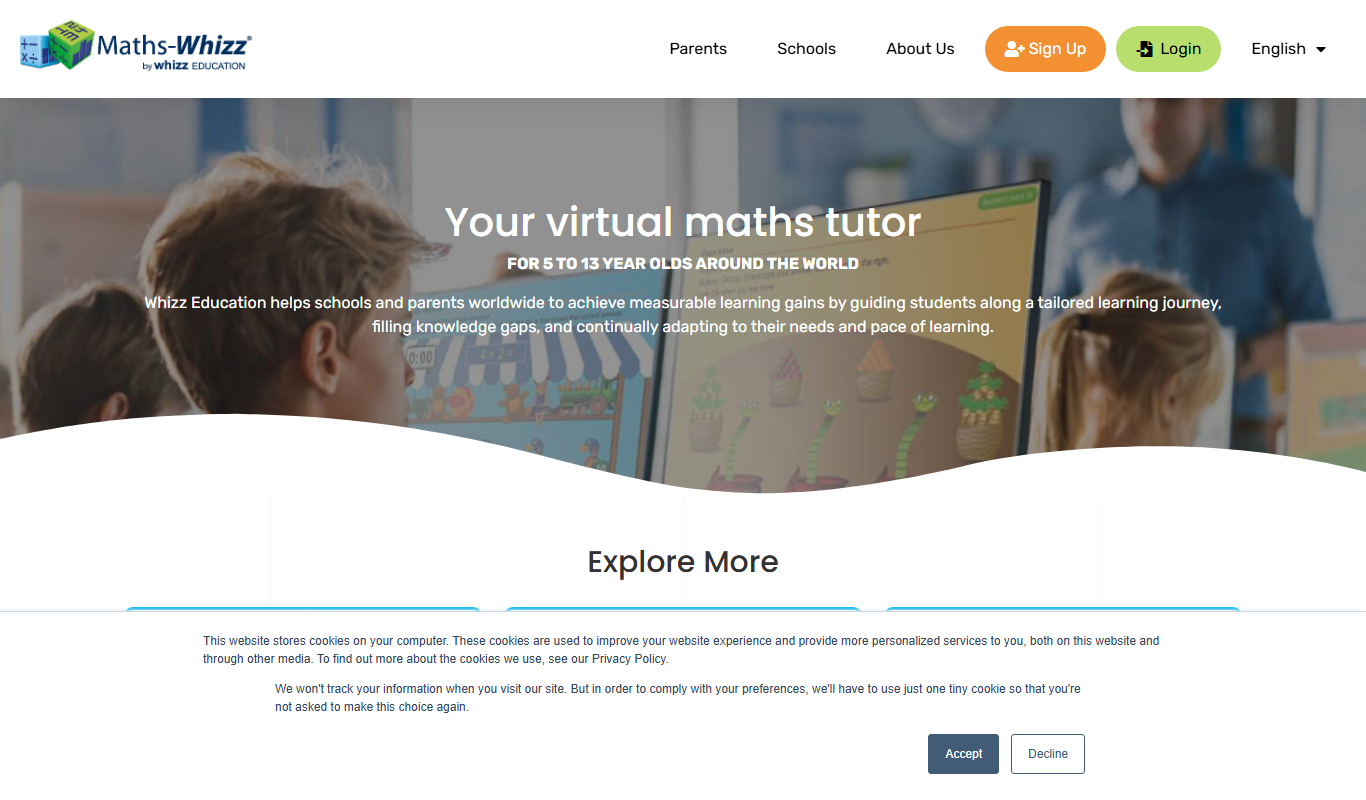
whizz.com
Whizz.com is an adaptive online math tutoring platform for children aged 5-13 that personalizes lessons based on student ability and provides progress tracking for parents and teachers.
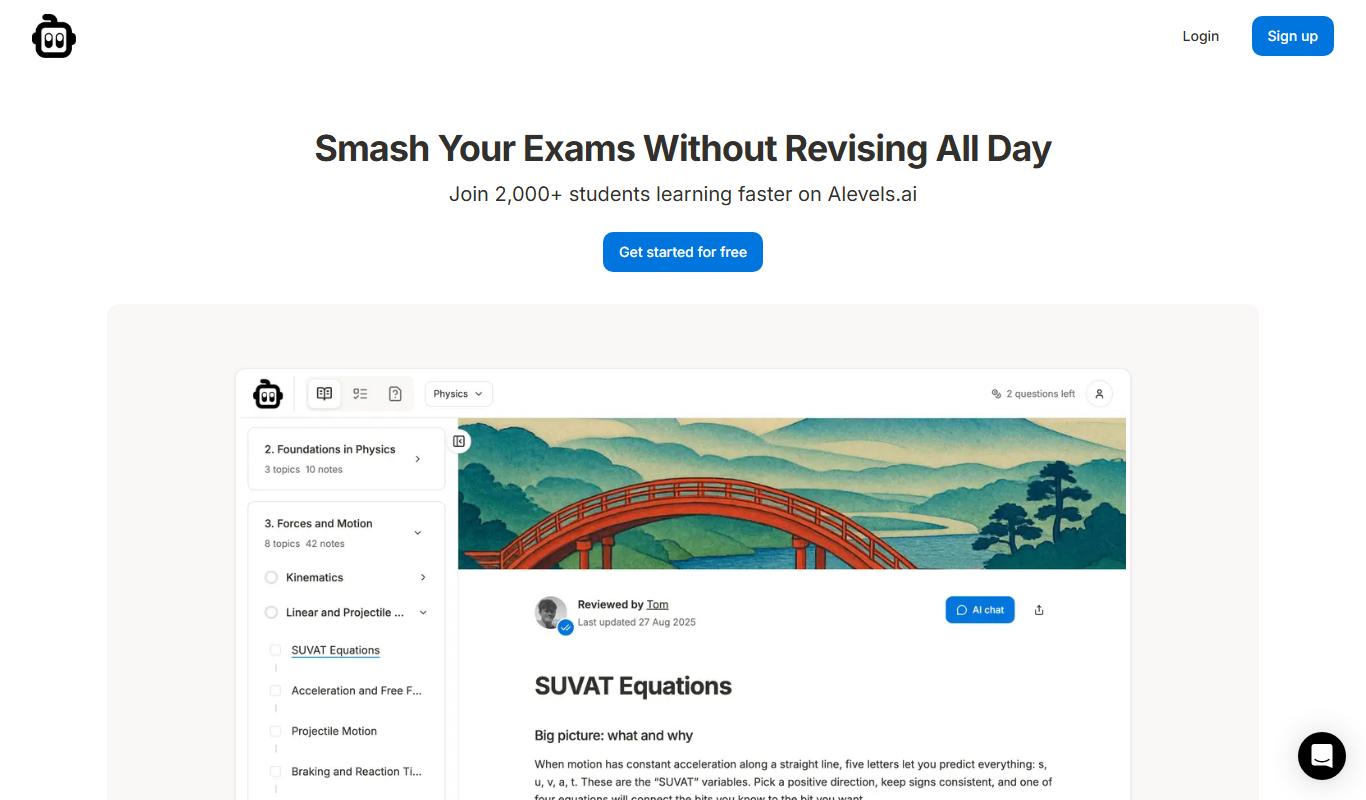
alevels.ai
alevels.ai is an AI-driven platform that helps A-Level students prepare for exams through personalized study plans, AI-generated practice questions, and instant doubt resolution.

Yeti Confetti Kids by Lirvana Labs
Yeti Confetti Kids by Lirvana Labs is an educational app with a curriculum of English, Math and Social Emotional Learning generated by AI.

Laion
Laion is a non-profit open-source AI research organization providing large-scale datasets for training machine learning models, focusing on democratizing access to high-quality AI data.
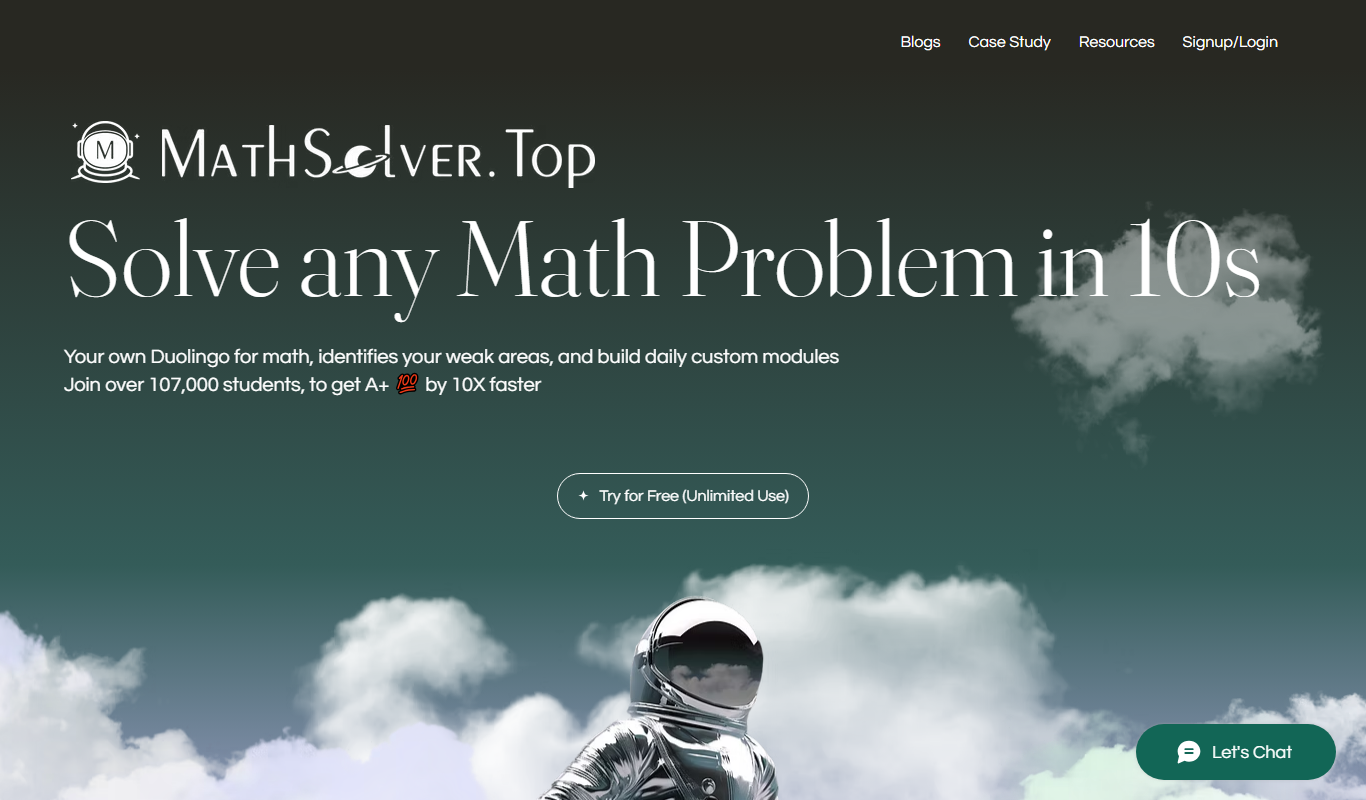
MathSolver.top
MathSolver.top is a free AI math solver and tutor that provides step-by-step solutions for algebra, calculus and geometry; it requires signup or login.