

Receipts: iMessage history statistics and AI insights
Receipts is a macOS app that analyzes your iMessage data with summary statistics, relationship and group insights, and AI features.
- Best for
- Personal message history insights
- Key capability
- Summary statistics
Save Receipts, follow its updates and vote on it — everything stays in your account.
Sign in or create a free account
What is Receipts?
Receipts is a macOS app that unlocks the power of your iMessage data to tell your personal story. It shows holistic summary statistics from your texts, details about specific relationships and groups, and uses AI to learn from your conversations and simulate interactions with others.
Key features of Receipts
Key features include holistic summary statistics from your texts, details about specific relationships and groups, and AI features that learn from your conversations and simulate interactions with others.
Summary statistics
Explore holistic summary statistics from your texts.
Relationship and group insights
Uncover details about specific online relationships and groups.
AI conversation features
Leverage AI to learn from your conversations and simulate interactions with others.
Multi-Platform Access
Available on iOS, Android, and web to manage expenses anytime, anywhere.
Integration with Accounting Software
Exports data to popular accounting platforms to streamline bookkeeping.
Pros and cons of Receipts
Pros
- Data is stored locally on your device
- Without the AI features, data is not sent anywhere
- Automatic categorization saves time
- Cross-platform availability
- Integrates with accounting tools
Cons
- Only supported on MacOS
- AI features send data to ChatGPT on the backend
Key use cases for Receipts
Personal message history insights
Use your iMessage data to tell your personal story.
Relationship and group analysis
Uncover details about specific online relationships and groups.
Small Business Accounting
Help small businesses maintain accurate financial records and prepare for tax season.
Personal Finance Organization
Individuals can track spending habits and manage budgets by logging receipts effortlessly.
How Receipts works
- 1
Download for macOS
Download Receipts for Apple Silicon or Apple Intel Mac computers.
- 2
Sync your messages
In the Messages app on your Mac, press Sync Now in the iMessage tab to add saved messages onto your Mac.
- 3
Explore your statistics
Explore summary statistics and details about relationships and groups.
- 4
Categorize and Organize
Expenses are automatically categorized; users can review and adjust categories as needed.
- 5
Sync and Access Anywhere
All data is synced to the cloud, allowing access from multiple devices and platforms.
Who is using Receipts
Receipts pricing
Free Trial
$0 for 14 days
Full access to all features during the trial period.
Monthly Subscription
$9.99/month
Unlimited receipt scans and full feature access billed monthly.
Annual Subscription
$99.99/year
Discounted yearly plan with unlimited scans and premium features.
Plans and prices are as published by the vendor and can change. Check the official site before you buy. Open the pricing page (opens in a new tab)
Frequently asked questions about Receipts
All your data is stored locally on your device, apart from what is used for the AI features that use ChatGPT on the backend.
Receipts is currently only supported on MacOS, with downloads for Apple Silicon and Apple Intel.
Open the Messages app on your Mac, open Settings, and in the iMessage tab press Sync Now to add saved messages onto your Mac.
Yes, you can export data in formats compatible with popular accounting software.
It depends on your specific needs and how you plan to use the tool. The official website and documentation are the best sources for the latest details.
Some tools offer a free plan or trial with limited features. Availability can vary, so confirm on the official website.
Integration support depends on the tool and its available connectors or API. Check the official documentation or integrations page to confirm what is supported.
Yes, it can help with that use case depending on how you configure it and what features are available. You’ll get the best results with clear inputs and a defined goal.
Conclusion
Text message history is the raw material here: the app reads a user’s iMessage data and turns it into holistic summary statistics. It also uncovers details about specific relationships and groups, and its AI features learn from conversations and can simulate interactions with others.
All data is stored locally on the device apart from what the AI features send to ChatGPT on the backend, and without those features nothing is sent anywhere. Receipts is only supported on MacOS, with builds for Apple Silicon and Apple Intel, and messages from an iPhone first need to be synced to the Mac through the Messages app.
Sources
Sign in to review this tool.
Sign In to ReviewNo reviews yet
Be the first to share how this tool worked for you.
Ask about pricing, limits, or how it compares — or answer someone else.
Sign In to AskNo questions yet
Have a question about using or paying for this tool? Be the first to ask.
Featured on TiorAI



Alternative Tools
Explore similar AI tools that might fit your needs

Expensify
Expensify is an expense management tool that automates receipt scanning, expense tracking, and reporting for businesses and individuals, offering integrations and approval workflows.
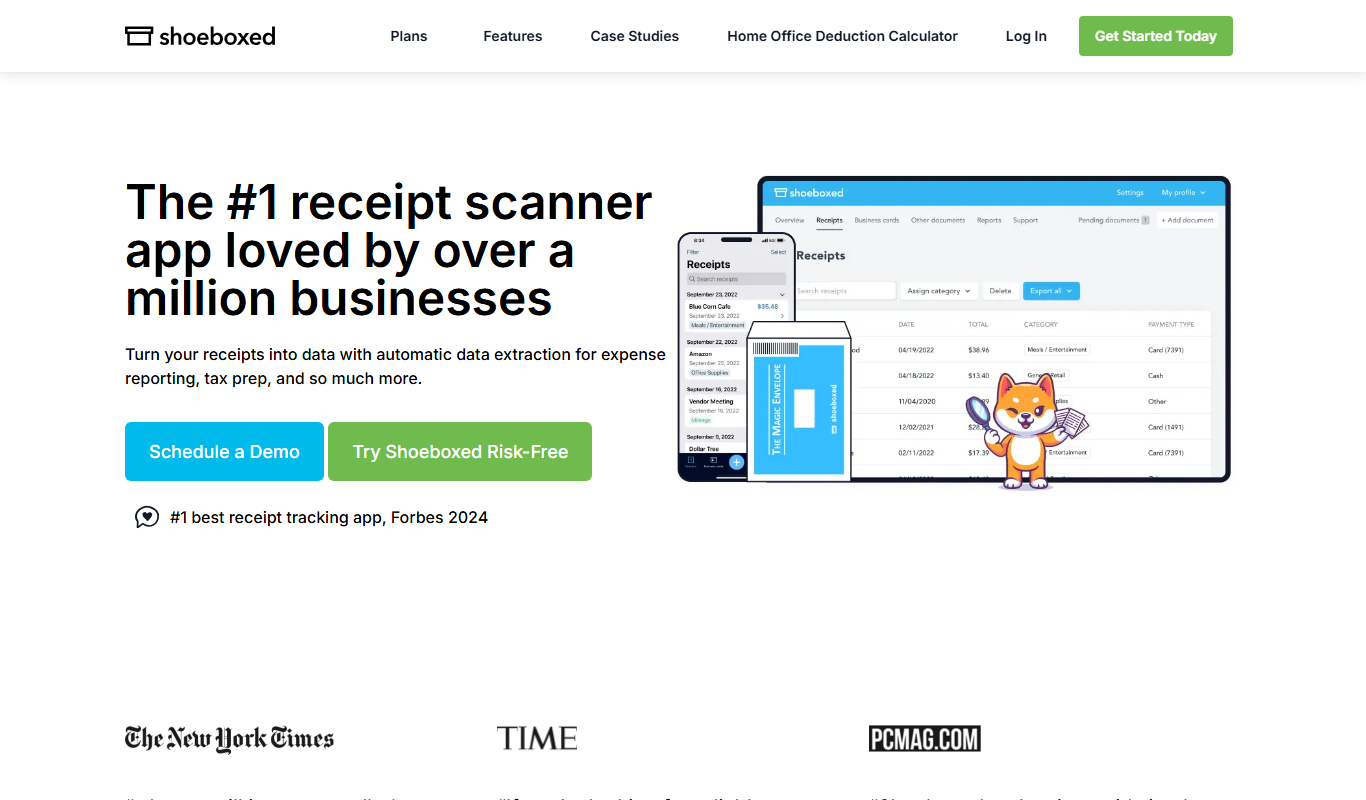
Shoeboxed
Shoeboxed is a receipt scanning and expense tracking tool that digitizes receipts, categorizes expenses, and integrates with accounting software to simplify bookkeeping and tax filing.
More Daily Life tools
Other tools in the same category, for when this one is not quite the fit.

Kick
Kick is a live streaming platform designed for gamers and content creators, offering low latency streaming and competitive revenue sharing to help streamers monetize their content effectively.

DishGen
DishGen is an AI-driven platform that generates customized recipes and meal plans based on user-input ingredients and dietary preferences, helping home cooks create meals easily and reduce food waste.
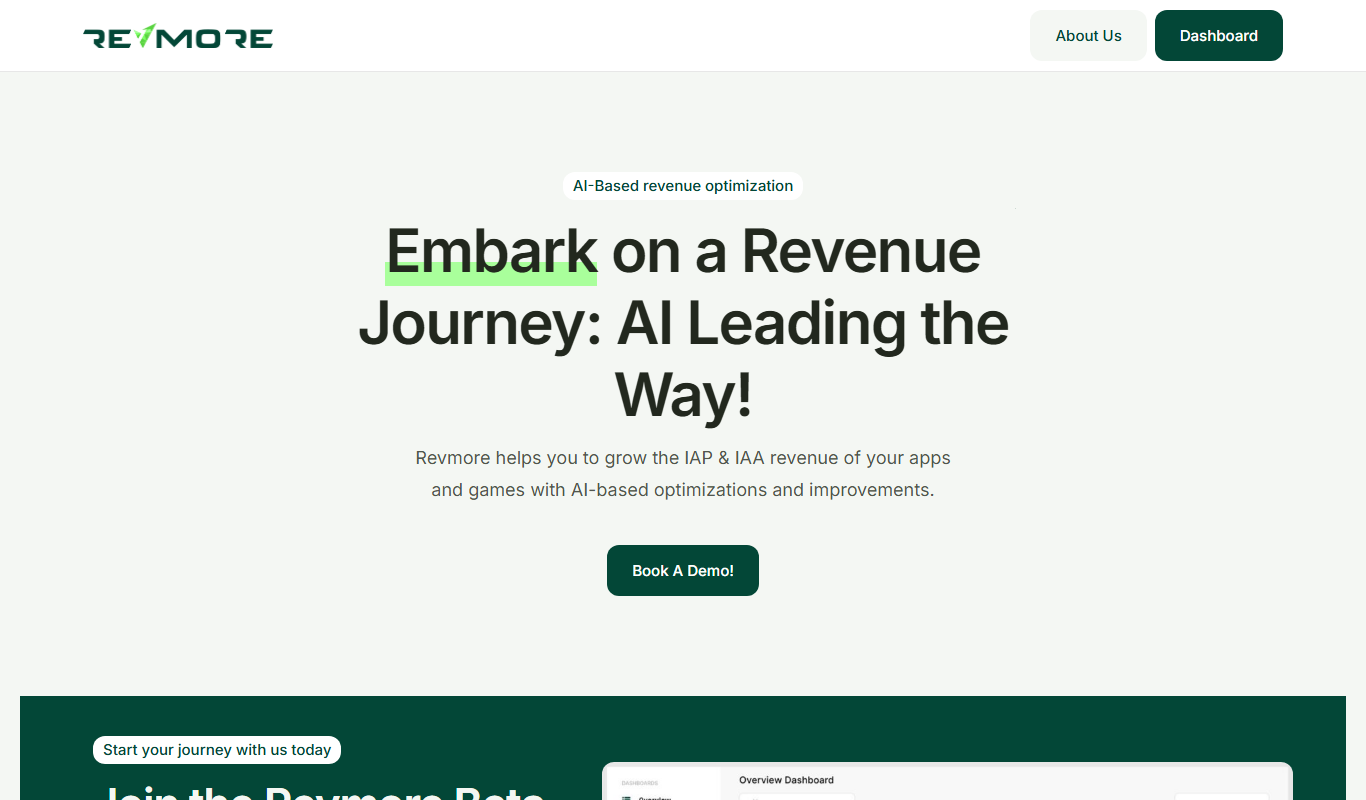
Revmore
Revmore helps you grow the IAP and IAA revenue of your apps and games with AI-based optimizations and improvements.

AI Hairstyle
AI Hairstyle is a web-based tool that uses AI to let users upload photos and virtually try different hairstyles and hair colors, with a free daily credit and one-time credit packs.

Cool Coloring Pages
Cool Coloring Pages is an AI coloring page creator that turns any idea, or an uploaded photo, into a unique coloring page ready to print.

It’s Forever
It's Forever is the ultimate digital album for events: guests share photos through a QR code board and find their own photos with AI face recognition.

Customuse
Customuse turns one prompt into images, videos or production-ready 3D assets with the latest AI models, built for game studios.

getmylp.com
GetMyLP is a free AI license plate generator: describe yourself and get 7 vanity plate ideas in seconds, preview them on any state's plate and check availability with your DMV.