

ONEIMG free online AI photo editor and image tools
ONEIMG is a free online AI photo editor for background blur, photo enhancement, old photo restoration and cartoon selfies, plus resize, crop and compress tools.
- Best for
- Old photo restoration
- Key capability
- AI recovery tools
Save OneImg, follow its updates and vote on it — everything stays in your account.
Sign in or create a free account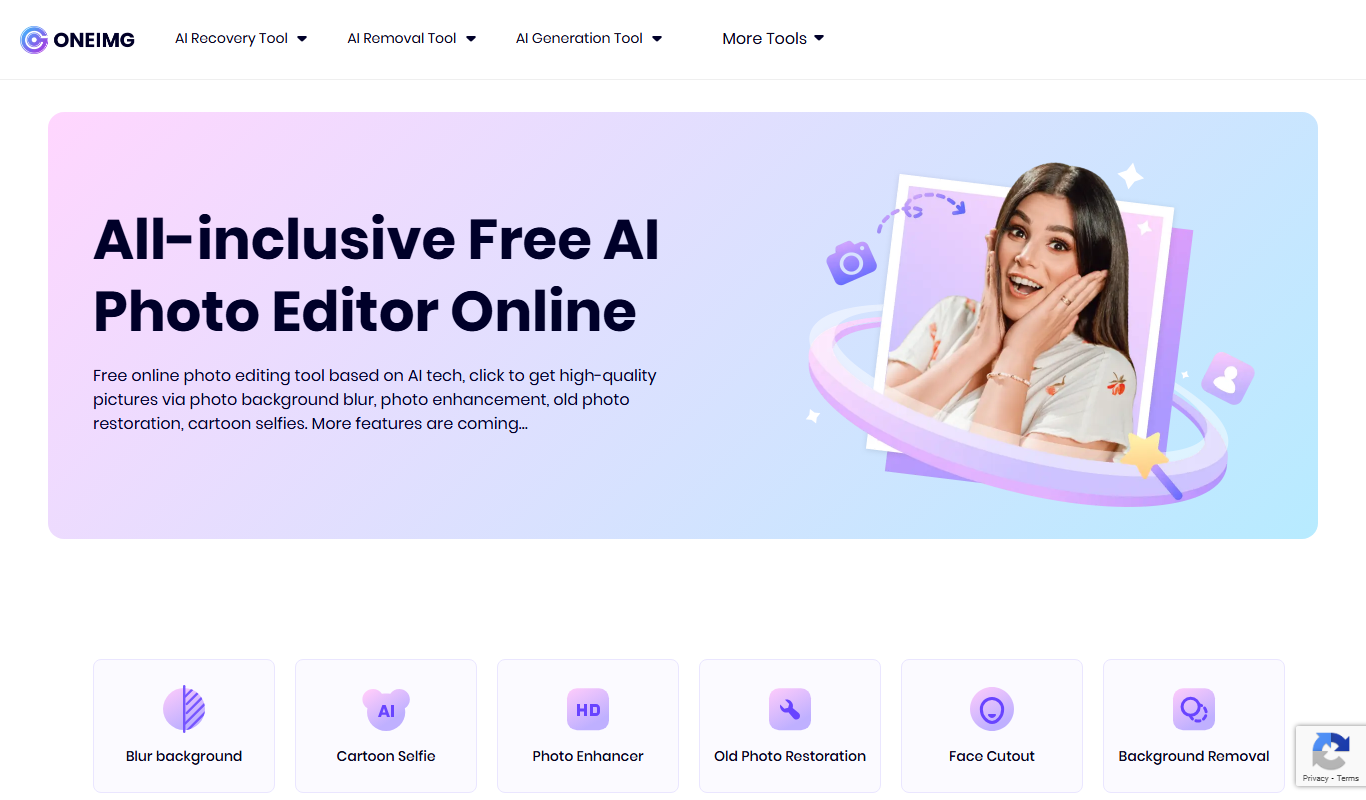

What is OneImg?
OneImg (ONEIMG) is a free online photo editing tool based on AI tech. In the browser it blurs photo backgrounds, enhances photos, restores old photos, creates cartoon selfies, removes backgrounds and corrects colors, and also compresses, upscales, resizes, crops and converts images.
Key features of OneImg
ONEIMG offers AI recovery tools (blur background, photo enhancer, old photo restoration, photo retoucher), AI removal tools (background removal, face cutout, color correction), cartoon selfies, and tools to compress, upscale, resize, crop, rotate, convert and watermark images.
AI recovery tools
Blur background, photo enhancer, old photo restoration and photo retoucher.
AI removal tools
Background removal, face cutout and color correction.
Image utilities
Edit, crop, resize, compress and convert images in a few clicks.
Cartoon selfie
Turn selfies into cartoon pictures with AI.
Pros and cons of OneImg
Pros
- Free to use, with no payment per feature
- Works in the browser on any device, no app download
- Self-service data deletion options
- Anonymous hosting protects privacy
Cons
- The passport photo maker page is marked under construction
- Lack of detailed documentation on file size limits or retention policies
- No advanced image management or editing features
Key use cases for OneImg
Old photo restoration
Restore old family photos online.
Background blur and removal
Blur or remove photo backgrounds, for example for product images.
Cartoon selfies
Turn selfies into cartoon pictures.
Resizing and converting images
Crop, resize, compress and convert images in a few clicks.
How OneImg works
- 1
Upload a photo
Choose a tool and upload the photo you want to edit.
- 2
Apply the edit
The AI tool processes the photo with a few clicks.
- 3
Download the result
Download what you need.
Who is using OneImg
OneImg pricing
Free
Free
All photo editing features are free, for personal and business use.
Plans and prices are as published by the vendor and can change. Check the official site before you buy. Open the pricing page (opens in a new tab)
Frequently asked questions about OneImg
No. ONEIMG is absolutely free.
Yes. Open the site on Android or iOS to access free online image editing, without downloading an app.
Yes. ONEIMG offers self-service data deletion options.
No. ONEIMG is designed for people without Photoshop experience.
Some tools offer a free plan or trial with limited features. Availability can vary, so confirm on the official website.
Yes, it can help with that use case depending on how you configure it and what features are available. You’ll get the best results with clear inputs and a defined goal.
Conclusion
Editing on ONEIMG takes a few clicks online: upload what you need, let the tool process the photo and download it, without app downloading. The AI tools blur backgrounds, enhance photos, restore old photos and turn selfies into cartoons, alongside background removal, face cutout and color correction. Utility tools cover compressing, upscaling, resizing, cropping and rotating images, plus format conversion and watermarking.
The site says every feature is free and available for personal and business use, on any device without an app download. One listed tool is not ready yet, since the passport photo maker page is marked as under construction.
Sources
Sign in to review this tool.
Sign In to ReviewNo reviews yet
Be the first to share how this tool worked for you.
Ask about pricing, limits, or how it compares — or answer someone else.
Sign In to AskNo questions yet
Have a question about using or paying for this tool? Be the first to ask.
Featured on TiorAI



Alternative Tools
Explore similar AI tools that might fit your needs
Imgur
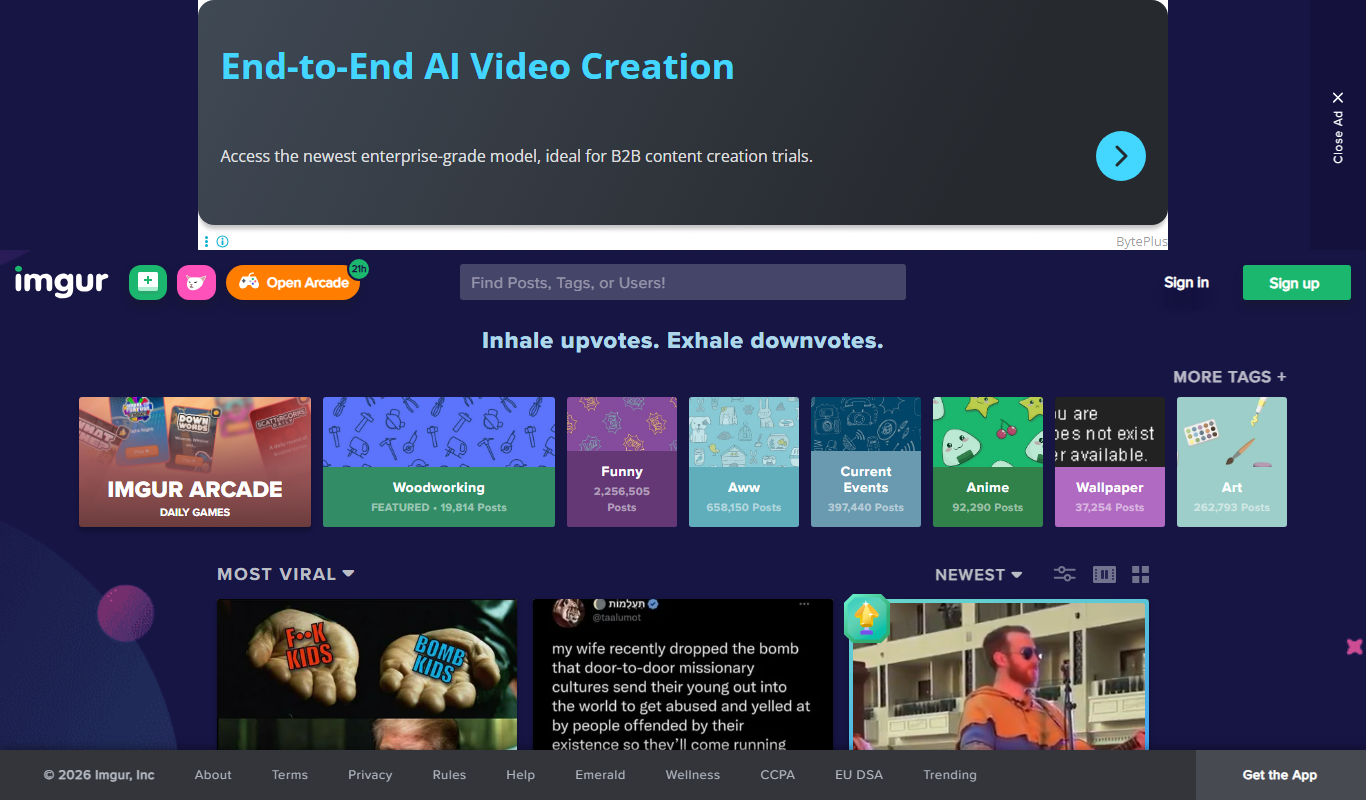
Imgur is a free image hosting and sharing platform that allows users to upload, share, and discover images and GIFs, with an optional ad-free Imgur Emerald subscription.
Postimages
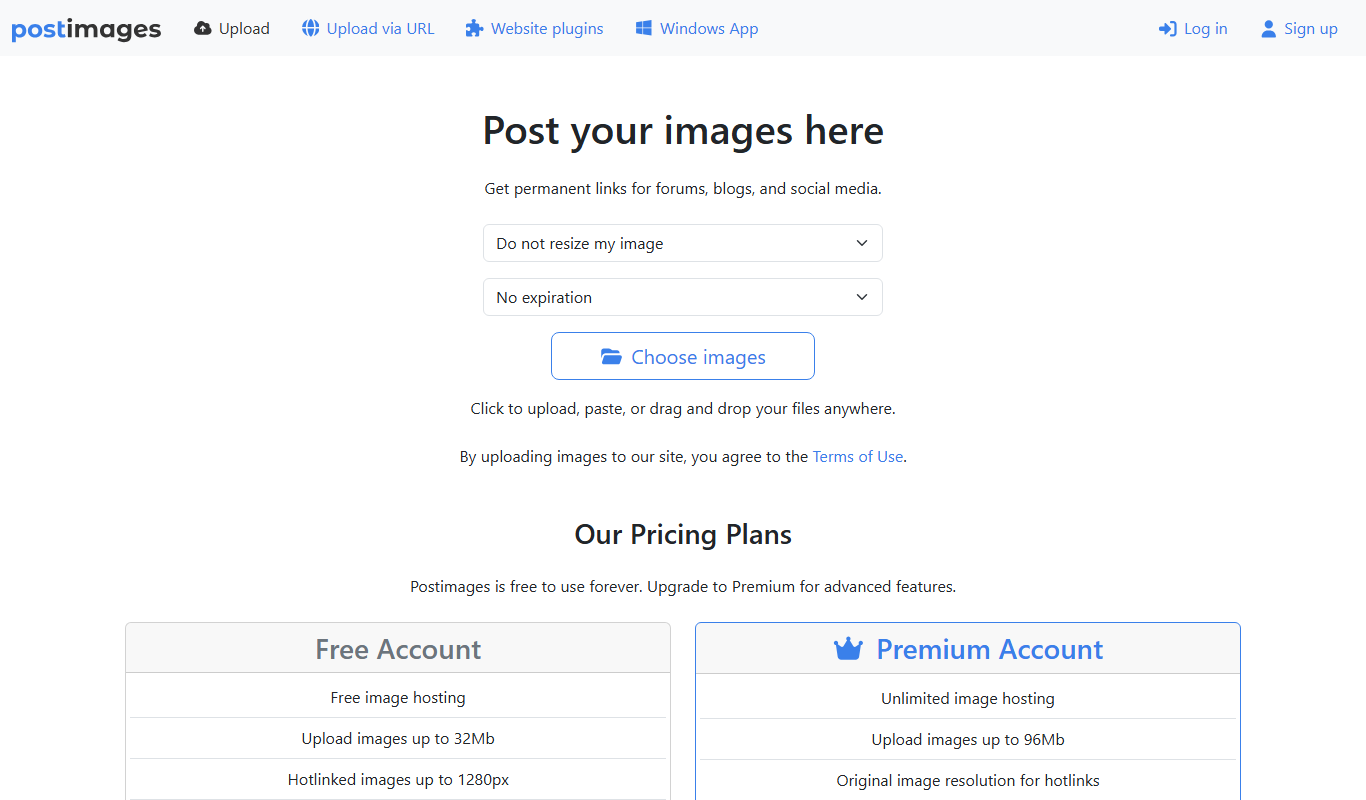
Postimages is a free online image hosting service that allows users to upload images quickly without registration, providing multiple link formats for sharing and embedding images on forums, websites, and social media.

ImgBB
ImgBB is a free online image hosting service that allows users to upload, store, and share images with direct links and embed codes, supporting multiple file formats and optional account features.
More AI Image & Visual Tools tools
Other tools in the same category, for when this one is not quite the fit.

PicStudio.AI
PicStudio.AI turns your selfies into professional AI headshots and portraits: upload selfies, choose a photo pack and receive your portraits in minutes.

Disney AI Poster
Disney AI Poster is a web tool that uses AI to generate custom movie-style posters inspired by Disney animation, allowing users to create personalized artwork easily.

Splotch
Splotch is the knowledge graph on top of your core systems, giving humans and agents a trusted map for painless change management.
Pixel GPT
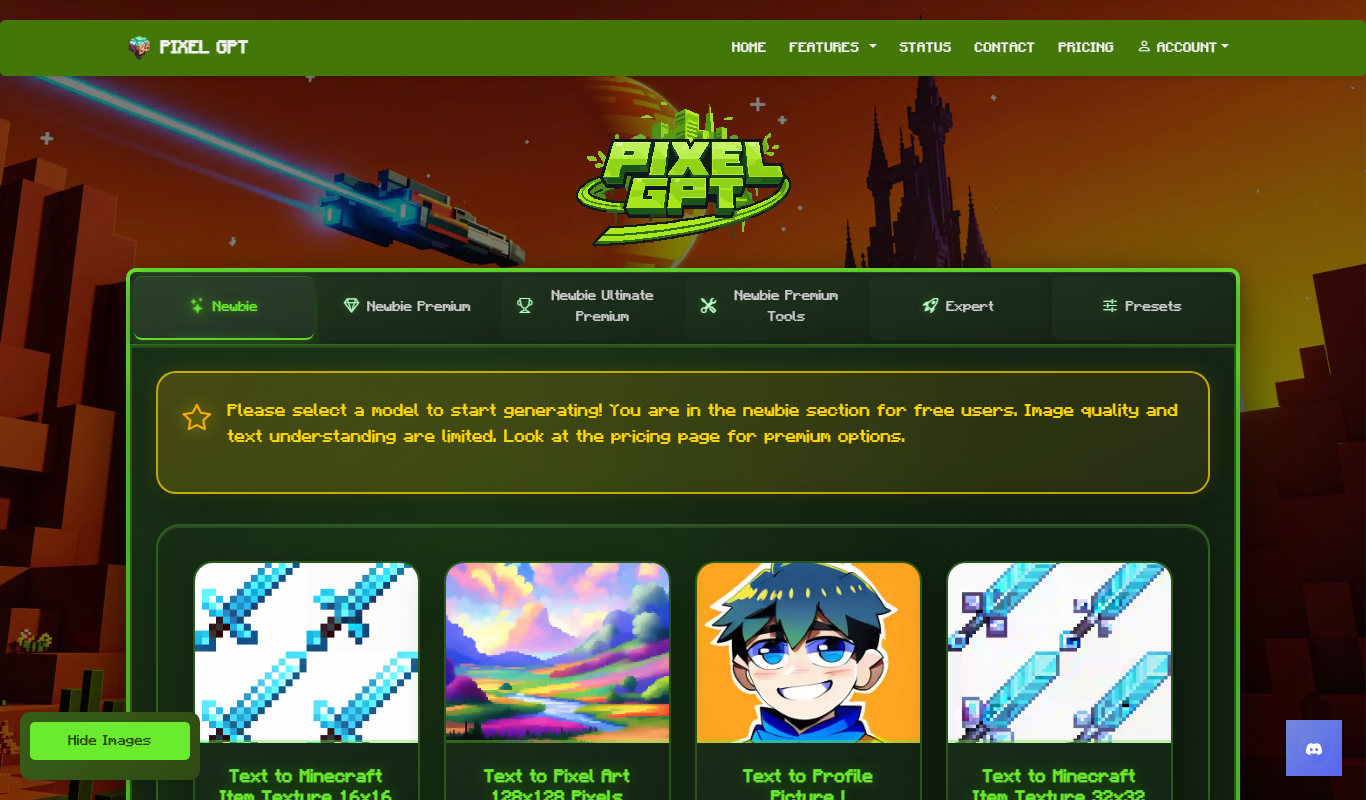
Pixel GPT by Deep Pixels generates Minecraft item textures and pixel art from text prompts, with true pixel-art output and direct PNG download.

Depix AI
Depix is the AI-native design platform for industrial designers and product teams: go from concept to photorealistic 3D render in minutes with AI agents, CMF Vision and Video Lab.
Narkis.ai
Narkis.ai trains a personal AI model on your photos and generates realistic headshots, dating photos and portraits of yourself in any style, no photoshoot needed.

MaternityPhotoshoot
MaternityPhotoshoot is an easy, affordable alternative to maternity photoshoots: upload 14 selfies and AI makes 500 maternity photos, delivered in 4 hours.
AI Stock Keywords
AI Stock Keywords generates stock-ready titles, descriptions and keywords for Adobe Stock, Shutterstock and other microstock uploads, exported as CSV or embedded in images.