

PhotoGrid Collage Maker App for Photo Editing and Creative Layouts
PhotoGrid is a mobile and web app that allows users to create photo collages, edit images with filters and stickers, and export high-quality designs for social media or printing.
- Best for
- Creating Photo Collages
- Key capability
- Collage Templates
Save PhotoGrid | Collage Maker, follow its updates and vote on it — everything stays in your account.
Sign in or create a free account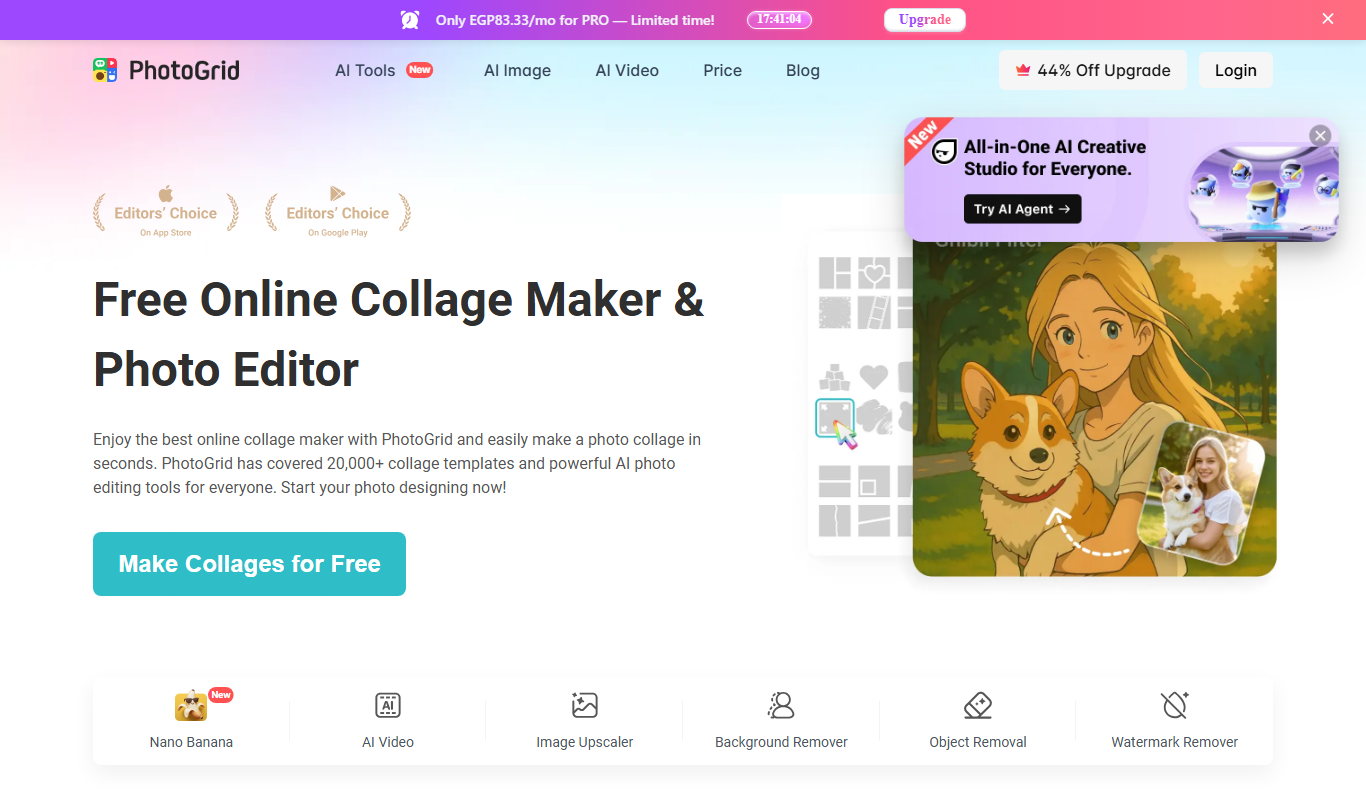
What is PhotoGrid | Collage Maker?
PhotoGrid is a versatile photo collage maker and editor app that enables users to create stylish photo collages, edit images, and design creative layouts easily on mobile devices and web. It offers a wide range of templates, filters, stickers, and text options to customize photos for personal or professional use.
Key features of PhotoGrid | Collage Maker
PhotoGrid provides an intuitive interface with drag-and-drop collage templates, photo editing tools, themed stickers, text overlays, and background customization. It supports exporting high-resolution images optimized for social media sharing.
Collage Templates
Hundreds of customizable grid and freestyle collage templates for different photo counts.
Photo Editing Tools
Filters, cropping, brightness, contrast, saturation adjustments, and more.
Stickers and Text
Extensive library of themed stickers and fonts to decorate collages.
Background Customization
Change background colors, patterns, or add blur effects behind photos.
High-Resolution Export
Save collages in HD quality suitable for printing or social media.
Pros and cons of PhotoGrid | Collage Maker
Pros
- User-friendly interface with drag-and-drop functionality
- Wide variety of collage templates and customization options
- Supports high-resolution exports
- Regular updates with new stickers and features
Cons
- Free version includes ads that can interrupt workflow
- Some advanced features require subscription
- Limited desktop/web functionality compared to mobile apps
Key use cases for PhotoGrid | Collage Maker
Creating Photo Collages
Users can combine multiple photos into creative collage layouts using customizable templates.
Photo Editing
Basic and advanced photo editing features such as filters, cropping, and adjustments enhance images.
Social Media Content Creation
Designed for quick creation of visually appealing posts and stories for platforms like Instagram and Facebook.
Scrapbooking and Memory Keeping
Users can design personalized photo albums and memory boards with stickers and text.
Marketing and Promotional Graphics
Small businesses and influencers create promotional visuals with text overlays and design elements.
How PhotoGrid | Collage Maker works
- 1
Download and Install
Get the PhotoGrid app from the App Store or Google Play, or access the web version.
- 2
Select Photos
Choose multiple photos from your device gallery to start creating a collage.
- 3
Choose a Template
Pick from a variety of collage layouts and grid styles to arrange your photos.
- 4
Customize Your Collage
Add filters, stickers, text, and backgrounds to personalize your design.
- 5
Save and Share
Export your finished collage in high resolution and share it directly to social media or save locally.
Who is using PhotoGrid | Collage Maker
PhotoGrid | Collage Maker pricing
Free
$0/month
Access to basic collage templates and editing tools with ads.
Premium
$4.99/month
Ad-free experience, access to all templates, stickers, and advanced editing features.
Annual Premium
$29.99/year
Annual subscription with full features and cost savings.
Plans and prices are as published by the vendor and can change. Check the official site before you buy. Open the pricing page (opens in a new tab)
Frequently asked questions about PhotoGrid | Collage Maker
Yes, PhotoGrid offers a free version with basic features and ads. Premium features require a subscription.
PhotoGrid primarily supports iOS and Android devices, but a web version is available for basic use.
Yes, PhotoGrid allows exporting collages in high resolution suitable for printing and social media.
Yes, PhotoGrid includes templates optimized for Instagram, Facebook, and other social platforms.
It depends on your specific needs and how you plan to use the tool. The official website and documentation are the best sources for the latest details.
Some tools offer a free plan or trial with limited features. Availability can vary, so confirm on the official website.
Yes, it can help with that use case depending on how you configure it and what features are available. You’ll get the best results with clear inputs and a defined goal.
It depends on your specific needs and how you plan to use the tool. The official website and documentation are the best sources for the latest details.
Conclusion
A collage starts with choosing multiple photos from the device gallery and arranging them in one of the grid or freestyle collage layouts. Filters, stickers, text and backgrounds personalize the design, and collages are saved in HD quality suitable for printing or social media. Some templates are optimized for Instagram and Facebook, and the app is designed for quick creation of posts and stories.
It is available from the App Store and Google Play, with a web version as well. Its audience runs from casual users making personal photo collages to influencers and small business owners designing promotional graphics. The free version includes ads, while a $4.99/month subscription gives an ad-free experience with all templates, stickers and advanced editing features.
Sources
Sign in to review this tool.
Sign In to ReviewNo reviews yet
Be the first to share how this tool worked for you.
Ask about pricing, limits, or how it compares — or answer someone else.
Sign In to AskNo questions yet
Have a question about using or paying for this tool? Be the first to ask.
Featured on TiorAI



Alternative Tools
Explore similar AI tools that might fit your needs

PicsArt
PicsArt is a comprehensive photo editing and AI art generation platform that enables users to create, edit, and enhance images with advanced AI tools across web and mobile devices.

Fotor
Fotor is an online photo editing and graphic design tool offering AI-powered enhancements, templates, and batch processing across web and mobile platforms.
More AI Design & Creative Tools tools
Other tools in the same category, for when this one is not quite the fit.

Midjourney Prime & Style
Midjourney Prime & Style is a Notion template that automates your Midjourney prompts and manages your image library.

A1 Art
A1 Art is a web-based AI image generator that creates digital artwork from text prompts, offering free and subscription plans for users.
PUMPG – Midjourney Prompt Generator
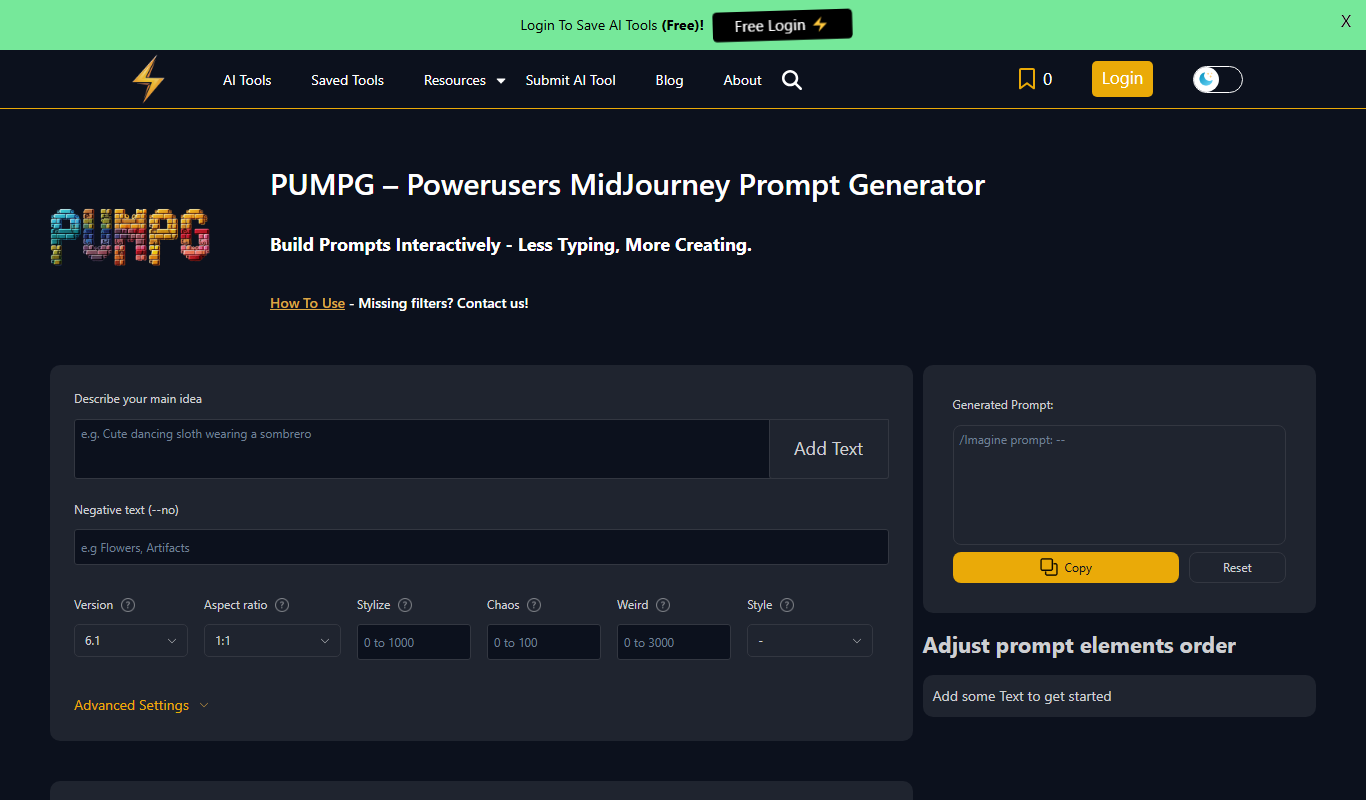
PUMPG is a free web tool that helps users generate creative and detailed prompts specifically for Midjourney AI image generation, enhancing the quality and uniqueness of AI-generated artwork.

aimusic.one
aimusic.one is an AI-driven online platform that generates original, royalty-free music tracks customized by style, mood, and tempo, suitable for content creators and hobbyists.

DiffRhythm
DiffRhythm is an AI music generation platform that creates custom soundtracks and beats tailored to your project’s style and mood.

Snon Lyric
Snon Lyric is an AI-based web tool that generates original song lyrics based on user-provided themes and keywords, helping musicians and creators overcome writer's block.
LogoCreatorAI
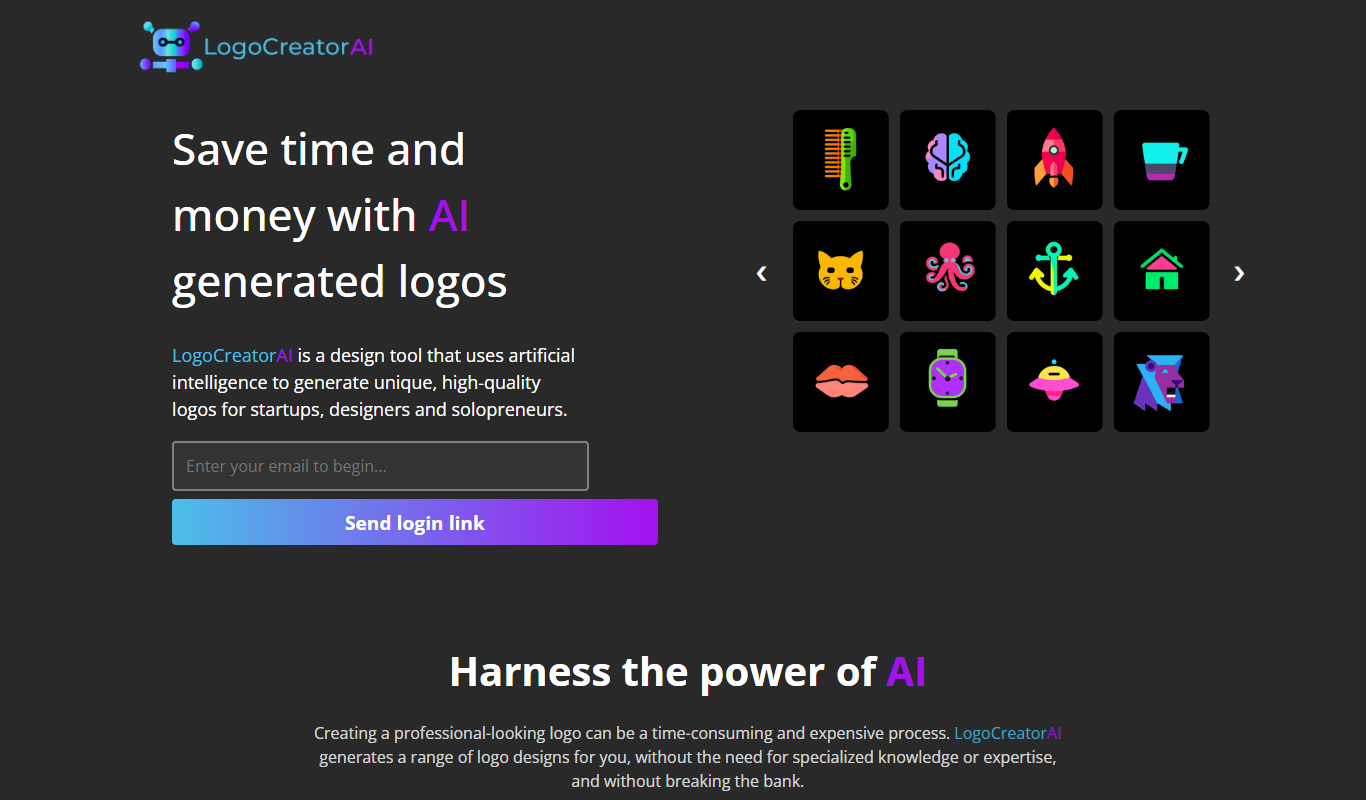
LogoCreatorAI is an AI-powered online tool that generates customizable logo designs based on your business details and style preferences, allowing quick creation of professional branding assets.

AI Logo Generator
AI Logo Generator is an online tool that uses artificial intelligence to create custom logos quickly, offering multiple design options and customization features with pay-per-download pricing.