
From my experience with Divi Builder, I found it excels at enabling users to create visually appealing, fully customized WordPress websites without needing to write code. The drag-and-drop interface is intuitive, and the extensive template library accelerates the design process. It’s particularly well-suited for small business owners, freelancers, and agencies looking to build responsive sites quickly. However, beginners may face a learning curve initially, and performance can slow if too many modules are used on a page. Overall, if you want a flexible and powerful WordPress page builder, Divi Builder delivers reliable and professional results.
Divi Builder WordPress Page Builder Plugin for Custom Website Design
Divi Builder is a WordPress plugin that enables users to design websites visually with drag-and-drop tools, pre-built layouts, and responsive controls, requiring no coding skills.
Tech Stack:
JavaScript
PHP
React
What is Divi Builder?
Divi Builder is a powerful WordPress page builder plugin developed by Elegant Themes that enables users to design and customize websites visually through a drag-and-drop interface. It eliminates the need for coding knowledge by providing an intuitive front-end editor, pre-made layouts, and a wide range of design modules. Divi Builder integrates seamlessly with WordPress, allowing users to create responsive, professional websites, landing pages, and e-commerce stores efficiently.

Key Features of Divi Builder
Visual Drag-and-Drop Editor
Intuitive front-end editor that allows real-time design changes without coding.
Pre-Built Layouts and Templates
Access to hundreds of professionally designed layouts to jumpstart website creation.
Responsive Design Controls
Easily customize how your site looks on desktops, tablets, and mobile devices.
Theme Builder
Create custom headers, footers, and dynamic templates for posts and pages.
WooCommerce Integration
Design and customize online store pages with dedicated e-commerce modules.
Global Elements and Styles
Manage site-wide design elements and styles for consistent branding.
Pros and Cons of Divi Builder
Pros
- User-friendly visual editor with real-time design feedback
- Extensive library of pre-built layouts and modules
- Powerful theme builder for full site customization
- Strong WooCommerce support for e-commerce sites
- Regular updates and active community support
Cons
- Can have a learning curve for absolute beginners
- Performance can be affected if many modules are used on a page
- Limited to WordPress platform only
Key Use Cases for Divi Builder
Custom Website Design
Create fully customized websites using a visual drag-and-drop interface without coding.
Landing Page Creation
Build high-converting landing pages optimized for marketing campaigns.
Responsive Web Development
Design websites that automatically adapt to different screen sizes and devices.
Theme Building
Develop custom WordPress themes using Divi’s theme builder features.
E-commerce Store Setup
Design and customize WooCommerce stores with ease using Divi’s modules.
How Divi Builder Works
-
1
Install and Activate
Install the Divi Builder plugin on your WordPress site and activate it.
-
2
Choose a Layout
Select from pre-made layouts or start with a blank page to begin designing.
-
3
Drag and Drop Modules
Add and arrange content modules like text, images, buttons, and sliders using the visual editor.
-
4
Customize Design
Use design settings to adjust colors, fonts, spacing, and responsive behavior.
-
5
Publish Your Page
Save and publish your custom-designed page directly from the editor.
Who's Using Divi Builder
Small business owners
Freelance web designers
Marketing agencies
E-commerce entrepreneurs
WordPress developers
Divi Builder Pricing
Yearly Access
$89/year
Access to Divi Builder and all Elegant Themes products with yearly updates and support.
Lifetime Access
$249 one-time
One-time payment for lifetime access to Divi Builder and all Elegant Themes products.
Frequently Asked Questions About Divi Builder
Divi Builder works best with the Divi theme but is compatible with most WordPress themes.
No, Divi Builder is designed for users without coding experience through its visual editor.
Yes, Divi Builder integrates with WooCommerce to help design online stores.
Yes, it includes tools to customize how your site appears on different devices.
This tool is designed to help users accomplish its core tasks more efficiently. It is typically used by individuals or teams looking to improve productivity and workflow.
It depends on your specific needs and how you plan to use the tool. The official website and documentation are the best sources for the latest details.
Yes, it can help with that use case depending on how you configure it and what features are available. You’ll get the best results with clear inputs and a defined goal.
Share your review
Reviews are limited to one per logged-in user and are published after moderation.
You need an account to review this tool.
0.0
★
★
★
★
★
0 reviews
5 star
0
4 star
0
3 star
0
2 star
0
1 star
0
No reviews yet
Be the first to share how this tool worked for you.
Questions from the community
Read questions and answers about this tool, or ask your own.
No questions yet
Start the conversation by asking the first question about this tool.
Is this tool helpful?
Alternative Tools
Explore similar AI tools that might fit your needs

Free
Elementor
Elementor is a WordPress plugin that allows users to build websites visually with drag-and-drop tools, templates, and advanced design features without coding.
Freemium
Beaver Builder
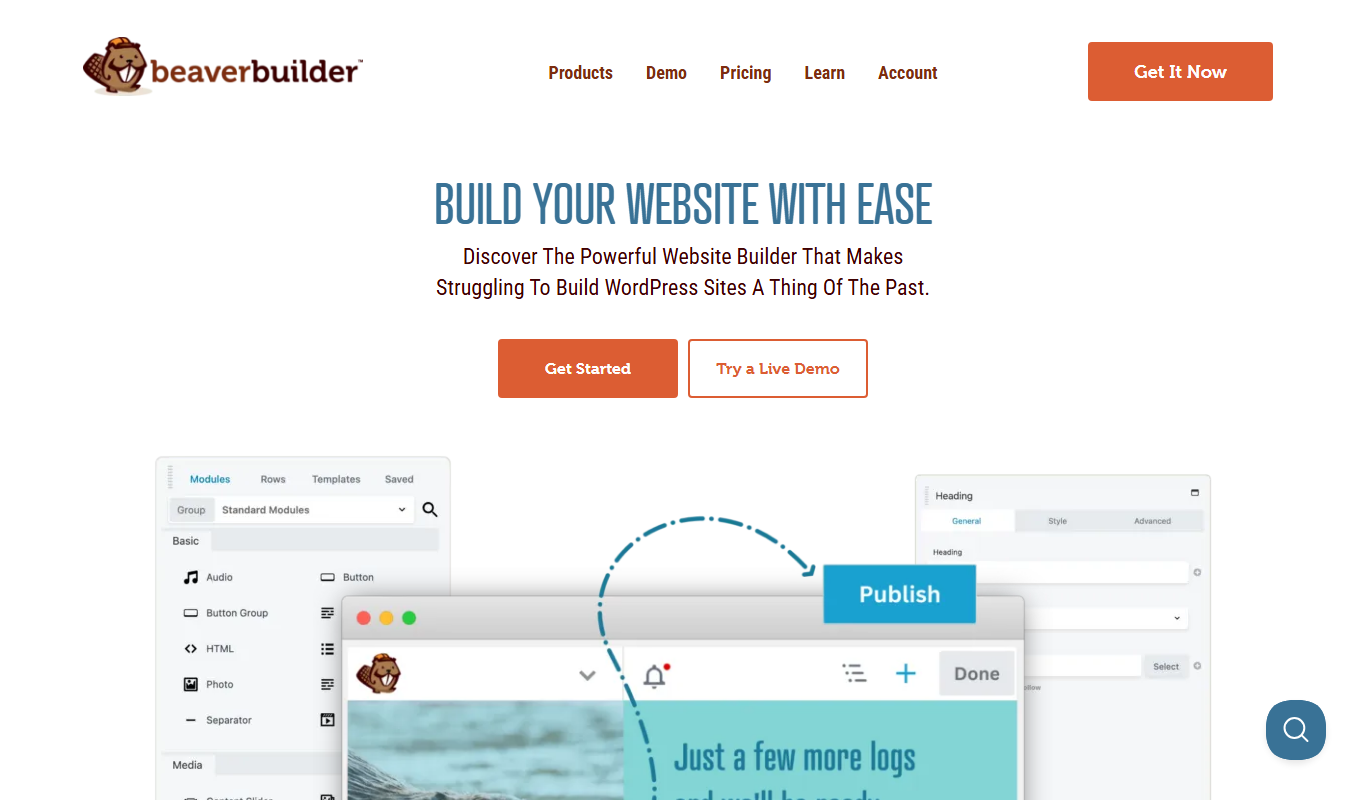
Beaver Builder is a WordPress plugin that provides a drag-and-drop front-end page builder for creating responsive websites without coding.

Freemium
WPBakery Page Builder
WPBakery Page Builder is a WordPress plugin that allows users to create and customize website pages using an intuitive drag and drop interface without coding.

Free Trial
Recraft Image Model
Recraft Image Model is an AI-driven platform that enables users to generate and edit images using advanced machine learning techniques, accessible via a web interface.

Paid
Pool Studio
Pool Studio is a Windows-based 3D pool and landscape design software that helps professionals create detailed models, photorealistic renderings, and construction plans for swimming pool projects.

Free
DreamFusion
DreamFusion is an AI tool developed by Google Research that generates photorealistic 3D models from text descriptions using neural radiance fields technology.

Free
Image Prompt
Image Prompt is a free online tool that generates creative text prompts for AI image generation, helping users create unique AI artwork easily.

Freemium
Propertify Ai
Propertify AI is an AI-driven marketing automation tool designed specifically for real estate professionals to automate property listings, generate marketing content, and manage leads efficiently.
Free Trial
PlantFactory
PlantFactory is a desktop 3D software tool that enables users to create, customize, and animate realistic plants using procedural modeling techniques, suitable for visual effects, games, and architectural projects.
Free
DecorMatters
DecorMatters is a mobile app that uses augmented reality and 3D modeling to help users design and visualize interior spaces, plan furniture layouts, and shop for home decor.

Free
Blunge
Blunge is an AI writing assistant that helps users create and improve written content with real-time AI suggestions and editing tools.