

From my experience with WPBakery Page Builder, it stands out as a reliable and user-friendly WordPress page builder that balances ease of use with powerful customization options. Its drag and drop interface makes it accessible for beginners, while the front-end and back-end editors provide flexibility for more advanced users. I found it especially useful for quickly building responsive pages and integrating with WooCommerce for e-commerce needs. However, the lack of a free standalone version and potential shortcode clutter if the plugin is removed are practical considerations. Overall, WPBakery is a solid choice for WordPress users seeking a versatile visual page builder.
WPBakery Page Builder - Popular WordPress Drag & Drop Page Builder Plugin
WPBakery Page Builder is a WordPress plugin that allows users to create and customize website pages using an intuitive drag and drop interface without coding.
- Best for
- Website Design
- Key capability
- Drag and Drop Editor
Your actions

Do you recommend this tool?
What is WPBakery Page Builder?
WPBakery Page Builder is a popular WordPress plugin that enables users to build and customize website pages through an intuitive drag and drop interface. It eliminates the need for coding by providing a visual editor with a wide range of content elements and templates. This tool is designed for both beginners and professionals to create responsive, mobile-friendly websites efficiently.
Key features of WPBakery Page Builder
WPBakery offers front-end and back-end editors, a large library of content elements, template support, compatibility with most WordPress themes and plugins, and seamless integration with WooCommerce for e-commerce sites.
Drag and Drop Editor
Intuitive interface to build pages visually without coding.
Front-end and Back-end Editing
Edit pages directly on the front-end or through the WordPress admin panel.
Content Elements Library
Includes over 50 predefined content elements like text blocks, images, sliders, and more.
Template System
Save and reuse custom templates for faster page creation.
Responsive Design Controls
Ensure pages look great on all devices with mobile-friendly settings.
WooCommerce Compatibility
Seamless integration to design e-commerce product and shop pages.
Pros and cons of WPBakery Page Builder
Pros
- User-friendly drag and drop interface
- Supports both front-end and back-end editing
- Wide range of content elements and templates
- Good WooCommerce integration
- Responsive design options
Cons
- No free standalone version
- Can add shortcode clutter if plugin is deactivated
- Some learning curve for advanced customization
Key use cases for WPBakery Page Builder
Website Design
Create custom page layouts and designs on WordPress sites without coding.
Landing Page Creation
Build high-converting landing pages using drag and drop elements.
E-commerce Store Setup
Design product pages and shop layouts compatible with WooCommerce.
Content Management
Easily manage and update website content visually.
Marketing Campaign Pages
Develop promotional pages optimized for marketing and advertising.
How WPBakery Page Builder works
- 1
Install Plugin
Download and install WPBakery Page Builder plugin on your WordPress site.
- 2
Activate and Configure
Activate the plugin and configure basic settings to suit your website.
- 3
Choose Editor Mode
Select between front-end visual editor or back-end editor for page building.
- 4
Drag and Drop Elements
Add, arrange, and customize content elements like text blocks, images, buttons, and more.
- 5
Save and Publish
Save your design and publish the page to make it live on your website.
Who is using WPBakery Page Builder
WordPress website owners
Freelance web designers
Marketing professionals
Small business owners
E-commerce store managers
WPBakery Page Builder pricing
Regular License
$64 one-time
Single site license with 6 months support and lifetime updates.
Extended License
Varies
For developers and agencies with extended usage rights.
Plans and prices are as published by the vendor and can change. Check the official site before you buy. Open the pricing page (opens in a new tab)
Frequently asked questions about WPBakery Page Builder
WPBakery works with most WordPress themes, but compatibility depends on the theme’s coding standards.
No, WPBakery is designed for users without coding knowledge through its drag and drop interface.
Yes, WPBakery integrates with WooCommerce to help design product and shop pages.
WPBakery is primarily a premium plugin, but it may be bundled free with some themes.
It depends on your specific needs and how you plan to use the tool. The official website and documentation are the best sources for the latest details.
Some tools offer a free plan or trial with limited features. Availability can vary, so confirm on the official website.
The best alternative depends on your workflow, features you need, and budget. Compare plans, integrations, and output quality to choose the closest fit.
Sign in to review this tool.
Sign In to ReviewNo reviews yet
Be the first to share how this tool worked for you.
Ask about pricing, limits, or how it compares — or answer someone else.
Sign In to AskNo questions yet
Have a question about using or paying for this tool? Be the first to ask.
Featured on TiorAI



Alternative Tools
Explore similar AI tools that might fit your needs

Free
Elementor
Elementor is a WordPress plugin that allows users to build websites visually with drag-and-drop tools, templates, and advanced design features without coding.
Freemium
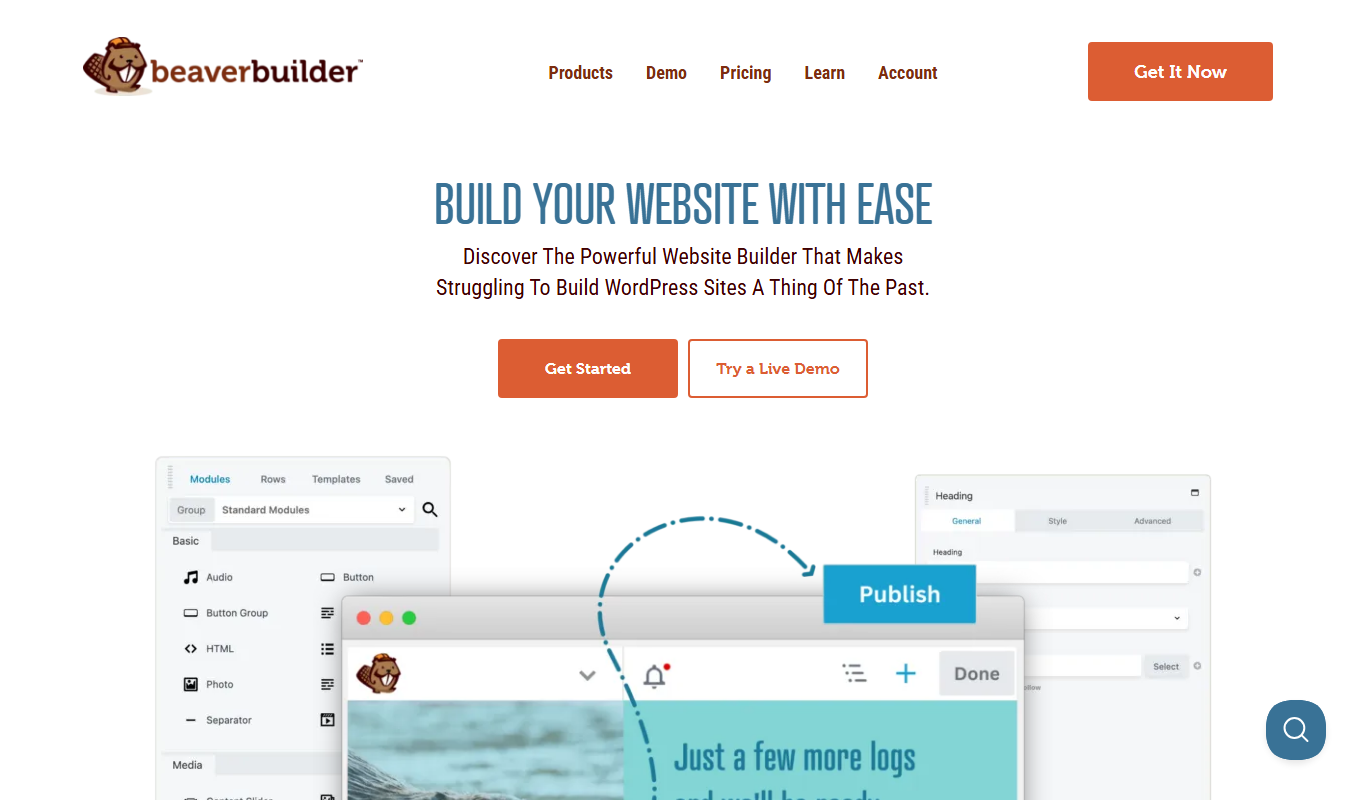
Beaver Builder
Beaver Builder is a WordPress plugin that provides a drag-and-drop front-end page builder for creating responsive websites without coding.

Freemium
Divi Builder
Divi Builder is a WordPress plugin that enables users to design websites visually with drag-and-drop tools, pre-built layouts, and responsive controls, requiring no coding skills.
More Coding & Development tools
Other tools in the same category, for when this one is not quite the fit.

Custom Pricing
Andela
Andela is a platform that connects companies with vetted remote software developers globally, offering flexible hiring models and ongoing support to scale engineering teams efficiently.

Freemium
Claude
Claude is an AI assistant by Anthropic with a 200K token context window built on Constitutional AI for safer responses. Free tier available, Pro at $20/month.

Freemium
ChatGPT
ChatGPT is an AI chatbot by OpenAI powered by GPT-4o. It handles writing, coding, research, data analysis, and natural conversation. Free tier available, Plus at $20/month.

Free
Cohere
Cohere is an AI platform providing large language models accessible via API for natural language processing tasks such as text generation, semantic search, and classification, with support for fine-tuning and developer-friendly integration.

Free
Zapier AI
Zapier AI is an AI-powered automation tool that connects apps and automates workflows using natural language processing and intelligent triggers to improve productivity.

Free
Visily AI
Visily AI is a web-based no-code design tool that uses AI to help users quickly create UI wireframes and interactive prototypes without coding skills.

Free
Uizard
Uizard is an AI-driven design tool that converts sketches and screenshots into editable UI prototypes, enabling rapid app and website design without coding.

Free
10Web AI
10Web AI is an AI-powered platform that automates WordPress website creation, SEO optimization, and performance management, enabling users to build and maintain websites efficiently without coding skills.