

JotBot AI Review - AI Writing Assistant for Content Creation & Productivity
JotBot AI is an AI writing assistant that writes in your personal style and helps you find and cite sources without leaving your document.
- Best for
- Content Writing
- Key capability
- AI Autocomplete
Save JotBot AI, follow its updates and vote on it — everything stays in your account.
Sign in or create a free account
What is JotBot AI?
JotBot AI is an AI-powered writing assistant that mimics your personal writing style, with real-time note-taking, source management and advanced editing tools.
Key features of JotBot AI
JotBot AI offers features such as AI-generated content suggestions, customizable writing prompts, email drafting assistance, and brainstorming tools to enhance productivity and creativity in writing.
AI Autocomplete
When you hit writer's block, JotBot picks up writing where you left off.
Customizable Writing Prompts
Tailor prompts to guide the AI in producing content that matches your style and requirements.
Email Draft Assistance
Quickly draft professional emails with AI suggestions to improve tone and clarity.
Brainstorming Tools
Use AI to generate ideas for topics, headlines, and creative content to overcome writer’s block.
User-Friendly Interface
Clean and intuitive web interface designed for ease of use by writers of all levels.
Pros and cons of JotBot AI
Pros
- Easy to use interface suitable for beginners
- Effective AI-generated content for various writing tasks
- Affordable pricing with a free tier
- Helpful for overcoming writer’s block
- Supports email drafting and brainstorming
Cons
- Limited to English language support
- Some AI outputs may require manual editing
- No mobile app currently available
Key use cases for JotBot AI
Content Writing
Generate blog posts, articles, and marketing copy quickly with AI assistance.
Email Drafting
Compose professional emails and responses efficiently using AI-generated suggestions.
Idea Brainstorming
Use AI to brainstorm ideas for content topics, headlines, and creative writing.
Productivity Enhancement
Speed up writing tasks and reduce writer’s block by leveraging AI-powered text generation.
How JotBot AI works
- 1
Sign Up
Create a free account on the JotBot AI website to access the platform.
- 2
Choose a Plan
Select between the free tier or subscription plans for additional features and usage limits.
- 3
Input Your Text or Prompt
Enter your writing prompt, topic, or partial text to receive AI-generated suggestions.
- 4
Edit and Refine
Review the AI-generated content, make edits, and customize it to fit your needs.
- 5
Export or Use
Copy the final text for use in your projects, emails, or publications.
Who is using JotBot AI
JotBot AI pricing
Free
$0/month
Basic access with limited daily usage and standard AI features.
Pro
$19/month
Increased usage limits, priority access to new features, and enhanced AI capabilities.
Plans and prices are as published by the vendor and can change. Check the official site before you buy. Open the pricing page (opens in a new tab)
Frequently asked questions about JotBot AI
Yes, JotBot AI offers a free tier with limited usage so you can try the basic features before subscribing.
Currently, JotBot AI supports English language content generation.
Yes, content generated can be used for commercial purposes, but users should review terms of service for details.
User data is handled according to the privacy policy; typically, input data is used to improve AI models but not shared publicly.
This tool is designed to help users accomplish its core tasks more efficiently. It is typically used by individuals or teams looking to improve productivity and workflow.
Pricing depends on the plan and included features. For the most accurate and up-to-date details, check the official pricing page.
Yes, it can help with that use case depending on how you configure it and what features are available. You’ll get the best results with clear inputs and a defined goal.
Yes, it can help with that use case depending on how you configure it and what features are available. You’ll get the best results with clear inputs and a defined goal.
Conclusion
Work happens inside a document editor, where AI autocomplete picks up writing where the user left off. A draft generator analyzes earlier writing and recreates that unique style, so new drafts come out in the writer’s own voice. Research stays in the same place: sources can be found and cited in a few clicks, and any PDF, website or text can be questioned or summarized through chat. AI commands handle revisions or generate text directly in the document.
Writers, students, teams and researchers are the people the official site says it works alongside. For essays, it scans previous essays so the content sounds like the student rather than like a chatbot. Email drafting and brainstorming of topics and headlines also appear among the listed use cases. Use starts free on a small allowance of daily credits, with an upgrade for unlimited use, and the listed cons note that AI outputs may require manual editing.
Sources
Sign in to review this tool.
Sign In to ReviewNo reviews yet
Be the first to share how this tool worked for you.
Ask about pricing, limits, or how it compares — or answer someone else.
Sign In to AskNo questions yet
Have a question about using or paying for this tool? Be the first to ask.
Featured on TiorAI



More AI Content Creation Tools tools
Other tools in the same category, for when this one is not quite the fit.

Subscribr
Subscribr automates your YouTube channel: viral ideas, titles, thumbnails, scripts and fully edited videos in one platform.

Contentdrips
Contentdrips is an AI-driven platform that simplifies social media content creation by providing customizable templates, AI-generated captions, and multi-channel publishing to help marketers and businesses streamline their social media marketing.

Podwise AI
Podwise AI is an AI podcast app for listeners that turns episodes into summaries, transcripts, mind maps and insights.

Snipcast
Snipcast delivers AI-generated summaries of any podcast or video to your email inbox in minutes, and lets you chat with your podcasts to ask follow-up questions.
Cannypen
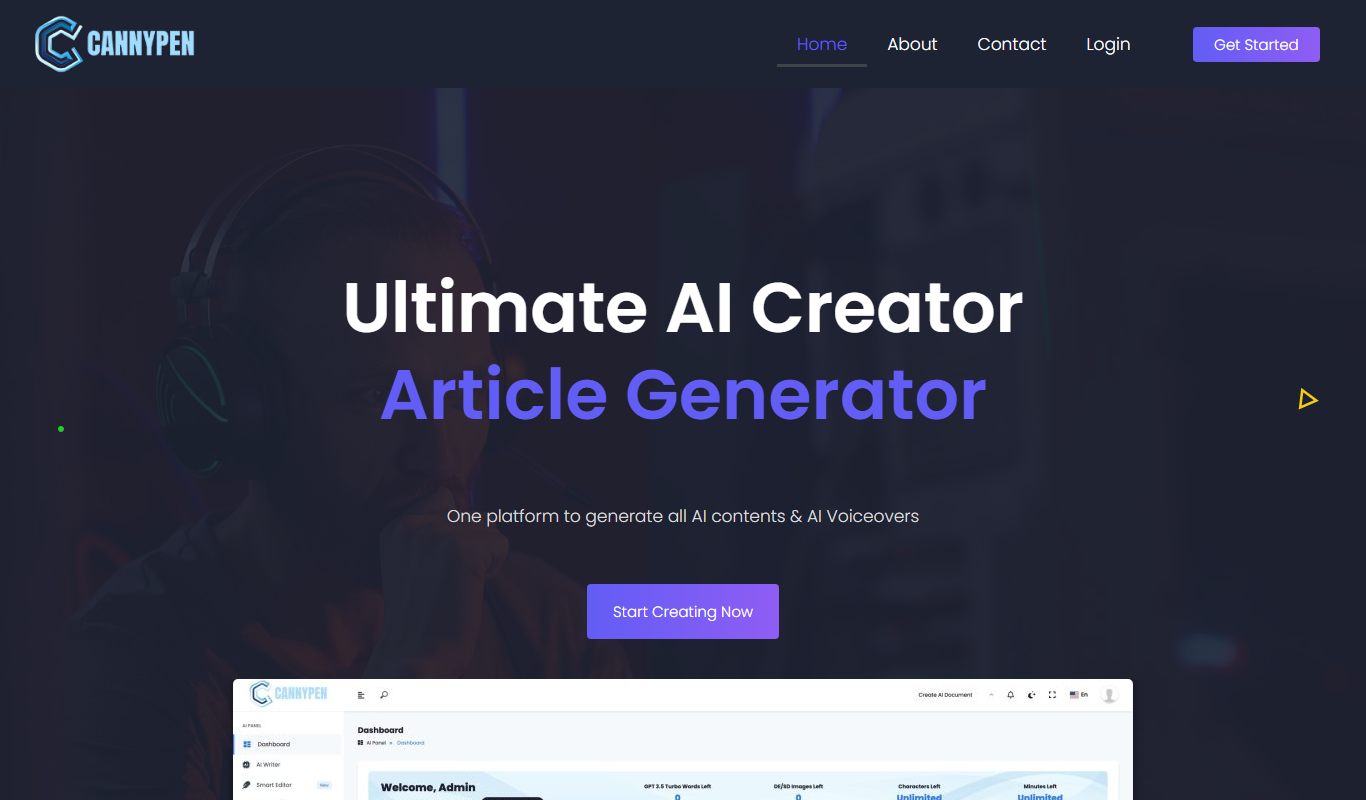
Cannypen is one platform to generate AI content and AI voiceovers, with AI writing templates, AI images, AI speech to text and AI code tools.

Rewording Tool
Rewording Tool is an AI rewording tool that rewrites any sentence or paragraph in seconds, keeping the original meaning.
StyleOf
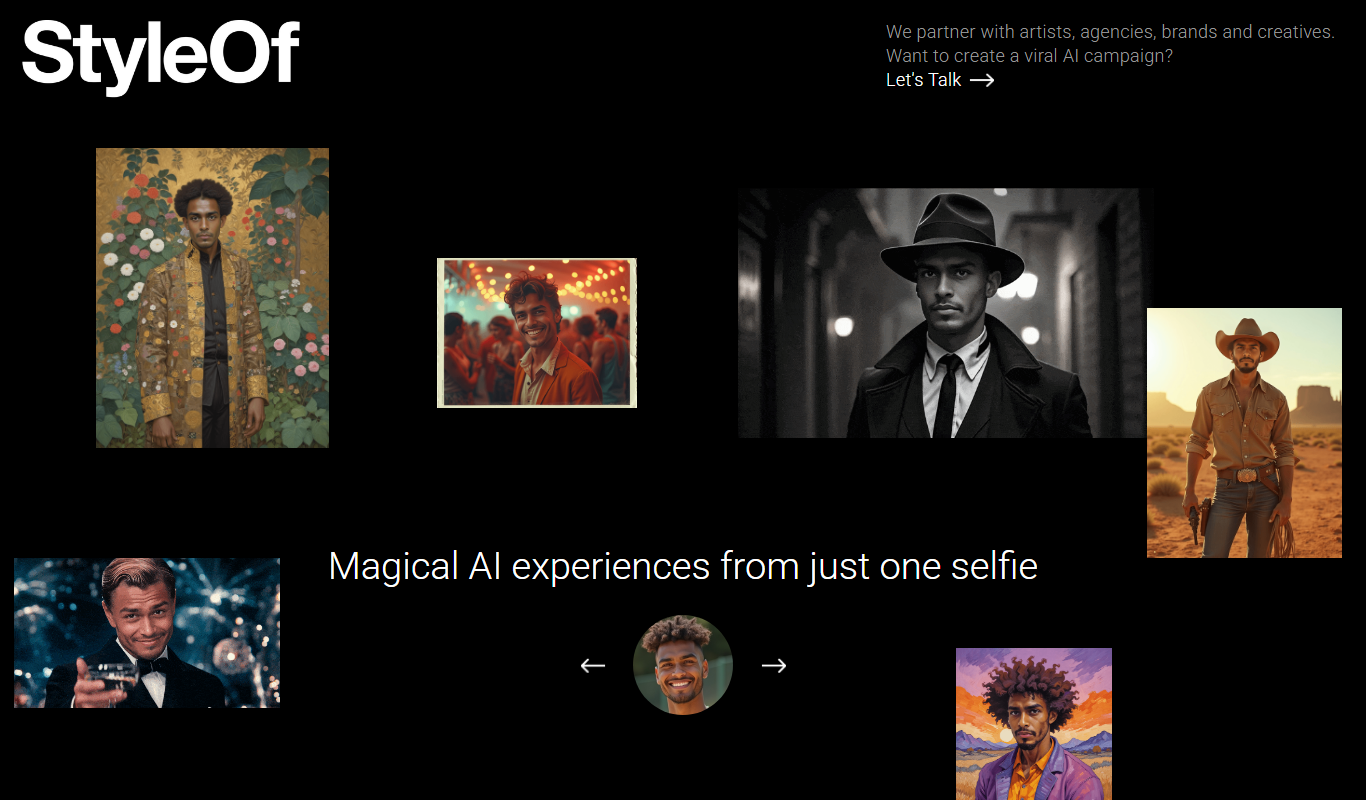
StyleOf is a platform for magical consumer AI experiences that captures and remixes a person's likeness from just a single photo.

Kick
Kick is a live streaming platform designed for gamers and content creators, offering low latency streaming and competitive revenue sharing to help streamers monetize their content effectively.