

From my experience with Snipcast, I found it excels at quickly distilling lengthy podcast episodes into concise summaries and engaging highlight clips. This makes it a valuable tool for podcast creators aiming to boost audience engagement and repurpose content efficiently. The platform’s intuitive interface and AI-driven automation reduce the manual effort typically involved in podcast editing and promotion. However, its current limitation to English language podcasts and episode limits on the free plan may restrict some users. Overall, if you want to streamline podcast content sharing and improve listener accessibility, Snipcast delivers practical, time-saving solutions.
Snipcast AI Podcast Summarizer and Highlight Generator for Creators
Snipcast is an AI-driven tool that automatically summarizes podcast episodes and generates highlight clips to help creators and listeners quickly access key content.
- Best for
- Podcast Content Summarization
- Key capability
- AI-Powered Summarization

Do you recommend this tool?
What is Snipcast?
Snipcast is an AI-powered podcast tool designed to automatically generate summaries and highlight clips from podcast episodes. It helps creators and listeners by extracting key moments and concise overviews, making podcast content more accessible and shareable. The platform leverages advanced speech recognition and natural language processing to analyze audio and produce text and audio snippets that capture the essence of each episode.
Key features of Snipcast
Snipcast offers automated podcast transcription, AI-generated episode summaries, highlight clip creation, and easy sharing options. Its intuitive web interface allows users to upload or link podcast episodes, then receive summarized content and audio snippets optimized for social media and marketing use.
AI-Powered Summarization
Automatically creates clear and concise episode summaries to save listeners time.
Highlight Clip Extraction
Identifies and extracts engaging audio snippets ideal for promotion and sharing.
Accurate Transcriptions
Generates reliable text transcriptions to support content repurposing and accessibility.
User-Friendly Interface
Simple web-based platform that requires no technical expertise to operate.
Social Sharing Integration
Facilitates easy sharing of highlights and summaries across popular social media channels.
Pros and cons of Snipcast
Pros
- Automates time-consuming podcast summarization tasks
- Creates engaging highlight clips for social media promotion
- User-friendly interface with minimal learning curve
- Supports content repurposing for marketing and accessibility
Cons
- Limited language support beyond English
- Free plan restricts number of episodes processed
Key use cases for Snipcast
Podcast Content Summarization
Automatically generate concise summaries of podcast episodes to help listeners quickly grasp key points.
Highlight Clip Creation
Create short, shareable audio clips from longer podcast episodes to promote content on social media.
Content Repurposing
Transform podcast audio into text snippets and highlights for blog posts, newsletters, and marketing materials.
Improved Listener Engagement
Provide listeners with easy access to episode highlights, increasing engagement and retention.
Podcast Discovery
Enable potential listeners to preview podcast content through highlights and summaries before committing to full episodes.
How Snipcast works
- 1
Upload or Link Podcast Episode
Users provide the audio file or URL of the podcast episode they want to summarize.
- 2
AI Transcription and Analysis
Snipcast processes the audio using speech-to-text and natural language processing to identify key points.
- 3
Generate Summaries and Highlights
The platform creates concise text summaries and selects highlight clips from the episode.
- 4
Review and Edit
Users can review the generated content, make edits if needed, and customize highlight clips.
- 5
Download and Share
Finalized summaries and clips can be downloaded or shared directly to social media platforms.
Who is using Snipcast
Podcast creators and producers
Content marketers and social media managers
Media and communications professionals
Podcast listeners seeking quick episode insights
Small businesses leveraging podcast content
Snipcast pricing
Free
$0/month
Limited number of podcast episodes per month with basic summarization features.
Pro
$19/month
Unlimited episodes, advanced highlight customization, and priority processing.
Plans and prices are as published by the vendor and can change. Check the official site before you buy. Open the pricing page (opens in a new tab)
Frequently asked questions about Snipcast
Yes, Snipcast supports most podcast audio formats and can summarize episodes as long as the audio quality is clear.
The Free plan has a monthly limit, while the Pro subscription offers unlimited episode processing.
Yes, users can review and make edits to summaries and highlight clips before downloading or sharing.
Currently, Snipcast primarily supports English language podcasts.
It depends on your specific needs and how you plan to use the tool. The official website and documentation are the best sources for the latest details.
Yes, it can help with that use case depending on how you configure it and what features are available. You’ll get the best results with clear inputs and a defined goal.
Yes, it can help with that use case depending on how you configure it and what features are available. You’ll get the best results with clear inputs and a defined goal.
Sign in to review this tool.
Sign In to ReviewNo reviews yet
Be the first to share how this tool worked for you.
Ask about pricing, limits, or how it compares — or answer someone else.
Sign In to AskNo questions yet
Have a question about using or paying for this tool? Be the first to ask.
Featured on TiorAI



More AI Content Creation Tools tools
Other tools in the same category, for when this one is not quite the fit.

Freemium
Swifty
Swifty is an AI writing assistant that helps users create and edit English content quickly with AI-generated suggestions and grammar corrections.
Freemium
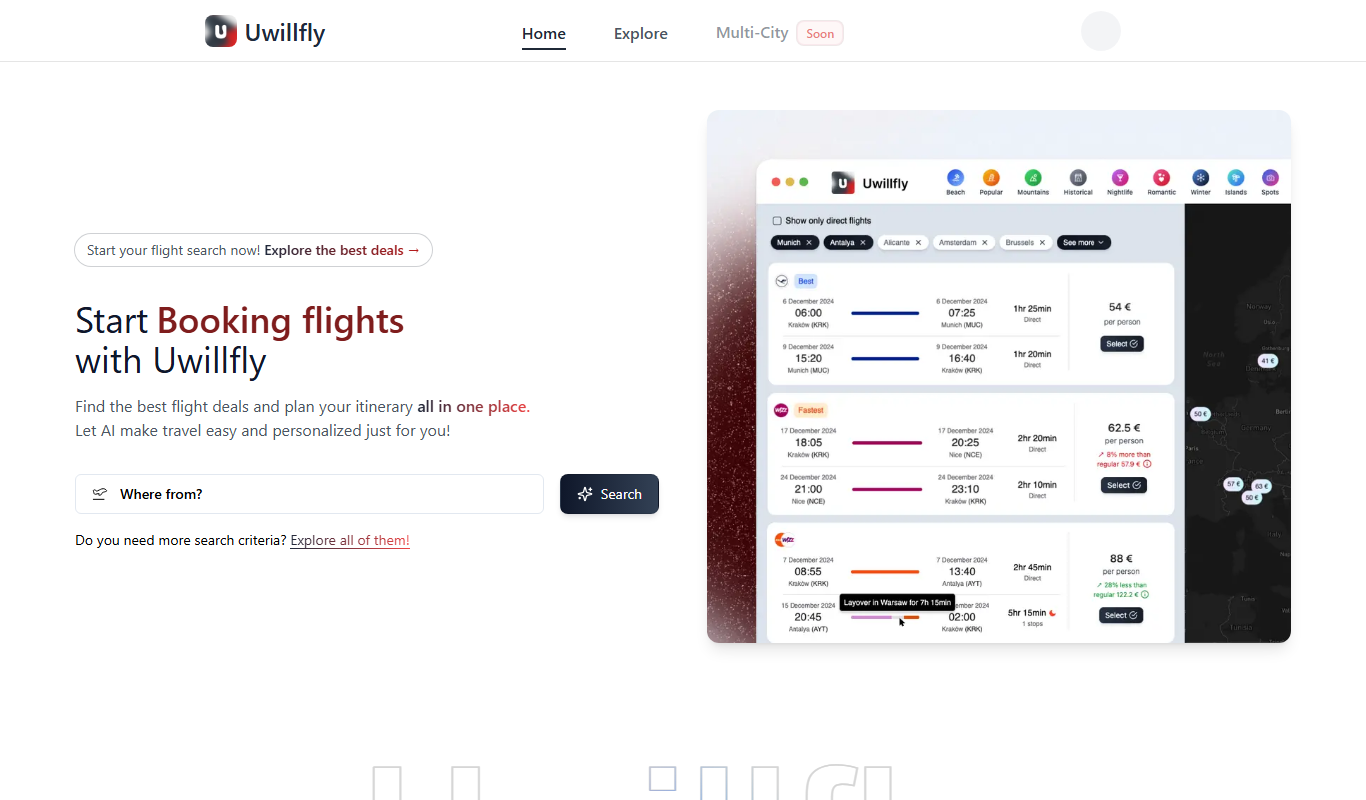
Uwillfly
Uwillfly is an AI-powered writing assistant that generates SEO-optimized articles, marketing copy, and content in English and Chinese to help marketers and writers create content faster.

Freemium
Smart Pineapple
Smart Pineapple is an AI-powered writing assistant designed to generate SEO-friendly content, including blog posts and marketing copy, through an easy-to-use web platform.

Freemium
Explra
Explra is an AI-powered writing assistant designed to help marketers and content creators generate SEO-friendly content quickly and efficiently.
Freemium
Ai & Stuff
Ai & Stuff is a web platform providing multiple AI-powered tools for generating text and images, automating content tasks, and assisting creative workflows.

Free
AI Listify
AI Listify is an AI-driven tool that generates structured lists for content marketing, SEO, and idea organization, helping users create engaging and readable lists quickly.

Freemium
iSamurai
iSamurai is an AI-powered writing assistant that generates SEO-friendly content including blog posts and marketing copy to help businesses and creators save time and improve content quality.
Free
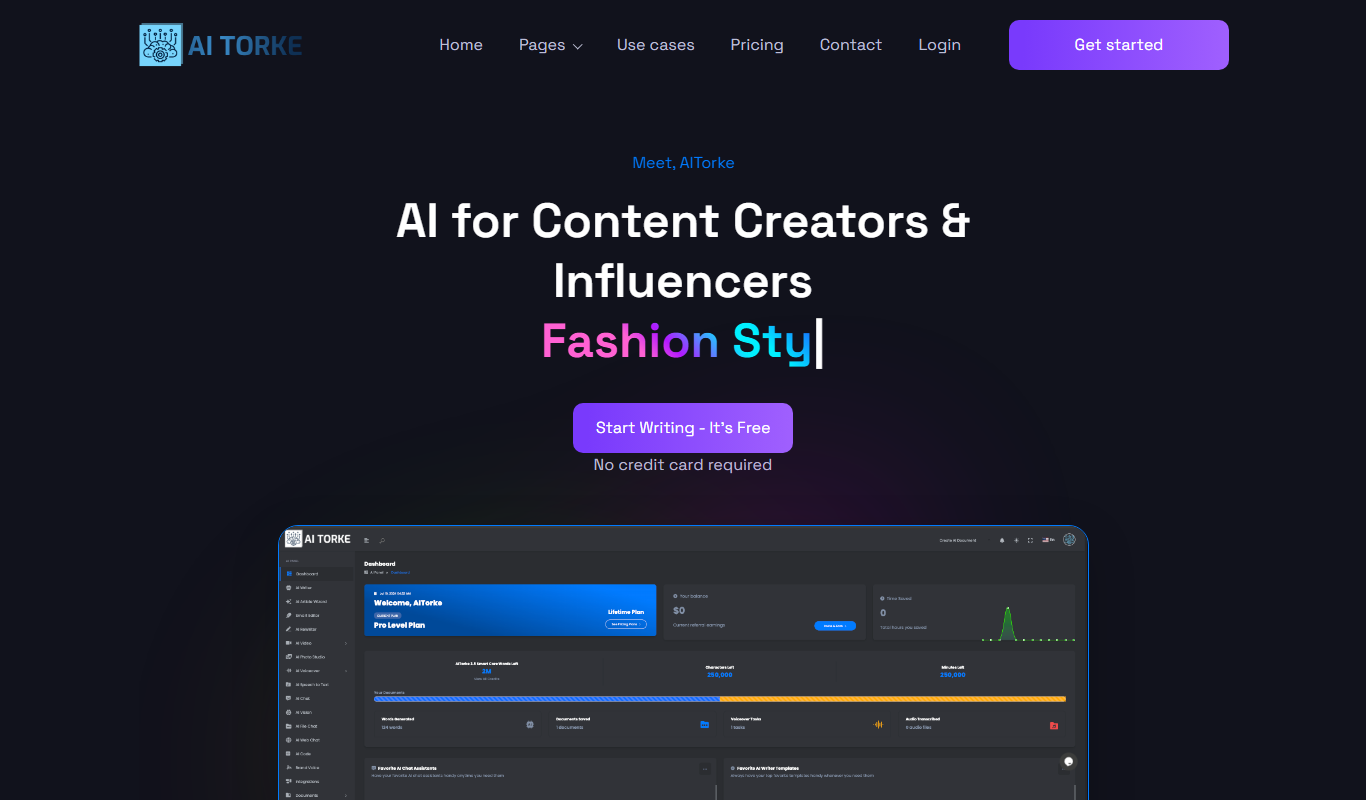
AITorke
AITorke is an AI writing assistant that helps users generate, optimize, and edit content with SEO tools and AI-powered suggestions.