

Monster Labs: AI generator for D&D creatures, items and spells
Monster Labs creates D&D creatures, items and spells from a description or a picture, writing the stat block for you, with a free plan and Pro for unlimited generations.
- Best for
- Custom D&D monsters
- Key capability
- Prompt or picture to stat block
Save Monster Labs, follow its updates and vote on it — everything stays in your account.
Sign in or create a free account
What is Monster Labs?
Monster Labs is an AI generator of creatures, items and spells tailor-made for Dungeons and Dragons. You describe a creature, item or spell, or drop a picture, and it writes a stat block with lore and a portrait; it also builds session kits and dungeons, and lets you breed creatures and fuse items or spells.
Key features of Monster Labs
Monster Labs generates D&D creatures, magic items and spells from a prompt or picture, writes 5E compatible stat blocks with lore and portraits, builds session kits and dungeons, and lets you remix, breed and fuse creations.
Prompt or picture to stat block
Describe a creature or item, or drop a picture, and the stat block is written for you.
Creatures, items and spells
Create creatures, magic items and spells, 5E compatible.
Session kits and dungeons
One prompt builds a run-of-show with up to 8 setpieces plus the creatures and items it calls for.
Remix, breed and fuse
Breed two creatures or fuse items and spells into new ones.
PDF export and share links
Every creature, item and spell page has a printable PDF and a Copy link button for sharing.
Pros and cons of Monster Labs
Pros
- Writes 5E compatible stat blocks from a prompt or picture
- Free plan with 30 creatures, items or spells a month
- Printable PDF pages and share links
- You keep everything you made if you cancel Pro
Cons
- Free creations are public and show up in Browse
- Saving, PDF export and session kits need a Google account
- The free plan includes 1 portrait a month
Key use cases for Monster Labs
Custom D&D monsters
Generate a D&D 5e monster from a prompt or a picture.
Magic items and spells
Create items and spells tailor-made for Dungeons and Dragons.
Session prep
Build a session kit with setpieces, creatures and items before session night.
Dungeon generation
Generate a dungeon for your campaign.
Writing Improvement
Enhance existing text by rewriting or expanding content with AI suggestions.
How Monster Labs works
- 1
Pick what to create
Choose a creature, item, spell, session or dungeon.
- 2
Describe it or drop a picture
Describe it in words or drop a picture as the starting point.
- 3
Get the stat block
Monster Labs writes the stat block, lore and a portrait.
- 4
Save with Google
Continue with Google to move your creation to your account so you can save and edit it.
- 5
Remix or export
Remix, breed or fuse it, print a PDF or share a link.
Who is using Monster Labs
Monster Labs pricing
Free
$0/month
No credit card. PDF export, 30 creatures/items/spells a month, 1 portrait a month, 1 session kit a month with up to 3 creatures and 2 items, remix, breed and fuse, share links.
Pro (early bird)
$9/month founding rate, cancel anytime
Unlimited creatures, items and spells, 100 portraits a month, unlimited session kits with up to 5 creatures and 5 items, AI revise, CR variants, token + VTT packs, private creations.
Plans and prices are as published by the vendor and can change. Check the official site before you buy. Open the pricing page (opens in a new tab)
Frequently asked questions about Monster Labs
Creatures, items and spells tailor-made for Dungeons and Dragons, plus session kits and dungeons.
Yes. Monster Labs is 5E compatible and includes material from the System Reference Document 5.2.1.
Not to try it: you can make one creature, item or spell signed out, then continue with Google to save and edit it.
One prompt builds a run-of-show with up to 8 setpieces plus the creatures and items it calls for.
Yes, you can generate creatures, items and spells for free; Pro adds unlimited generations, portraits, private creations and AI revise.
Free creations are public and show up in Browse; Pro can mark a creation private.
Every creature, item and spell page has a printable PDF once you continue with Google; token + VTT packs for creatures are Pro.
You keep everything you made, private creations stay private, and new generations fall back to the Free monthly caps.
Conclusion
Game masters type a description or drop a picture, and the generator writes a full Dungeons and Dragons stat block with lore and a portrait. Creatures, magic items and spells can all be created as 5E compatible content, and two creatures can be bred or items and spells fused into new ones. For session prep, one prompt can build a run-of-show with up to 8 setpieces plus the creatures and items it needs.
A first creation works signed out, while saving, printable PDFs and session kits run through a Google account. The free plan caps monthly generations and portraits, and everything made on it is public in Browse. Pro targets weekly campaign prep with unlimited generations, AI revise, VTT packs and private creations.
Sources
Sign in to review this tool.
Sign In to ReviewNo reviews yet
Be the first to share how this tool worked for you.
Ask about pricing, limits, or how it compares — or answer someone else.
Sign In to AskNo questions yet
Have a question about using or paying for this tool? Be the first to ask.
Featured on TiorAI



More AI Entertainment Tools tools
Other tools in the same category, for when this one is not quite the fit.

More Episodes!
More Episodes! offers new, GPT-4 written episodes of favorite TV shows that ended years ago, from Breaking Bad to Friends.

Suno Download
Suno Download is a free MP3 downloader for AI generated music from Suno AI, with Chrome extension support.
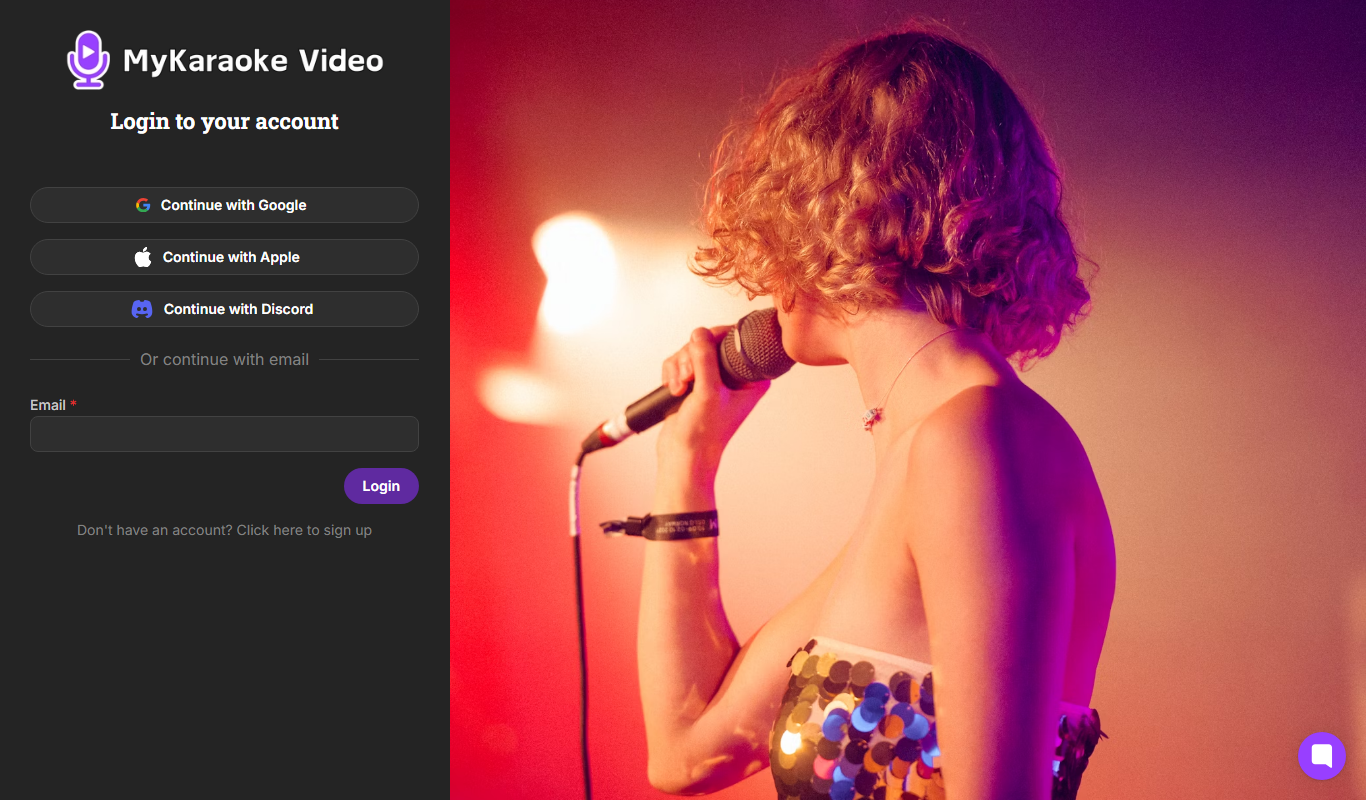
MyKaraoke Video
MyKaraoke Video turns any song into a karaoke or lyric video: upload the track, paste the lyrics, and AI removes the vocals and syncs every word for a 1080p MP4 export.

Flamme
Flamme is a couples app for daily connection with meaningful questions, milestone widgets, couple games and an AI love coach, free to start on iOS and Android.
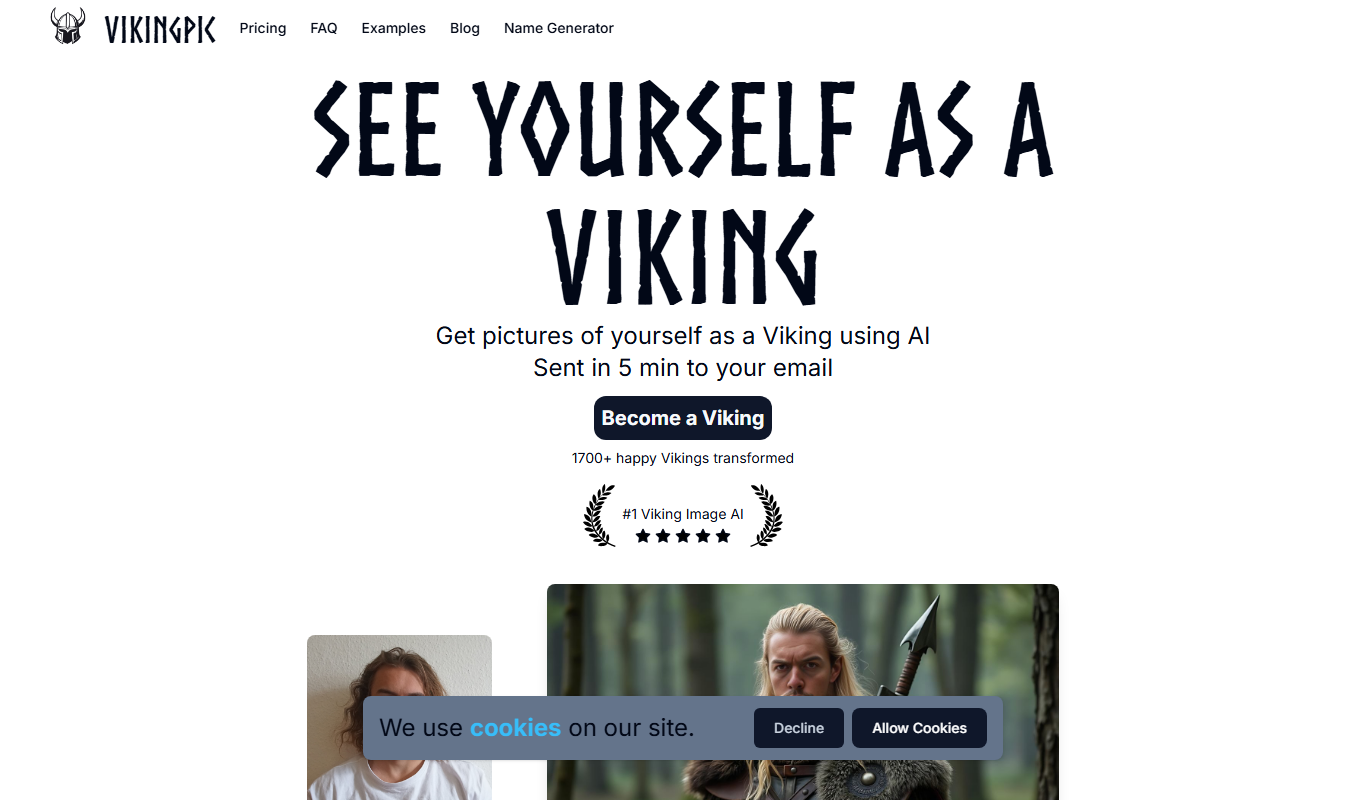
VikingPic
VikingPic turns a photo of your face into 8 AI generated pictures of yourself as a Viking, sent to your email in 5 minutes for a one-time payment.

My Insta Personality
My Insta Personality roasts your Instagram profile and uncovers insights about your personality from your public posts with AI.
Film Fan
FilmFan lets you rate films quickly and get personalised recommendations from 25k+ titles, shaped by your taste profile.
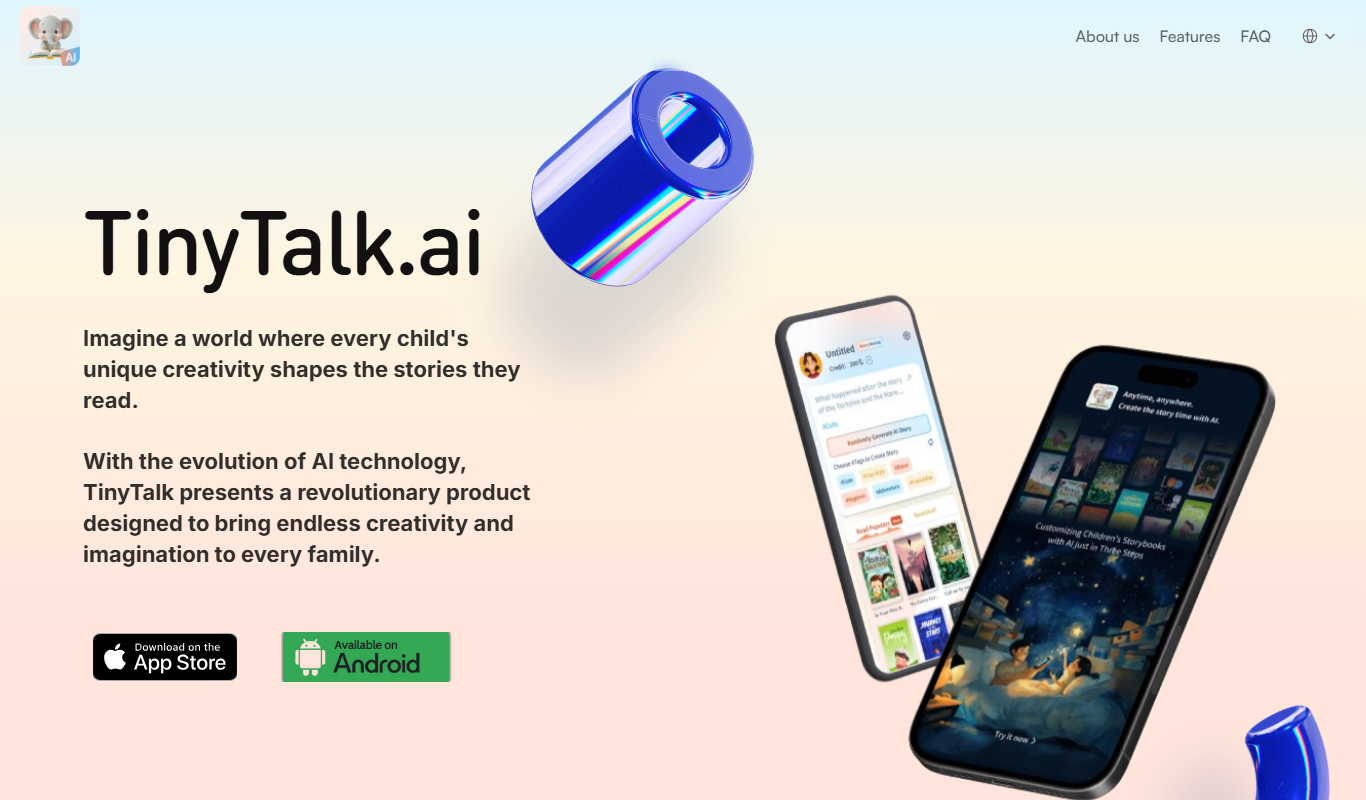
TinyTalk.ai
TinyTalk lets kids and families co-create illustrated storybooks with AI: type an idea, pick an art style and listen to the story read aloud.