

MyKaraoke Video AI Karaoke and Lyric Video Maker
MyKaraoke Video turns any song into a karaoke or lyric video: upload the track, paste the lyrics, and AI removes the vocals and syncs every word for a 1080p MP4 export.
- Best for
- Karaoke videos
- Key capability
- AI vocal removal
Save MyKaraoke Video, follow its updates and vote on it — everything stays in your account.
Sign in or create a free account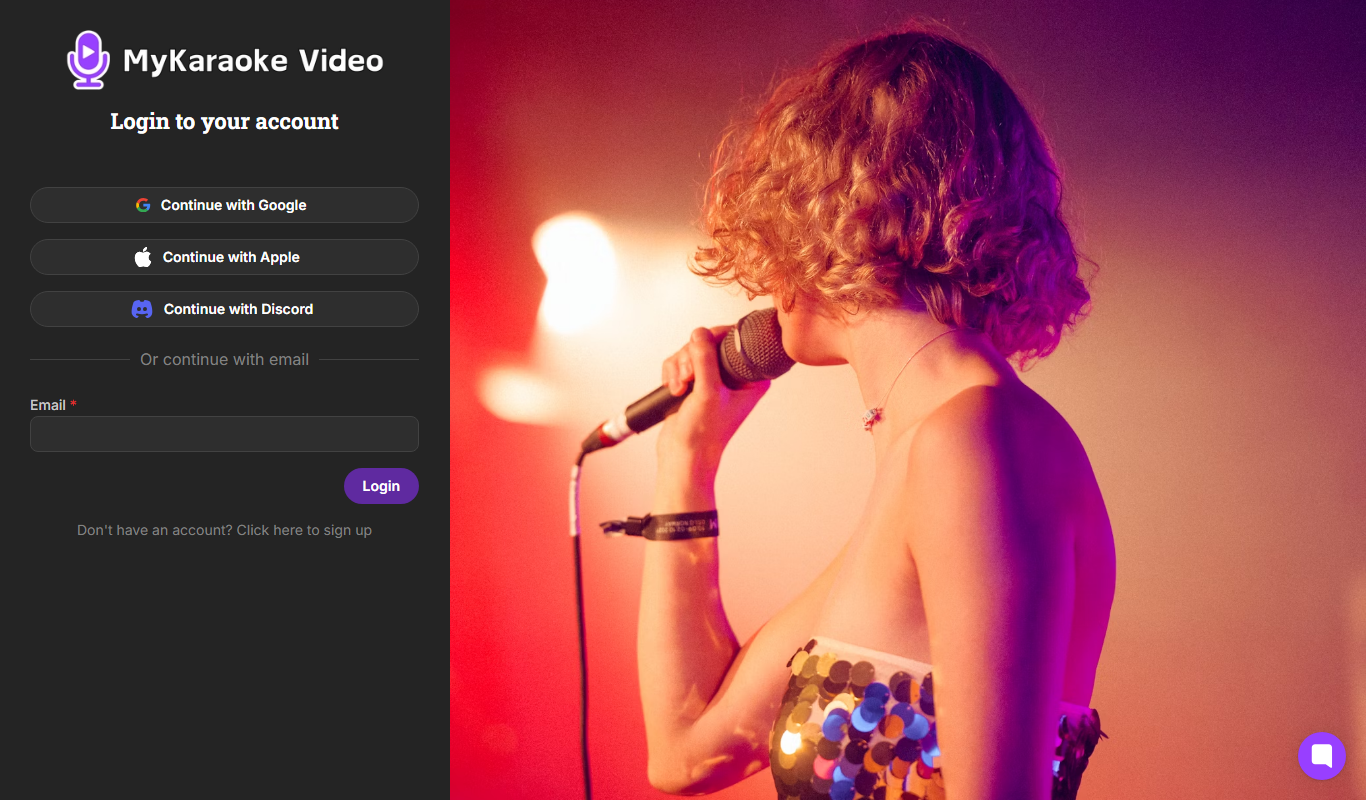

What is MyKaraoke Video?
MyKaraoke Video is an AI karaoke and lyric video maker that runs in your browser. You upload a song or music video and paste the lyrics (or let the AI transcribe them); the AI removes the vocals and syncs every word, then you style the video and export a 1080p MP4. AI work and exports are paid with credits.
Key features of MyKaraoke Video
MyKaraoke Video removes vocals with AI, transcribes and syncs lyrics word by word, offers five lyric layouts from classic karaoke to two languages at once, a sync editor and cloud rendering of the finished video.
AI vocal removal
Vocals are removed by AI from the finished song, so you get the song you want to sing minus the vocals.
Lyrics transcription and sync
Paste lyrics or let the AI write them out; every word lines up with the singing, with a sync editor to fine-tune.
Lyric layouts
Five ways to put the words on screen, from classic karaoke to two languages at once.
Styling options
Over 1,500 fonts, your own images and video or royalty-free stock, visualizers, countdowns and overlays.
Cloud rendering
Exports run in the cloud, so there is nothing to install and no powerful computer is needed.
Pros and cons of MyKaraoke Video
Pros
- 30 free credits on signup, no credit card required
- Downloading the instrumental or vocal track never uses credits
- Accepts MP3, WAV, FLAC, AAC and MP4 music videos; no stems needed
- Videos may be used commercially if you have the rights to the song
Cons
- AI work and exports use credits; subscriptions are needed for free queue exports
- Commercial use depends on holding the song rights yourself
Key use cases for MyKaraoke Video
Karaoke videos
Turn a song into a sing-along video with the vocals removed and every word lighting up on cue.
Lyric videos
Keep your vocals in and put the words on screen, ready to post on YouTube, TikTok or Reels.
KJ software tracks
Export karaoke tracks as MP3+G for KJ software on the Premium plan.
Practice and Improve Singing
Use the platform to practice singing skills with real-time lyrics and instrumental tracks.
How MyKaraoke Video works
- 1
Upload your song
Drop in an audio file or a music video, then paste the lyrics or let the AI write them out.
- 2
Let the AI sync it
Vocals come out of the mix and every word lines up with the singing; fine-tune in the sync editor.
- 3
Style it and export
Pick fonts, colors and a background, preview it live and export a 1080p MP4 rendered on the servers.
- 4
Save or Share Your Video
Save your recorded karaoke video to your profile or share it on social media.
Who is using MyKaraoke Video
MyKaraoke Video pricing
Pay as you go
$0, then $0.10 per credit
Purchase credits as you need them; 30 free credits on signup.
Standard
$7.99/month
300 credits per month, billed monthly, free queue exports, presets and templates.
Premium
$14.99/month
600 credits per month, priority queue exports, transparent background exports and MP3+G exports for KJ software.
Plans and prices are as published by the vendor and can change. Check the official site before you buy. Open the pricing page (opens in a new tab)
Frequently asked questions about MyKaraoke Video
No. MyKaraoke Video runs in your browser and exports are rendered in the cloud.
Credits pay for AI work such as vocal removal, transcription and lyrics sync, and for exports. Downloading the instrumental or vocal track never uses credits.
Yes. You get 30 credits on signup with no credit card required.
Yes, as long as you have the rights to use the song commercially, which is outside the scope of the app.
Yes. Queue exports are free for all subscribers; videos are processed in the queue and delivered when ready.
Yes, it can help with that use case depending on how you configure it and what features are available. You’ll get the best results with clear inputs and a defined goal.
Conclusion
Any finished song can become a sing-along video here: the user uploads the track or a music video and pastes the lyrics, or lets the AI write them out. The AI then takes the vocals out and lines every word up with the singing, with a sync editor for fine-tuning. Styling covers fonts, colors, backgrounds and five lyric layouts, and the finished 1080p MP4 is rendered on the servers.
Singers and KJs use it for karaoke tracks, including MP3+G exports for KJ software on Premium, while artists and creators keep their vocals in for lyric videos. Credits pay for vocal removal, transcription, sync and exports, with 30 free credits at signup and no credit card. Subscribers export for free through the queue. Commercial use is allowed only when the user holds the rights to the song.
Sources
Sign in to review this tool.
Sign In to ReviewNo reviews yet
Be the first to share how this tool worked for you.
Ask about pricing, limits, or how it compares — or answer someone else.
Sign In to AskNo questions yet
Have a question about using or paying for this tool? Be the first to ask.
Featured on TiorAI



Alternative Tools
Explore similar AI tools that might fit your needs

Karaoke Cloud
Karaoke Cloud is an online karaoke streaming service providing access to thousands of karaoke tracks with synchronized lyrics, available via subscription on web and mobile platforms.
More AI Entertainment Tools tools
Other tools in the same category, for when this one is not quite the fit.

Monster Labs
Monster Labs creates D&D creatures, items and spells from a description or a picture, writing the stat block for you, with a free plan and Pro for unlimited generations.

More Episodes!
More Episodes! offers new, GPT-4 written episodes of favorite TV shows that ended years ago, from Breaking Bad to Friends.

Suno Download
Suno Download is a free MP3 downloader for AI generated music from Suno AI, with Chrome extension support.

Flamme
Flamme is a couples app for daily connection with meaningful questions, milestone widgets, couple games and an AI love coach, free to start on iOS and Android.
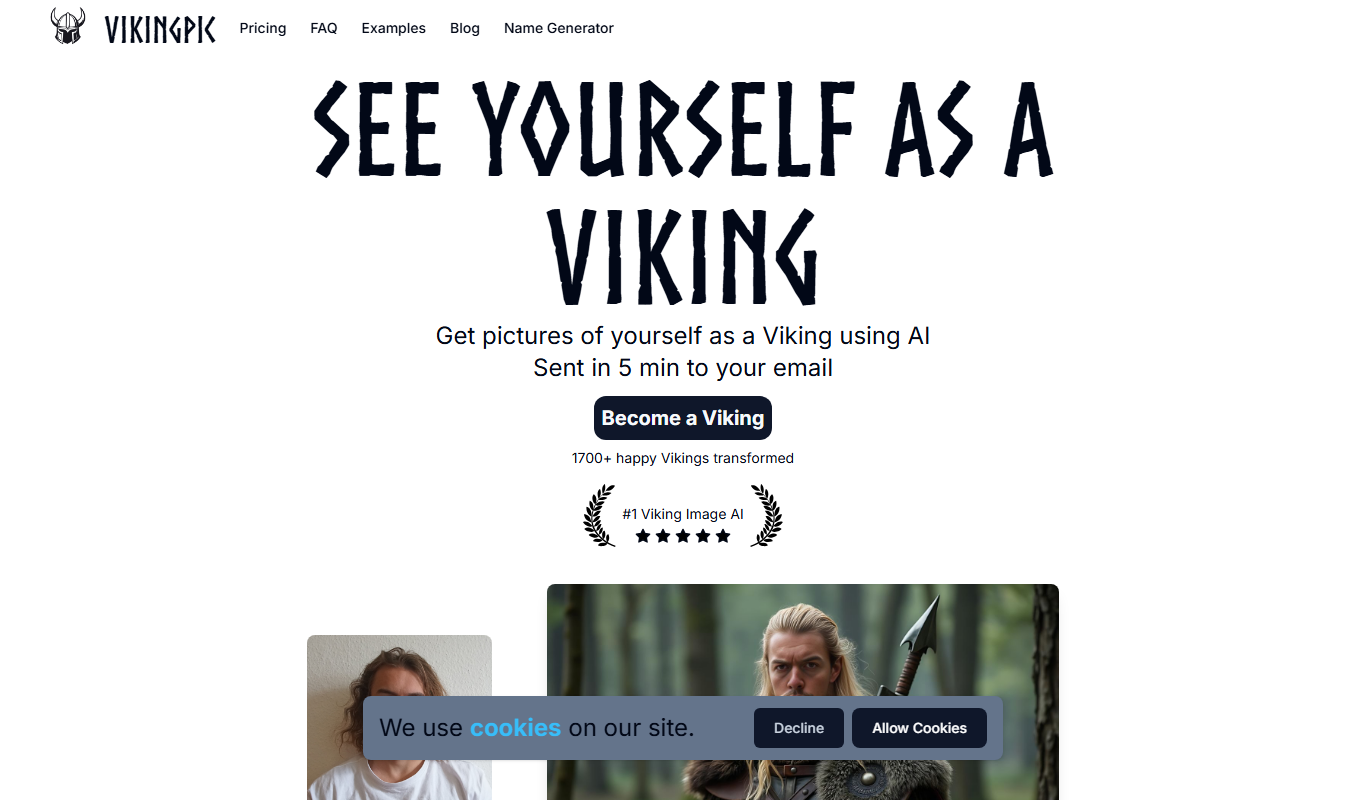
VikingPic
VikingPic turns a photo of your face into 8 AI generated pictures of yourself as a Viking, sent to your email in 5 minutes for a one-time payment.

My Insta Personality
My Insta Personality roasts your Instagram profile and uncovers insights about your personality from your public posts with AI.

Film Fan
FilmFan lets you rate films quickly and get personalised recommendations from 25k+ titles, shaped by your taste profile.
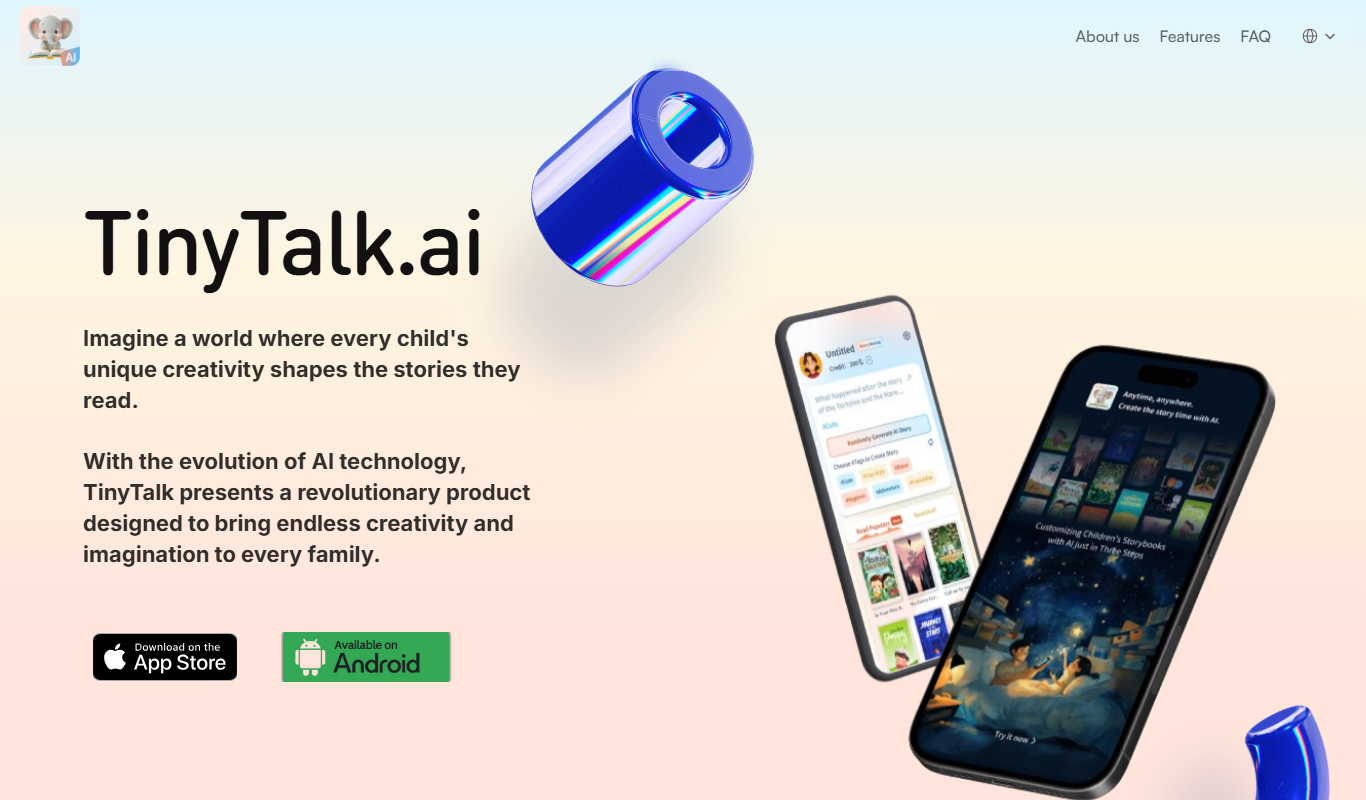
TinyTalk.ai
TinyTalk lets kids and families co-create illustrated storybooks with AI: type an idea, pick an art style and listen to the story read aloud.