

LangWatch: AI agent testing, evaluation and observability platform
LangWatch is an AI agent testing and evaluation platform with simulations, evals, observability and prompt management, available in the cloud or self-hosted.
- Best for
- Agentic AI testing
- Key capability
- Agent simulations
Save LangWatch, follow its updates and vote on it — everything stays in your account.
Sign in or create a free account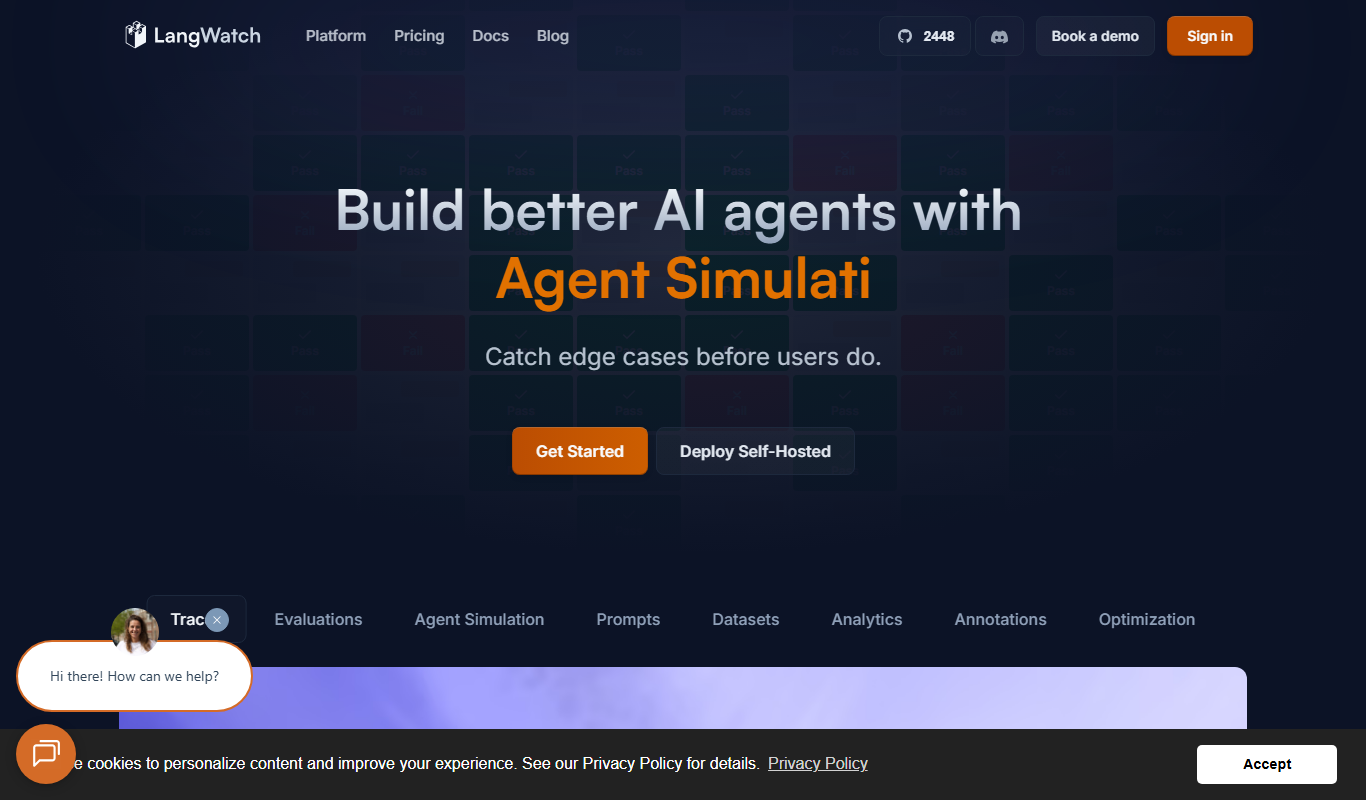
What is LangWatch?
LangWatch is an LLM engineering platform for testing, evaluating and monitoring AI agents. It runs simulations with simulated users, scores outputs and conversations with evals, traces every agent step with its cost and latency, and adds prompt management and governance, as a cloud service or self-hosted.
Key features of LangWatch
LangWatch combines agent simulations with simulated users, LLM evaluations offline and online, observability of traces, tokens and cost, prompt management with GitHub sync, an AI gateway and simulated attacks that uncover safety and security gaps.
Agent simulations
A simulated user pushes your agent turn after turn in text and voice conversations before production.
LLM evaluation
Score a single output or an entire conversation with an LLM as a judge, custom code or a full workflow, offline and live in production.
LLM observability
Trace every agent step and monitor tokens, cost and latency; OpenTelemetry native.
Prompt management
Version, deploy and A/B test prompts as code, with full history and GitHub sync.
AI Gateway
Every AI call goes through one endpoint with your own keys, on a budget per person, team and customer.
Pros and cons of LangWatch
Pros
- Simulated users test agents in text and voice before production
- Runs in the cloud, self-hosted or hybrid
- Free Developer plan with no credit card required
- Works with every agent framework, no rewrite required
Cons
- Free Developer plan is limited to 50k events per month, 2 users and 14-day data access
- Events and data retention beyond the included allowance are billed on top of seats
Key use cases for LangWatch
Agentic AI testing
Run realistic user scenarios against your agent to catch issues before production.
Response quality evaluation
Measure response quality and accuracy so agents hold up in production.
Production monitoring
Evaluate production traffic in real time and monitor cost and latency of every agent step.
Adversarial testing
Adversarial simulations probe for jailbreaks, policy breaks and unsafe tool calls before users find them.
How LangWatch works
- 1
Instrument your agent
Send traces through the Python, TypeScript or Go SDK or OpenTelemetry, with integrations for frameworks such as LangGraph, LangChain and CrewAI.
- 2
Write scenarios
Describe the behavior you want to test in plain language, and Scenario writes the test.
- 3
Run simulations and evals
Simulated users run conversations against your agent, and the judge reads the whole trace to give a verdict with its reasoning.
- 4
Fix issues from production
Turn a production trace into a simulation and prove the fix, while online evaluations watch live traffic.
Who is using LangWatch
LangWatch pricing
Developer
EUR 0, free forever
50k events per month, 14-day data access, 2 users, 3 scenarios, 3 simulations and 3 custom evals, community support.
Growth
EUR 29 per core-seat per month
Everything in Developer plus 200k events included (then EUR 5 per 100k), 30-day retention (extend at EUR 3 per GB), unlimited lite-users and unlimited simulations, evals and prompts.
Enterprise
Custom
Hybrid, self-hosted or on-prem, custom data retention, custom SSO and RBAC, audit logs and SLAs.
Plans and prices are as published by the vendor and can change. Check the official site before you buy. Open the pricing page (opens in a new tab)
Frequently asked questions about LangWatch
It works with every agent framework, with SDK support for Python, TypeScript and Go, OpenTelemetry, and integrations such as LangGraph, LangChain, CrewAI, DSPy and OpenAI Agents.
Yes. LangWatch runs fully self-hosted with docker compose on your own ClickHouse; Enterprise self-host adds SSO, RBAC, SLAs and support.
Yes. The Developer plan is free forever, and no credit card is required to start.
Every LLM call, tool call, retrieval, evaluation or simulation step counts as an event.
LangWatch is used to test, evaluate and monitor AI agents, so teams can ship them to production with simulations, evals and observability.
Yes. It runs end-to-end voice simulations with ElevenLabs, OpenAI Realtime, Twilio, Pipecat and Gemini Live.
Billing combines seats and usage: Growth is charged per core-seat each month, plus usage for events beyond the monthly allowance and for data kept beyond the included 30 days.
Conclusion
Teams that put AI agents into production use LangWatch to test them first: a simulated user pushes the agent turn after turn in text or voice, and a judge reads the whole trace before giving a verdict. Scenarios can be described in plain language from Claude Code and then run locally or on every pull request. Evals score anything from a single output to a whole conversation, offline during experiments or live on production traffic.
For observability, every trace, token and cost is captured through OpenTelemetry, with SDKs for Python, TypeScript and Go. Prompts are versioned and A/B tested as code with GitHub sync. Langy, a newer addition, is described as an automated AI engineer that reads traces, writes the tests and opens the pull request. Deployment can be managed cloud, fully self-hosted with Docker or Kubernetes, or hybrid. The free Developer plan caps events, users and simulations, so heavier use means paid Growth seats with usage billed on top.
Sources
Sign in to review this tool.
Sign In to ReviewNo reviews yet
Be the first to share how this tool worked for you.
Ask about pricing, limits, or how it compares — or answer someone else.
Sign In to AskNo questions yet
Have a question about using or paying for this tool? Be the first to ask.
Featured on TiorAI



More AI Analytics Assistant tools
Other tools in the same category, for when this one is not quite the fit.
Octolens AI
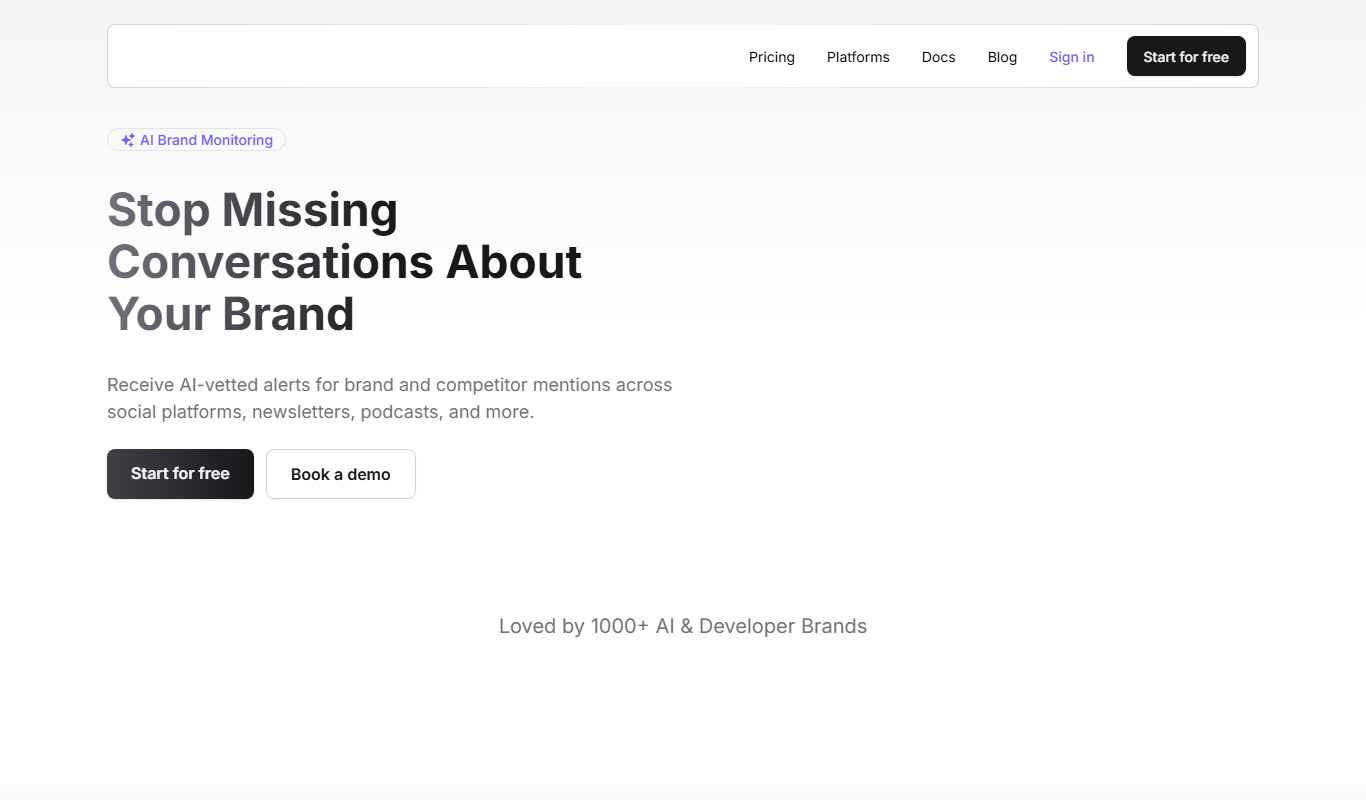
Octolens is an AI social listening tool that tracks brand mentions across Reddit, X, LinkedIn and 10+ platforms, with API, MCP and webhooks on every plan.

Insight7
Insight7 analyzes customer calls, scores every conversation, coaches reps and deploys AI voice and chat agents for customer teams.

neuronsinc.com
Neurons is a neuromarketing AI that predicts attention, engagement and memorability of ad creatives before they go live, with heatmaps and behavioral scores.

5-Out
5-Out helps restaurants boost profits with AI-powered sales forecasting, automated scheduling and purchasing based on predicted demand.

MUSICDATAK
MusicDatak is a music research platform that helps radio stations and brands track music trends, optimize playlists and grow radio audience share with tools like StationRadar.

ReviewHawk
ReviewHawk analyzes app store reviews with AI to show why users leave and what they want, so app makers can reduce churn.

StrongArm Technologies PPE AI
StrongArm Technologies offers the SafeWork Sensor, a wearable device that provides real-time haptic feedback and collects movement data, and SafeWork Training, a personalized safety training program.
Datayaki
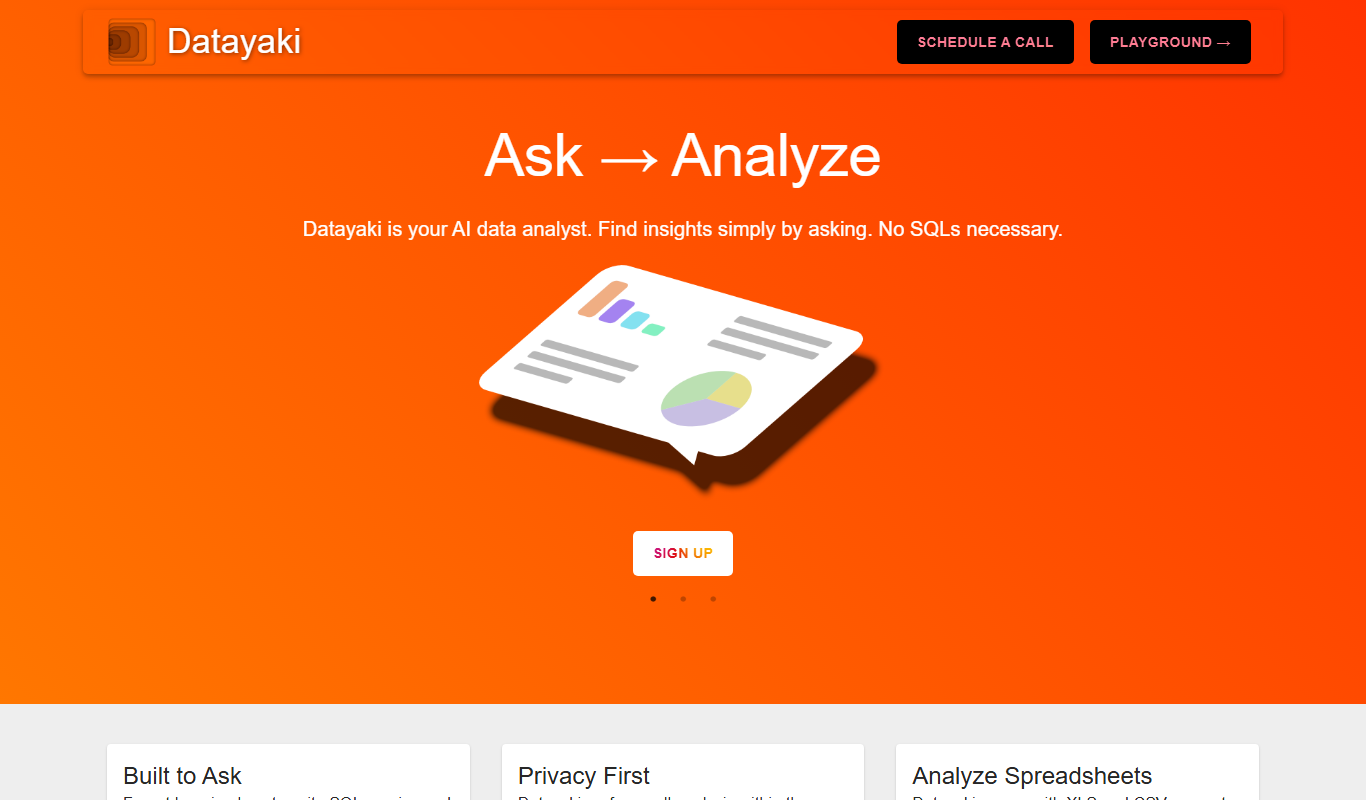
Datayaki is an AI data analyst that turns plain-English questions about your spreadsheets into answers, without SQL queries or Excel macros.