

Real Fake Photos AI Professional Headshot Generator
Real Fake Photos turns 10-20 selfies into photoshoot quality AI headshots for LinkedIn and more, sold as one-time style packages.
- Best for
- LinkedIn profile picture
- Key capability
- Selfies to professional headshots
Save RealFake, follow its updates and vote on it — everything stays in your account.
Sign in or create a free account
What is RealFake?
Real Fake Photos is an AI professional headshot generator from Switzerland that turns your selfies into photoshoot quality headshots. You upload 10-20 selfies, choose one or more styles and receive dozens of AI headshots, sold as one-time packages with a money back guarantee.
Key features of RealFake
Real Fake Photos generates professional AI headshots from 10-20 selfies in styles such as Classy, Casual, Everyday and Highperformer, with team offerings for corporate headshots.
Selfies to professional headshots
Turn your selfies into photoshoot quality headshots without a photo shoot.
Several headshot styles
Styles include Classy for suit wearers, Casual for LinkedIn, Everyday for Instagram and Highperformer.
Team headshots
Create corporate headshots for your company with team offerings.
iOS app
Headshots can also be created with the iOS app.
Pros and cons of RealFake
Pros
- You own the generated headshots
- 100% money back guarantee
- Selfies are deleted automatically after generation
Cons
- Not every result is usable: typically 20+ out of 40+ generated headshots are very good
- Needs 10-20 selfies with your face clearly visible
- Pricing details are not fully transparent on the website
Key use cases for RealFake
LinkedIn profile picture
Get a casual professional headshot for LinkedIn.
Corporate headshots
Create corporate headshots for your company with team offerings.
Instagram and social media
Use the Everyday style for Instagram.
Entertainment and Social Media
Create fun, engaging, or humorous fake photos for social media sharing.
How RealFake works
- 1
Upload selfies
Upload 10-20 pictures with your face clearly visible; group pictures are not a problem.
- 2
Choose styles
Choose the styles you like, such as Professional or Casual.
- 3
Get your headshots
You receive a notification via email or within the app when your headshots are ready.
- 4
Download or Share
Download the generated image or share it directly from the platform.
Who is using RealFake
RealFake pricing
1 Style
EUR 9.99 one-time
40 headshots, 1 unique style, 4 hours delivery time.
2 Styles
EUR 12.98 one-time (shown reduced from EUR 19.98)
80 headshots, 2 unique styles, 3 hours delivery time.
4 Styles
EUR 15.96 one-time (shown reduced from EUR 39.96)
160 headshots, 4 unique styles, 2.5 hour delivery time.
Plans and prices are as published by the vendor and can change. Check the official site before you buy. Open the pricing page (opens in a new tab)
Frequently asked questions about RealFake
Yes, the generated professional AI headshots belong to you.
Images are only stored for the duration of the image generation process and then automatically deleted.
Typically 20+ out of the 40+ generated headshots are very good; free regeneration and then a refund are offered if none are usable.
JPG, PNG, GIF, HEIC, TIFF and WEBP files.
No free plan is shown; headshots are bought as one-time packages of 1, 2 or 4 styles.
Conclusion
Ten to twenty selfies with the face clearly visible are the raw material, and group pictures are not a problem. From them, the generator produces photoshoot quality professional headshots in styles such as Classy for suit wearers, Casual for LinkedIn and Everyday for Instagram. The generated professional headshots belong to the buyer.
Packages are one-time purchases of 1, 2 or 4 styles with a money back guarantee, and team offerings cover corporate headshots for companies. Uploaded images are kept only for the duration of the generation process and then deleted automatically. Results vary, since typically 20+ out of 40+ generated headshots are very good, with free regeneration and then a refund if none are usable. Headshots can also be created in the iOS app, which sends a notification when they are ready.
Sources
Sign in to review this tool.
Sign In to ReviewNo reviews yet
Be the first to share how this tool worked for you.
Ask about pricing, limits, or how it compares — or answer someone else.
Sign In to AskNo questions yet
Have a question about using or paying for this tool? Be the first to ask.
Featured on TiorAI



More AI Headshot Generator tools
Other tools in the same category, for when this one is not quite the fit.

Reshot AI
Reshot AI is an AI face editor that changes facial expressions, head pose and eye direction in photos in real time.
ProShots
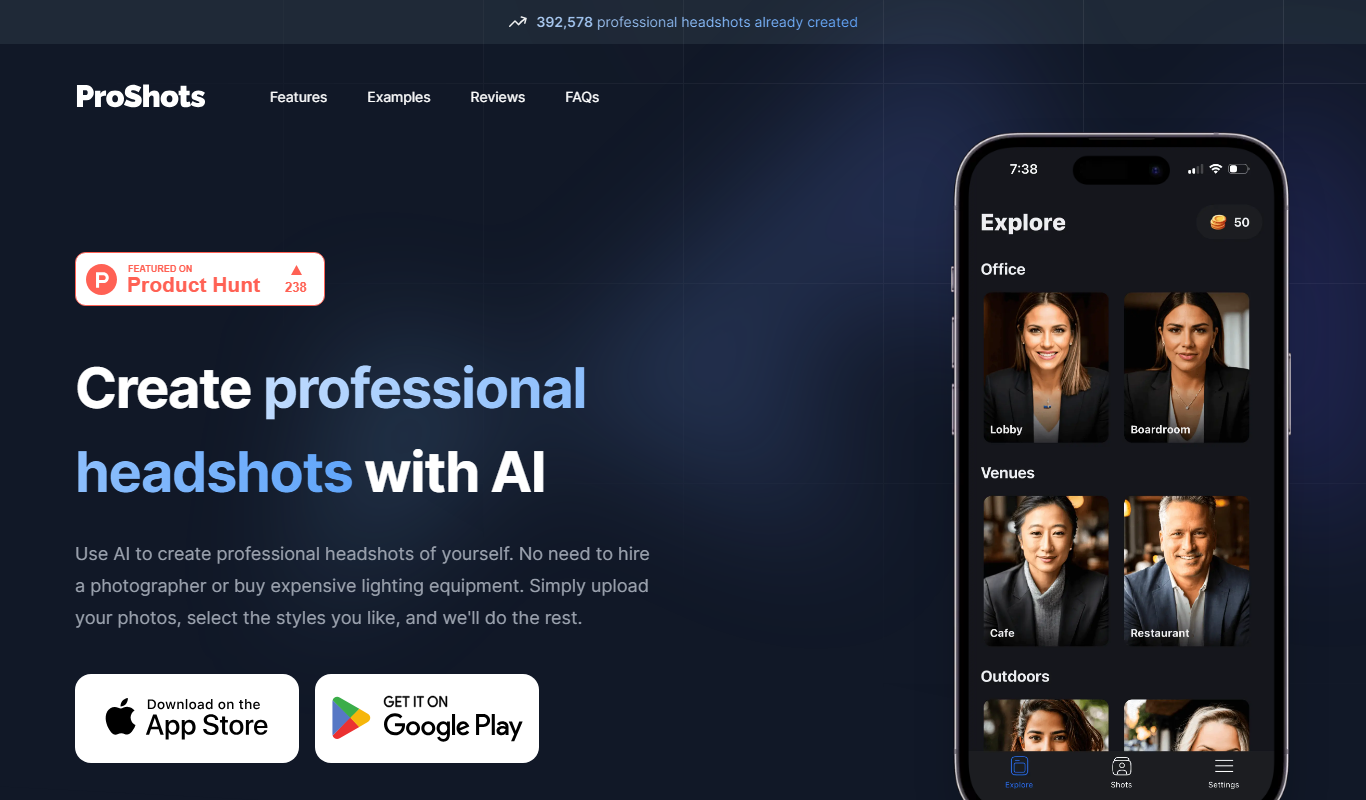
ProShots is an AI headshot generator that creates realistic professional headshots from your photos based on the location, pose and attire you choose.

HeadshotPro
HeadshotPro is an AI-based web tool that transforms your photos into professional-quality headshots with customizable backgrounds and high-resolution downloads.

HubSpot
HubSpot is a comprehensive CRM platform offering marketing automation, sales pipeline management, and customer support tools to help businesses attract, engage, and retain customers.
Hairgen AI
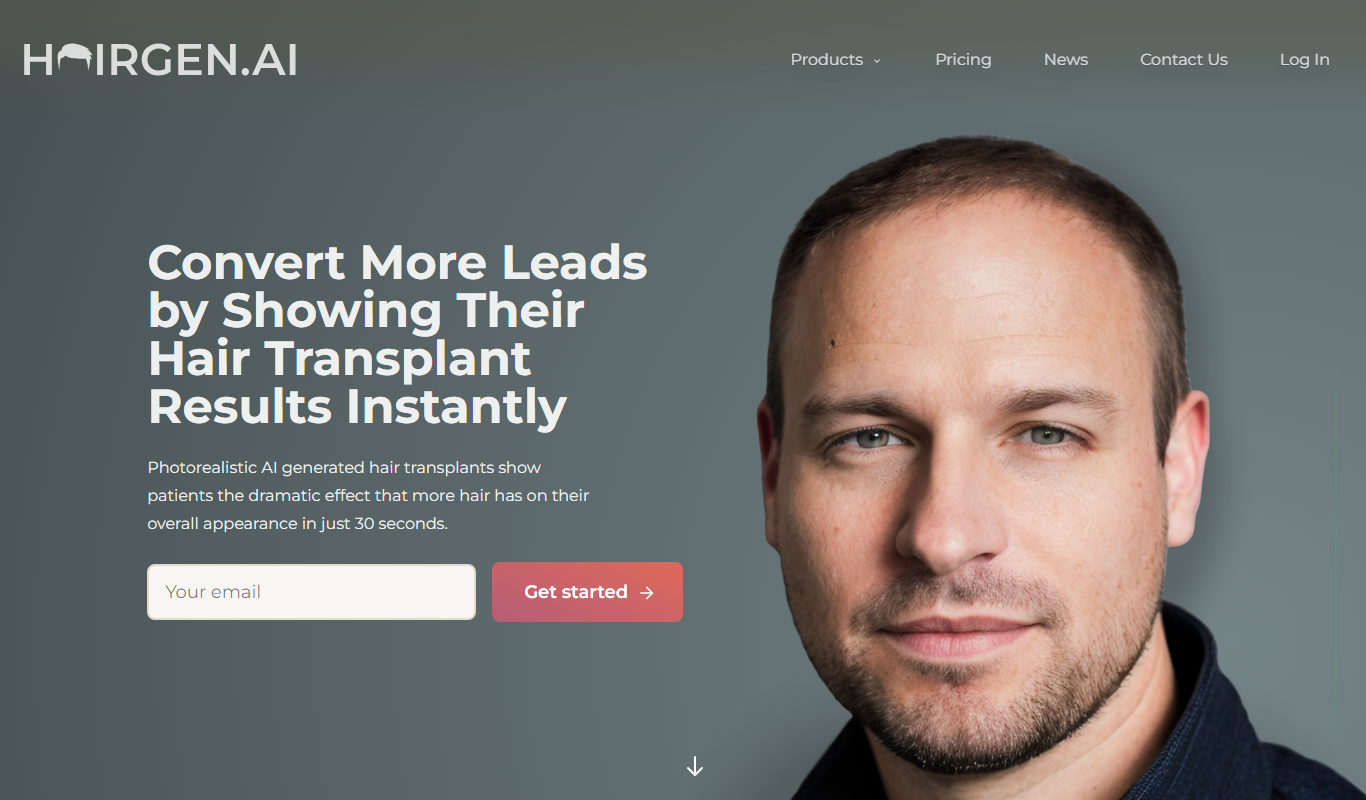
Hairgen AI creates photorealistic AI hair transplant previews from patient photos in about 30 seconds, helping hair restoration clinics convert more leads.

The Multiverse AI
The Multiverse AI turns your selfies into 100 professional AI headshots plus 20 custom photos, with text-prompt editing, for a one-time payment.

AI Product Shot
AI Product Shot is a web-based AI tool that generates customizable, high-quality product images for e-commerce businesses, eliminating the need for traditional photography.

PhotoPacks.AI
PhotoPacks.AI is an AI headshot generator that creates 40+ professional headshots from your ordinary photos in less than 1 hour.