

From my experience with Pawfect Snapshots, I found it excels at simplifying the unique challenges of managing pet photography bookings and client relationships. The platform’s focus on pet photographers means it offers relevant features without unnecessary complexity. After spending time with the software, I can say it’s particularly well-suited for freelance and small studio photographers who want an easy-to-use, web-based solution. However, the lack of a mobile app and limited platform options may be a drawback for users needing on-the-go access. Overall, if you need a dedicated tool to streamline pet photography scheduling and payments, Pawfect Snapshots delivers solid, focused functionality.
Pawfect Snapshots Pet Photography Booking and Management Software
Pawfect Snapshots is a web-based booking and management software designed specifically for pet photographers to schedule sessions, manage clients, and track payments.
- Best for
- Pet Photography Session Booking
- Key capability
- Online Booking System
Your actions
Save Pawfect Snapshots, follow its updates and vote on it — everything stays in your account.
Sign in or create a free account

What is Pawfect Snapshots?
Pawfect Snapshots is a specialized web-based software designed to streamline the booking and management process for pet photographers. It offers tools to schedule appointments, manage client information, track payments, and organize photo sessions all in one platform.
Key features of Pawfect Snapshots
The platform provides an intuitive interface for booking appointments, client management, payment tracking, and session organization tailored specifically for pet photography professionals.
Online Booking System
Clients can easily schedule pet photography sessions online based on your availability.
Client Database
Store and manage detailed client profiles and session histories.
Payment Integration
Track payments and send invoices directly through the platform.
Session Scheduling
Organize and view all upcoming photo sessions in a centralized calendar.
Pros and cons of Pawfect Snapshots
Pros
- Tailored specifically for pet photographers
- User-friendly booking and client management
- Integrated payment and invoicing features
Cons
- Limited to web platform only
- No mobile app available
- Pricing plans may be restrictive for very small or large businesses
Key use cases for Pawfect Snapshots
Pet Photography Session Booking
Allows pet photographers to manage and schedule photo sessions with clients efficiently.
Client and Appointment Management
Helps photographers keep track of client details, appointment dates, and session notes.
Payment and Invoice Tracking
Enables easy management of payments and invoicing for photography services.
Marketing and Promotion
Supports promotional activities by managing client communications and session reminders.
How Pawfect Snapshots works
- 1
Create an Account
Sign up on the Pawfect Snapshots website to start managing your pet photography business.
- 2
Set Up Your Services
Define your photography packages, pricing, and availability.
- 3
Accept Bookings
Clients can book sessions through your customized booking page.
- 4
Manage Appointments and Payments
Track upcoming sessions, client details, and payment status within the dashboard.
Who is using Pawfect Snapshots
Professional pet photographers
Pet photography studios
Freelance pet photographers
Pet service businesses offering photography
Pawfect Snapshots pricing
Basic
$15/month
Includes booking management and client database for up to 50 sessions.
Pro
$30/month
Offers unlimited sessions, payment tracking, and priority support.
Plans and prices are as published by the vendor and can change. Check the official site before you buy. Open the pricing page (opens in a new tab)
Frequently asked questions about Pawfect Snapshots
Yes, Pawfect Snapshots provides an online booking page that clients can use to schedule appointments.
The platform allows you to track payments and send invoices, but payment processing is handled through integrated third-party services.
It depends on your specific needs and how you plan to use the tool. The official website and documentation are the best sources for the latest details.
It depends on your specific needs and how you plan to use the tool. The official website and documentation are the best sources for the latest details.
Sign in to review this tool.
Sign In to ReviewNo reviews yet
Be the first to share how this tool worked for you.
Ask about pricing, limits, or how it compares — or answer someone else.
Sign In to AskNo questions yet
Have a question about using or paying for this tool? Be the first to ask.
Featured on TiorAI



Alternative Tools
Explore similar AI tools that might fit your needs

Free Trial
Studio Ninja
Studio Ninja is a cloud-based CRM and workflow software tailored for photographers to manage clients, bookings, invoices, and contracts efficiently.

Free Trial
HoneyBook
HoneyBook is a client management software designed for freelancers and small businesses, combining CRM, project workflows, invoicing, contracts, and scheduling into one platform.
More AI Image & Visual Tools tools
Other tools in the same category, for when this one is not quite the fit.

Freemium
Background Removal
Background Removal by API4.AI is an AI-driven API service that automatically removes backgrounds from images, enabling easy integration into apps and websites for clean, transparent image outputs.

Freemium
Imagga
Imagga is a cloud-based image recognition platform providing APIs for automated image tagging, visual search, and content moderation, helping businesses organize and analyze images efficiently.
Freemium
Caricaturer.io
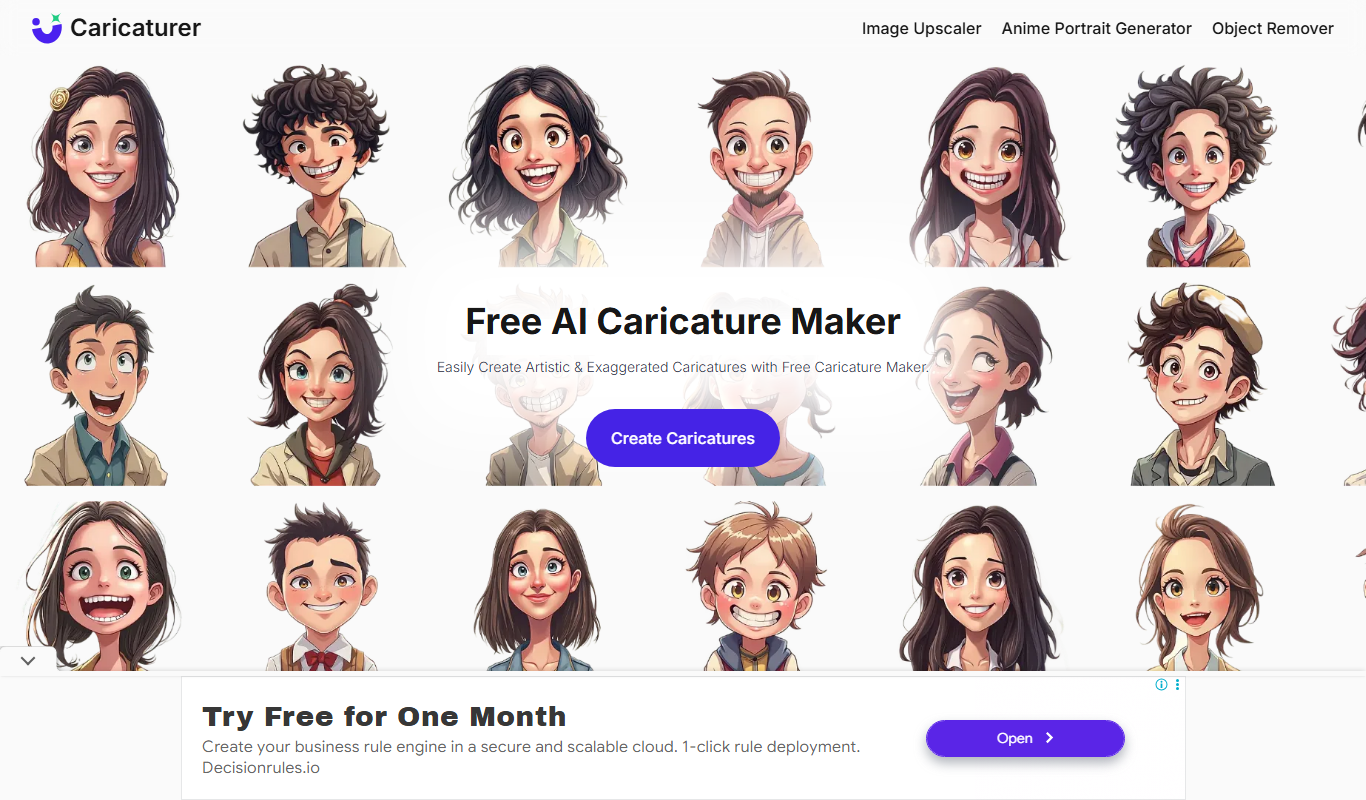
Caricaturer.io is a free AI caricature maker that turns face photos and text prompts into high-resolution, watermark-free caricatures.

Free
AI Cartoon Generator
AI Cartoon Generator is a web tool that turns text descriptions into cartoon and anime-style artwork in 50+ art styles.
Free
AnimeGen – Anime Image Generator
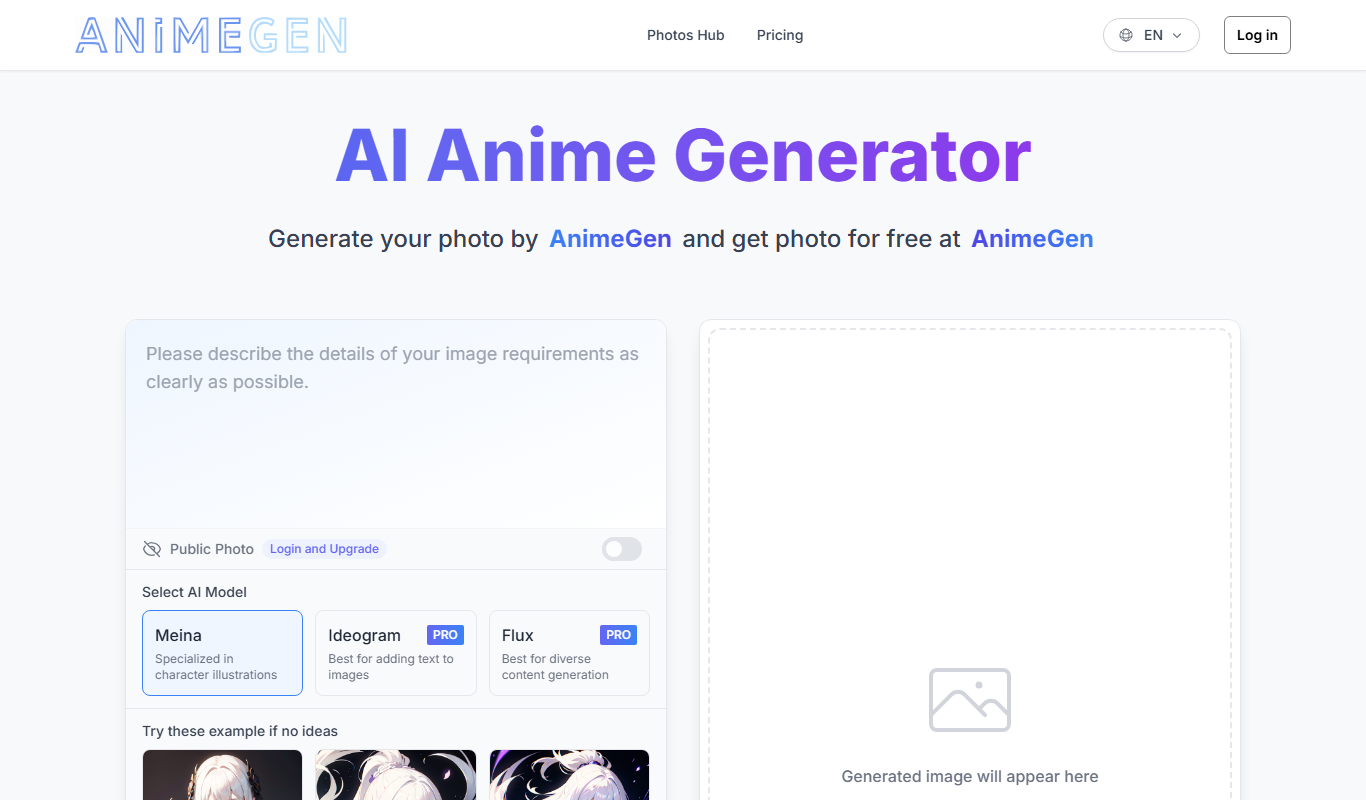
AnimeGen is a web-based AI tool that generates anime-style images from text prompts, with free credits for new users and paid credit plans.

Free
Disney Pixar AI Image Generator
Disney Pixar AI Image Generator is a web tool that turns uploaded images into Disney Pixar and Ghibli-style creations using AI, paid for with credit packages.

Free
Cartoon AI Generator
Cartoon AI Generator is a website that turns text prompts into cartoon images with its AI model, sold with credit packs.

Free
Muse AI Art Generator
Muse AI Art Generator is a web-based platform that uses AI to generate unique digital artworks from user prompts, offering various styles and high-resolution outputs.