

LessonShip - AI education platform for generating classroom materials
LessonShip is an AI education platform that lets teachers generate lesson plans, homework, quizzes and rubrics from simple AI-powered forms.
- Best for
- Lesson planning
- Key capability
- Form generation
Save LessonShip, follow its updates and vote on it — everything stays in your account.
Sign in or create a free account

What is LessonShip?
LessonShip is an AI education platform that helps teachers generate classroom instructional materials. Teachers fill in a few easy form inputs to create lesson plans, homework, quizzes, rubrics and other documents, which can be aligned to school standards, organized for the entire school and integrated with LMS platforms such as Google Classroom and Canvas.
Key features of LessonShip
LessonShip offers nearly a dozen form-based AI tools for teachers, such as lesson plans, homework assignments, quiz questions, rubrics and syllabi, along with editing with AI assistance and integration with Learning Management Systems like Google Classroom and Canvas.
Form generation
Generate lesson plans, homework and quizzes by filling in a few easy-to-understand form inputs.
Standard aligned content
AI forms adapt to your school's specific educational standards.
Smart organization
Organize AI-generated materials for your entire school using tables and calendars.
LMS integration
Integrate the tools with Learning Management Systems like Google Classroom and Canvas.
AI-assisted editing
Edit generated materials with AI assistance.
Pros and cons of LessonShip
Pros
- Nearly a dozen classroom material tools
- Content aligned to school standards
- Integration with Google Classroom and Canvas
- 24/7 support from the engineering team
- Supports classroom and remote learning
Cons
- No public prices; access starts with a demo
- No dedicated mobile app
- Primarily English language support
Key use cases for LessonShip
Lesson planning
Create lesson plans from a template for new activities.
Homework and quizzes
Generate homework and quiz questions for a class.
Rubrics and syllabi
Create assignment rubrics and course syllabi.
School-wide organization
Organize AI-generated materials for an entire school.
How LessonShip works
- 1
Choose a tool
Pick a tool such as Lesson Plan, Homework Assignment, Quiz Questions or Assignment Rubric.
- 2
Fill in the form
Fill in a few easy-to-understand form inputs.
- 3
Generate and edit
Generate the material and refine it with AI-assisted editing.
- 4
Organize and share
Organize materials for the school in tables and calendars or send them to Google Classroom and Canvas.
Who is using LessonShip
LessonShip pricing
Free
$0/month
Basic course creation and publishing with limited features.
Pro
$29/month
Advanced features including full multimedia support, payment processing, and analytics.
Plans and prices are as published by the vendor and can change. Check the official site before you buy. Open the pricing page (opens in a new tab)
Frequently asked questions about LessonShip
Instructional materials such as lesson plans, homework, quizzes and rubrics.
Yes. It integrates with school Learning Management Systems like Google Classroom and Canvas.
Yes. The AI forms adapt to your school’s specific educational standards.
Clients have access to 24/7 support from the engineering team.
Schedule a demo with LessonShip.
It depends on your specific needs and how you plan to use the tool. The official website and documentation are the best sources for the latest details.
Some tools offer a free plan or trial with limited features. Availability can vary, so confirm on the official website.
Yes, it can help with that use case depending on how you configure it and what features are available. You’ll get the best results with clear inputs and a defined goal.
Conclusion
Teachers work through short forms here: a few easy-to-understand inputs generate classroom materials such as lesson plans, homework and quizzes. Nearly a dozen tools cover formats from bridge activities and lab experiments to assignment rubrics, course syllabi and classroom icebreakers.
The platform is pitched at whole schools as much as individual teachers, since its AI forms adapt to a school’s educational standards and generated materials can be organized for the entire school in tables and calendars. It integrates with learning management systems like Google Classroom and Canvas, and clients get 24/7 support from the engineering team.
No prices are published; the path in is to schedule a demo.
Sources
Sign in to review this tool.
Sign In to ReviewNo reviews yet
Be the first to share how this tool worked for you.
Ask about pricing, limits, or how it compares — or answer someone else.
Sign In to AskNo questions yet
Have a question about using or paying for this tool? Be the first to ask.
Featured on TiorAI



Alternative Tools
Explore similar AI tools that might fit your needs

Teachable
Teachable is an online platform that allows users to create, market, and sell courses and digital products without coding, featuring course builders, payment processing, and marketing tools.

Kajabi
Kajabi is a comprehensive platform that enables users to create, market, and sell online courses, membership sites, and digital products with integrated website building, email marketing, and payment processing tools.
More Education tools
Other tools in the same category, for when this one is not quite the fit.

Quino
Quino is the LMS that marks every exam: courses, lessons, online exams and diplomas, with AI that marks handwritten answers in seconds and writes tests from your notes.

Pedagogue AI
Pedagogue helps UK schools lead on AI with staff training, a maintained resource library and a clear AI strategy, through a 12-month whole-school programme.
Slice Knowledge
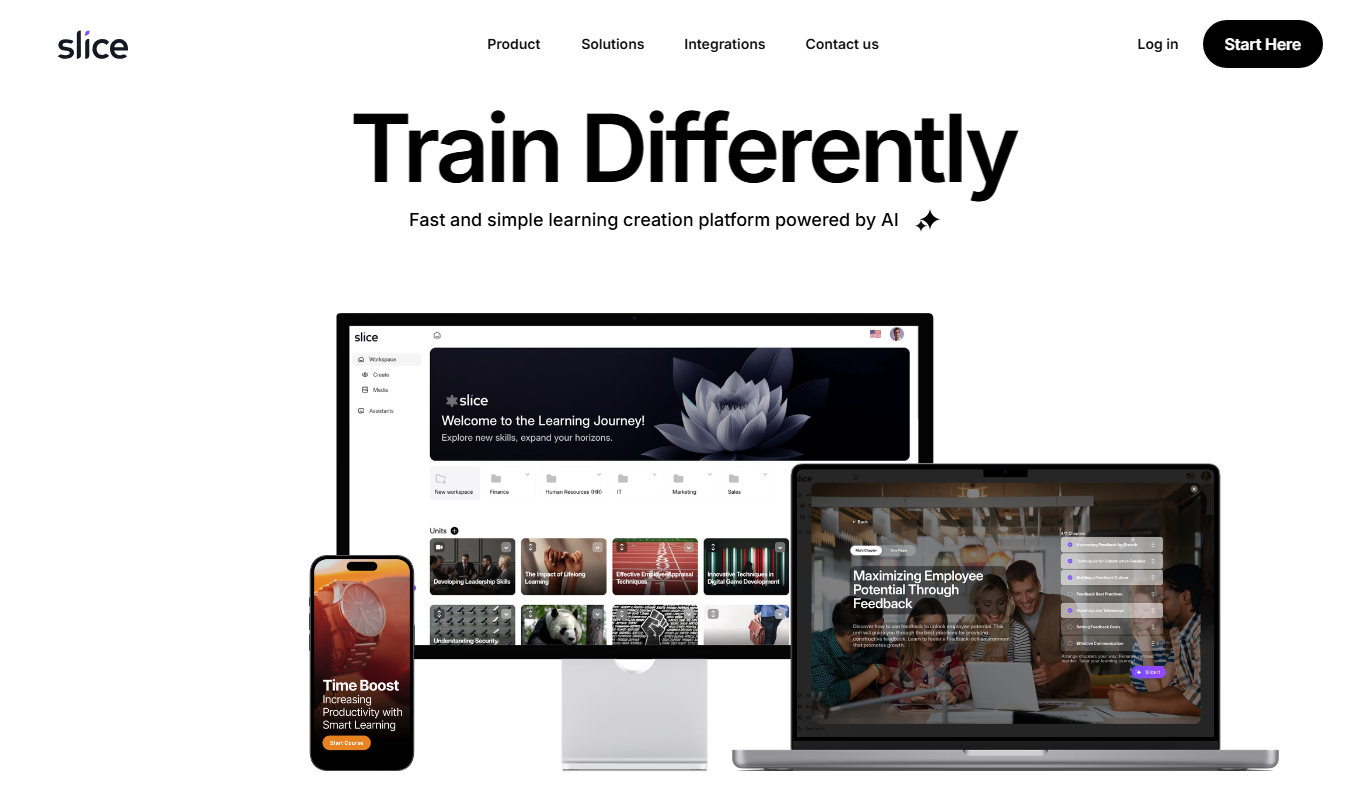
Slice is a private AI environment for organizations that turns internal docs, recordings and expert knowledge into SCORM-compliant courses, adaptive learning paths and a private AI assistant.

LitGrades
LitGrades uses AI to create flashcards, notes, worksheets and quizzes in seconds: just type what you want to study.
gnow
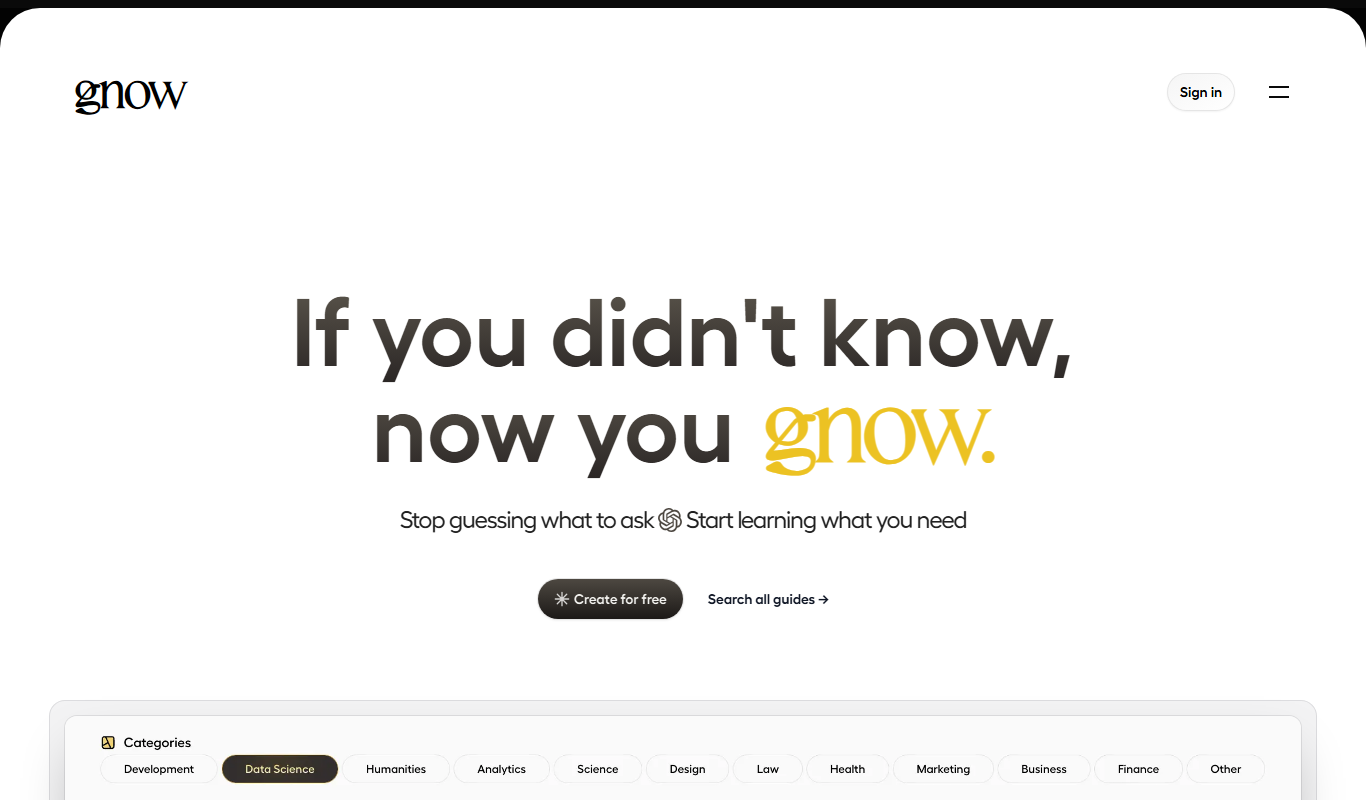
Gnow is an AI study companion that crafts personalized study guides with visualizations, real-world examples, quizzes and flash cards.

SmartPrep.ai
SmartPrep.AI is an AI lesson plan generator that gives teachers templates, PBL and UbD activities, teaching resources, assessments and rubrics instantly.

SimplifiedIQ
SimplifiedIQ is trusted assessment infrastructure that helps organizations, institutions and regulators evaluate capability, reduce malpractice and defend every decision.

Cyber Square
Cyber Square is a coding, AI and robotics platform for schools, with a complete curriculum, an LMS, AI tools for teachers and cloud coding labs.