

FringeSift: find Edinburgh Fringe shows with AI
FringeSift is an AI search tool that finds Edinburgh Fringe shows from a text query and selected days in August.
- Best for
- Finding Fringe shows by theme
- Key capability
- Text search for shows
Save Fringe Sift, follow its updates and vote on it — everything stays in your account.
Sign in or create a free account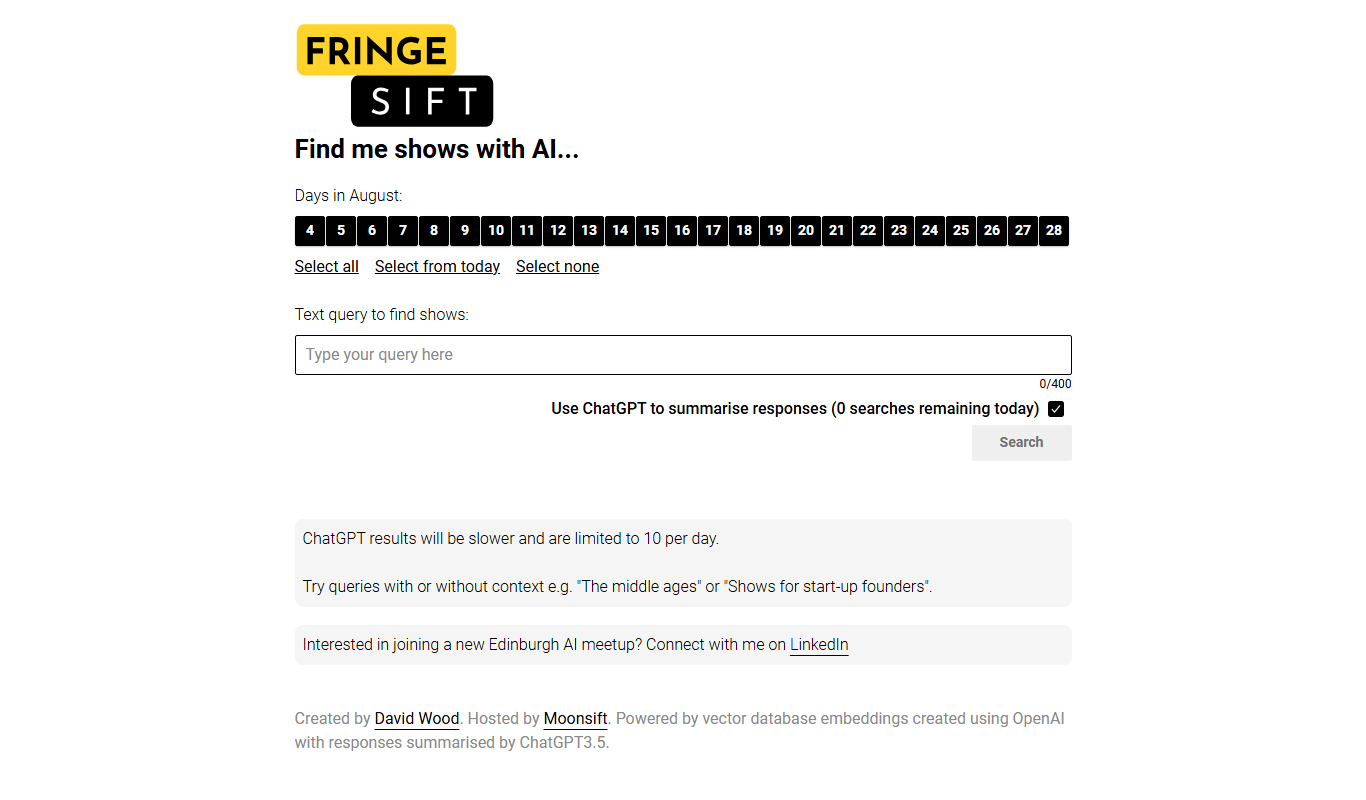
What is Fringe Sift?
FringeSift is an AI search tool for finding Edinburgh Fringe shows. You type a text query and pick the festival days you want, and optional ChatGPT summaries of the results are limited to 10 per day.
Key features of Fringe Sift
FringeSift searches Edinburgh Fringe shows from a text query of up to 400 characters and filters them by days in August; optional AI summaries of the results are also offered.
Text search for shows
Type a text query of up to 400 characters to find Edinburgh Fringe shows.
Filter by days in August
Select individual days in August, all days, or days from today.
ChatGPT summaries
Optionally use ChatGPT to summarise responses; these results are slower and limited to 10 per day.
Embedding-based matching
Matching uses vector database embeddings created using OpenAI.
User-Friendly Web Interface
Access all features easily through a clean, intuitive web platform.
Pros and cons of Fringe Sift
Pros
- Search shows in plain language, with or without context
- Filter results by days in August
- Affordable pricing with a free tier
- Supports SEO-friendly content creation
Cons
- ChatGPT summaries are slower and limited to 10 per day
- Covers only Edinburgh Fringe shows
- Some advanced features require subscription
Key use cases for Fringe Sift
Finding Fringe shows by theme
Search for shows on a topic such as the middle ages.
Finding shows for an audience
Search for shows aimed at a group, for example shows for start-up founders.
Planning by date
Limit results to the August days you can attend.
SEO Content Optimization
Enhance content with SEO-friendly language and keyword suggestions.
Email and Communication Drafting
Draft professional emails and messages efficiently with AI support.
How Fringe Sift works
- 1
Pick your days
Select the days in August you can attend.
- 2
Describe what you want
Type a text query with or without context, for example a theme or an audience.
- 3
Search
Run the search, optionally with ChatGPT summaries, which are slower and limited to 10 per day.
- 4
Review and Edit
Use the AI recommendations to improve your content’s grammar, style, and creativity.
- 5
Export or Publish
Download or copy your polished content for use in blogs, emails, or marketing materials.
Who is using Fringe Sift
Fringe Sift pricing
Free
$0/month
Basic access with limited daily usage and core AI writing features.
Pro
$19/month
Unlimited usage, priority support, and advanced AI capabilities.
Plans and prices are as published by the vendor and can change. Check the official site before you buy. Open the pricing page (opens in a new tab)
Frequently asked questions about Fringe Sift
It finds Edinburgh Fringe shows using AI from a text query and the days in August you select.
ChatGPT results are slower and limited to 10 per day.
It was created by David Wood and is hosted by Moonsift.
It uses vector database embeddings created using OpenAI, with responses summarised by ChatGPT3.5.
It depends on your specific needs and how you plan to use the tool. The official website and documentation are the best sources for the latest details.
Pricing depends on the plan and included features. For the most accurate and up-to-date details, check the official pricing page.
It depends on your specific needs and how you plan to use the tool. The official website and documentation are the best sources for the latest details.
Conclusion
Edinburgh Fringe shows are the only subject: a visitor types a text query of up to 400 characters and selects the days in August they can attend. Matches come from vector database embeddings created using OpenAI, so a theme like the middle ages or shows for start-up founders can be searched with or without context. ChatGPT can summarise the responses, but those results are slower and limited to 10 per day.
The search was created by David Wood and is hosted by Moonsift. It may suit festival visitors who want to narrow the Fringe programme by theme and date.
Sources
Sign in to review this tool.
Sign In to ReviewNo reviews yet
Be the first to share how this tool worked for you.
Ask about pricing, limits, or how it compares — or answer someone else.
Sign In to AskNo questions yet
Have a question about using or paying for this tool? Be the first to ask.
Featured on TiorAI



More AI Content Generation Tools tools
Other tools in the same category, for when this one is not quite the fit.

Remagine AI
Remagine AI is a web-based platform that uses artificial intelligence to generate marketing content and automate marketing workflows, helping businesses create SEO-friendly and brand-consistent materials efficiently.
AI Poem Generator
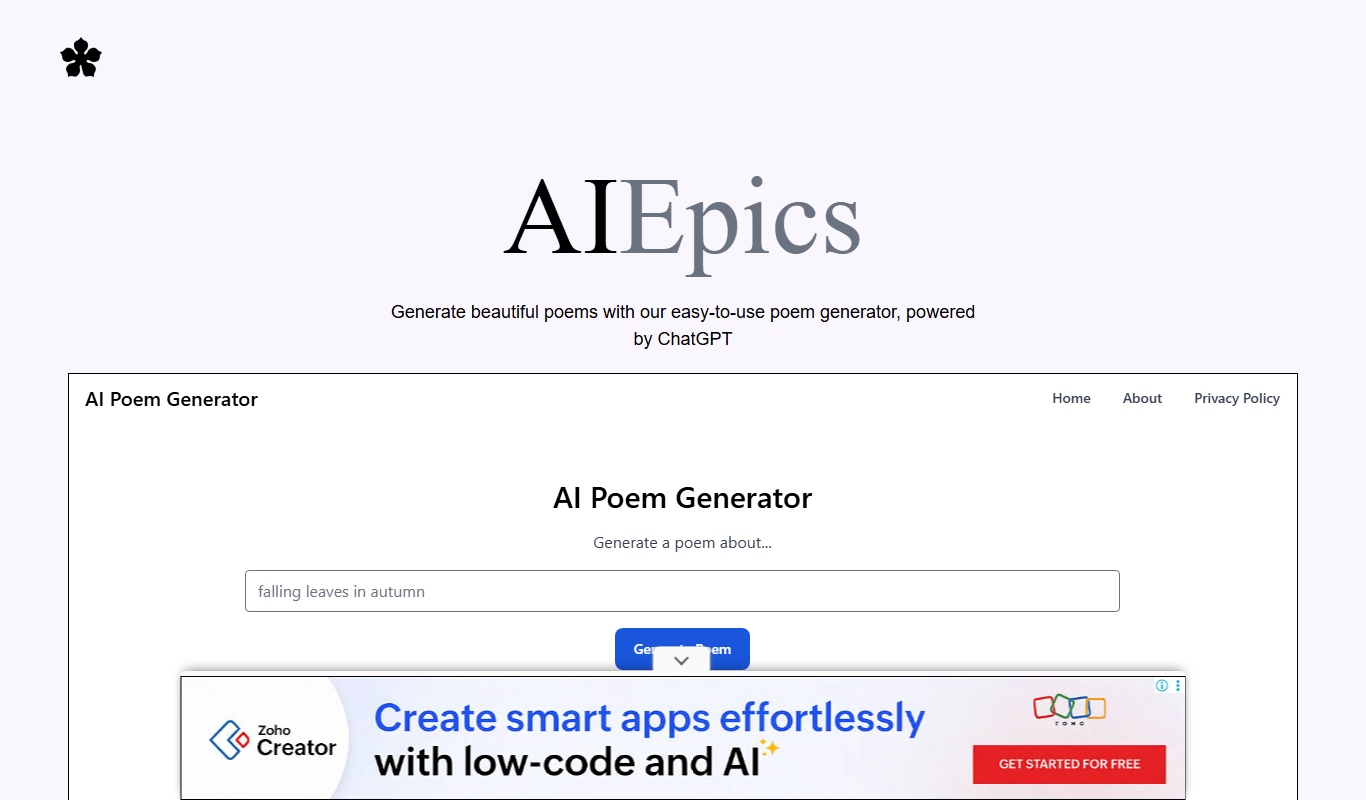
AI Poem Generator is a web tool that creates original poems based on user input themes or keywords using AI technology.

Buzzli
Buzzli uses AI-powered agents to create LinkedIn content, optimize your profile and keep you visible to recruiters, clients and decision-makers.

DOO
DOO is an AI customer experience platform: a unified inbox for email, chat, WhatsApp, Instagram and voice, with AI agents that take action and speak your customers' dialect.
SferaAI
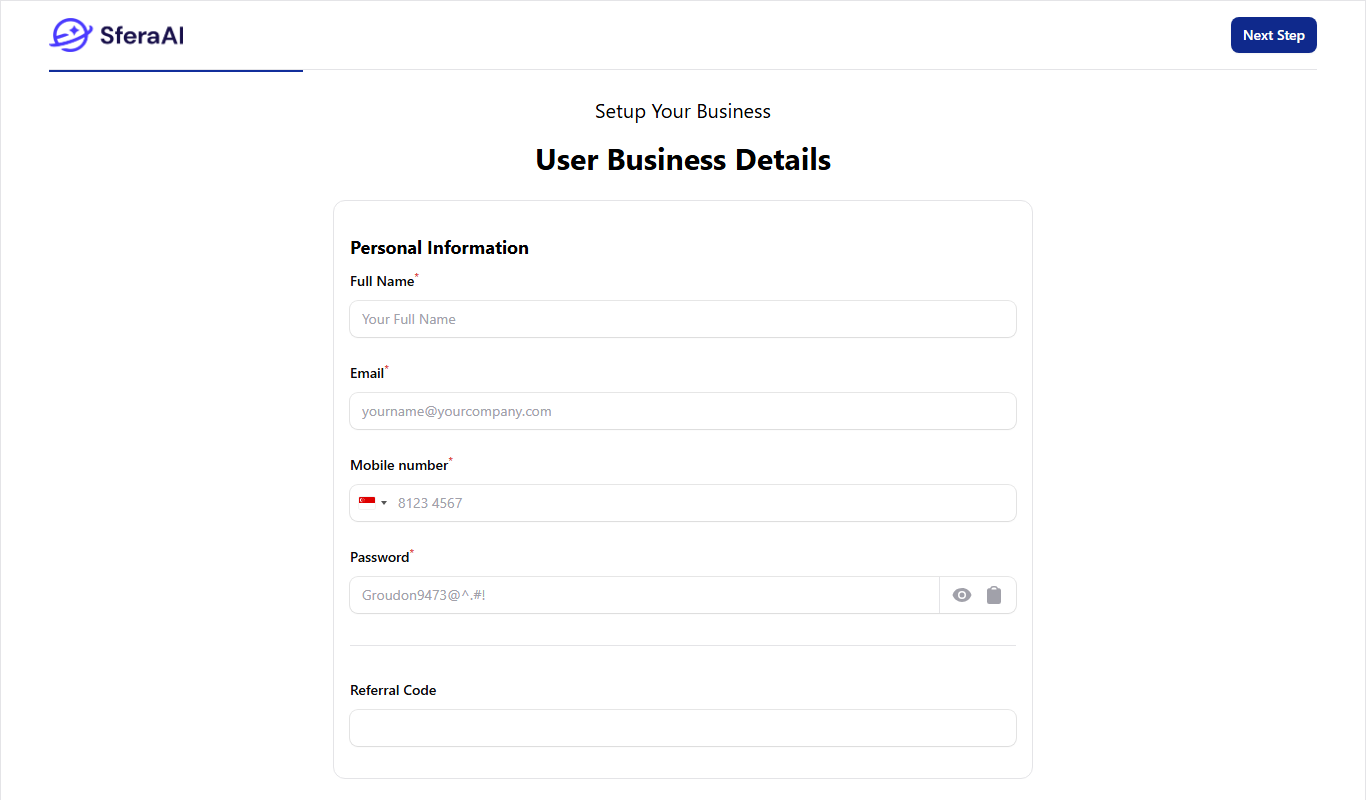
SferaAI is an all-in-one booking system for service businesses: booking website, appointment management, auto reminders, CRM, marketing, loyalty and rewards.

Generor
Generor is an AI generator web app with many generators for images, video, 3D meshes and text, plus a system for storing and sharing what you create.

Imagine Stories
Imagine Stories uses AI to write reading texts, fairy tales and stories for children, including therapeutic tales and texts for therapy.

Film Fan
FilmFan lets you rate films quickly and get personalised recommendations from 25k+ titles, shaped by your taste profile.