

Tettra Knowledge Management Software for Team Collaboration and Documentation
Tettra is an AI knowledge base whose AI powered bot Kai answers teammates' questions in Tettra or Slack from the team's own content.
- Best for
- Internal Knowledge Base
- Key capability
- Slack Integration
Save Tettra, follow its updates and vote on it — everything stays in your account.
Sign in or create a free account
What is Tettra?
Tettra is an AI-powered knowledge base and knowledge management software. Teams curate company information in it and get instant answers to repetitive questions, including through its AI bot Kai in Slack.
Key features of Tettra
Tettra offers features such as easy page creation and editing, Slack integration for seamless knowledge sharing, permission controls, version history, and a clean, user-friendly interface to manage internal documentation efficiently.
Slack Integration
Tettra's AI bot Kai answers questions in Tettra or Slack from your content, and helps find the right person when it cannot answer.
Permission Controls
Manage who can view, edit, or administer content to maintain security and accuracy.
Version History
Track changes and revert to previous versions to maintain content integrity.
Page Templates
Use customizable templates to standardize documentation and speed up content creation.
Search Functionality
Quickly find relevant information across your knowledge base with powerful search.
Pros and cons of Tettra
Pros
- Intuitive and clean user interface
- Strong Slack integration for seamless communication
- Effective permission and access controls
- Good for onboarding and internal documentation
- Version control to maintain content accuracy
Cons
- Limited customization options compared to some competitors
- No mobile app available, web-only platform
Key use cases for Tettra
Internal Knowledge Base
Create and maintain a centralized repository of company knowledge accessible to all team members.
Team Collaboration
Facilitate collaboration by allowing teams to share, edit, and update documentation in real time.
Onboarding Documentation
Provide new employees with easy access to onboarding materials and company policies.
Process Documentation
Document standard operating procedures and workflows to ensure consistency across teams.
Integration with Communication Tools
Integrate with Slack and other tools to streamline knowledge sharing within existing workflows.
How Tettra works
- 1
Sign Up and Set Up Workspace
Create an account and set up your organization’s workspace to start building your knowledge base.
- 2
Create and Organize Content
Add pages, organize them into categories, and link related content for easy navigation.
- 3
Collaborate and Share
Invite team members to contribute, edit, and comment on pages to keep information up to date.
- 4
Integrate with Slack
Connect Tettra with Slack to receive notifications and share knowledge directly within your communication channels.
Who is using Tettra
Tettra pricing
Scaling
$8 per user/month, 10 user minimum
For growing organizations: AI features, AI bot in Slack, Google Workspace integration, usage analytics and API access. Try free for 30 days.
Enterprise
Custom pricing
For companies who want hands-on onboarding and top-tier support: SSO and SCIM included, hands-on training, custom import and onboarding, custom reporting.
Plans and prices are as published by the vendor and can change. Check the official site before you buy. Open the pricing page (opens in a new tab)
Frequently asked questions about Tettra
Yes, Tettra offers native Slack integration to facilitate knowledge sharing and notifications within Slack channels.
No, there is no free plan. Tettra offers a free 30-day trial with no credit card required and all features included.
Yes, Tettra includes permission controls to manage access and editing rights.
Yes, Tettra tracks changes and allows reverting to previous versions of pages.
This tool is designed to help users accomplish its core tasks more efficiently. It is typically used by individuals or teams looking to improve productivity and workflow.
Integration support depends on the tool and its available connectors or API. Check the official documentation or integrations page to confirm what is supported.
Some tools offer a free plan or trial with limited features. Availability can vary, so confirm on the official website.
It depends on your specific needs and how you plan to use the tool. The official website and documentation are the best sources for the latest details.
Conclusion
Content comes from Tettra’s own editor or from existing Google Docs, Notion pages and local files, which together form the knowledge base. When a teammate asks a question in Tettra or Slack, the AI bot Kai searches that content and answers, or helps assign the question to the right person. Subject matter experts verify pages on a set schedule, and content suggestions flag unowned, stale and public pages for cleanup.
It is geared to customer support teams and HR and onboarding specialists who deal with repetitive questions. There is no free plan: Scaling is billed per user with a 10 user minimum after a free 30-day trial, and Enterprise uses custom pricing. Content can be in any language, but the app itself is English-only for now.
Sources
Sign in to review this tool.
Sign In to ReviewNo reviews yet
Be the first to share how this tool worked for you.
Ask about pricing, limits, or how it compares — or answer someone else.
Sign In to AskNo questions yet
Have a question about using or paying for this tool? Be the first to ask.
Featured on TiorAI



Alternative Tools
Explore similar AI tools that might fit your needs

Guru
Guru is a knowledge management platform that enables teams to capture, verify, and share accurate information in real time, improving collaboration and customer support.

Confluence
Confluence is a team collaboration and knowledge management platform by Atlassian that enables creating, sharing, and organizing documentation with real-time editing and integration with tools like Jira.
More AI Collaboration & Team Tools tools
Other tools in the same category, for when this one is not quite the fit.

OmMuse
OmMuse lets music creators store, organize and share tracks, stems and projects with version control and encrypted collaboration; 100 MB free with no sign up needed.
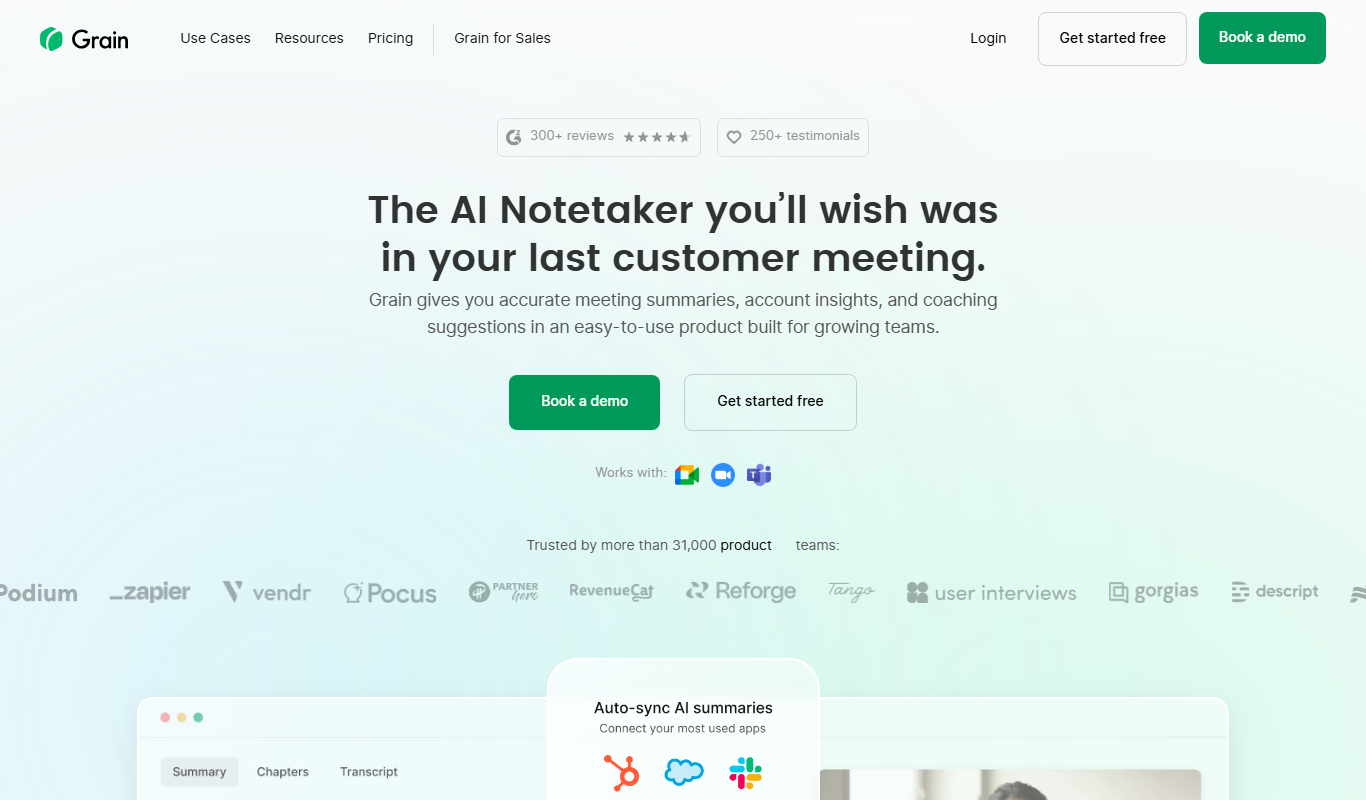
grain.co
Grain is an AI notetaker that captures and enriches meetings, then delivers them to Claude, ChatGPT or any AI tool so agents can do the follow-up work.

ambient.us
ambient.us is an AI meeting assistant that provides real-time transcription, action item detection, and collaboration features to help teams capture and organize meeting content efficiently.

Planable
Planable is a collaborative social media planning platform that enables teams to create, review, approve, and schedule posts across multiple social networks with real-time feedback and client workflows.

griddo
Griddo is a no-code digital experience platform that lets university marketing and communications teams manage their entire web ecosystem from a single interface.

Perfect Wiki
Perfect Wiki is an AI knowledge base for Microsoft Teams that stores SOPs, manuals and FAQs and answers questions inside Microsoft Teams, SharePoint and Copilot.

Wrapsody
Fasoo Wrapsody is a document centralization platform that stores company documents centrally, keeps them up to date through document virtualization and secures each file.
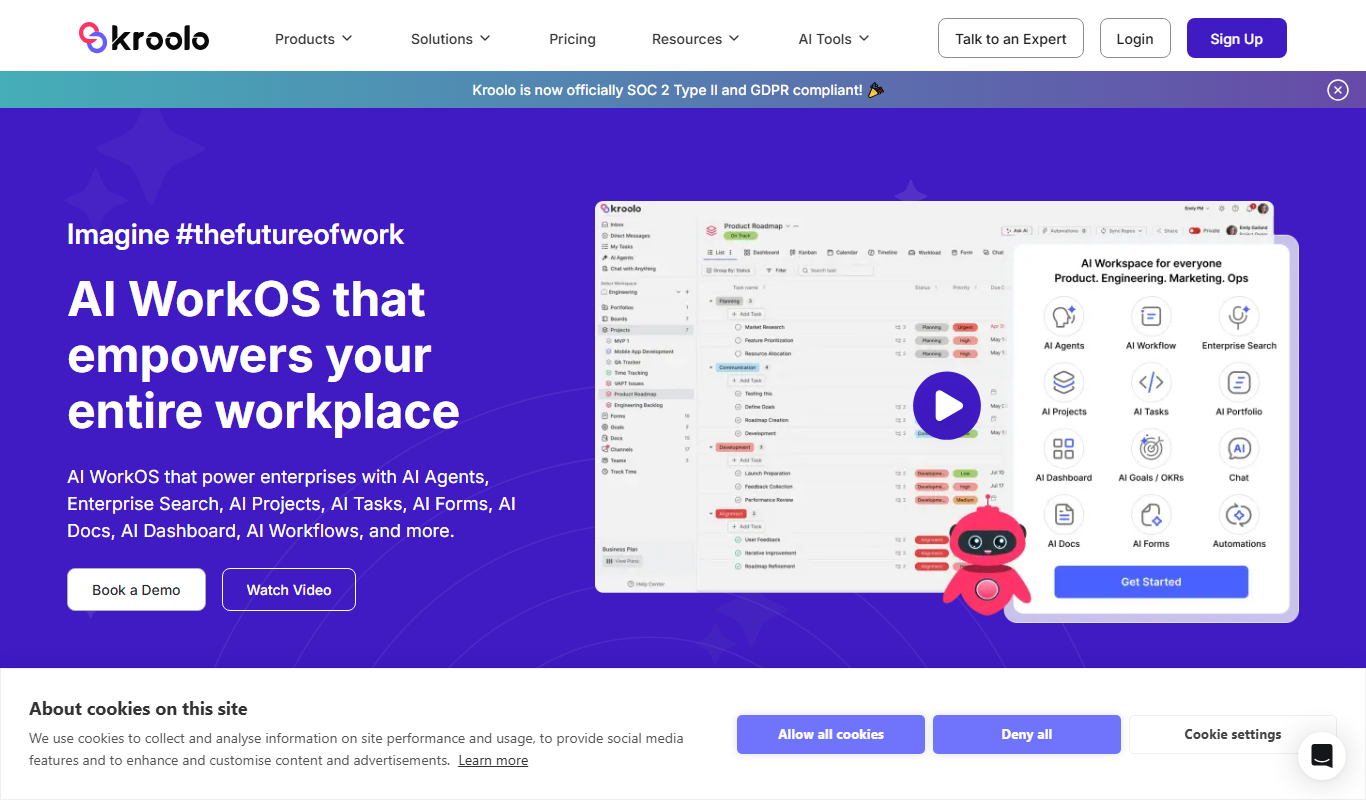
Kroolo
Kroolo is an all-in-one AI workspace for work, docs and search that unifies projects, goals, docs and AI agents to replace 10+ apps.