
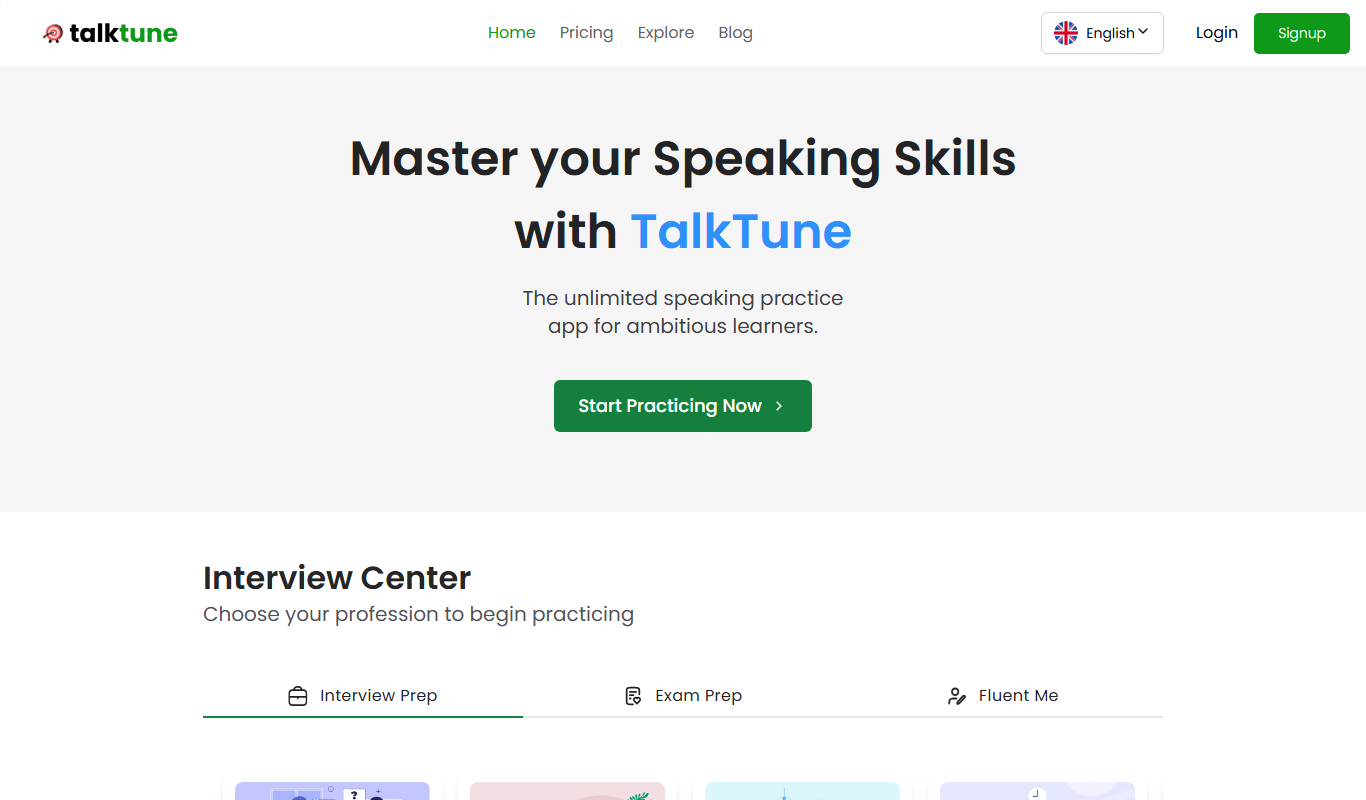
From my experience with TalkTune, I found it excels at producing highly realistic and expressive synthetic voices with minimal voice data. The platform’s intuitive web interface makes voice cloning accessible even for beginners, and the ability to customize emotion and style adds a natural touch to generated speech. It’s particularly well-suited for content creators, marketers, and accessibility professionals who need quick, high-quality voiceovers without hiring voice actors. However, the current limitation to English and the lack of dedicated apps may restrict some users. Overall, if you want an easy-to-use AI voice cloning tool with flexible pricing, TalkTune delivers solid results.
TalkTune AI Voice Cloning Software for Realistic Speech Synthesis
TalkTune is an AI-powered voice cloning tool that generates realistic synthetic voices from text input, enabling users to create custom voice models for content creation, marketing, and accessibility.
What is TalkTune?
TalkTune is an AI-powered voice cloning platform that enables users to create highly realistic synthetic voices from text input. It leverages advanced deep learning techniques to replicate human speech patterns, intonation, and emotion, allowing for natural-sounding voice generation. Users can clone their own voice or generate new voices for various applications including content creation, marketing, and accessibility.
Key Features of TalkTune
High-Fidelity Voice Cloning
Creates realistic and expressive synthetic voices that closely mimic human speech.
Emotion and Style Control
Allows users to infuse emotion and adjust speaking style for more natural output.
Fast Voice Model Training
Enables quick creation of custom voice models with minimal voice data.
User-Friendly Interface
Intuitive web platform that simplifies voice cloning and speech generation.
Multiple Audio Export Options
Supports exporting audio in formats like MP3 and WAV for versatile use.
Pros and Cons of TalkTune
Pros
- Produces highly realistic and expressive synthetic voices
- Easy-to-use web interface suitable for beginners
- Offers emotion and style customization for natural speech
- Quick voice model training with minimal data
- Flexible pricing plans including a free tier
Cons
- Limited language support currently focused on English
- Advanced features require paid subscription
- No dedicated desktop or mobile apps yet
Key Use Cases for TalkTune
Content Creation
Generate realistic voiceovers for videos, podcasts, and audiobooks without hiring voice actors.
Personalized Voice Messages
Create custom voice messages for marketing, customer engagement, or personal use.
Accessibility
Provide natural-sounding speech for assistive technologies and applications.
Entertainment
Use AI-generated voices for games, animations, and virtual characters.
Language Learning
Produce clear and natural speech samples to aid language learners.
How TalkTune Works
-
1
Sign Up
Create an account on the TalkTune website to access the platform.
-
2
Upload Voice Samples
Provide voice recordings to train your custom voice model or select from pre-built voices.
-
3
Customize Voice
Adjust voice parameters such as pitch, speed, and emotion to suit your needs.
-
4
Generate Speech
Input text and convert it into natural-sounding speech using your cloned or selected voice.
-
5
Download Audio
Export the generated speech in your preferred audio format for use in projects.
Who's Using TalkTune
Content creators and marketers
Podcasters and audiobook producers
Accessibility service providers
Game developers and animators
Language educators
TalkTune Pricing
Free
$0/month
Limited voice cloning and speech generation with basic features.
Pro
$29/month
Access to advanced features, higher usage limits, and priority support.
Enterprise
Custom pricing
Tailored solutions with dedicated support and enhanced capabilities.
Frequently Asked Questions About TalkTune
TalkTune requires a few minutes of clear voice recordings to create an accurate voice clone.
Yes, TalkTune’s licensing allows commercial use depending on your subscription plan.
TalkTune employs industry-standard security measures to protect your voice data and privacy.
Currently, TalkTune primarily supports English, with plans to expand language options.
It depends on your specific needs and how you plan to use the tool. The official website and documentation are the best sources for the latest details.
Pricing depends on the plan and included features. For the most accurate and up-to-date details, check the official pricing page.
Yes, it can help with that use case depending on how you configure it and what features are available. You’ll get the best results with clear inputs and a defined goal.
Data handling and security practices vary by provider. Review the official privacy policy to understand how your data is stored and used.
Share your review
Reviews are limited to one per logged-in user and are published after moderation.
You need an account to review this tool.
0.0
★
★
★
★
★
0 reviews
5 star
0
4 star
0
3 star
0
2 star
0
1 star
0
No reviews yet
Be the first to share how this tool worked for you.
Questions from the community
Read questions and answers about this tool, or ask your own.
No questions yet
Start the conversation by asking the first question about this tool.
Is this tool helpful?

Custom Pricing
mercor.com
Mercor is an AI-driven platform that automates document processing using OCR and NLP to extract, classify, and analyze data from invoices, contracts, and forms.

Freemium
Acedit AI
Acedit AI is a web-based video editing platform that uses artificial intelligence to automatically edit and trim videos, making video production faster and easier for creators and marketers.
Free Trial
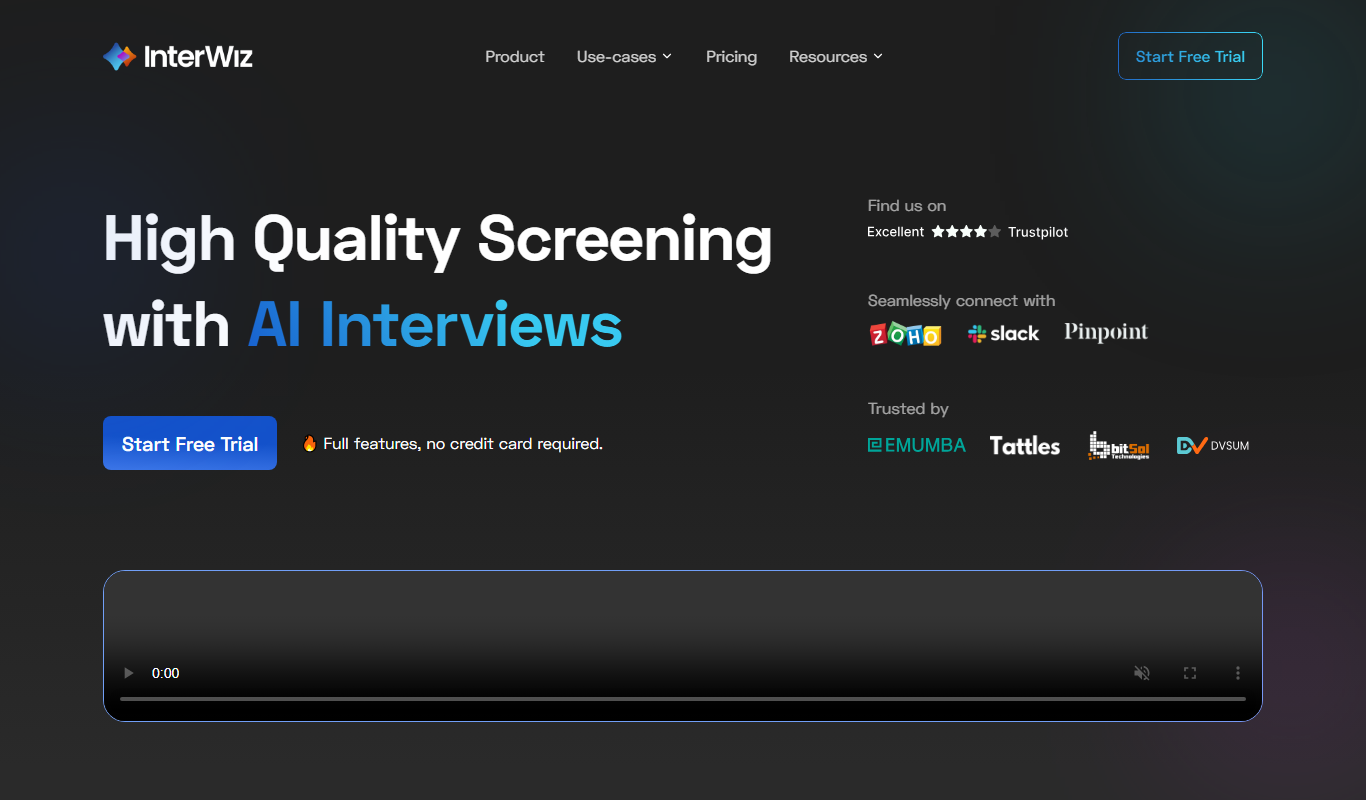
InterWiz AI
InterWiz AI is an AI-driven platform that automates customer support through chatbots and ticket management, helping businesses provide 24/7 assistance and streamline support workflows.

Free Trial
Verbeloquence.ai
Verbeloquence.ai is an AI writing assistant that helps users generate and refine clear, persuasive content with customizable tone and style options.

Free
Automock AI
Automock AI is a web-based tool that uses artificial intelligence to generate realistic product mockups quickly and easily, ideal for marketers and designers without advanced design skills.
Free
Get-Offer.me
Get-Offer.me is a free online platform that allows homeowners to receive fast cash offers from investors by submitting property details, simplifying the home selling process without listing or agent fees.
Custom Pricing
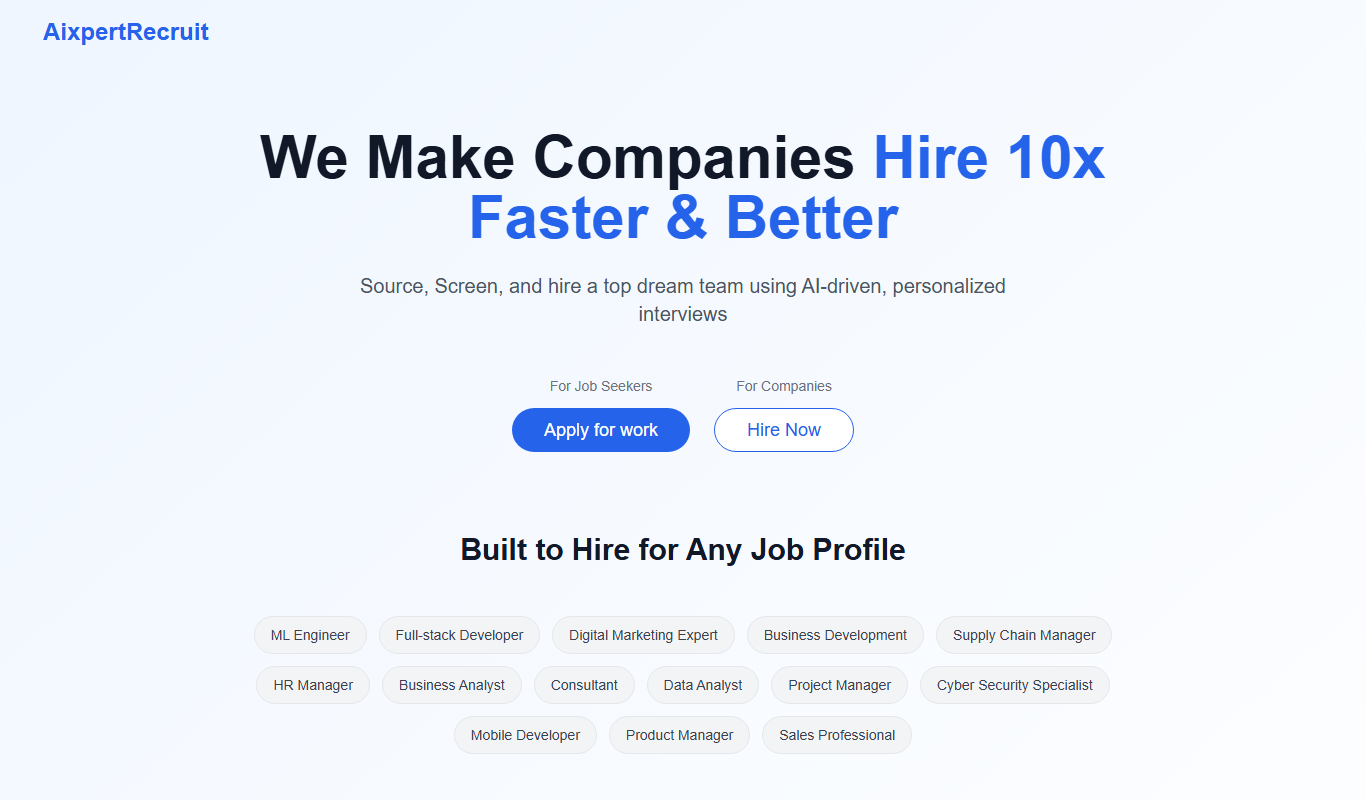
Aixpertrecruit
AIxpertRecruit is an AI-driven recruitment platform that automates candidate sourcing, resume screening, interview scheduling, and talent pipeline management to help recruiters hire efficiently.

Custom Pricing
SkillSpot.ai
SkillSpot.ai is an AI-driven recruitment platform that helps recruiters find qualified candidates by aggregating data from multiple sources and automating sourcing workflows.