

From my experience with Image Pipeline, I found it excels at simplifying image optimization and delivery for developers and businesses alike. The platform’s real-time transformation capabilities combined with a global CDN make it a strong choice for improving website and app performance. It’s particularly well-suited for developers needing flexible API integration and dynamic image handling. However, smaller projects might find the pricing a bit steep, and some CMS integrations require manual setup. Overall, if you want to streamline image management and speed up content delivery, Image Pipeline offers a robust, developer-friendly solution.
Image Pipeline - Scalable Image Optimization and Delivery Platform
Image Pipeline is a cloud platform that optimizes, transforms, and delivers images globally via a CDN, improving website and app performance through automatic compression and real-time image manipulation.
- Best for
- Website Image Optimization
- Key capability
- Automatic Image Compression
Your actions
Save Image Pipeline, follow its updates and vote on it — everything stays in your account.
Sign in or create a free account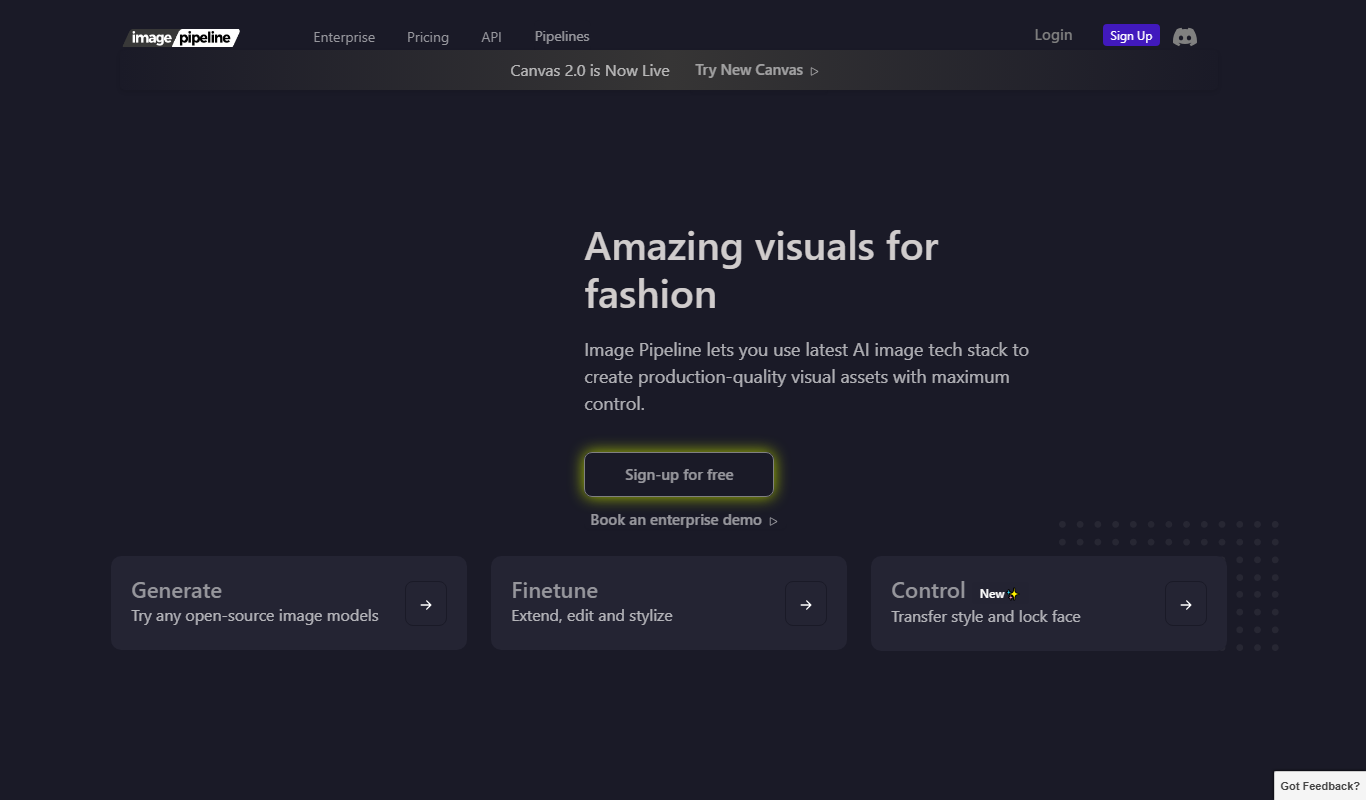
What is Image Pipeline?
Image Pipeline is a cloud-based platform designed to optimize, transform, and deliver images efficiently. It helps developers and businesses improve website and app performance by reducing image load times through automatic compression and global content delivery.
Key features of Image Pipeline
The platform offers automatic image optimization, real-time transformations, a global CDN for fast delivery, and easy API integration to streamline image management workflows.
Automatic Image Compression
Reduces image file sizes without noticeable quality loss to speed up load times.
Real-Time Image Transformation
Resize, crop, convert formats, and apply effects on the fly via URL parameters.
Global Content Delivery Network
Ensures fast image delivery worldwide by caching images at edge locations.
Developer-Friendly API
Provides RESTful API endpoints for seamless integration into apps and workflows.
Pros and cons of Image Pipeline
Pros
- Easy API integration for developers
- Real-time image transformations via URL
- Global CDN ensures fast delivery
- Automatic compression balances quality and size
Cons
- Pricing may be high for small projects
- Limited direct integrations with some CMS platforms
Key use cases for Image Pipeline
Website Image Optimization
Automatically optimize images to improve website load times and user experience.
Content Delivery
Deliver images globally with low latency using a built-in content delivery network.
Developer Integration
Integrate image optimization and delivery into web and mobile apps via API.
Dynamic Image Transformation
Apply real-time image transformations such as resizing, cropping, and format conversion.
How Image Pipeline works
- 1
Sign Up
Create an account on Image Pipeline’s website to access the dashboard and API keys.
- 2
Upload or Connect
Upload images directly or connect your storage or CMS to import images.
- 3
Configure Optimization
Set optimization parameters such as quality, format, and transformations.
- 4
Deliver Images
Use the provided URLs or API endpoints to serve optimized images via the CDN.
Who is using Image Pipeline
Web developers
E-commerce businesses
Digital marketing agencies
Mobile app developers
Content creators
Image Pipeline pricing
Free Trial
$0 for 14 days
Full feature access with limited usage to test the platform.
Pro
$49/month
Includes higher usage limits, priority support, and advanced features.
Enterprise
Custom pricing
Tailored solutions with dedicated support and SLA for large-scale needs.
Plans and prices are as published by the vendor and can change. Check the official site before you buy. Open the pricing page (opens in a new tab)
Frequently asked questions about Image Pipeline
Yes, it supports common formats like JPEG, PNG, WebP, AVIF, and more.
Yes, it can integrate with most CMS platforms via API or direct uploads.
Limits depend on your subscription plan; higher tiers offer increased quotas.
By compressing images and delivering them via a CDN, it reduces load times and bandwidth.
It depends on your specific needs and how you plan to use the tool. The official website and documentation are the best sources for the latest details.
Yes, it can help with that use case depending on how you configure it and what features are available. You’ll get the best results with clear inputs and a defined goal.
Integration support depends on the tool and its available connectors or API. Check the official documentation or integrations page to confirm what is supported.
Some tools offer a free plan or trial with limited features. Availability can vary, so confirm on the official website.
Sign in to review this tool.
Sign In to ReviewNo reviews yet
Be the first to share how this tool worked for you.
Ask about pricing, limits, or how it compares — or answer someone else.
Sign In to AskNo questions yet
Have a question about using or paying for this tool? Be the first to ask.
Featured on TiorAI



Alternative Tools
Explore similar AI tools that might fit your needs

Free
Cloudinary
Cloudinary is a cloud media management platform that enables developers and marketers to upload, optimize, transform, and deliver images and videos efficiently using APIs and CDN.

Free Trial
Imgix
Imgix is a real-time image processing and optimization platform that enables developers to deliver fast, high-quality images by dynamically resizing, compressing, and transforming images via URL parameters, served through a global CDN.
More AI Content Delivery Tools tools
Other tools in the same category, for when this one is not quite the fit.
Custom Pricing
svss.tv
svss.tv is a live video streaming platform focused on delivering low-latency, secure, and scalable broadcasts for events, corporate communications, and media distribution.
Free
ImageKit
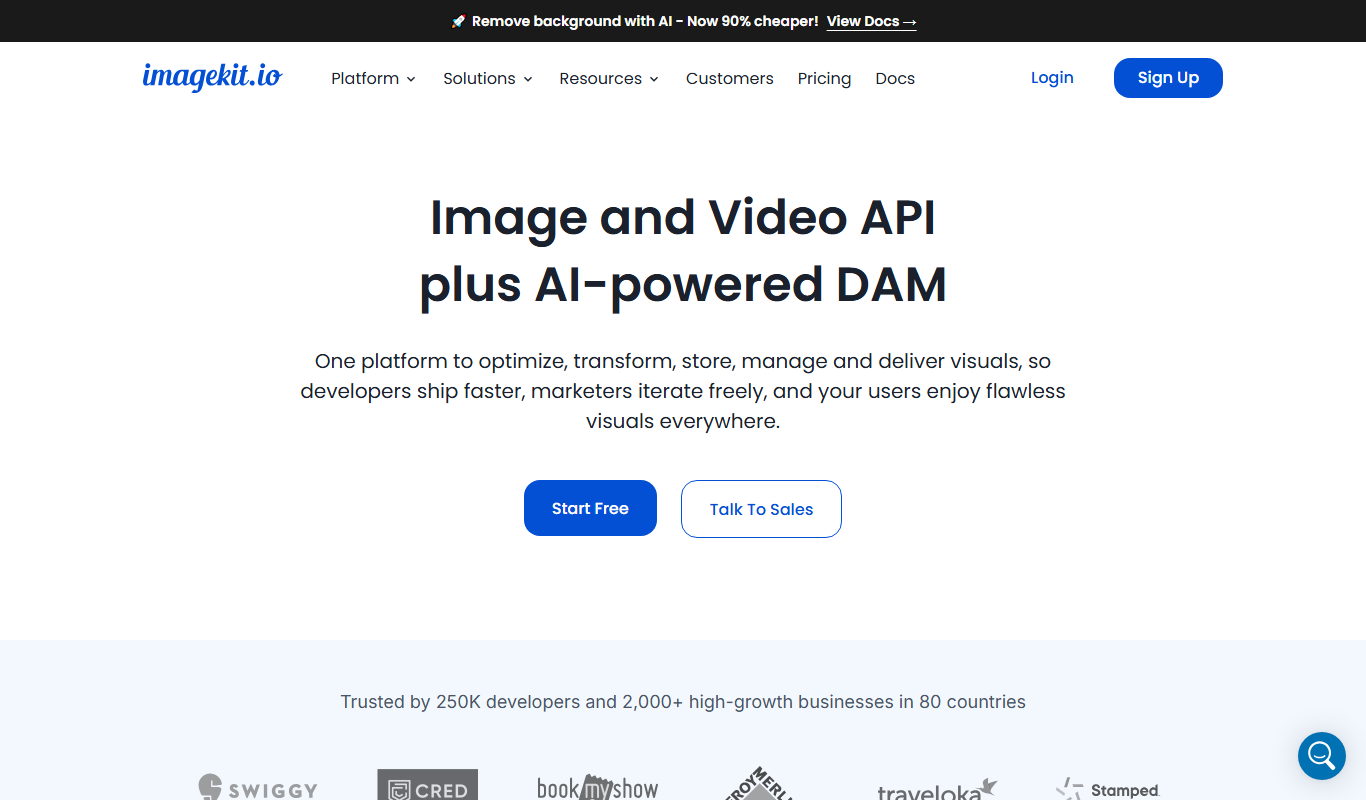
ImageKit is a cloud-based image optimization and delivery service that provides real-time image transformation and a global CDN to improve website and app performance by serving optimized images quickly.