
From my experience with Raster, I found it excels at enabling seamless real-time collaboration for design teams, especially those working remotely. The infinite canvas and integrated feedback tools make brainstorming and iteration intuitive and efficient. However, Raster currently lacks a mobile app and offline capabilities, which might limit flexibility for some users. Overall, if your team needs a straightforward, collaborative design platform that supports creative workflows and live teamwork, Raster offers a solid, user-friendly solution.
Raster App Review: Collaborative Design Tool for Teams and Creatives
Raster is a collaborative design tool that enables teams to co-create, brainstorm, and provide feedback on visual projects in real-time via web and desktop apps.
What is Raster?
Raster is a collaborative design platform that enables teams and creatives to work together on visual projects in real-time. It combines design, brainstorming, and feedback tools into a single workspace accessible via web and desktop applications. Raster focuses on enhancing team creativity and productivity by providing an intuitive interface for co-creating UI/UX designs and other visual assets.

Key Features of Raster
Real-Time Collaboration
Multiple users can edit and comment on designs simultaneously with live updates.
Infinite Canvas
An expansive workspace that allows teams to organize ideas and designs without space constraints.
Version History
Track changes and revert to previous versions to maintain project integrity.
Integrated Feedback Tools
Commenting and annotation features enable clear communication within the design context.
Cross-Platform Access
Accessible via web and desktop apps, supporting flexible workflows.
Pros and Cons of Raster
Pros
- Intuitive real-time collaboration features
- Flexible infinite canvas for creative workflows
- Integrated feedback and annotation tools
- Cross-platform accessibility
- Affordable pricing with a free tier
Cons
- Limited offline functionality
- Smaller user base compared to established design tools
- No mobile app currently available
Key Use Cases for Raster
Collaborative UI/UX Design
Teams can co-design user interfaces in real-time, enabling seamless feedback and iteration.
Creative Brainstorming
Creative teams use Raster to visually brainstorm ideas together with live updates.
Remote Team Collaboration
Distributed teams collaborate on design projects without losing context or momentum.
Design Presentation and Feedback
Present designs interactively and gather feedback directly within the platform.
How Raster Works
-
1
Create an Account
Sign up on Raster’s website to start a new workspace.
-
2
Start a Project
Create a new design project or import existing assets to begin collaborating.
-
3
Invite Team Members
Add collaborators to your project to work together in real-time.
-
4
Design and Collaborate
Use Raster’s tools to design, brainstorm, and provide feedback interactively.
Who's Using Raster
UI/UX designers
Creative teams
Remote work teams
Marketing agencies
Product managers
Raster Pricing
Free
$0/month
Basic access with limited projects and collaborators.
Pro
$12/month
Unlimited projects, advanced collaboration features, and priority support.
Frequently Asked Questions About Raster
Yes, Raster is designed to support remote collaboration with real-time editing and communication tools.
Raster supports importing common design assets to integrate with your projects.
Yes, Raster includes version history to track changes and revert if needed.
Raster is available on web browsers and desktop applications for Windows and macOS.
This tool is designed to help users accomplish its core tasks more efficiently. It is typically used by individuals or teams looking to improve productivity and workflow.
Yes, it can help with that use case depending on how you configure it and what features are available. You’ll get the best results with clear inputs and a defined goal.
Some tools offer a free plan or trial with limited features. Availability can vary, so confirm on the official website.
Yes, it can help with that use case depending on how you configure it and what features are available. You’ll get the best results with clear inputs and a defined goal.
Share your review
Reviews are limited to one per logged-in user and are published after moderation.
You need an account to review this tool.
0.0
★
★
★
★
★
0 reviews
5 star
0
4 star
0
3 star
0
2 star
0
1 star
0
No reviews yet
Be the first to share how this tool worked for you.
Questions from the community
Read questions and answers about this tool, or ask your own.
No questions yet
Start the conversation by asking the first question about this tool.
Is this tool helpful?
Alternative Tools
Explore similar AI tools that might fit your needs
Free
Figma
Figma is a cloud-based design tool for creating user interfaces and prototypes collaboratively in real time, accessible via web and desktop apps.

Free
InVision
InVision is a digital product design platform that enables teams to create interactive prototypes, collaborate on designs, manage workflows, and hand off projects to developers efficiently.

Free
CREV
CREV is an open-source command-line tool that automates code reviews by integrating review comments and approvals directly into Git repositories, enabling asynchronous collaboration among developers.
Free Trial
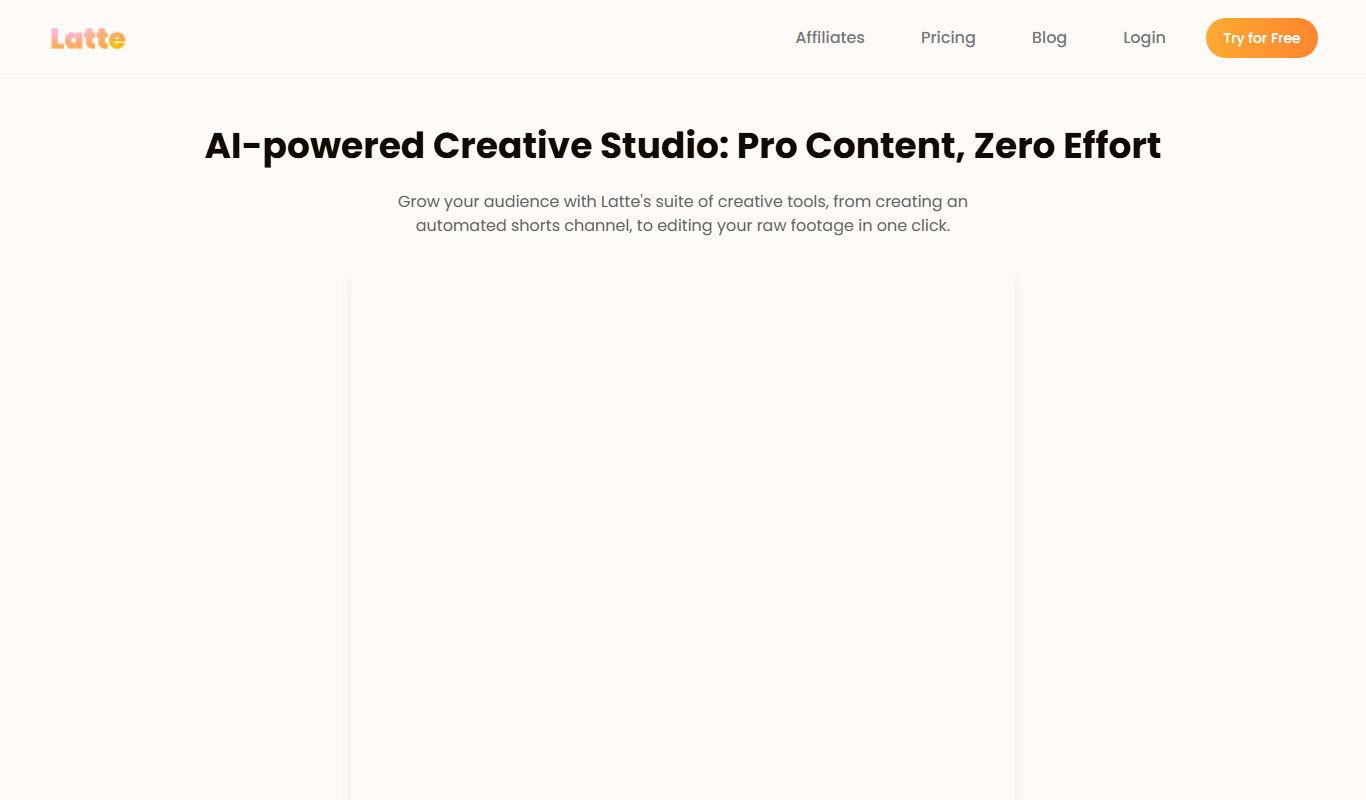
Latte
Latte is a web-based social media management tool designed for teams and agencies to schedule content, collaborate, manage clients, and analyze social media performance.

Free
Penseum
Penseum is a knowledge management platform that helps individuals and teams organize, share, and collaborate on notes and documents through a hierarchical structure and powerful search, accessible via web and API.
Free Trial
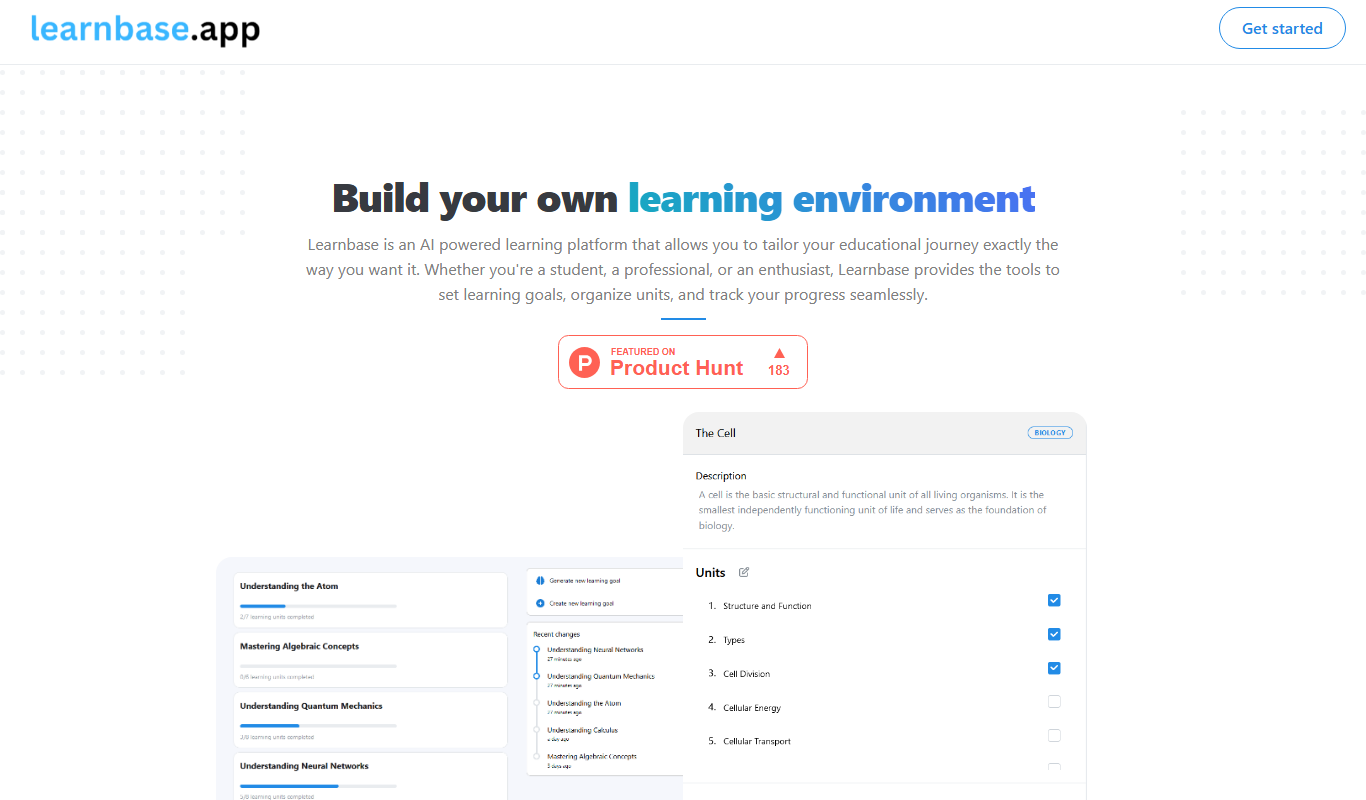
Learnbase
Learnbase is a web-based knowledge management platform designed to help teams create, organize, and share internal documentation and knowledge bases collaboratively.

Free
folk 2.0
Folk 2.0 is a contact management platform that helps teams and individuals organize, share, and automatically update contacts by syncing with email and calendar apps.
Free
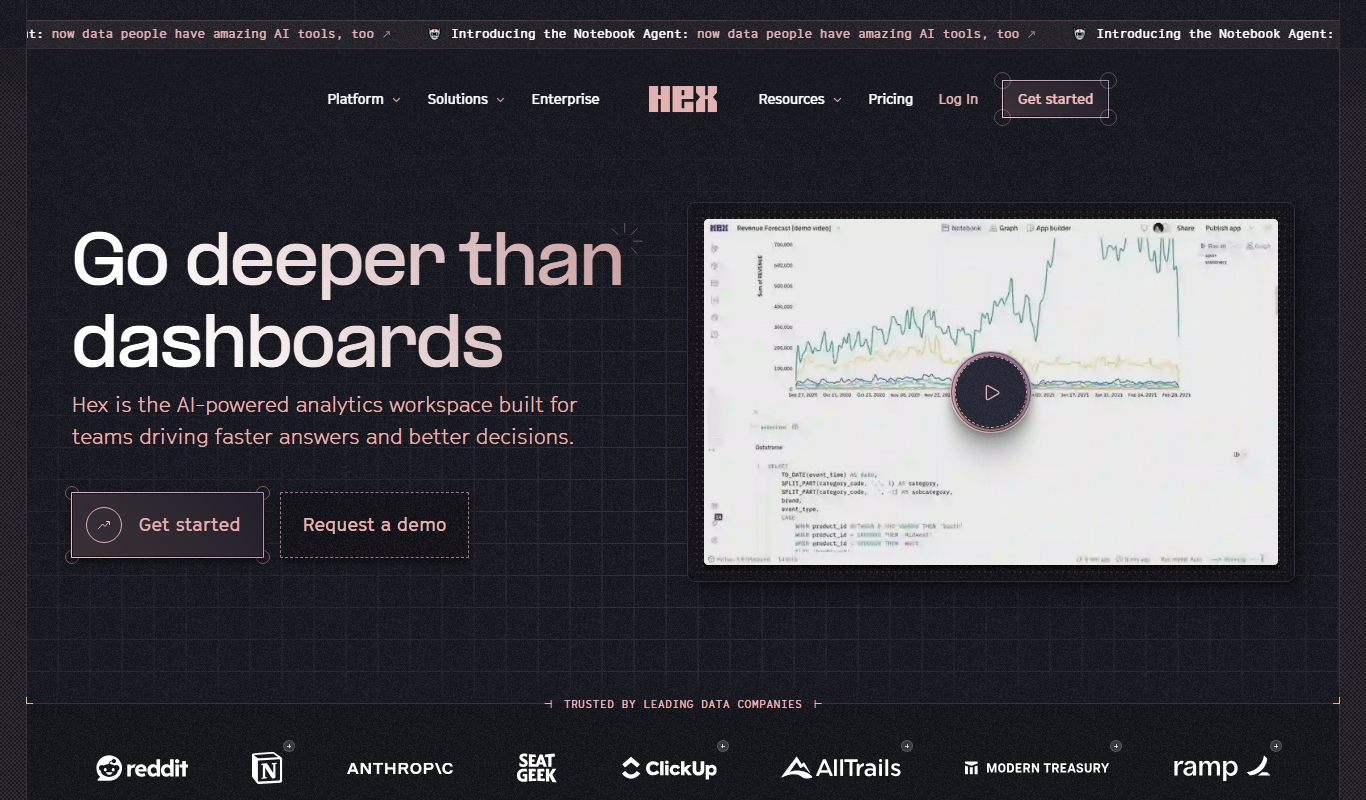
Hex
Hex is a web-based data science platform that enables teams to collaboratively build interactive notebooks combining SQL, Python, and R code, with integrated visualizations and data source connections.

Freemium
Easygoing
Easygoing is a productivity and task management app that helps individuals and teams organize tasks, collaborate, and track project progress through an intuitive interface available on web and mobile platforms.

Free Trial
shufflrr.com
Shufflrr is a presentation management tool that centralizes PowerPoint slides, enabling teams to organize, collaborate, and deliver presentations efficiently with version control and analytics.