

From my experience with SnapAndSolve, it stands out for its intuitive photo-based input and clear step-by-step math solutions, making it a practical tool for students struggling with homework. The app’s ability to cover a broad range of math topics and provide detailed explanations helps deepen understanding rather than just giving answers. However, the free version limits daily problem scans, which might be restrictive for heavy users, and it requires clear photos for best accuracy. Overall, SnapAndSolve is a solid choice for learners and educators seeking quick, reliable math problem assistance on mobile devices.
SnapAndSolve Math Problem Solver App for Students and Educators
SnapAndSolve is a mobile app that uses AI to solve math problems from photos, providing step-by-step solutions to help students learn and complete homework efficiently.
- Best for
- Homework Assistance
- Key capability
- Photo-Based Problem Input
Your actions
Save SnapAndSolve, follow its updates and vote on it — everything stays in your account.
Sign in or create a free account

What is SnapAndSolve?
SnapAndSolve is a mobile application designed to help students and educators solve math problems by simply taking a photo of the question. It uses advanced image recognition and AI algorithms to provide instant, step-by-step solutions, making math learning more accessible and interactive.
Key features of SnapAndSolve
The app offers instant math problem recognition, detailed step-by-step solutions, support for a wide range of math topics, and a user-friendly interface optimized for quick and easy problem solving.
Photo-Based Problem Input
Snap math problems using your phone camera for quick input without typing.
Step-by-Step Solutions
Detailed explanations guide users through each step to solve the problem.
Wide Math Topic Coverage
Supports algebra, geometry, calculus, trigonometry, and more.
User-Friendly Interface
Simple and intuitive design for easy navigation and quick problem solving.
Pros and cons of SnapAndSolve
Pros
- Quick and easy photo input for math problems
- Detailed step-by-step solutions enhance learning
- Supports a broad range of math topics
- User-friendly interface suitable for all ages
Cons
- Free version limits daily problem scans
- Requires clear photos for accurate problem recognition
- No web or desktop version currently available
Key use cases for SnapAndSolve
Homework Assistance
Students can quickly solve math problems by snapping a photo and receiving step-by-step solutions.
Learning and Practice
Users can learn math concepts through detailed explanations and practice problems provided by the app.
Teaching Aid
Educators can use the app to demonstrate problem-solving steps and help students understand math better.
Exam Preparation
Students preparing for exams can use SnapAndSolve to review and solve various math problems efficiently.
How SnapAndSolve works
- 1
Capture the Problem
Use your smartphone camera to take a clear photo of the math problem you want to solve.
- 2
AI Processing
The app analyzes the image using AI to recognize the problem and understand its components.
- 3
Solution Generation
SnapAndSolve generates a detailed, step-by-step solution to the problem.
- 4
Review and Learn
Users can review the solution steps to understand the problem-solving process.
Who is using SnapAndSolve
Students from middle school to college
Math educators and tutors
Parents helping children with homework
Lifelong learners seeking math practice
SnapAndSolve pricing
Free
$0/month
Basic access with limited daily problem scans and solutions.
Premium
$9.99/month
Unlimited problem scans, advanced features, and ad-free experience.
Plans and prices are as published by the vendor and can change. Check the official site before you buy. Open the pricing page (opens in a new tab)
Frequently asked questions about SnapAndSolve
Yes, SnapAndSolve offers a free plan with limited daily problem scans. Premium subscription unlocks unlimited use.
It supports a wide range of math topics including algebra, geometry, calculus, and trigonometry.
Yes, the app provides detailed step-by-step explanations for each solved problem.
SnapAndSolve is available on both iOS and Android devices.
It depends on your specific needs and how you plan to use the tool. The official website and documentation are the best sources for the latest details.
Some tools offer a free plan or trial with limited features. Availability can vary, so confirm on the official website.
It depends on your specific needs and how you plan to use the tool. The official website and documentation are the best sources for the latest details.
Yes, it can help with that use case depending on how you configure it and what features are available. You’ll get the best results with clear inputs and a defined goal.
Sign in to review this tool.
Sign In to ReviewNo reviews yet
Be the first to share how this tool worked for you.
Ask about pricing, limits, or how it compares — or answer someone else.
Sign In to AskNo questions yet
Have a question about using or paying for this tool? Be the first to ask.
Featured on TiorAI



Alternative Tools
Explore similar AI tools that might fit your needs

Free
Photomath
Photomath is an AI-driven app that uses your smartphone camera to scan and solve math problems instantly, providing detailed step-by-step solutions and explanations.

Free
Cymath
Cymath is an AI-powered math solver that provides step-by-step solutions for algebra, calculus, and other math problems via web and mobile apps.
More AI Education & Learning Tools tools
Other tools in the same category, for when this one is not quite the fit.
Freemium
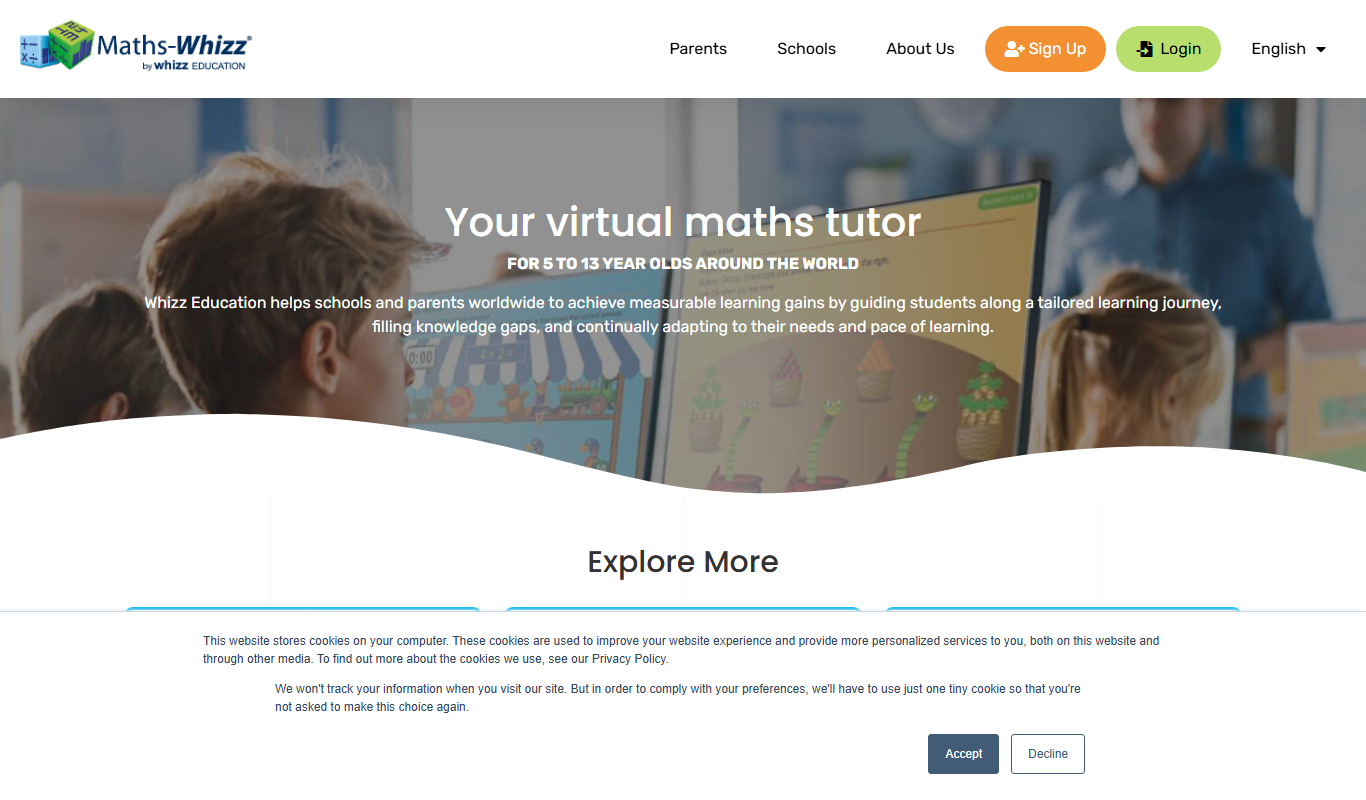
whizz.com
Whizz.com is an adaptive online math tutoring platform for children aged 5-13 that personalizes lessons based on student ability and provides progress tracking for parents and teachers.
Freemium
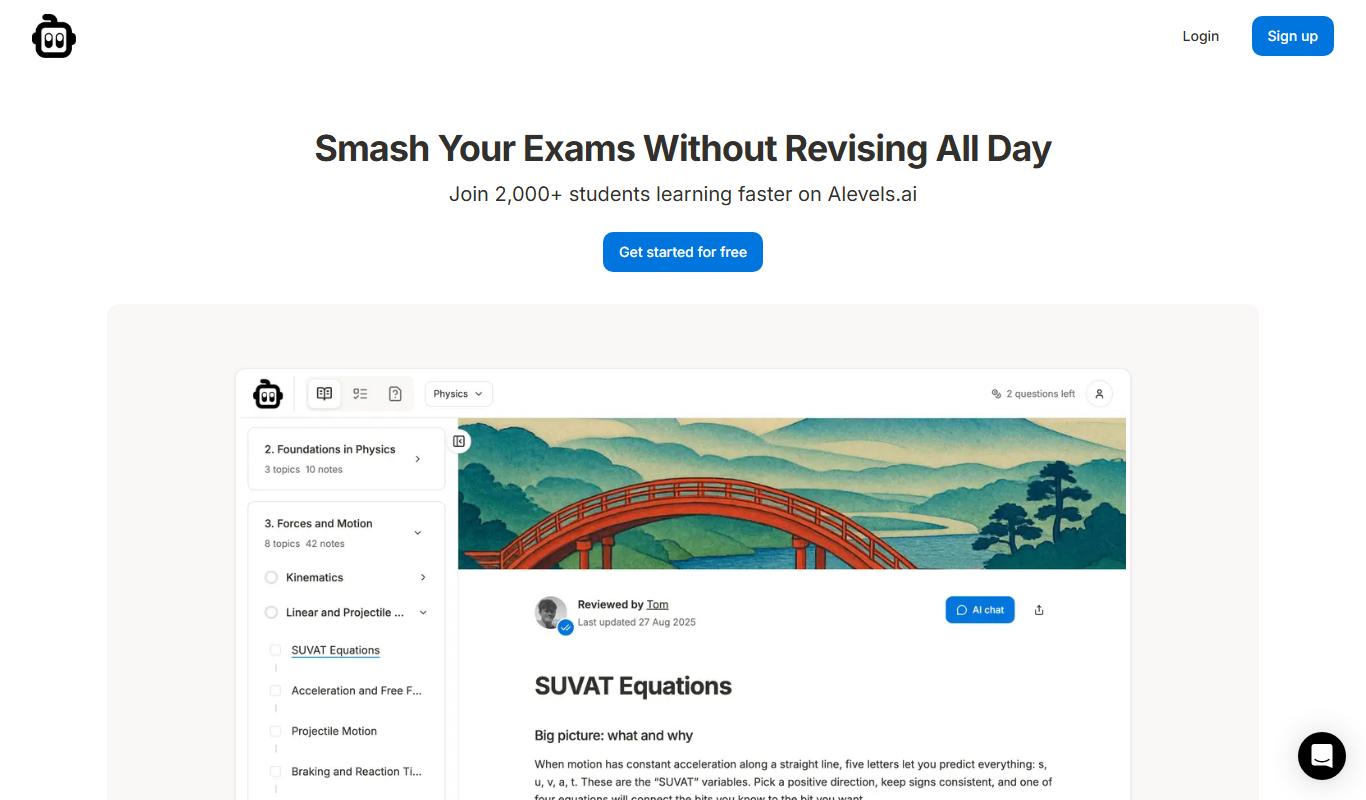
alevels.ai
alevels.ai is an AI-driven platform that helps A-Level students prepare for exams through personalized study plans, AI-generated practice questions, and instant doubt resolution.

Freemium
Yeti Confetti Kids by Lirvana Labs
Yeti Confetti Kids by Lirvana Labs is an educational app with a curriculum of English, Math and Social Emotional Learning generated by AI.

Free
Laion
Laion is a non-profit open-source AI research organization providing large-scale datasets for training machine learning models, focusing on democratizing access to high-quality AI data.
Free
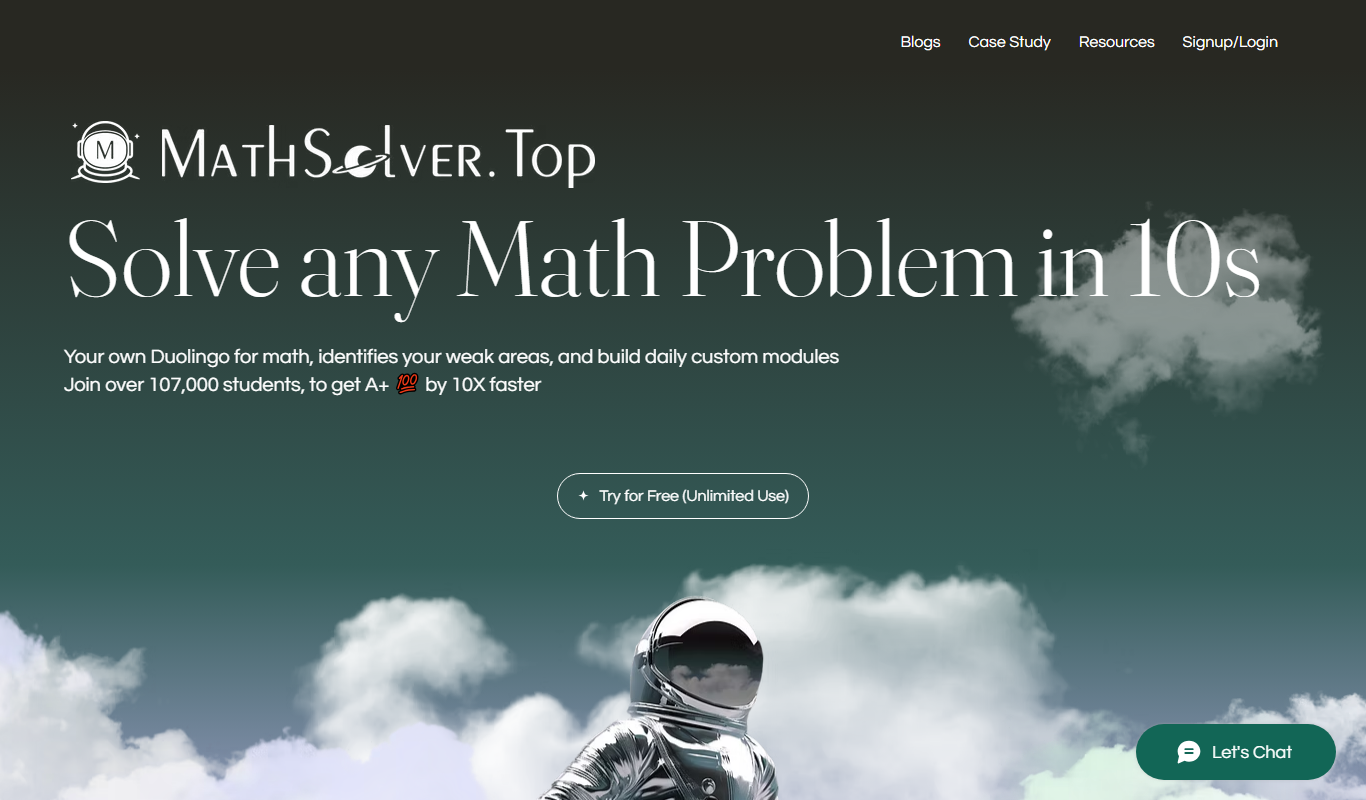
MathSolver.top
MathSolver.top is a free AI math solver and tutor that provides step-by-step solutions for algebra, calculus and geometry; it requires signup or login.

Free
AIMath
AIMath is an AI-powered online calculator that solves a wide range of math problems and provides detailed step-by-step solutions to help users learn and understand mathematics.
Free
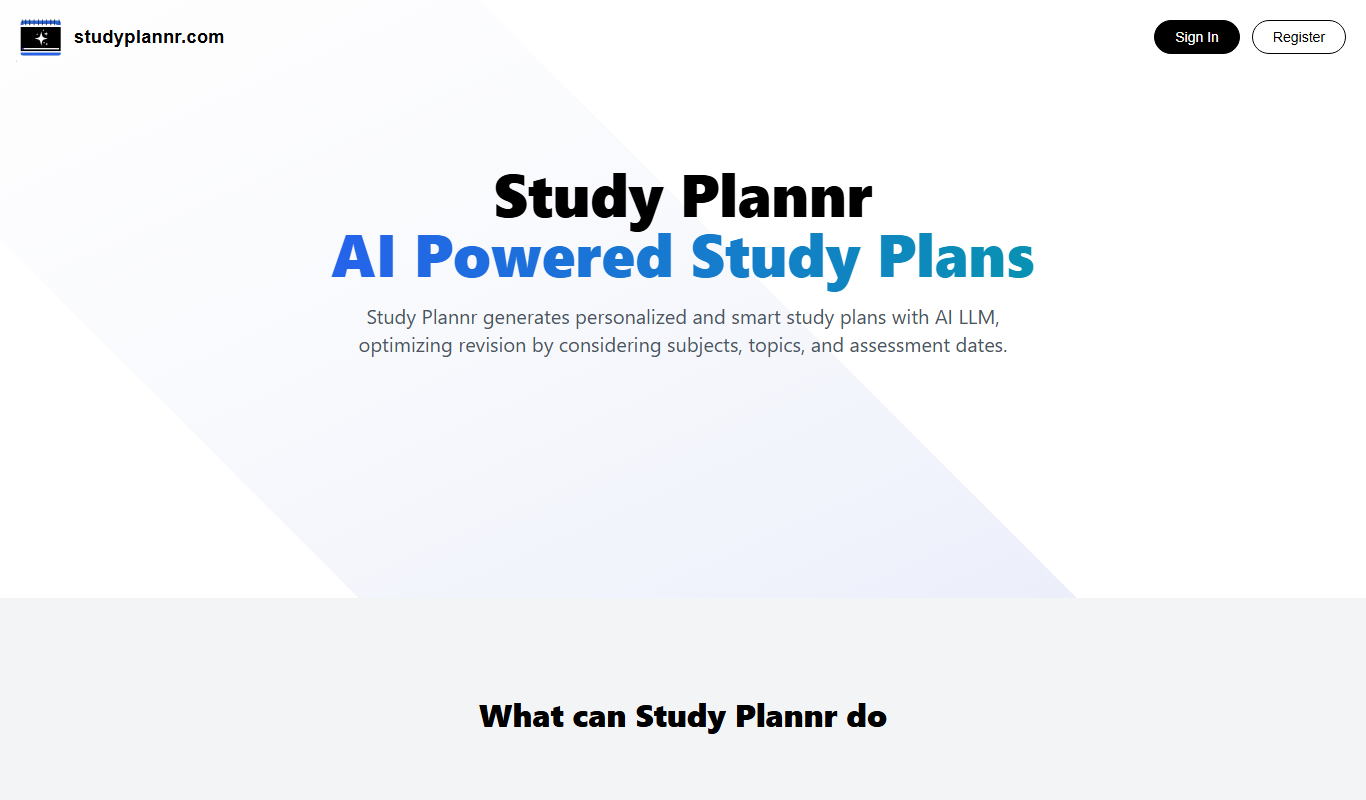
Study Plannr
Study Plannr is an online tool that helps students create personalized study schedules, set goals, and track their progress to improve productivity and exam preparation.

Free
Quiz Solver AI
Quiz Solver AI is an online tool that uses artificial intelligence to provide instant answers and explanations for quiz questions, helping students with homework and exam preparation.