
From my experience with ProShots, I found it excels at providing DSLR-like manual controls on an iPhone, which is rare among mobile camera apps. The intuitive interface makes it accessible for beginners while offering enough depth for professionals to fine-tune their shots. However, the app is limited to iOS, and the free version restricts features with watermarks, which might be a drawback for casual users. Overall, if you want to elevate your mobile photography with precise manual settings and RAW capture, ProShots delivers a solid, affordable solution.
ProShots App Review - Best Mobile Camera App for Manual Photography
ProShots is an iOS camera app that provides full manual control over camera settings like ISO, shutter speed, and focus, enabling professional-quality photos and videos on iPhone.
What is ProShots?
ProShots is a powerful iOS camera application designed to provide photographers with manual control over their device’s camera. It offers advanced features typically found in professional cameras, such as manual focus, ISO, shutter speed, and white balance adjustments. The app aims to bridge the gap between smartphone photography and DSLR-level control, enabling users to capture high-quality images and videos with precision.
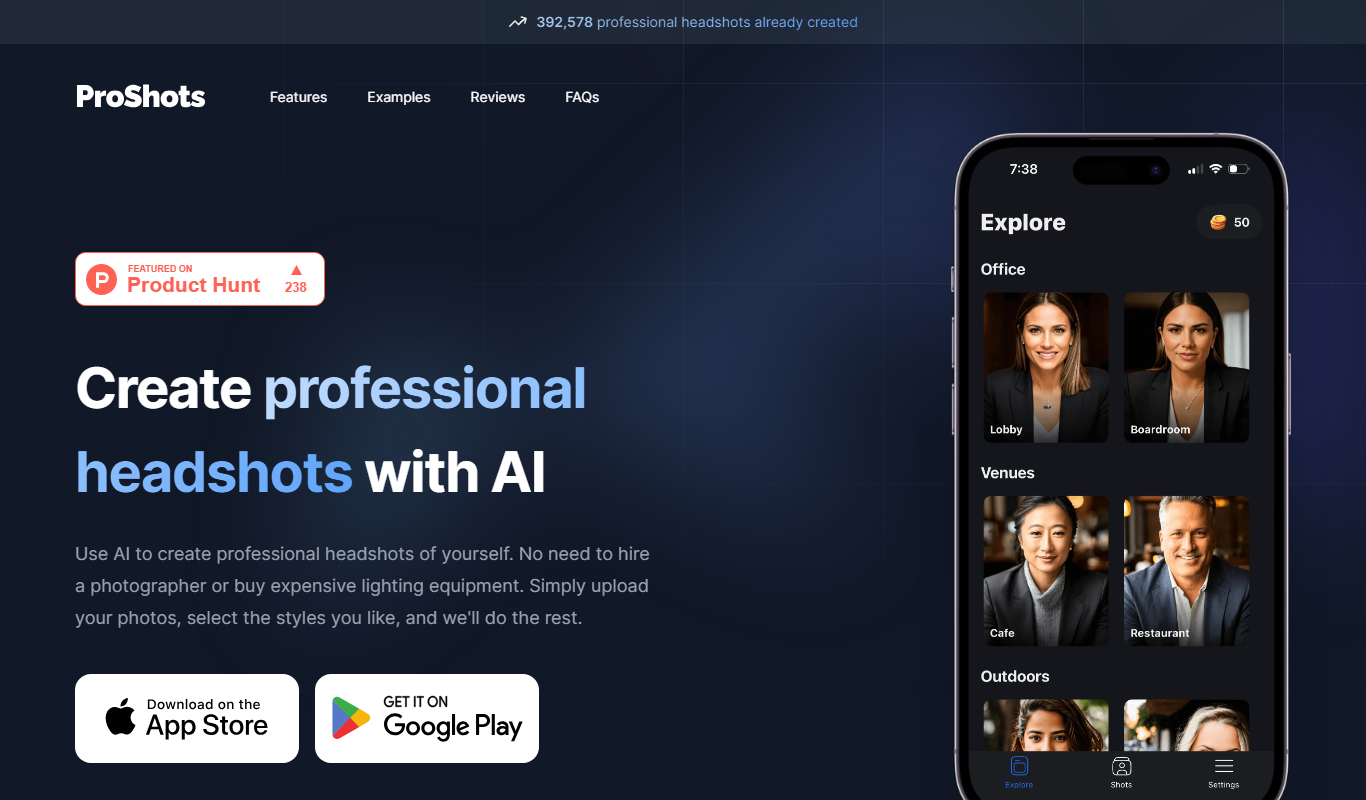
Key Features of ProShots
Full Manual Controls
Adjust ISO, shutter speed, focus, and white balance independently for precise photography.
RAW Image Capture
Shoot in RAW format to retain maximum image quality and flexibility in post-processing.
Focus Peaking and Histogram
Visual aids to ensure sharp focus and proper exposure.
Long Exposure and Time-Lapse
Capture creative shots with extended exposure times and time-lapse sequences.
Manual Video Controls
Control exposure and focus while recording videos for professional results.
Pros and Cons of ProShots
Pros
- Comprehensive manual camera controls
- Supports RAW photo capture
- User-friendly interface for beginners and pros
- Affordable one-time purchase pricing
- Includes manual video recording features
Cons
- Available only on iOS
- Free version has limited features and watermarks
- No cloud backup or sync features
Key Use Cases for ProShots
Manual Photography
Allows users to take full control of camera settings like ISO, shutter speed, focus, and white balance for professional-quality photos.
Low Light Photography
Enables long exposure shots and manual adjustments to capture better images in challenging lighting conditions.
Creative Photo Editing
Offers in-app editing tools to enhance photos after capture, including filters and adjustments.
Video Recording
Supports manual controls for video recording, allowing users to adjust exposure and focus dynamically.
How ProShots Works
-
1
Download and Install
Get ProShots from the Apple App Store and install it on your iOS device.
-
2
Launch the App
Open ProShots to access the camera interface with manual controls.
-
3
Adjust Camera Settings
Use sliders and dials to manually set ISO, shutter speed, focus, and white balance.
-
4
Capture Photos or Videos
Press the shutter or record button to take photos or videos with your customized settings.
-
5
Edit and Save
Use built-in editing tools to enhance your images before saving or sharing.
Who's Using ProShots
Mobile photography enthusiasts
Professional photographers using iPhone
Content creators and influencers
Students learning photography
Videographers seeking manual control on iOS
ProShots Pricing
Free
$0
Basic access with limited features and watermark on photos.
Pro
$4.99 one-time
Unlocks all manual controls, RAW capture, and removes watermarks.
Frequently Asked Questions About ProShots
No, ProShots is currently only available for iOS devices.
Yes, the Pro version supports RAW image capture for higher quality photos.
Yes, it offers manual controls for video recording including exposure and focus adjustments.
Yes, there is a free version with limited features and watermarked photos.
It depends on your specific needs and how you plan to use the tool. The official website and documentation are the best sources for the latest details.
Some tools offer a free plan or trial with limited features. Availability can vary, so confirm on the official website.
Yes, it can help with that use case depending on how you configure it and what features are available. You’ll get the best results with clear inputs and a defined goal.
Share your review
Reviews are limited to one per logged-in user and are published after moderation.
You need an account to review this tool.
0.0
★
★
★
★
★
0 reviews
5 star
0
4 star
0
3 star
0
2 star
0
1 star
0
No reviews yet
Be the first to share how this tool worked for you.
Questions from the community
Read questions and answers about this tool, or ask your own.
No questions yet
Start the conversation by asking the first question about this tool.
Is this tool helpful?
Alternative Tools
Explore similar AI tools that might fit your needs

One-time purchase
Halide Mark II
Halide Mark II is a premium iPhone camera app that provides manual controls, RAW and ProRAW capture, and advanced computational photography features to help users take professional-quality photos.

Paid
Camera+ 2
Camera+ 2 is an iOS photography app that combines manual camera controls with AI-powered editing features like background removal and portrait enhancements, designed for professional and enthusiast iPhone photographers.
Freemium
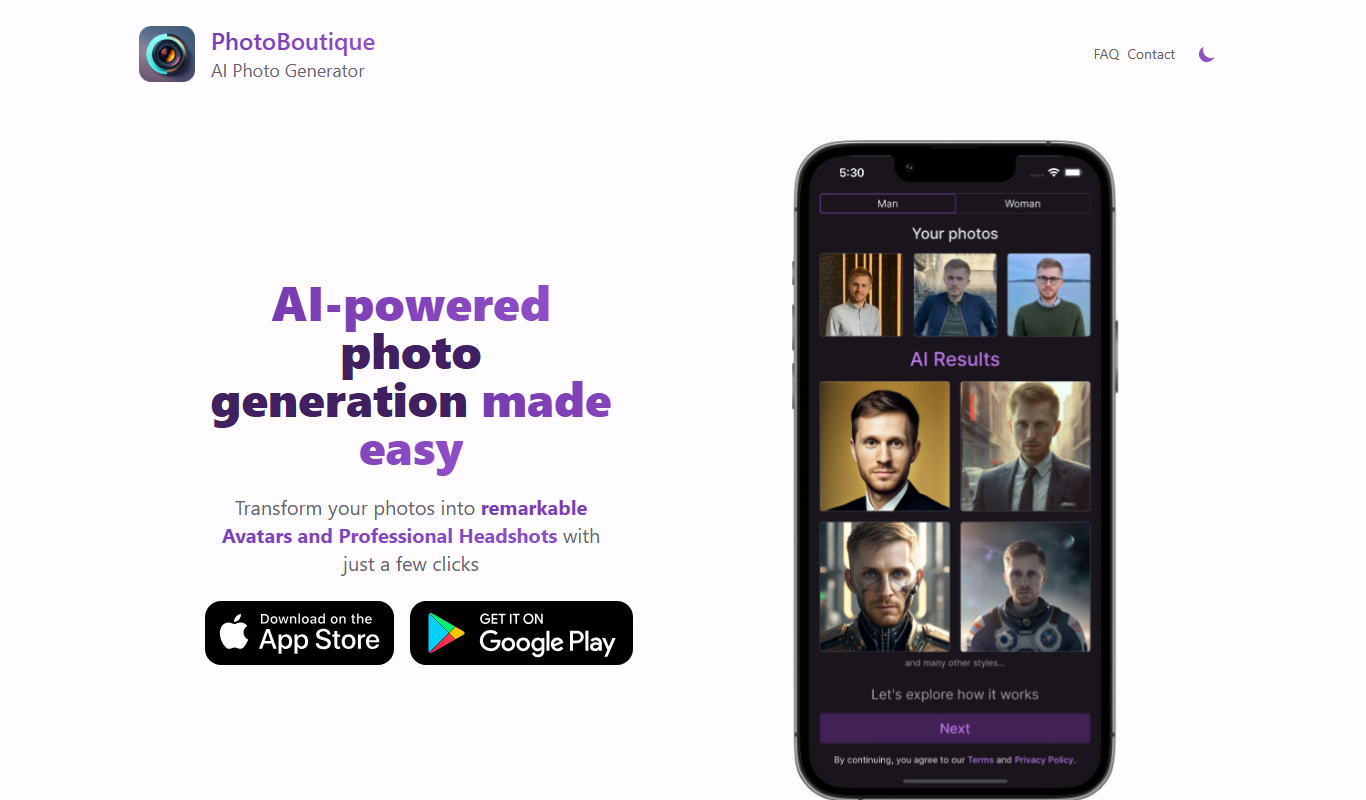
PhotoBoutique – AI Avatar maker
PhotoBoutique is a web-based AI avatar maker that generates personalized avatars using artificial intelligence, suitable for social media profiles, gaming, and creative uses.

Free
Keep it shot
Keep It Shot is a free browser-based screenshot tool that enables users to capture visible screen areas quickly, annotate images with text and shapes, and save or share them without needing an account.

Free
AI SuitUp
AI SuitUp is an AI-driven platform that helps job seekers create professional, ATS-optimized resumes and cover letters quickly and easily.

Freemium
HeadshotPro
HeadshotPro is an AI-based web tool that transforms your photos into professional-quality headshots with customizable backgrounds and high-resolution downloads.

Freemium
Corporate Headshots AI
Corporate Headshots AI is a web-based tool that uses artificial intelligence to generate and enhance professional corporate headshots, offering customizable backgrounds and batch processing for teams.

Free Trial
Tryitonai
Tryitonai is a web platform that enables users to upload, test, and deploy custom AI and machine learning models easily, facilitating collaboration and rapid prototyping.

Free
Indie Hacker Stacks
Indie Hacker Stacks is a free online directory that curates software tool stacks used by indie hackers and startups to help entrepreneurs discover and select the best tools for building their projects.

Contact Sales
The Multiverse AI
The Multiverse AI is a platform that enables teams to deploy, manage, and scale machine learning models efficiently with features like centralized deployment, real-time monitoring, version control, and collaboration.