

From my experience with Focus Buddy, I found it excels at creating a structured environment that fosters accountability through AI-matched partners. This approach effectively reduces procrastination and helps maintain deep focus, especially for remote workers and freelancers who often struggle with isolation. However, the lack of a mobile app and limited calendar integration can be a drawback for users seeking seamless multi-device workflows. Overall, if you want to boost your productivity by working alongside a virtual accountability partner, Focus Buddy offers a practical and affordable solution.
Focus Buddy AI for Productivity and Deep Work Sessions with Accountability
Focus Buddy is an AI-driven productivity tool that pairs users with accountability partners to facilitate focused work sessions and improve time management.
- Best for
- Deep Work Sessions
- Key capability
- AI-Powered Buddy Matching
Your actions
Save Focus Buddy (YC S24), follow its updates and vote on it — everything stays in your account.
Sign in or create a free account
What is Focus Buddy (YC S24)?
Focus Buddy is an AI-powered productivity platform designed to help users achieve deep focus and maintain accountability during work sessions. By pairing users with accountability partners and structuring focused time blocks, it combats procrastination and distractions, fostering sustained productivity.
Key features of Focus Buddy (YC S24)
The platform offers session scheduling, real-time accountability partner matching, progress tracking, and reminders to keep users engaged and on task during their work periods.
AI-Powered Buddy Matching
Automatically pairs users with compatible accountability partners to maximize focus.
Structured Focus Sessions
Enables users to schedule and customize deep work intervals with clear goals.
Progress Tracking and Reporting
Tracks session completion and productivity metrics to help users monitor improvement.
Reminders and Notifications
Sends timely alerts to keep users on track during sessions.
Virtual Coworking Environment
Creates a sense of shared workspace to reduce isolation and boost motivation.
Pros and cons of Focus Buddy (YC S24)
Pros
- Effective AI matching for accountability partners
- Simple and intuitive interface
- Encourages sustained deep work sessions
- Affordable pricing with a free tier
Cons
- No dedicated mobile app yet
- Limited calendar integration
- Primarily English language support
Key use cases for Focus Buddy (YC S24)
Deep Work Sessions
Helps users schedule and maintain focused work sessions by pairing them with an accountability partner.
Time Management
Enables users to manage their time effectively through structured focus intervals and breaks.
Accountability Partner Matching
Connects users with others to increase motivation and reduce procrastination.
Remote Work Productivity
Supports remote workers in staying productive by creating a virtual coworking environment.
Goal Tracking
Allows users to set goals and track progress during focus sessions.
How Focus Buddy (YC S24) works
- 1
Create an Account
Sign up on the Focus Buddy website to access the platform.
- 2
Schedule a Focus Session
Set the duration and goals for your deep work session.
- 3
Get Matched with a Buddy
The AI pairs you with an accountability partner to work alongside virtually.
- 4
Work Together
Engage in your tasks while your buddy provides motivation and accountability.
- 5
Review Progress
At session end, review accomplishments and plan next steps.
Who is using Focus Buddy (YC S24)
Remote workers
Freelancers
Students
Content creators
Knowledge workers
Productivity enthusiasts
Focus Buddy (YC S24) pricing
Free
$0/month
Access to basic focus sessions and buddy matching with limited features.
Pro
$9/month
Includes unlimited sessions, advanced matching, progress analytics, and priority support.
Plans and prices are as published by the vendor and can change. Check the official site before you buy. Open the pricing page (opens in a new tab)
Frequently asked questions about Focus Buddy (YC S24)
While designed for paired accountability, users can still schedule solo focus sessions.
The AI matches partners based on compatibility, but users can provide preferences.
Currently, calendar integration is limited but planned for future updates.
Focus Buddy is currently web-based; mobile apps are under development.
It depends on your specific needs and how you plan to use the tool. The official website and documentation are the best sources for the latest details.
This tool is designed to help users accomplish its core tasks more efficiently. It is typically used by individuals or teams looking to improve productivity and workflow.
Pricing depends on the plan and included features. For the most accurate and up-to-date details, check the official pricing page.
Sign in to review this tool.
Sign In to ReviewNo reviews yet
Be the first to share how this tool worked for you.
Ask about pricing, limits, or how it compares — or answer someone else.
Sign In to AskNo questions yet
Have a question about using or paying for this tool? Be the first to ask.
Featured on TiorAI



Alternative Tools
Explore similar AI tools that might fit your needs
Free
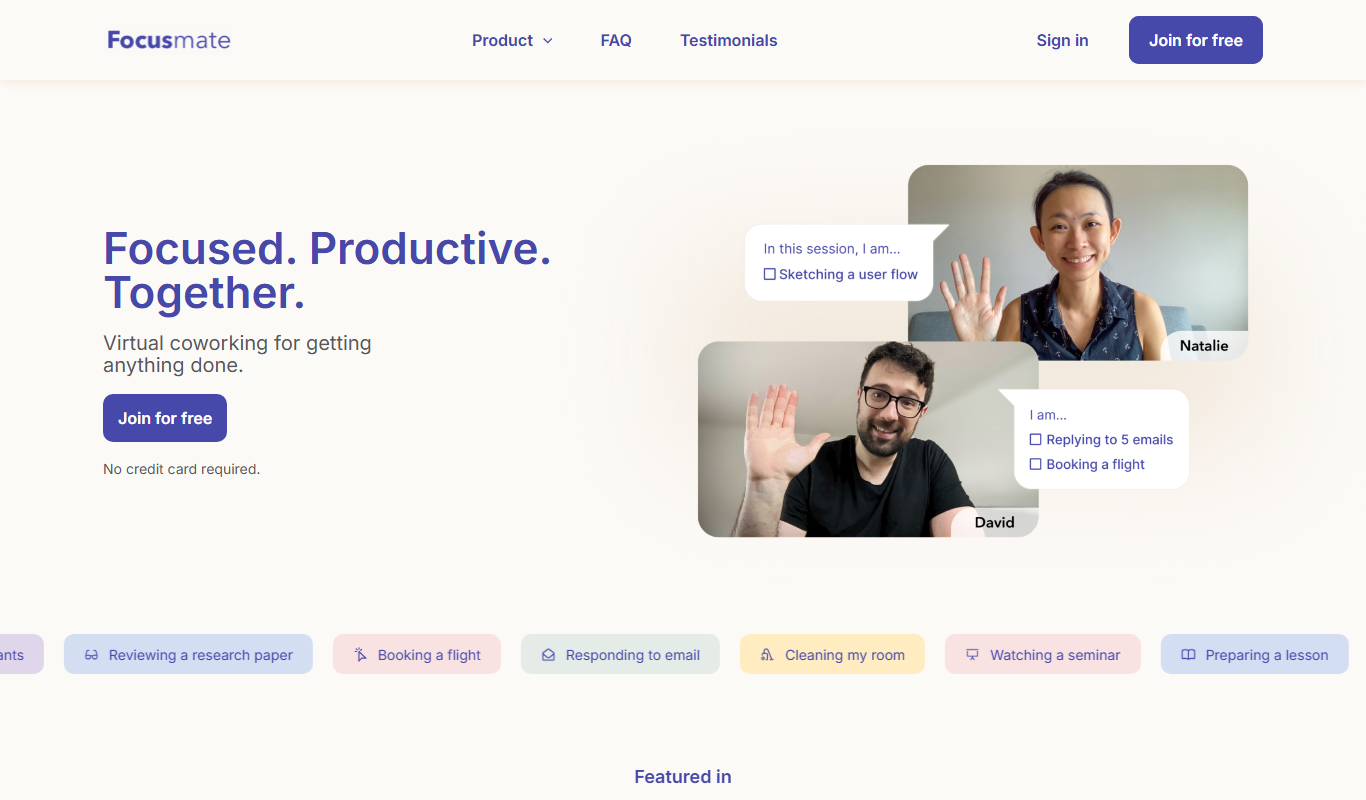
Focusmate
Focusmate is a virtual coworking platform that connects users for live video sessions to increase focus and productivity through social accountability.
Free
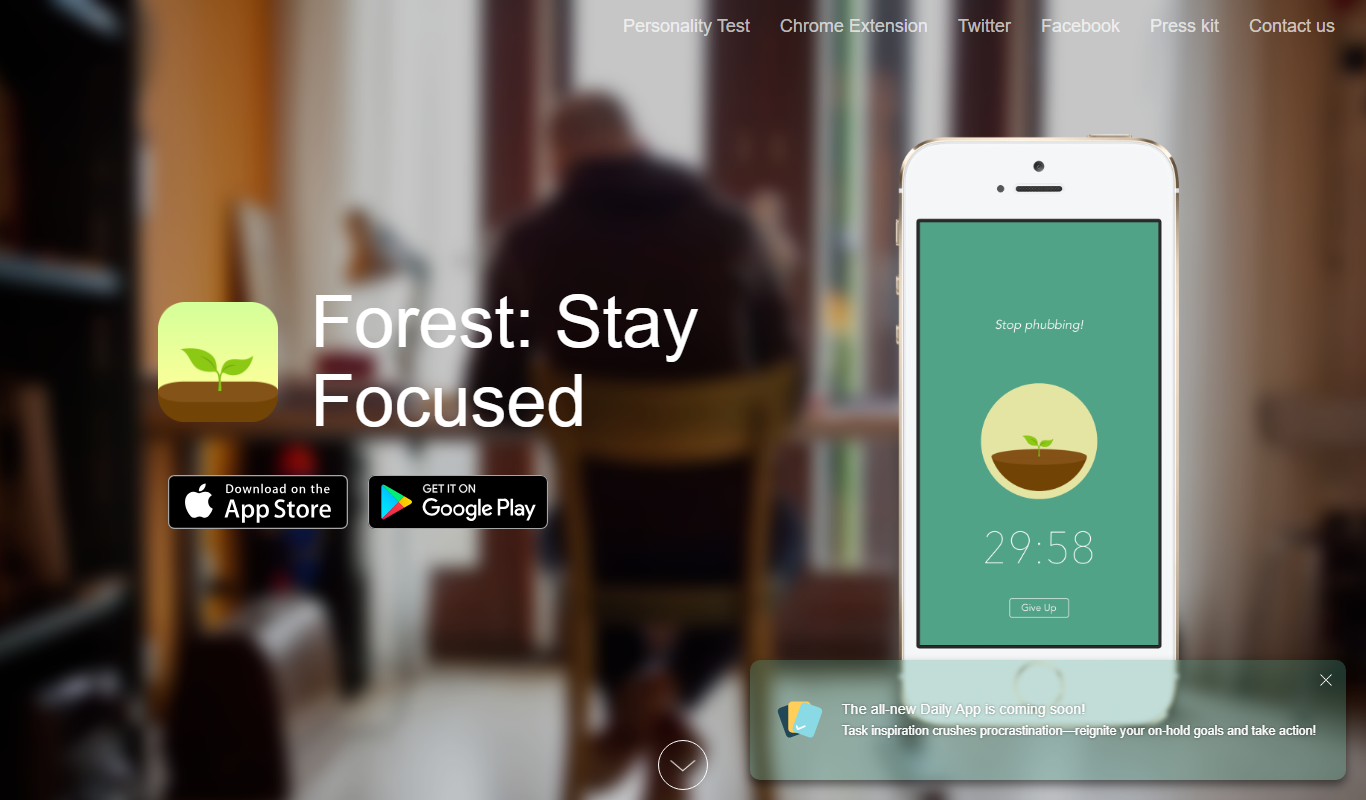
Forest
Forest is a productivity app that uses a gamified focus timer to help users stay concentrated by growing virtual trees during timed sessions, discouraging phone distractions.
More AI Facebook Assistant tools
Other tools in the same category, for when this one is not quite the fit.

Free Trial
Lebesgue
Lebesgue is an AI platform that automates the data science lifecycle, offering no-code tools for building, training, and deploying machine learning models efficiently.

Free Trial
ContentStudio
ContentStudio is a social media management and content marketing platform that helps users discover content, schedule posts, automate workflows, collaborate with teams, and analyze social media performance.

Freemium
SmartReply AI
SmartReply AI is an AI-driven platform that automates customer support and email replies by generating intelligent, context-aware responses to improve communication efficiency.

Free Trial
CoxPost
CoxPost is a web-based social media management platform that helps marketing teams and agencies schedule posts, collaborate on content, and analyze social media performance across multiple platforms.

Freemium
Chat Breezes 1.0
Chat Breezes 1.0 is an AI chatbot platform designed to automate customer interactions, support multiple languages, and integrate with CRM systems to improve business communication efficiency.
Free
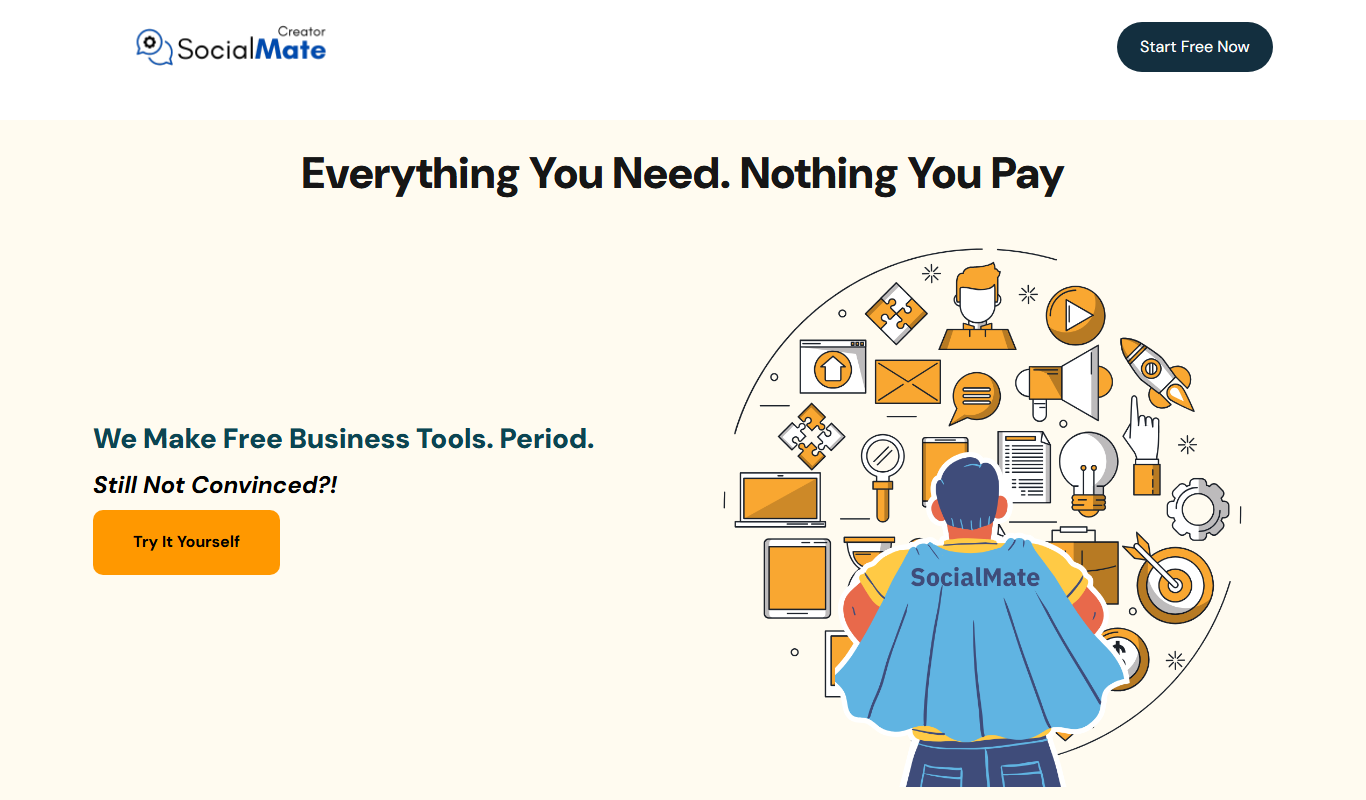
SocialMate
SocialMate is a web-based tool that helps users schedule social media posts, manage content calendars, and analyze post performance across multiple platforms.

Freemium
Genux Ai
Genux AI is an AI-driven content creation platform that helps marketers and SEO professionals generate SEO-friendly articles, marketing copy, and content ideas efficiently.

Free Trial
Smartshot
Smartshot is an AI-powered tool that automates capturing, annotating, and sharing screenshots via a web platform and Chrome extension.