

Woodpecker AI Email Outreach Tool for Automated Sales and Marketing Campaigns
Woodpecker is a cold email and LinkedIn outreach platform for businesses that do outbound.
- Best for
- Cold Email Campaigns
- Key capability
- Automated Follow-ups
Save Woodpecker, follow its updates and vote on it — everything stays in your account.
Sign in or create a free account
What is Woodpecker?
Woodpecker is a platform for cold email and LinkedIn outreach in one place, built for businesses that do outbound.
Key features of Woodpecker
Woodpecker offers automated email sequencing, personalized message templates, reply detection, A/B testing, CRM integrations, and detailed analytics to optimize outreach campaigns.
Automated Follow-ups
Schedule multiple follow-up emails automatically based on recipient behavior.
Personalization Tokens
Customize emails with dynamic fields like recipient name, company, and more.
Reply Detection
Automatically detect replies and pause follow-ups to avoid spamming.
CRM Integrations
Connect with popular CRMs such as Salesforce, HubSpot, and Pipedrive.
A/B Testing
Test different email versions to identify the most effective messaging.
Pros and cons of Woodpecker
Pros
- Easy-to-use interface for setting up email campaigns
- Effective automation of follow-ups to boost response rates
- Strong CRM integrations for seamless workflow
- Detailed analytics and A/B testing features
Cons
- Limited language support, primarily English
- No mobile app available, web platform only
- Pricing may be high for very small businesses
Key use cases for Woodpecker
Cold Email Campaigns
Automate personalized cold email outreach to prospects for sales and lead generation.
Follow-up Automation
Set up automated follow-up sequences to increase response rates without manual effort.
Lead Nurturing
Manage and nurture leads through targeted email sequences to move them through the sales funnel.
Sales Team Collaboration
Coordinate outreach efforts across sales teams with shared templates and analytics.
CRM Integration
Integrate with popular CRMs to sync contacts and track campaign performance seamlessly.
How Woodpecker works
- 1
Create an Account
Sign up on Woodpecker’s website to access the platform.
- 2
Import Contacts
Upload or sync your prospect list from CSV files or CRM integrations.
- 3
Design Email Campaign
Create personalized email templates and set up follow-up sequences.
- 4
Launch Campaign
Start sending automated emails and monitor campaign progress in real time.
- 5
Analyze and Optimize
Use built-in analytics and A/B testing to improve open and response rates.
Who is using Woodpecker
Woodpecker pricing
Free Trial
$0 for 14 days or 100 cold emails
Free trial for 14 days or 100 cold emails, whichever limit is reached first, with access to all features.
Contacted prospects
$7.00 per 100 contacted prospects; annual billing saves 33%
Warm-ups, email catch-all verification, Lead Finder credits, unlimited team members and unlimited email accounts included free.
Enterprise
Custom pricing
Tailored solutions with dedicated support and onboarding.
Plans and prices are as published by the vendor and can change. Check the official site before you buy. Open the pricing page (opens in a new tab)
Frequently asked questions about Woodpecker
Yes, Woodpecker supports integrations with popular CRMs like Salesforce, HubSpot, and Pipedrive.
Yes, you can schedule multiple automated follow-up emails based on recipient interactions.
Yes, Woodpecker offers a free trial for 14 days or 100 cold emails, whichever limit is reached first.
Absolutely, Woodpecker allows you to use personalization tokens to customize emails dynamically.
This tool is designed to help users accomplish its core tasks more efficiently. It is typically used by individuals or teams looking to improve productivity and workflow.
It depends on your specific needs and how you plan to use the tool. The official website and documentation are the best sources for the latest details.
Integration support depends on the tool and its available connectors or API. Check the official documentation or integrations page to confirm what is supported.
Some tools offer a free plan or trial with limited features. Availability can vary, so confirm on the official website.
Conclusion
Campaigns begin with a prospect list uploaded as a CSV file or synced from a CRM, followed by personalized templates and follow-up sequences. Follow-ups go out automatically and pause once a reply is detected, and sequences can combine email with LinkedIn steps and calls. Deliverability tools such as free warm-up, inbox rotation and adaptive sending are built in.
It is built for businesses that do outbound, with dedicated solutions for sales teams, lead gen agencies, recruiters and business owners. Pricing depends on the number of contacted prospects rather than seats, and team members and email accounts are unlimited. LinkedIn outreach, integrations and the agency panel are paid add-ons. A free trial runs for 14 days or 100 cold emails, whichever limit comes first.
Sources
Sign in to review this tool.
Sign In to ReviewNo reviews yet
Be the first to share how this tool worked for you.
Ask about pricing, limits, or how it compares — or answer someone else.
Sign In to AskNo questions yet
Have a question about using or paying for this tool? Be the first to ask.
Featured on TiorAI



Alternative Tools
Explore similar AI tools that might fit your needs

Mailshake
Mailshake is a cloud-based platform that automates personalized cold email campaigns and multi-channel sales outreach to help businesses generate leads and increase sales efficiency.

Lemlist
Lemlist is an outbound sales platform for multichannel prospecting across email, LinkedIn, calls, WhatsApp and SMS, with a lead database for finding prospects.
More AI CRM tools
Other tools in the same category, for when this one is not quite the fit.
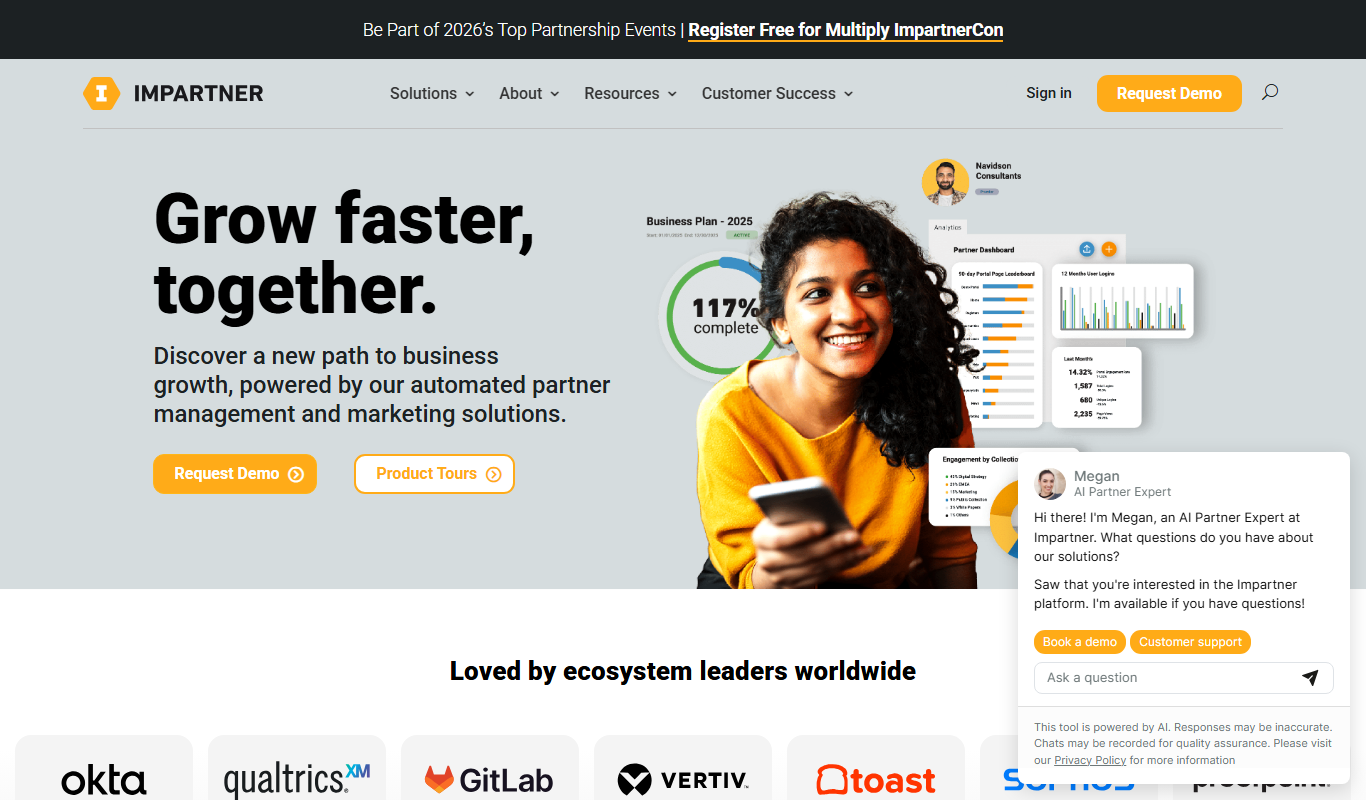
Impartner PRM
Impartner PRM is a partner relationship management platform that helps businesses manage channel partners, streamline onboarding, enable sales and marketing collaboration, and track partner performance.

Route4Me
Route4Me is a route planning and optimization software that helps businesses efficiently plan multi-stop routes, track drivers in real-time, and manage fleet operations to reduce costs and improve delivery speed.

Meet Alfred
Meet Alfred is a LinkedIn automation platform that enables sales and marketing professionals to automate outreach campaigns across LinkedIn, email, and Twitter, helping generate leads and manage multi-channel prospecting efficiently.
Glofox
Glofox is a gym management software designed to help fitness studios manage memberships, class schedules, payments, and member engagement through web and mobile apps.

Albacross
Albacross is a B2B lead generation platform that identifies anonymous website visitors, provides detailed company insights, and integrates with CRM systems to help businesses convert visitors into qualified leads.

Market Leader
Market Leader is a real estate CRM and marketing platform that helps agents generate leads, manage contacts, and automate marketing campaigns with customizable IDX websites and integrated tools.

Branch Metrics
Branch Metrics is a platform that provides mobile app attribution and deep linking technology to help marketers track user acquisition and engagement across channels, improving app growth and user experience.

Appsflyer
Appsflyer is a mobile attribution and marketing analytics platform that helps app marketers track installs, measure campaign performance, prevent ad fraud, and optimize user acquisition.