

From my experience with WizEats, it stands out as a straightforward platform that empowers restaurants to take control of their online ordering without relying on large third-party delivery apps. The ease of menu customization and real-time order management makes it practical for small to medium-sized food businesses. However, the lack of a dedicated mobile app and undisclosed pricing may require some direct communication before committing. Overall, if you want a direct, commission-transparent online ordering solution, WizEats offers a solid, user-friendly option.
WizEats Online Food Ordering Platform for Restaurants and Customers
WizEats is an online platform that enables restaurants to create digital menus and accept orders directly from customers for pickup or delivery, streamlining the food ordering process with secure payments and real-time order tracking.
- Best for
- Restaurant Online Ordering
- Key capability
- Customizable Digital Menus
Do you recommend this tool?
What is WizEats?
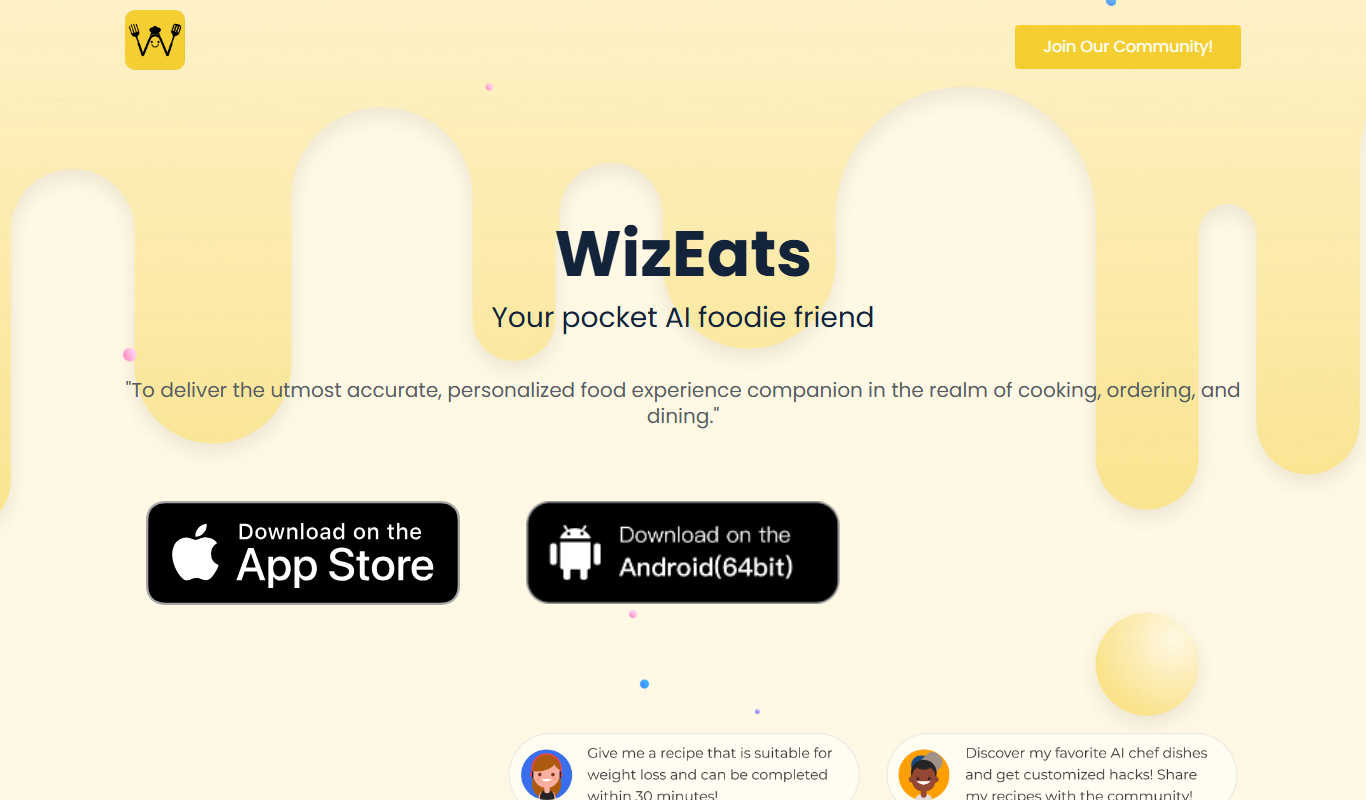
WizEats is an online food ordering platform designed to connect restaurants directly with their customers. It enables restaurants to create digital menus and accept orders online for pickup or delivery, streamlining the ordering process without relying on third-party apps. Customers can browse menus, customize orders, and pay securely through the platform.
Key features of WizEats
WizEats offers features such as customizable digital menus, real-time order management, secure payment processing, and order tracking. The platform focuses on simplifying online food ordering for both restaurants and customers by providing an intuitive interface and direct communication channels.
Customizable Digital Menus
Restaurants can easily create and update their menus with images, descriptions, and pricing.
Real-Time Order Management
Orders are received instantly, allowing restaurants to manage and track them efficiently.
Secure Online Payments
Supports multiple payment methods ensuring safe and seamless transactions.
Order Tracking
Customers and restaurants can monitor order status from preparation to delivery or pickup.
User-Friendly Interface
Intuitive design for both customers and restaurant staff to simplify the ordering process.
Pros and cons of WizEats
Pros
- Direct connection between restaurants and customers without third-party fees
- Easy menu customization and order management
- Secure and seamless payment processing
Cons
- No dedicated mobile app, only mobile web access
- Pricing details are not publicly disclosed, requiring direct contact
Key use cases for WizEats
Restaurant Online Ordering
Allows restaurants to set up an online ordering system to receive and manage customer orders directly.
Menu Management
Enables restaurants to create, update, and customize their digital menus with images, descriptions, and pricing.
Customer Food Ordering
Provides customers with an easy-to-use platform to browse menus, place orders, and choose pickup or delivery options.
Order Tracking
Offers real-time order status updates to customers and restaurants to streamline the delivery or pickup process.
Payment Processing
Supports secure online payment options for customers to pay for their orders seamlessly.
How WizEats works
- 1
Restaurant Registration
Restaurants sign up and create their profile on WizEats, setting up their menu and business details.
- 2
Menu Setup
Restaurants upload their menu items with descriptions, prices, and images to attract customers.
- 3
Customer Browsing
Customers visit the platform, browse restaurant menus, and select items to order.
- 4
Order Placement and Payment
Customers place their orders and pay securely through the platform.
- 5
Order Fulfillment
Restaurants receive orders in real-time, prepare the food, and manage delivery or pickup.
Who is using WizEats
Independent restaurants
Small to medium-sized food businesses
Cafes and bakeries
Food delivery services
Customers seeking direct ordering options
WizEats pricing
Custom Pricing
Contact for pricing
Pricing tailored to restaurant size and order volume; contact WizEats for details.
Plans and prices are as published by the vendor and can change. Check the official site before you buy. Open the pricing page (opens in a new tab)
Frequently asked questions about WizEats
Yes, restaurants can easily add, edit, and remove menu items including images and descriptions.
Pricing is customized per restaurant; you need to contact WizEats for detailed commission or subscription fees.
Currently, WizEats operates via a mobile-friendly web platform accessible through browsers.
WizEats supports secure online payment gateways to ensure safe transactions.
It depends on your specific needs and how you plan to use the tool. The official website and documentation are the best sources for the latest details.
It depends on your specific needs and how you plan to use the tool. The official website and documentation are the best sources for the latest details.
Yes, it can help with that use case depending on how you configure it and what features are available. You’ll get the best results with clear inputs and a defined goal.
It depends on your specific needs and how you plan to use the tool. The official website and documentation are the best sources for the latest details.
Sign in to review this tool.
Sign In to ReviewNo reviews yet
Be the first to share how this tool worked for you.
Ask about pricing, limits, or how it compares — or answer someone else.
Sign In to AskNo questions yet
Have a question about using or paying for this tool? Be the first to ask.
Featured on TiorAI



More AI Recipe Assistant tools
Other tools in the same category, for when this one is not quite the fit.

Free
Fridge Leftovers AI
Fridge Leftovers AI is a free web tool that generates recipe ideas based on the ingredients you have at home, helping reduce food waste and simplify meal planning.

Freemium
KITI AI
KITI AI is an AI-powered chatbot platform that helps businesses automate customer support and lead generation by engaging website visitors with conversational AI.
Subscription
SafePlates
SafePlates is a German digital food safety management software that helps restaurants comply with HACCP standards through digital checklists, temperature monitoring, and audit-ready documentation.

Custom Pricing
DishGrab
DishGrab is a platform that enables restaurants to set up their own online ordering system, allowing customers to browse menus, place orders, and pay online for pickup or delivery.

Free
Scan My Kitchen with AI Flavor
Scan My Kitchen with AI Flavor is a free web tool that scans your kitchen ingredients and uses AI to suggest personalized recipes and flavor pairings, helping you cook creatively and reduce food waste.

Freemium
Sage Cooking
Sage Cooking is an AI-powered web tool that generates personalized recipes based on your dietary preferences, restrictions, and available ingredients to simplify meal planning and inspire cooking creativity.

Free
WeChef
WeChef is an AI-powered cooking assistant that generates personalized recipes and meal plans based on your ingredients, dietary preferences, and cuisine choices, helping you cook efficiently and reduce food waste.

Freemium
Gensmo
Gensmo is an AI-powered writing assistant designed to help marketers and content creators generate high-quality marketing content, including blog posts, emails, and social media copy, with SEO optimization features.