

WittyWingMan: AI replies and openers for online dating chats
WittyWingMan is an AI dating chat assistant: upload chat screenshots and get smart, personalized replies and conversation starters.
- Best for
- Dating app openers
- Key capability
- Replies from screenshots
Save WittyWingMan, follow its updates and vote on it — everything stays in your account.
Sign in or create a free account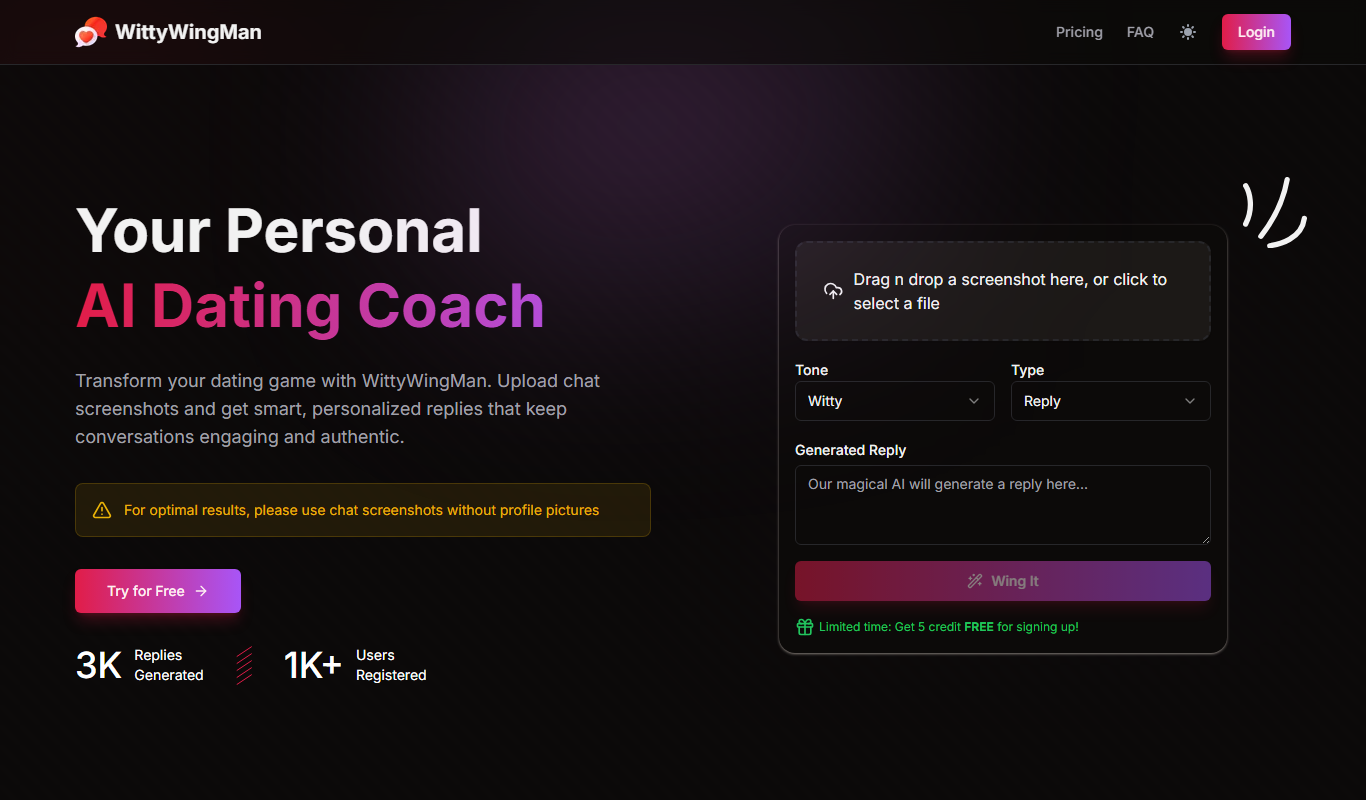

What is WittyWingMan?
WittyWingMan is an AI-powered companion for online dating chats. You upload a chat screenshot and it generates personalized, witty replies and conversation starters to keep the conversation going, paid with credits.
Key features of WittyWingMan
Reply suggestions generated from uploaded chat screenshots, conversation starters and dating app openers, tone selection, multilingual replies, and a credit system where one credit equals one reply, intro or pick-up line.
Replies from screenshots
Upload chat screenshots and get smart, personalized replies.
Conversation starters
Icebreakers based on your match's profile.
Tone selection
Choose the tone of the reply; larger packs include all conversation tones.
Multilingual replies
Witty replies in various languages.
Pros and cons of WittyWingMan
Pros
- 5 free credits for signing up (limited time)
- Pay-as-you-go credit packs, no subscription
- Replies available in various languages
Cons
- Screenshots with personal information such as phone numbers or photos are refused
- Each generation uses a credit, including repeats for the same image
Key use cases for WittyWingMan
Dating app openers
Conversation starters for a memorable first impression on dating apps.
Message replies
Responses that keep the conversation flowing on dating apps.
In-person intros
Natural and authentic in-person introductions.
Ending things politely
Navigating breakups with respect and tact.
Idea Generation
Brainstorm creative ideas and outlines for various writing projects.
How WittyWingMan works
- 1
Capture your chats
Share a screenshot of the conversation, without profile pictures or personal information.
- 2
Generate a reply
Hit Generate Reply for an instant witty response.
- 3
Copy and paste
Copy the crafted reply into your chat.
- 4
Generate Content
Let the AI produce text based on your inputs, then review and edit as needed.
- 5
Export and Use
Download or copy the generated content for your marketing or publishing needs.
Who is using WittyWingMan
WittyWingMan pricing
Basic
$5 for 10 credits
10 credits with tone selection and reply mode.
Standard
$9 for 40 credits
40 credits with all conversation tones and advanced reply mode.
Premium
$14 for 100 credits
100 credits with all premium features and priority support.
Plans and prices are as published by the vendor and can change. Check the official site before you buy. Open the pricing page (opens in a new tab)
Frequently asked questions about WittyWingMan
If the screenshot contains personal information like a phone number, email address or photo, no reply is generated; crop the image to remove it and try again.
One credit equals one reply, intro or pick-up line generation, and multiple generations for the same image each use one credit.
For a limited time you get 5 free credits for signing up.
This tool is designed to help users accomplish its core tasks more efficiently. It is typically used by individuals or teams looking to improve productivity and workflow.
Yes, it can help with that use case depending on how you configure it and what features are available. You’ll get the best results with clear inputs and a defined goal.
Some tools offer a free plan or trial with limited features. Availability can vary, so confirm on the official website.
Conclusion
A screenshot of a dating app conversation is the input, and the AI answers with a personalized reply that can be copied straight back into the chat. Openers and conversation starters for a first message are generated as well, and a tone can be chosen before each reply. Screenshots that contain a phone number, email address or photo are refused, so personal details have to be cropped out first.
Credits pay for everything: one credit covers one reply, intro or pick-up line, and regenerating for the same image uses another. Packs are one-off bundles of 10, 40 or 100 credits, and new accounts get 5 free credits for a limited time. Thanks to multilingual capabilities, witty replies can also be produced in various languages.
Sources
Sign in to review this tool.
Sign In to ReviewNo reviews yet
Be the first to share how this tool worked for you.
Ask about pricing, limits, or how it compares — or answer someone else.
Sign In to AskNo questions yet
Have a question about using or paying for this tool? Be the first to ask.
Featured on TiorAI



More AI Dating Assistant tools
Other tools in the same category, for when this one is not quite the fit.
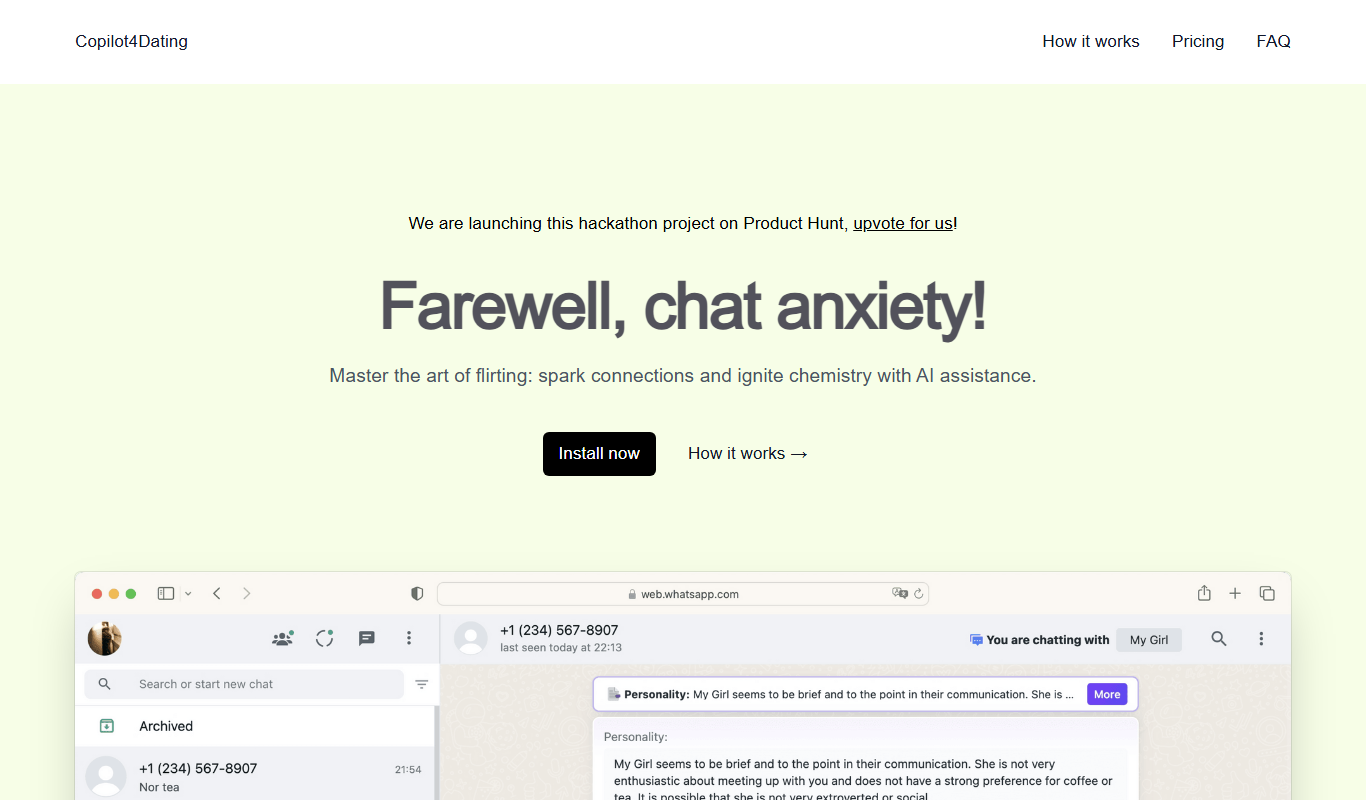
Copilot for Dating
Copilot for Dating is an AI assistant that helps users craft personalized dating messages and optimize their profiles to improve online dating interactions.

Hinge
Hinge is a dating app focused on fostering meaningful relationships through personalized profiles, prompts, and AI-driven matchmaking, available on iOS, Android, and web with free and subscription plans.