

From my experience with Windframe, I found it excels at enabling fast, no-code website creation with AI assistance. The platform’s focus on responsive design ensures websites look great on any device, which is essential in today’s mobile-first world. After spending time with Windframe, I can say it’s particularly well-suited for small business owners and freelancers who need professional websites without technical complexity. However, the pricing might be a consideration for very small projects or hobbyists. Overall, if you want to quickly launch a clean, modern website without coding, Windframe delivers solid results.
Windframe AI Website Builder for Fast, Responsive Web Design
Windframe is an AI-powered no-code website builder that helps users quickly create fast, responsive websites optimized for all devices without coding skills.
- Best for
- Rapid Website Creation
- Key capability
- AI-Powered Website Generation
Your actions
Save Windframe, follow its updates and vote on it — everything stays in your account.
Sign in or create a free account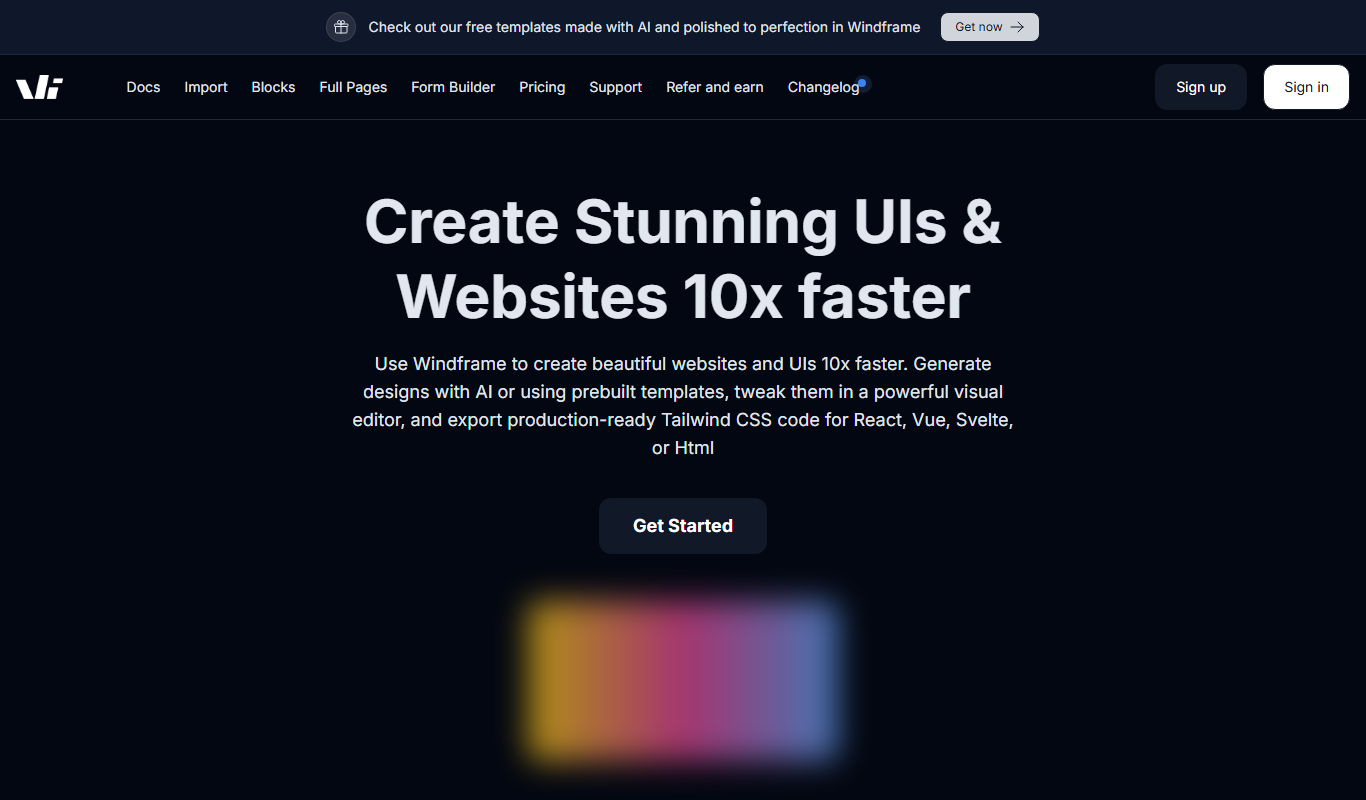

What is Windframe?
Windframe is an AI-powered website builder designed to help users create fast, responsive, and modern websites without writing code. It leverages artificial intelligence to generate website layouts and content structures, enabling users to build professional web pages efficiently. The platform focuses on speed and responsiveness, ensuring websites perform well across devices.
Key features of Windframe
Windframe offers AI-driven website generation, responsive design templates, easy customization options, and fast deployment. It simplifies web development by automating layout creation and optimizing for performance.
AI-Powered Website Generation
Automatically create website layouts and content structures based on user input.
Responsive Design
Websites adapt seamlessly to different screen sizes and devices.
No-Code Editing
Customize your website easily without any programming skills.
Fast Performance
Optimized code ensures quick loading times and smooth user experience.
Template Variety
Access a range of modern templates to suit various industries and styles.
Pros and cons of Windframe
Pros
- Quick website creation with AI assistance
- No coding required for customization
- Responsive designs optimized for all devices
- Clean, modern templates available
- Fast website performance
Cons
- Limited information on advanced integrations
- Pricing may be high for very small projects
Key use cases for Windframe
Rapid Website Creation
Generate fully responsive websites quickly using AI-powered templates and customization.
No-Code Web Design
Build professional websites without coding knowledge by leveraging AI-driven design tools.
Responsive Web Development
Create websites optimized for all devices including desktops, tablets, and smartphones.
Prototyping and MVP Launch
Use Windframe to prototype website ideas and launch minimum viable products efficiently.
Small Business Websites
Ideal for small businesses needing fast, attractive, and functional web presence.
How Windframe works
- 1
Sign Up
Create an account on Windframe’s website to access the AI builder.
- 2
Input Website Details
Provide basic information about your website’s purpose and content.
- 3
AI Generates Website
Windframe’s AI creates a responsive website layout tailored to your inputs.
- 4
Customize Design
Adjust styles, colors, and content blocks using the intuitive editor.
- 5
Publish Website
Deploy your website live with optimized performance and responsiveness.
Who is using Windframe
Small business owners
Freelancers and consultants
Startups launching MVPs
Marketing professionals
Non-technical users seeking websites
Windframe pricing
Free Trial
$0 for 7 days
Try Windframe with full features for a limited time.
Pro
$29/month
Full access to all features, unlimited websites, and priority support.
Plans and prices are as published by the vendor and can change. Check the official site before you buy. Open the pricing page (opens in a new tab)
Frequently asked questions about Windframe
No, Windframe is designed for users without coding experience, providing a no-code website builder.
Yes, you can easily customize layouts, colors, and content blocks using the editor.
Absolutely, all websites created are fully responsive and optimized for mobile devices.
After the free trial, the Pro plan costs $29 per month with full features.
It depends on your specific needs and how you plan to use the tool. The official website and documentation are the best sources for the latest details.
It depends on your specific needs and how you plan to use the tool. The official website and documentation are the best sources for the latest details.
Pricing depends on the plan and included features. For the most accurate and up-to-date details, check the official pricing page.
Sign in to review this tool.
Sign In to ReviewNo reviews yet
Be the first to share how this tool worked for you.
Ask about pricing, limits, or how it compares — or answer someone else.
Sign In to AskNo questions yet
Have a question about using or paying for this tool? Be the first to ask.
Featured on TiorAI



More AI Ai Tools tools
Other tools in the same category, for when this one is not quite the fit.
Contact for pricing
LLMWare
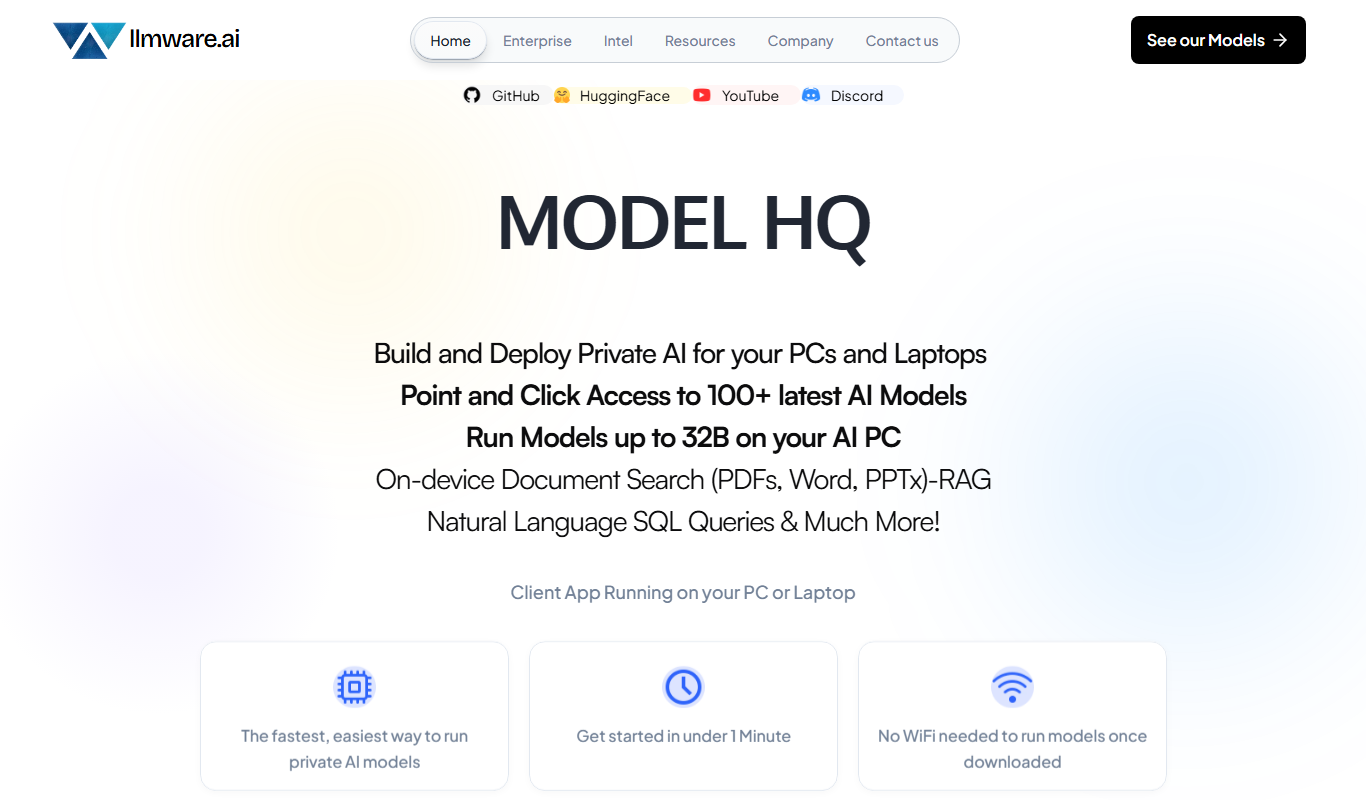
LLMWare is an AI platform that enables enterprises to deploy, manage, and scale large language models securely with flexible infrastructure and integration options.
Free
AstroChart.ai
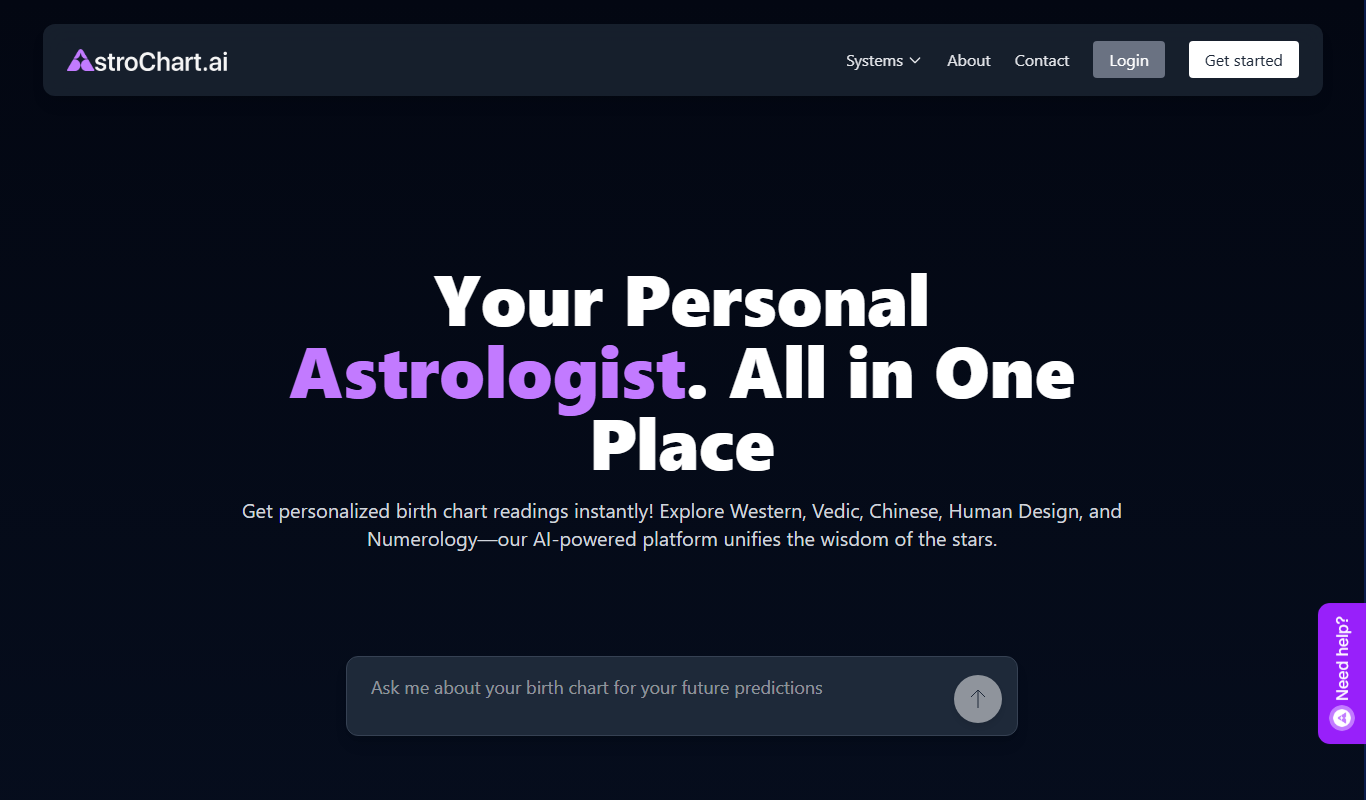
AstroChart.ai is an AI-driven platform that creates personalized astrology birth charts and detailed interpretations based on your birth data, helping users understand their astrological profile easily online.

Free
Moodset
Moodset is a mood tracker that uses valence and arousal and music analysis from Spotify, on Android.

Free
ChatGPT Text Formatter
ChatGPT Text Formatter is a free web tool that cleans and formats AI-generated text by removing unwanted characters and fixing spacing, making the text easier to read and use.

Freemium
Legal Assist AI 2.5
Legal Assist AI 2.5 is an AI legal tool that helps legal professionals draft documents and review contracts.

Free
File Concat Tool – Prepare Files for AI
FileConcat merges files, including PDFs, Office docs, archives and GitHub links, into a single file for AI.

Free
Death Clock AI
Death Clock AI is a free web tool that uses AI to estimate your life expectancy based on personal health and lifestyle data, providing a predicted date of death to raise health awareness.

Free
Free Market Research Report from Plus AI
Plus AI offers a free AI-powered tool that generates comprehensive market research reports by aggregating data from multiple sources, helping businesses and investors gain insights quickly.