

From my experience with Wakey Wakey, I found it excels at providing a reliable and human-centered alternative to traditional alarms. The personalized wake-up calls add a unique touch that can help heavy sleepers or those who struggle with smartphone alarms. After using the service, I can say it’s particularly well-suited for individuals seeking punctuality with a personal touch, such as remote workers or students. However, the pay-per-call pricing model might not be ideal for daily heavy users, and the limited international support restricts its use outside the UK. Overall, if you want a dependable, human voice wake-up call, Wakey Wakey delivers solid results.
Wakey Wakey Wake-Up Call Service for Reliable Morning Alarms
Wakey Wakey is an online service that provides personalized wake-up calls at scheduled times, offering a human voice alternative to traditional alarms.
- Best for
- Reliable Morning Wake-Up
- Key capability
- Personalized Wake-Up Calls
Your actions
Save Wakey Wakey, follow its updates and vote on it — everything stays in your account.
Sign in or create a free account

What is Wakey Wakey?
Wakey Wakey is an online wake-up call service that delivers personalized phone calls to users at their chosen time. Instead of relying on traditional alarm clocks or smartphone alarms, users receive a friendly call to wake them up, making mornings more engaging and reliable.
Key features of Wakey Wakey
The service offers scheduled wake-up calls with customizable times, a friendly human voice to help users wake up, and a simple web interface to set up calls quickly. It is designed to be a dependable and human-centered alternative to digital alarms.
Personalized Wake-Up Calls
Calls are made at the exact time chosen by the user, providing a human voice to wake you up.
Easy Scheduling
Simple web interface allows quick setup without complicated registration.
Flexible Payment Options
Free wake-up calls available with limited features and pay-per-call options for premium service.
Pros and cons of Wakey Wakey
Pros
- Human voice wake-up calls increase effectiveness
- Simple and quick setup process
- Alternative to unreliable smartphone alarms
Cons
- Limited international phone support
- Pay-per-call pricing can add up for frequent users
- No dedicated mobile app available
Key use cases for Wakey Wakey
Reliable Morning Wake-Up
Users receive personalized wake-up calls to ensure they start their day on time without relying on traditional alarms.
Time Management Aid
Helps individuals maintain punctuality for appointments, work, or study by providing a human touch to morning alarms.
Alternative Alarm Solution
Offers a unique alternative to smartphone alarms, especially useful for those who struggle to wake up with standard alarms.
How Wakey Wakey works
- 1
Set Your Wake-Up Time
Visit the Wakey Wakey website and select the time you want to be called.
- 2
Provide Your Phone Number
Enter the phone number where you want to receive the wake-up call.
- 3
Receive Your Wake-Up Call
At the scheduled time, Wakey Wakey calls you with a friendly wake-up message.
Who is using Wakey Wakey
Individuals struggling to wake up with traditional alarms
People seeking a personalized morning routine
Remote workers and students needing punctuality
Users preferring human interaction over digital alarms
Wakey Wakey pricing
Free
$0
Basic wake-up calls with limited availability and features.
Pay Per Call
Varies
Premium wake-up calls with guaranteed delivery and additional options.
Plans and prices are as published by the vendor and can change. Check the official site before you buy. Open the pricing page (opens in a new tab)
Frequently asked questions about Wakey Wakey
Simply visit the website, select your desired wake-up time, and enter your phone number.
There is a free option with limited calls, and premium calls are available on a pay-per-call basis.
Currently, the service primarily supports UK phone numbers.
It depends on your specific needs and how you plan to use the tool. The official website and documentation are the best sources for the latest details.
Some tools offer a free plan or trial with limited features. Availability can vary, so confirm on the official website.
Yes, it can help with that use case depending on how you configure it and what features are available. You’ll get the best results with clear inputs and a defined goal.
Sign in to review this tool.
Sign In to ReviewNo reviews yet
Be the first to share how this tool worked for you.
Ask about pricing, limits, or how it compares — or answer someone else.
Sign In to AskNo questions yet
Have a question about using or paying for this tool? Be the first to ask.
Featured on TiorAI



Alternative Tools
Explore similar AI tools that might fit your needs
Free
Alarmy
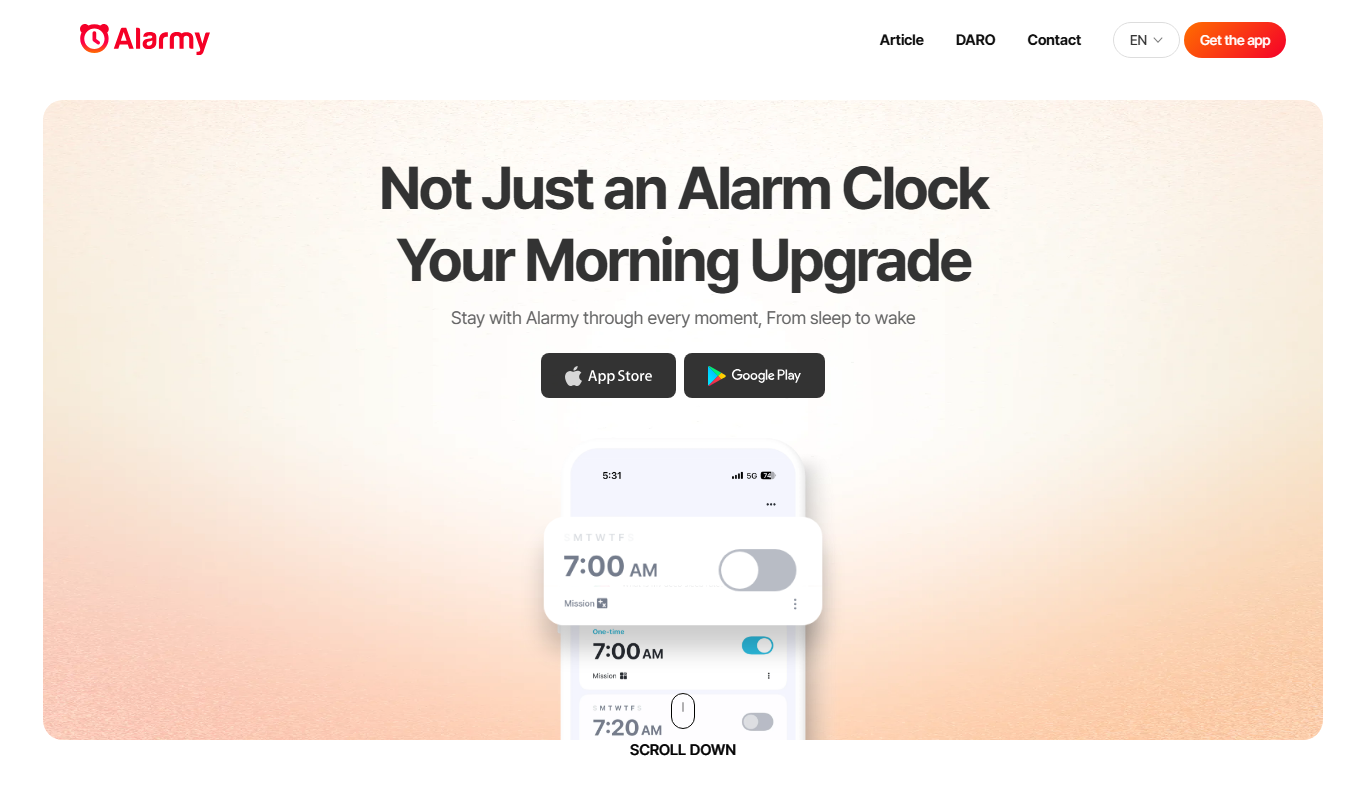
Alarmy is a smart alarm clock app that wakes users by requiring them to complete tasks like solving puzzles or taking photos, making it effective for heavy sleepers.

Free
SleepCycle
SleepCycle is a smart alarm clock app that tracks your sleep patterns using your phone or wearable sensors and wakes you up during your lightest sleep phase to help you feel more refreshed.
More AI Lifestyle Tools tools
Other tools in the same category, for when this one is not quite the fit.

Freemium
LooksMaxx AI – AI powered apps to help you glow up and looksmaxx online
LooksMaxx AI is a looksmaxxing app with AI reports and face shape and color analysis, available on iOS and Android and as a Chrome extension.

Free
Dream Advisor
Dream Advisor is an app that helps users record and interpret their dreams using personalized insights to promote mental wellness and self-awareness.
Free
AI Tarot Nova
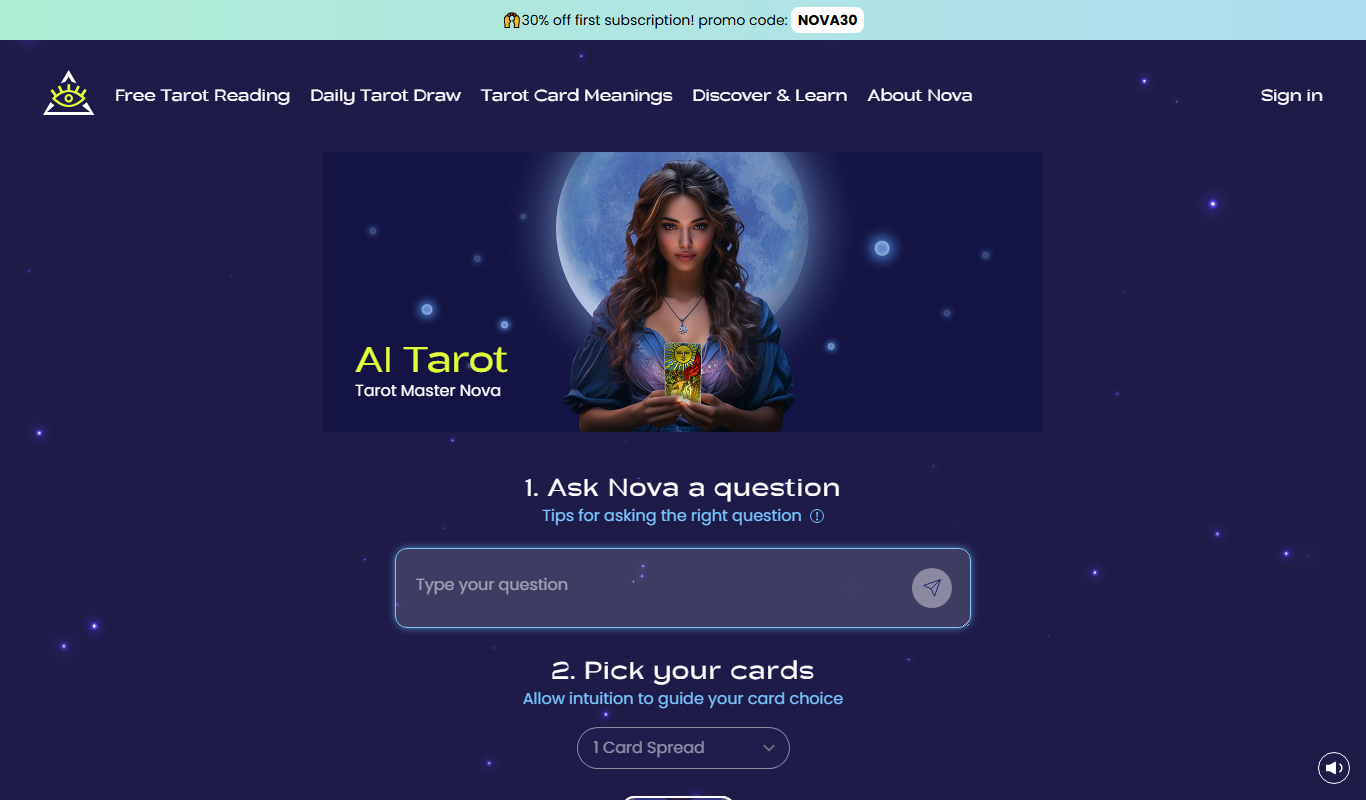
AI Tarot Nova offers free AI tarot readings, a daily draw and a subscription at tarotnova.ai.

Free
BarGPT AI-Powered Bartender
BarGPT is an AI-powered virtual bartender that creates personalized cocktail recipes and offers mixology tips based on your available ingredients and preferences.