
From my experience with Vue CLI, I found it excels at simplifying the setup and management of Vue.js projects, especially for developers who want to avoid the complexity of manual configuration. The interactive scaffolding and plugin system make it easy to customize projects without deep knowledge of build tools like webpack. However, it does require some comfort with command line usage and is specific to Vue.js, so it’s not a universal frontend tool. Overall, if you are working with Vue.js, Vue CLI provides a streamlined, efficient workflow that accelerates development and reduces configuration overhead.
Vue CLI - Official Command Line Interface for Vue.js Development Projects
Vue CLI is the official command line interface for Vue.js that helps developers quickly scaffold, develop, and build Vue.js applications with an extensible plugin system and optimized tooling.
Tech Stack:
JavaScript
Node.js
What is Vue CLI?
Vue CLI is the official command line interface tool for Vue.js, designed to streamline the process of creating, developing, and managing Vue.js applications. It provides a powerful and flexible project scaffolding system, plugin architecture, and built-in development tools that help developers quickly bootstrap projects with best practices and optimized configurations.

Key Features of Vue CLI
Interactive Project Scaffolding
Guides developers through project setup with customizable options and presets.
Plugin-Based Architecture
Supports adding or removing features via plugins without ejecting or manual config changes.
Built-in Development Server
Provides hot module replacement and fast rebuilds for efficient development cycles.
Optimized Production Builds
Generates minified and optimized bundles ready for deployment.
Zero Config Philosophy
Abstracts complex webpack and Babel configurations for ease of use.
Pros and Cons of Vue CLI
Pros
- Simplifies Vue.js project setup and configuration
- Extensible plugin system for flexible project customization
- Built-in development server with hot-reload
- Optimized production build process
- Open-source and free with strong community support
Cons
- Requires familiarity with command line tools
- Limited to Vue.js projects only
- Some advanced configurations may still require manual tweaking
Key Use Cases for Vue CLI
Vue.js Project Scaffolding
Quickly create new Vue.js projects with a standardized structure and configuration.
Plugin and Preset Management
Easily add, remove, or configure plugins and presets to extend Vue.js project capabilities.
Development Server and Build Tools
Run a local development server with hot-reload and build optimized production bundles.
Project Configuration Simplification
Simplify complex webpack and Babel configurations through intuitive CLI commands.
Code Generation and Maintenance
Generate boilerplate code and maintain project dependencies efficiently.
How Vue CLI Works
-
1
Install Vue CLI
Use npm or yarn to globally install the Vue CLI package on your development machine.
-
2
Create a New Project
Run the ‘vue create’ command to start an interactive wizard that sets up your Vue.js project.
-
3
Add Plugins or Presets
Enhance your project by adding official or community plugins and presets via CLI commands.
-
4
Develop and Test
Launch the development server with hot-reload to build and test your application in real-time.
-
5
Build for Production
Use the build command to generate optimized production-ready assets for deployment.
Who's Using Vue CLI
Frontend developers
JavaScript programmers
Web application developers
Vue.js enthusiasts
Software development teams
Vue CLI Pricing
Free
$0
Open-source and free to use with no limitations.
Frequently Asked Questions About Vue CLI
Yes, Vue CLI is an open-source tool and completely free to use.
No, Vue CLI abstracts webpack configuration, so you can use it without deep webpack knowledge.
Yes, Vue CLI supports a plugin system that allows you to add official or community plugins.
Vue CLI runs as a command line tool on any system with Node.js installed.
This tool is designed to help users accomplish its core tasks more efficiently. It is typically used by individuals or teams looking to improve productivity and workflow.
It depends on your specific needs and how you plan to use the tool. The official website and documentation are the best sources for the latest details.
Yes, it can help with that use case depending on how you configure it and what features are available. You’ll get the best results with clear inputs and a defined goal.
Some tools offer a free plan or trial with limited features. Availability can vary, so confirm on the official website.
Share your review
Reviews are limited to one per logged-in user and are published after moderation.
You need an account to review this tool.
0.0
★
★
★
★
★
0 reviews
5 star
0
4 star
0
3 star
0
2 star
0
1 star
0
No reviews yet
Be the first to share how this tool worked for you.
Questions from the community
Read questions and answers about this tool, or ask your own.
No questions yet
Start the conversation by asking the first question about this tool.
Is this tool helpful?
Alternative Tools
Explore similar AI tools that might fit your needs

Free
Vite
Vite is a modern frontend build tool that uses native ES modules and Rollup to provide fast development server startup, instant hot module replacement, and optimized production builds for web applications.

Freemium
AI Coder Buddy
AI Coder Buddy is an AI-driven tool that assists developers by generating code snippets, debugging code, and providing programming explanations to improve productivity.

Free
Selenium
Selenium is an open-source framework that automates web browsers for testing and web automation, supporting multiple languages and browsers.

Free
SwiftUIX
SwiftUIX is an open-source library that extends Apple's SwiftUI framework by adding missing UI components and utilities to help developers build richer apps across Apple platforms.

Free
Mistral AI
Mistral AI is a French startup offering open-source large language models that developers and researchers can use for natural language processing tasks, fine-tuning, and integration into AI applications via API.
Free
Gamefroot
Gamefroot is a web-based platform that enables users to create 2D games through drag-and-drop tools and JavaScript scripting, focusing on educational and indie game development.
Custom Pricing
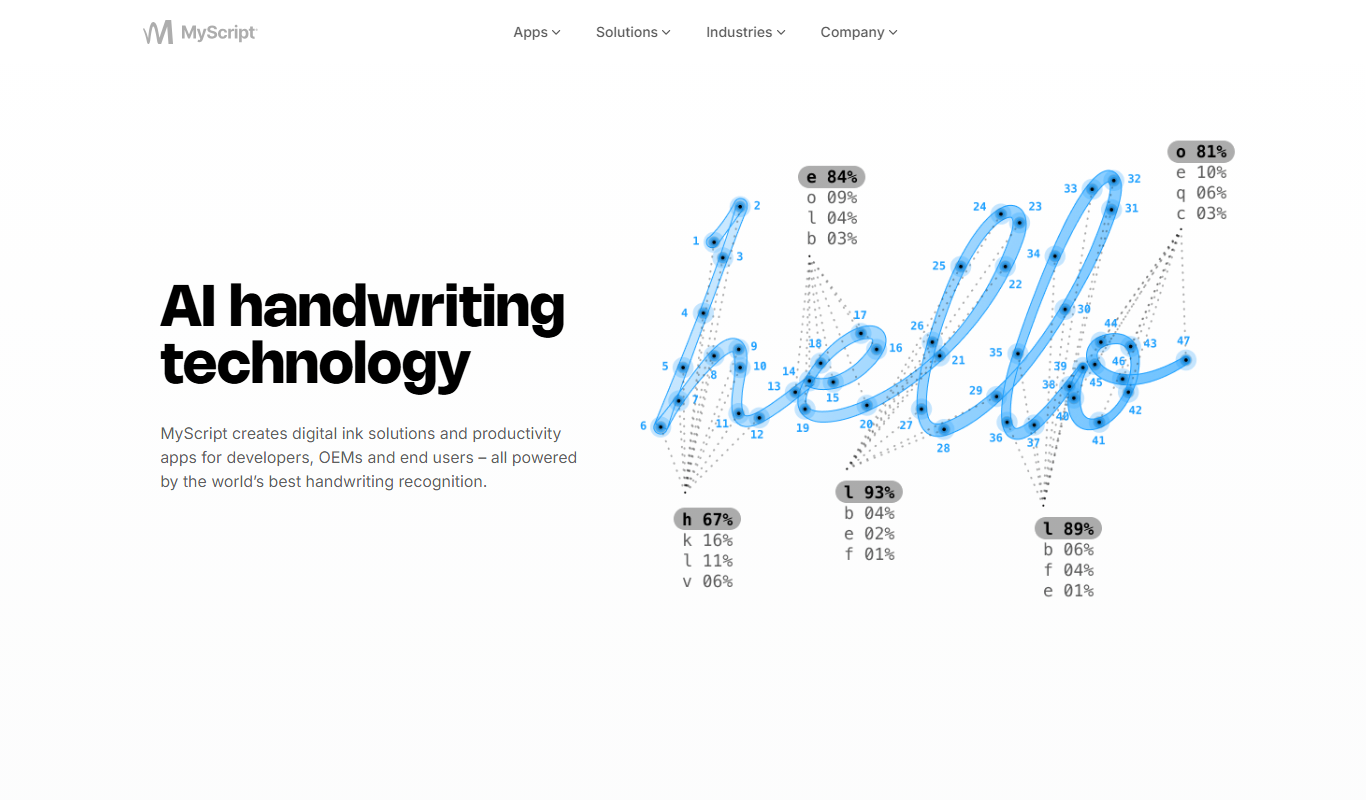
MyScript Math
MyScript Math is a handwriting recognition tool that converts handwritten mathematical expressions into digital, editable math content, supporting multiple platforms and integration via API.
Free Trial
MarkDX
MarkDX is an AI-powered writing assistant that helps marketers and content creators generate high-quality, SEO-optimized content quickly using AI-driven suggestions and templates.

Contact for pricing
cult
Cult is an AI-driven customer engagement platform that uses predictive analytics and automation to personalize marketing campaigns and improve customer retention.