

From my experience with Voxscribe, I found it excels at delivering quick and accurate transcriptions with a straightforward user interface. After spending time with the platform, I can say it’s particularly well-suited for content creators, professionals, and researchers who need reliable audio-to-text conversion without complex setups. However, there’s a trade-off: the tool currently supports only English and lacks mobile apps, which might limit flexibility for some users. Overall, if you need an affordable and efficient transcription service with editing capabilities, Voxscribe delivers solid results.
Voxscribe AI Transcription Tool for Accurate Audio to Text Conversion
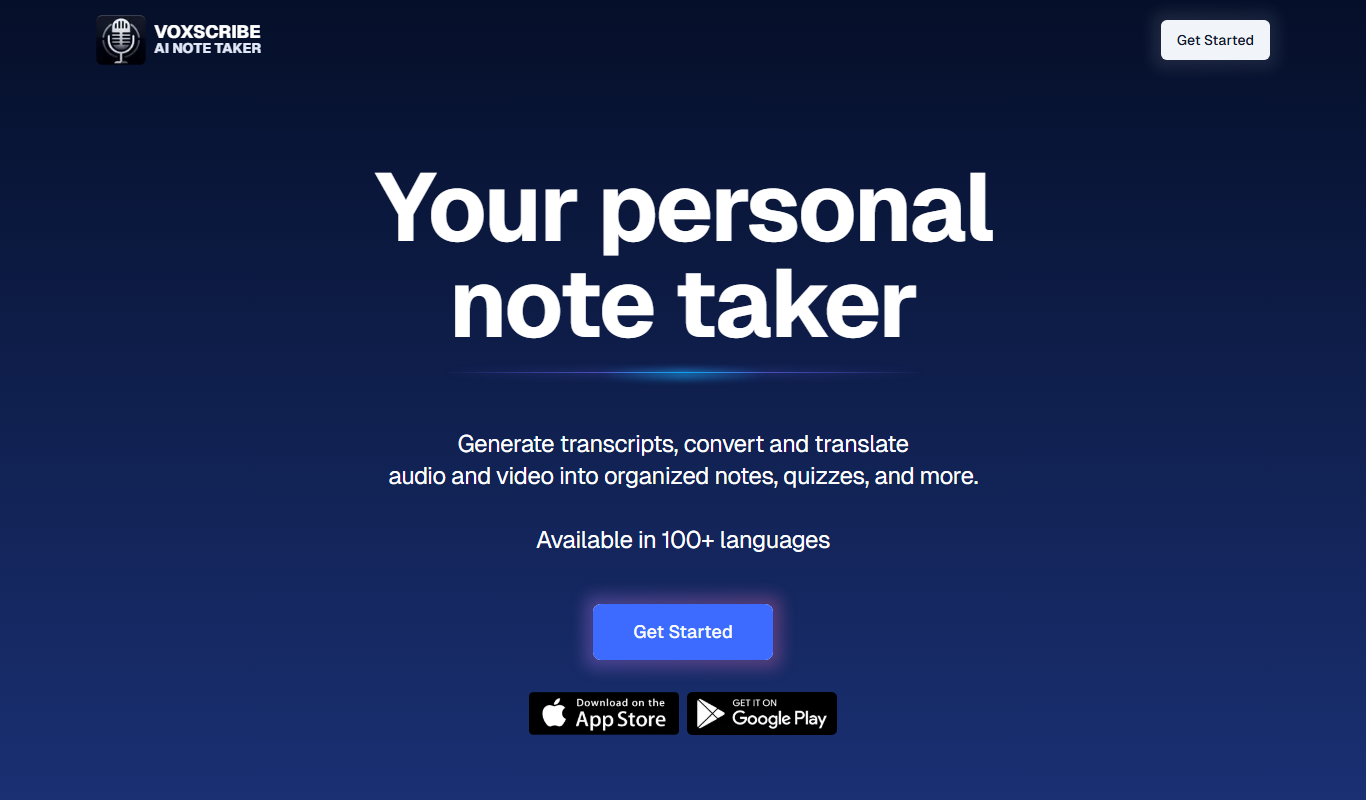
Voxscribe is an AI transcription tool that converts audio recordings into text with high accuracy, supporting multiple audio formats and offering editing and export features.
- Best for
- Meeting Transcriptions
- Key capability
- High Accuracy AI Transcription

Do you recommend this tool?
What is Voxscribe?
Voxscribe is an AI-powered transcription tool designed to convert audio recordings into accurate text transcripts quickly and efficiently. It leverages advanced speech recognition technology to support professionals, content creators, and organizations in transforming spoken words into readable documents.
Key features of Voxscribe
Voxscribe offers automated transcription with high accuracy, supports multiple audio formats, provides easy editing and exporting options, and ensures secure handling of sensitive audio data.
High Accuracy AI Transcription
Utilizes advanced AI models to deliver precise transcription results with minimal errors.
Multi-format Audio Support
Accepts a wide range of audio file types including MP3, WAV, and more.
User-friendly Editor
Provides an intuitive interface for reviewing and editing transcripts directly within the platform.
Secure Data Handling
Ensures user audio and transcripts are stored and processed with strong privacy and security measures.
Export Options
Allows exporting transcripts in formats such as TXT, DOCX, and PDF for versatile use.
Pros and cons of Voxscribe
Pros
- Easy-to-use interface for quick transcription
- Supports multiple audio formats
- Affordable pricing with a free tier
- Secure handling of sensitive data
- Provides editing tools within the platform
Cons
- Limited language support (English only)
- No mobile app available currently
- Free plan has restricted transcription minutes
Key use cases for Voxscribe
Meeting Transcriptions
Automatically convert meeting recordings into accurate text transcripts for easy review and sharing.
Content Creation
Transcribe podcasts, interviews, and voice notes to streamline content production workflows.
Accessibility
Provide text versions of audio content to improve accessibility for hearing-impaired users.
Research Documentation
Convert recorded research interviews and focus groups into searchable text for analysis.
Legal and Medical Transcriptions
Assist professionals in legal and medical fields by transcribing audio notes and dictations.
How Voxscribe works
- 1
Upload Audio
Users upload their audio files in supported formats to the Voxscribe platform.
- 2
AI Transcription
The AI engine processes the audio and generates a text transcript automatically.
- 3
Review and Edit
Users can review the transcript, make corrections, and format the text as needed.
- 4
Export Transcript
The final transcript can be exported in various formats for use in reports, publications, or sharing.
Who is using Voxscribe
Content creators and podcasters
Business professionals and teams
Researchers and academics
Legal and medical practitioners
Accessibility service providers
Voxscribe pricing
Free
$0/month
Limited transcription minutes per month with basic features.
Premium
$15/month
Increased transcription limits, priority processing, and advanced editing tools.
Plans and prices are as published by the vendor and can change. Check the official site before you buy. Open the pricing page (opens in a new tab)
Frequently asked questions about Voxscribe
Voxscribe supports common audio formats including MP3, WAV, and M4A.
The free plan has monthly limits on transcription minutes, while premium plans offer higher or unlimited limits.
Accuracy depends on audio quality and clarity of speech, but Voxscribe uses advanced AI to maximize precision.
Yes, Voxscribe provides an editor to review and correct transcripts before exporting.
It depends on your specific needs and how you plan to use the tool. The official website and documentation are the best sources for the latest details.
Some tools offer a free plan or trial with limited features. Availability can vary, so confirm on the official website.
Yes, it can help with that use case depending on how you configure it and what features are available. You’ll get the best results with clear inputs and a defined goal.
Sign in to review this tool.
Sign In to ReviewNo reviews yet
Be the first to share how this tool worked for you.
Ask about pricing, limits, or how it compares — or answer someone else.
Sign In to AskNo questions yet
Have a question about using or paying for this tool? Be the first to ask.
Featured on TiorAI



Alternative Tools
Explore similar AI tools that might fit your needs

Pay As You Go
Temi
Temi is an AI-powered transcription service that quickly converts audio and video files into editable, timestamped text transcripts with speaker identification.
More AI Productivity Tools tools
Other tools in the same category, for when this one is not quite the fit.

Free
Merlin AI
Merlin AI is a GPT-4 powered AI chat assistant that integrates as a browser extension, enabling users to access AI-generated content and assistance directly on any website to improve productivity and content creation.

Freemium
EasyTrip AI
EasyTrip AI is an AI-driven travel planner that generates customized trip itineraries based on your travel dates, destinations, and preferences, helping you organize your trip efficiently.

Freemium
Wanderlust Browser Extension V2
Wanderlust Browser Extension V2 is a travel planning tool that integrates with Chrome and Firefox browsers, enabling users to save travel ideas, build itineraries, and collaborate on trip plans directly from their browsing experience.

Freemium
PlaninGo
PlaninGo is an AI travel planning tool that generates personalized trip itineraries and guides based on your preferences, helping you plan efficient and enjoyable trips.

Free
Travelwiz
Travelwiz is an AI-powered travel planning tool that creates personalized trip itineraries and offers tailored travel recommendations based on user preferences.

Freemium
Swifty
Swifty is an AI writing assistant that helps users create and edit English content quickly with AI-generated suggestions and grammar corrections.

Free
Momo
Momo is an AI-powered assistant that automates workflows, manages tasks, and enhances team collaboration by integrating with popular productivity tools.

Freemium
Travel Itinerary AI
Travel Itinerary AI is an AI-powered web tool that creates personalized travel itineraries based on your preferences, helping you plan and manage trips efficiently.