

Voxel51 Physical AI Data Platform for Multimodal Data Search, Curation and Annotation
Voxel51 is an end-to-end physical AI data platform to search, visualize, curate and label the multimodal data behind physical AI and computer vision models.
- Best for
- Video Data Annotation
- Key capability
- Multimodal Annotation
Save voxel51.com, follow its updates and vote on it — everything stays in your account.
Sign in or create a free account
What is voxel51.com?
Voxel51 is an end-to-end physical AI data platform for searching, annotating and curating multimodal data. Teams use it to search, visualize, curate and label the images, video, 3D scenes and sensor streams behind their physical AI and computer vision models, and to evaluate how those models perform.
Key features of voxel51.com
Voxel51 offers natural language data search, data visualization and curation, annotation with automated QA, model evaluation, custom plugins and Voxel51 Agent for automating repetitive data work.
Multimodal Annotation
Labels for images, video, 3D and multimodal data, with automated QA, VLM-assisted labeling and active learning.
Model Evaluation
Evaluation of regression, classification, detection and segmentation tasks, with confusion matrices, precision-recall curves and other standard metrics.
Data Search
Fast natural language, visual similarity and metadata search across samples, episodes and behaviors.
Data Visualization
Synchronized playback of multimodal episodes across images, 3D scenes, sensor streams, maps and annotations.
Collaboration Tools
Features enabling teams to work together on datasets and models.
Pros and cons of voxel51.com
Pros
- End-to-end multimodal data workflow in one place
- Supports popular ML frameworks and tools
- Runs in the customer's own environment with the models and infrastructure it already uses
- Robust video annotation and visualization features
Cons
- Pricing details are not publicly available
- May require technical expertise to fully utilize advanced features
Key use cases for voxel51.com
Video Data Annotation
Efficiently label and annotate video datasets to train computer vision models.
Model Evaluation
Compare model predictions against ground truth labels to see where a model performs well and where it needs improvement.
Data Curation
Slice, search and filter massive multimodal datasets to weed out low-quality samples before training.
Physical AI Data Workflows
Prepare data for physical AI work in areas such as robotics, autonomous systems, manufacturing, healthcare, retail and security.
Data Management and Visualization
Organize, explore, and visualize large video datasets to improve model performance.
How voxel51.com works
- 1
Upload Video Data
Import your video datasets into the Voxel51 platform for processing.
- 2
Annotate and Label
Use built-in tools to annotate objects, actions, and events within videos.
- 3
Curate Data
Slice, search and filter large multimodal datasets to weed out low-quality samples.
- 4
Evaluate Performance
Analyze model accuracy and performance metrics using visualization dashboards.
- 5
Automate Data Work
Hand repetitive data work to Voxel51 Agent, which can reason across the dataset and take action across the data loop.
Who is using voxel51.com
voxel51.com pricing
Team
Contact sales
8 user seats and 16 guest seats, 4 VPUs with 2,800 hours/month of compute, 1 production deployment, unlimited data and model inference, SSO and standard enterprise support.
Growth
Contact sales
25 user seats and 100 guest seats, 20 VPUs with 14,000 hours/month of compute, 3 production deployments, on-premise or air-gapped deployments and a dedicated customer success engineer.
Custom
Get custom pricing
Unlimited user and guest seats, VPUs and deployments, with a dedicated customer success team and professional services.
Plans and prices are as published by the vendor and can change. Check the official site before you buy. Open the pricing page (opens in a new tab)
Frequently asked questions about voxel51.com
Its data modalities include MCAP, images, video, 3D point clouds and meshes, DICOM, NIfTI, geospatial data, audio and custom media types.
Yes, FiftyOne integrates with popular ML tools including PyTorch, Hugging Face, CVAT and Label Studio.
Plans are arranged with the sales team: Team and Growth list Contact sales, and a demo can be booked from the site.
Yes, it moves from aggregate performance metrics to sample-level diagnostics to find the failure modes and edge cases that hold a model back in production.
This tool is designed to help users accomplish its core tasks more efficiently. It is typically used by individuals or teams looking to improve productivity and workflow.
Integration support depends on the tool and its available connectors or API. Check the official documentation or integrations page to confirm what is supported.
Conclusion
Raw recordings go in, and the platform turns them into the data a physical AI model actually needs. Search runs across samples, episodes and behaviors using natural language, visual similarity or metadata. Episodes can be explored with synchronized playback across images, 3D scenes, sensor streams, maps and annotations. Curation then slices and filters large multimodal datasets to weed out low-quality samples.
Labeling covers images, video and 3D data, backed by automated QA, VLM-assisted labeling and active learning. On the model side, predictions are compared against ground truth labels, and standard metrics such as confusion matrices and precision-recall curves sit next to sample-level diagnostics of failure modes and edge cases. Repetitive data work can also be handed to Voxel51 Agent.
The software can run in a customer’s own environment and integrates with tools such as PyTorch, Hugging Face, CVAT and Label Studio. Pricing details are not publicly available, and each plan is arranged by contacting sales.
Sources
Sign in to review this tool.
Sign In to ReviewNo reviews yet
Be the first to share how this tool worked for you.
Ask about pricing, limits, or how it compares — or answer someone else.
Sign In to AskNo questions yet
Have a question about using or paying for this tool? Be the first to ask.
Featured on TiorAI



More AI Image & Visual Tools tools
Other tools in the same category, for when this one is not quite the fit.

Splotch
Splotch is the knowledge graph on top of your core systems, giving humans and agents a trusted map for painless change management.
Pixel GPT
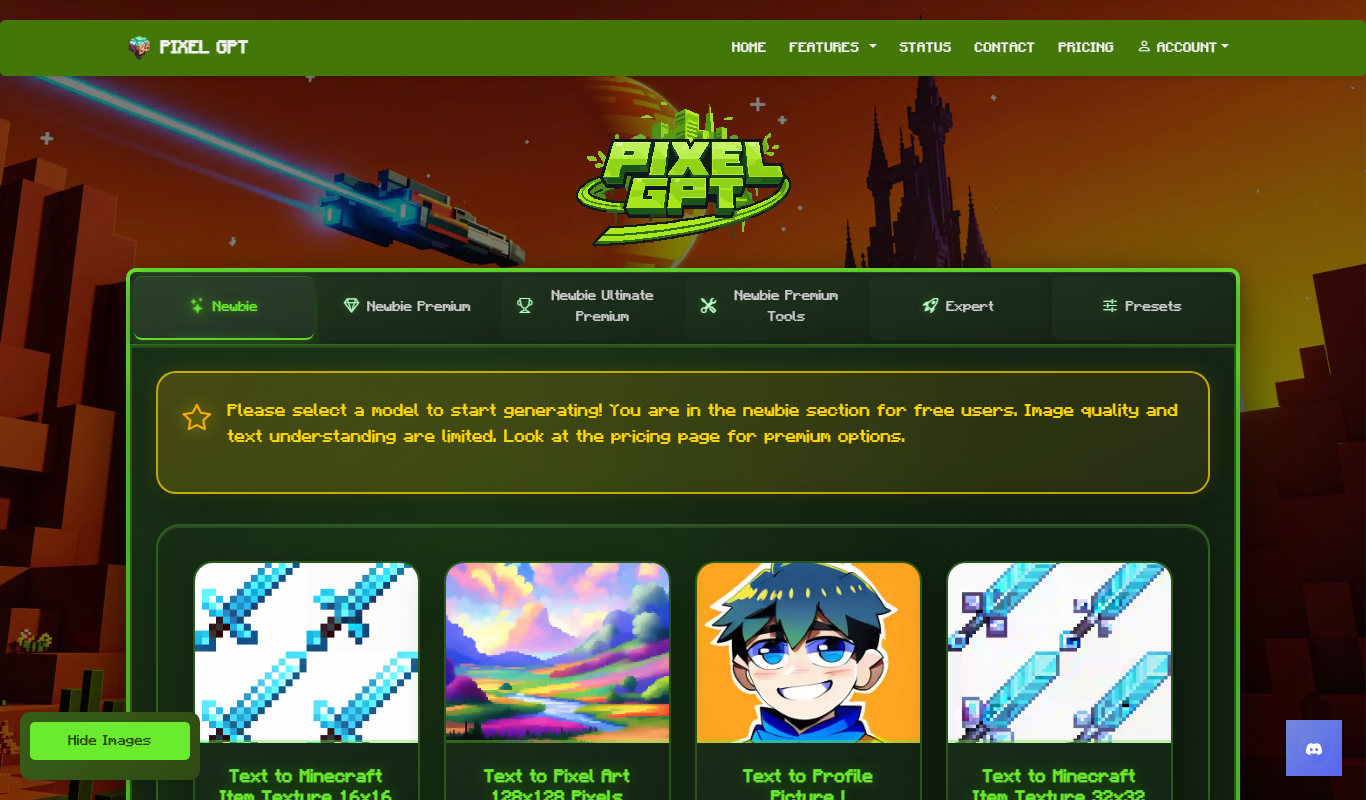
Pixel GPT by Deep Pixels generates Minecraft item textures and pixel art from text prompts, with true pixel-art output and direct PNG download.
Depix AI
Depix is the AI-native design platform for industrial designers and product teams: go from concept to photorealistic 3D render in minutes with AI agents, CMF Vision and Video Lab.
Narkis.ai
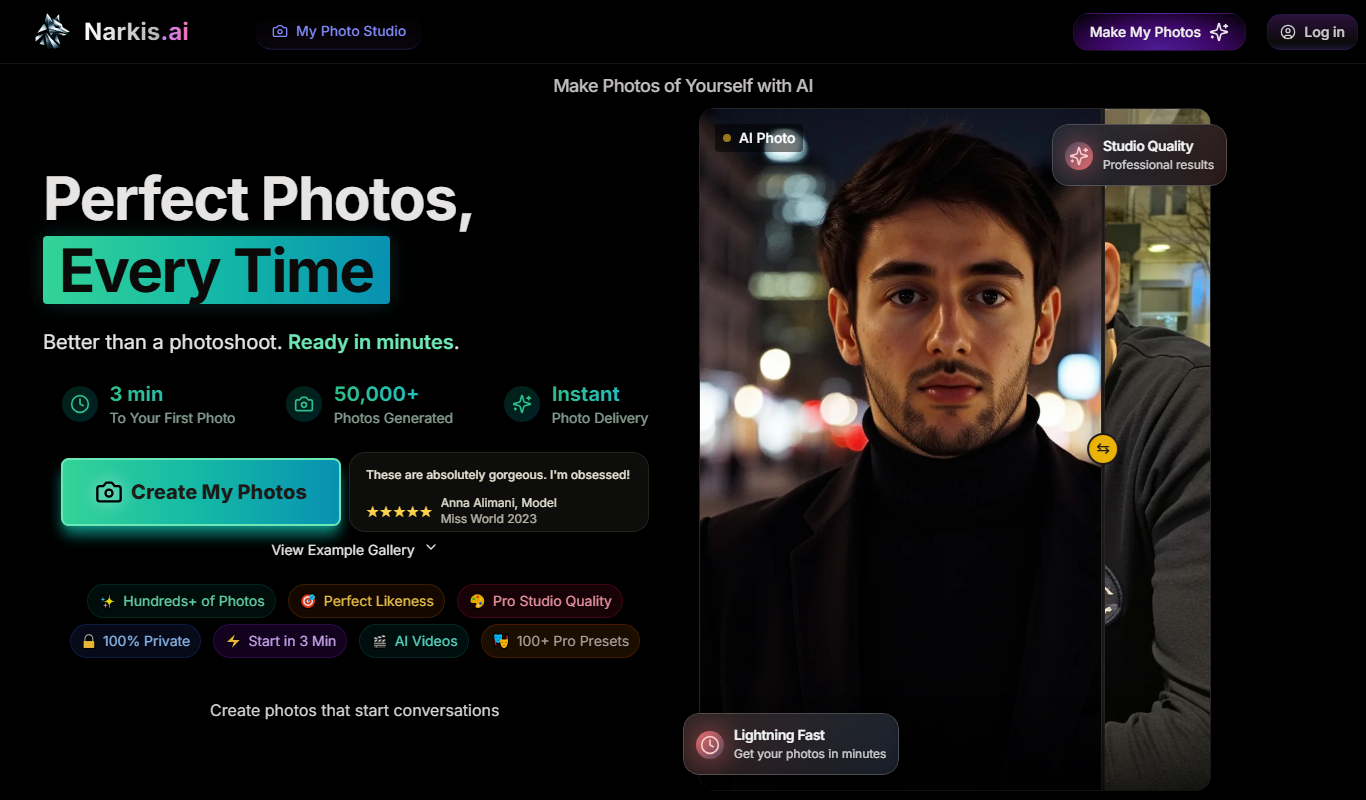
Narkis.ai trains a personal AI model on your photos and generates realistic headshots, dating photos and portraits of yourself in any style, no photoshoot needed.

MaternityPhotoshoot
MaternityPhotoshoot is an easy, affordable alternative to maternity photoshoots: upload 14 selfies and AI makes 500 maternity photos, delivered in 4 hours.
AI Stock Keywords
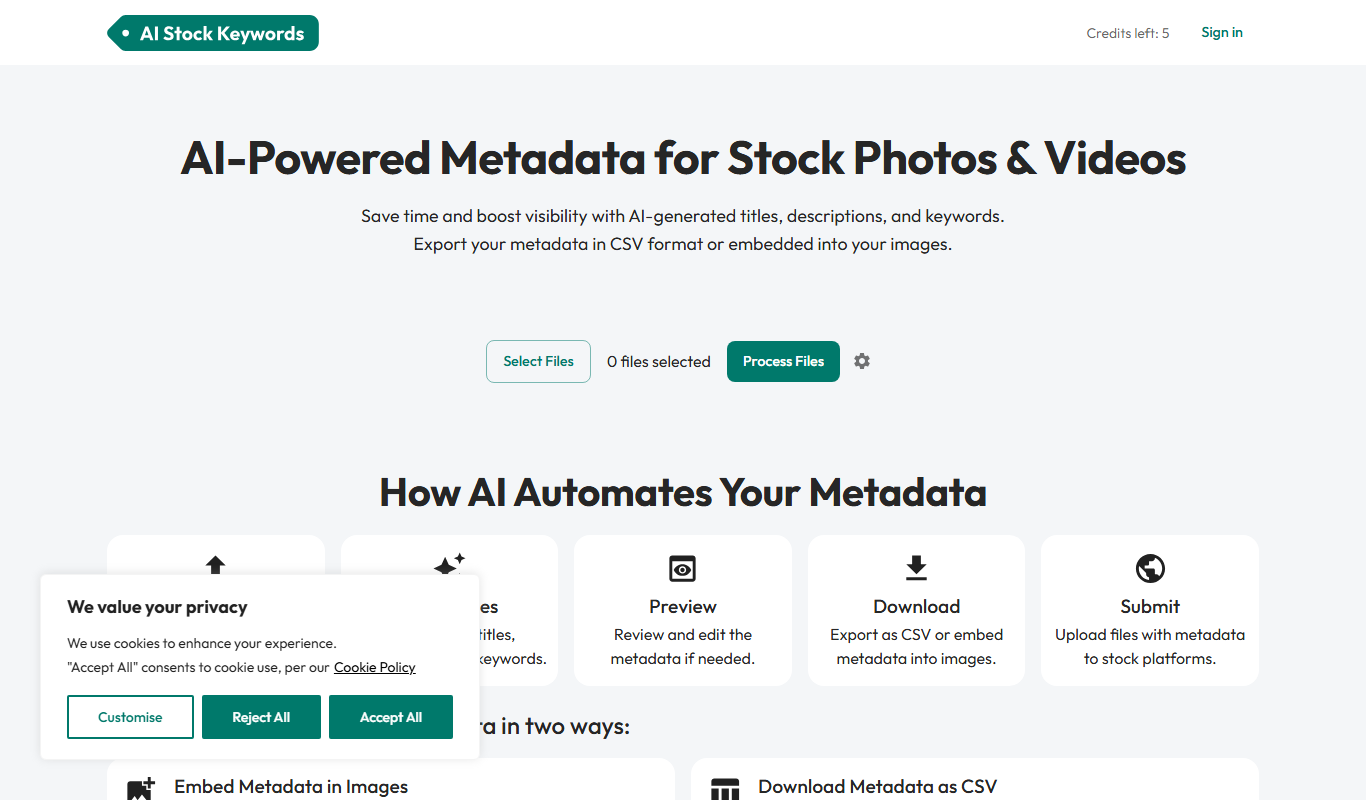
AI Stock Keywords generates stock-ready titles, descriptions and keywords for Adobe Stock, Shutterstock and other microstock uploads, exported as CSV or embedded in images.

Shotix
Shotix is a smart AI-powered bot that turns your photo into unique images with your face in just a few clicks.

ImgGen AI
ImgGen AI is a web-based platform that uses artificial intelligence to generate images from text descriptions, enabling users to create unique visuals quickly and easily.