

Vocabrain AI assistant for English speaking and sentence practice
Vocabrain is an English practice assistant with AI for conversation, sentence building, listening and pronunciation, grammar and word learning.
- Best for
- Vocabulary Building
- Key capability
- Chat with AI
Save Vocabrain, follow its updates and vote on it — everything stays in your account.
Sign in or create a free account
What is Vocabrain?
Vocabrain is an assistant for practicing English with AI. Learners chat with the AI, practice building sentences with feedback on their mistakes, do listening and pronunciation exercises, study grammar and learn the most frequently used English words.
Key features of Vocabrain
Vocabrain offers AI chat by voice or text, sentence building practice that shows mistakes, listening and pronunciation exercises, simple grammar lessons with practice, a review of saved mistakes and lists of the most frequently used English words.
Chat with AI
Chat with the AI about any topic, by speaking or, if speaking feels hard, by writing.
Sentence building practice
Practice building English sentences; Vocabrain shows your mistakes and guides you with correct sentences.
Listening and pronunciation
The AI gives you sentences by voice and waits for you to write or pronounce them; sentences you find hard can be changed or replayed.
Grammar practice
Explains English grammar topics in the simplest form, then gives you a chance to practice.
Mistake review
Saves the mistakes you make so you can repeat them whenever you want.
Pros and cons of Vocabrain
Pros
- Effective spaced repetition system for memory retention
- User-friendly interface with customizable flashcards
- Cross-platform availability for flexible learning
- Affordable premium plan with enhanced features
Cons
- Limited offline functionality
- Some advanced features require premium subscription
Key use cases for Vocabrain
Vocabulary Building
Learn the most frequently used English words, grouped as nouns, adjectives, adverbs, verbs and phrasal verbs.
Language Practice
Practice English conversation with the AI by speaking or writing.
Exam Preparation
Assists students preparing for language proficiency exams by focusing on relevant vocabulary.
Self-paced Learning
Allows users to learn vocabulary at their own pace with personalized word lists and progress tracking.
How Vocabrain works
- 1
Create an Account
Create a free account and start practicing.
- 2
Choose a practice area
Pick AI chat, sentence building practice, word learning, listening and pronunciation, or grammar.
- 3
Practice with feedback
While you build sentences, Vocabrain shows your mistakes and guides you with correct sentences.
- 4
Repeat your mistakes
Saved mistakes can be repeated whenever you want.
Who is using Vocabrain
Vocabrain pricing
Free
$0/month
Basic access with limited word lists and features.
Premium+ (12 months)
TRY 100 per month, billed TRY 1200 for 12 months
Word learning, sentence building practice, AI mistake explanations, grammar, listen and write, listen and speak, written and voice chat with AI, and ad-free use. Money back if not satisfied within 3 days; a 6-month option is also offered.
Plans and prices are as published by the vendor and can change. Check the official site before you buy. Open the pricing page (opens in a new tab)
Frequently asked questions about Vocabrain
Yes, Vocabrain is designed for learners at all levels, including beginners.
Some features may be available offline, but full functionality requires an internet connection.
No, Vocabrain is an assistant for practicing English with AI.
The app schedules reviews of words at increasing intervals to improve memory retention.
Yes, it can help with that use case depending on how you configure it and what features are available. You’ll get the best results with clear inputs and a defined goal.
Some tools offer a free plan or trial with limited features. Availability can vary, so confirm on the official website.
Yes, it can help with that use case depending on how you configure it and what features are available. You’ll get the best results with clear inputs and a defined goal.
Conclusion
Conversation sits at the center: learners chat with the AI about any topic, by speaking or, if that feels hard, by writing. Sentence building practice shows each mistake and guides the learner toward correct sentences. In listening exercises the AI gives sentences by voice and waits for the learner to write or pronounce them, and a hard sentence can be changed or replayed.
Grammar topics are explained in the simplest form and followed by practice, while saved mistakes can be repeated whenever the learner wants. A word section groups the most frequently used English words into nouns, adjectives, adverbs, verbs and phrasal verbs. The assistant is built for practicing English only. Practice starts with a free account, and the paid Premium+ subscription adds written and voice chat with AI, AI mistake explanations and ad-free use, with money back if a learner is not satisfied within 3 days.
Sources
Sign in to review this tool.
Sign In to ReviewNo reviews yet
Be the first to share how this tool worked for you.
Ask about pricing, limits, or how it compares — or answer someone else.
Sign In to AskNo questions yet
Have a question about using or paying for this tool? Be the first to ask.
Featured on TiorAI



Alternative Tools
Explore similar AI tools that might fit your needs

Anki
Anki is an open-source spaced repetition flashcard program that helps users memorize information efficiently by scheduling reviews at optimal intervals to enhance long-term retention.
More AI Education & Learning Tools tools
Other tools in the same category, for when this one is not quite the fit.

FGenEds
FGenEds turns a PDF of your lecture slides into a cheat sheet for studying, aimed at students in gen ed classes.

knowt.com
Knowt.com is an AI-driven study tool that converts your notes or any text into interactive flashcards and summaries to enhance learning efficiency.

Terrakotta
Terrakotta is the all-in-one prospecting platform for commercial real estate brokers: source leads, make calls and deliver personalized AI voicemails.

plat.ai
plat.ai is a comprehensive AI development platform that enables users to build, train, deploy, and manage custom machine learning models with scalable infrastructure and API integration.

Quino
Quino is the LMS that marks every exam: courses, lessons, online exams and diplomas, with AI that marks handwritten answers in seconds and writes tests from your notes.

MockTok
MockTok is an AI mock interview app with 50+ interactive questions, follow-up questions, job post analysis, multi-stage interviews, feedback and AI extracted cases.

ModelBench AI
ModelBench compares 180+ models side by side in an interactive playground and turns experiments into testable prompts that run as benchmarks at scale.
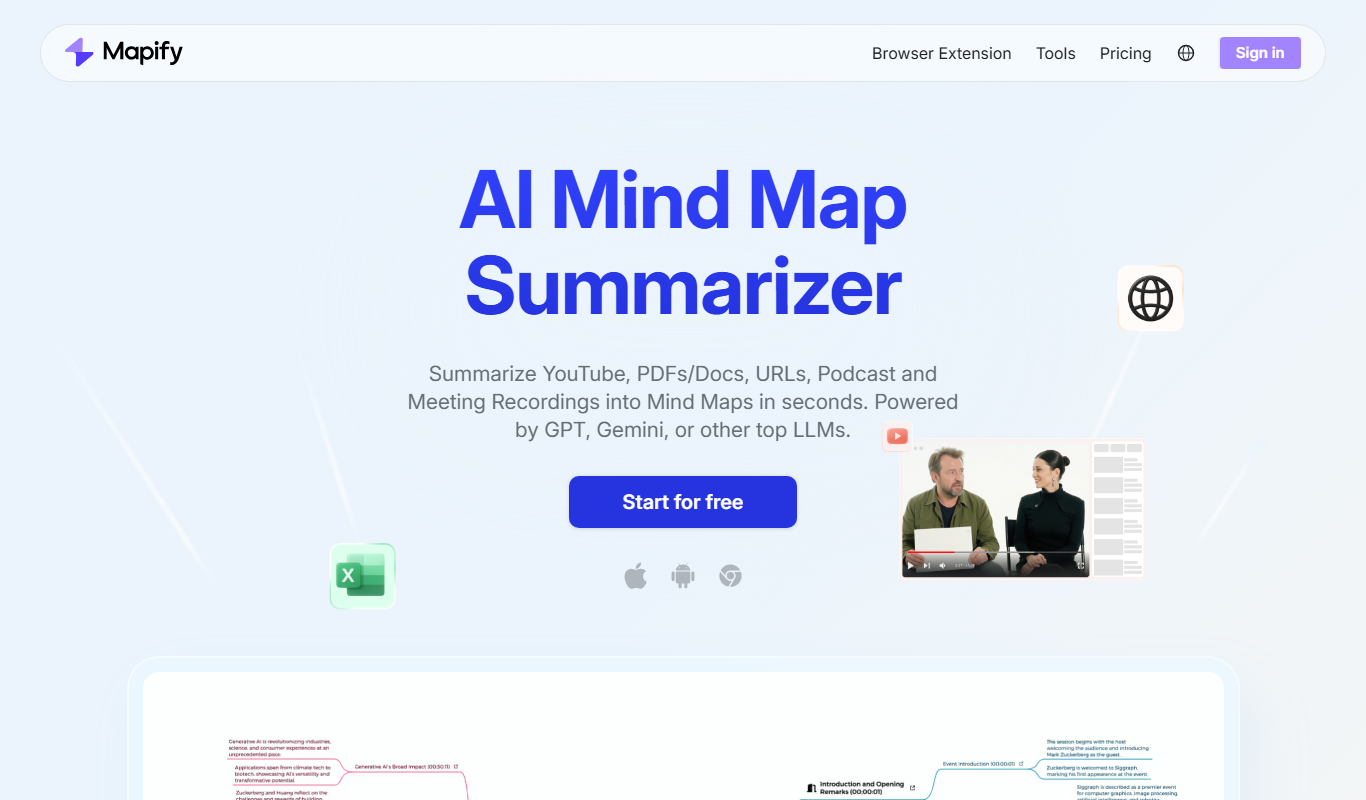
Mapify
Mapify is an AI mind map summarizer that turns PDFs, YouTube videos, webpages and recordings into structured mind maps.