

From my experience with VMate AI, I found it excels at automating the tedious parts of video editing, such as trimming clips and generating captions, which significantly speeds up content production. The platform’s intuitive design makes it accessible even for beginners, while still offering enough customization for marketers and creators. However, as a web-based tool, it lacks some advanced manual editing features found in professional software, and the free plan includes watermarked exports. Overall, if you need efficient AI-driven video editing primarily for social media content, VMate AI delivers practical and time-saving solutions.
VMate AI Video Editing Software with AI-Powered Automation Features
VMate AI is a web-based video editing tool that uses artificial intelligence to automate editing tasks such as trimming, captioning, and enhancing videos, making it ideal for content creators and marketers seeking efficient video production.
- Best for
- Automated Video Editing
- Key capability
- AI-Powered Automated Editing


Do you recommend this tool?
What is VMate AI?
VMate AI is a web-based video editing platform that leverages artificial intelligence to automate and simplify the video production process. It enables users to create professional-quality videos quickly by automating editing tasks such as cutting, transitions, captioning, and enhancements. Designed for content creators, marketers, and social media managers, VMate AI helps reduce the manual effort involved in video editing while maintaining creative control.
Key features of VMate AI
VMate AI offers AI-powered automated editing, customizable templates, caption and subtitle generation, video enhancement tools, and social media optimization features. Its intuitive interface allows users to upload raw footage and receive a polished video with minimal manual input.
AI-Powered Automated Editing
Automatically trims and arranges clips to create cohesive videos with minimal user input.
Caption and Subtitle Generation
Generates accurate captions and subtitles to enhance video accessibility.
Customizable Templates
Offers a variety of templates optimized for different social media platforms and video styles.
Video Enhancement Tools
Includes AI-driven color correction, noise reduction, and image stabilization.
Social Media Optimization
Automatically formats videos for platform-specific requirements like aspect ratio and length.
Pros and cons of VMate AI
Pros
- Automates time-consuming editing tasks
- User-friendly interface suitable for all skill levels
- Supports caption and subtitle generation
- Optimizes videos for social media platforms
- Offers flexible pricing plans including a free tier
Cons
- Limited offline editing capabilities as a web-based tool
- Advanced manual editing options are less comprehensive than professional software
- Free plan includes watermarked exports
Key use cases for VMate AI
Automated Video Editing
Use AI to automatically edit raw footage into polished videos, saving time and effort.
Content Creation for Social Media
Create engaging videos optimized for platforms like Instagram, TikTok, and YouTube.
Marketing Video Production
Produce promotional videos quickly with AI-driven templates and editing tools.
Video Captioning and Subtitling
Automatically generate captions and subtitles to improve accessibility and engagement.
Video Enhancement
Enhance video quality using AI features such as color correction and noise reduction.
How VMate AI works
- 1
Upload Footage
Users upload their raw video clips to the VMate AI platform.
- 2
Select Editing Preferences
Choose desired styles, templates, and output formats tailored for specific platforms.
- 3
AI Processes Video
The AI engine automatically edits the video, adding transitions, captions, and enhancements.
- 4
Review and Customize
Users review the edited video and make any manual adjustments if needed.
- 5
Export and Share
Export the final video in preferred formats and share directly to social media or download.
Who is using VMate AI
Social media content creators
Digital marketers
Small business owners
Video bloggers and influencers
Marketing agencies
VMate AI pricing
Free
$0/month
Basic access with limited exports and watermark on videos.
Pro
$19/month
Removes watermarks, offers higher export quality, and access to premium templates.
Business
$49/month
Includes team collaboration features, priority support, and advanced editing options.
Plans and prices are as published by the vendor and can change. Check the official site before you buy. Open the pricing page (opens in a new tab)
Frequently asked questions about VMate AI
Yes, VMate AI is designed with an intuitive interface and automated features that make it easy for beginners to create professional videos.
Watermarks are removed starting from the Pro plan and above.
Yes, the platform allows users to export and share videos directly to popular social media platforms.
VMate AI supports common video formats such as MP4, MOV, and AVI for uploads and exports.
It depends on your specific needs and how you plan to use the tool. The official website and documentation are the best sources for the latest details.
Pricing depends on the plan and included features. For the most accurate and up-to-date details, check the official pricing page.
Yes, it can help with that use case depending on how you configure it and what features are available. You’ll get the best results with clear inputs and a defined goal.
Sign in to review this tool.
Sign In to ReviewNo reviews yet
Be the first to share how this tool worked for you.
Ask about pricing, limits, or how it compares — or answer someone else.
Sign In to AskNo questions yet
Have a question about using or paying for this tool? Be the first to ask.
Featured on TiorAI



More AI Anime Art tools
Other tools in the same category, for when this one is not quite the fit.
Free
FigureToCartoon
FigureToCartoon is an AI-powered web tool that transforms photos into cartoon avatars quickly and easily, offering free and premium options.

Freemium
Open Dream
Open Dream is a web-based AI art generator that creates unique images from user text prompts using advanced machine learning models.

Free
Sink In
Sink In is an AI meeting assistant that automatically transcribes meetings, generates summaries, and extracts action items to improve team productivity.

Freemium
anifusion.ai
Anifusion AI is a web platform that uses AI to convert 2D videos into 3D character animations, simplifying the animation process for creators.
Free
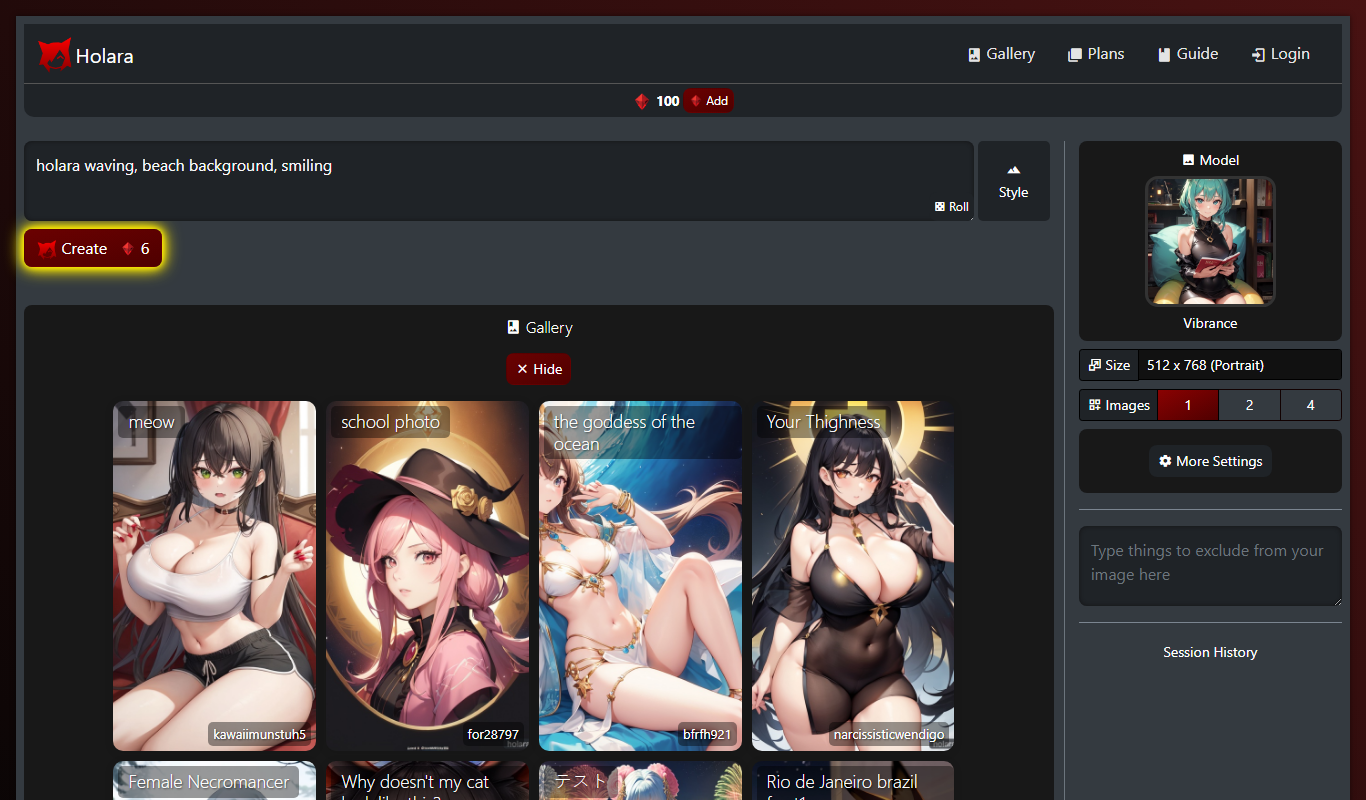
Holara – Anime Image Generation
Holara is a web-based AI tool that generates customizable anime-style images quickly and easily, suitable for artists, creators, and anime fans.

Free
SketchEdge
SketchEdge is an AI-powered tool that converts text prompts into unique digital sketches, offering multiple artistic styles and high-resolution downloads for creative projects.

Free
animeBuilder
animeBuilder is an online tool that lets users create anime-style videos using customizable templates and a drag-and-drop editor, suitable for beginners and professionals alike.

Free Trial
Personfy
Personfy is an AI chatbot platform that enables businesses to automate customer interactions with personalized, conversational chatbots across multiple channels.