

From my experience with VisionStory AI, I found it excels at simplifying the creation of visual stories through AI automation, making it accessible even for users without video editing skills. The platform’s intuitive interface and customizable templates allow marketers and content creators to produce engaging videos quickly, which is a significant time saver. However, the tool currently supports only English and lacks mobile or desktop apps, which might limit flexibility for some users. Overall, if you need an efficient way to generate AI-powered visual storytelling content for marketing or social media, VisionStory AI offers a practical and affordable solution.
VisionStory AI Review: AI-Powered Visual Storytelling Platform Features & Pricing
VisionStory AI is a web-based platform that uses artificial intelligence to help users create engaging visual stories and videos quickly by automating narrative and visual content creation.
- Best for
- Marketing Campaigns
- Key capability
- AI Story Generation
Your actions
Save VisionStory AI, follow its updates and vote on it — everything stays in your account.
Sign in or create a free account
What is VisionStory AI?
VisionStory AI is a web-based platform that leverages artificial intelligence to help users create compelling visual stories and videos. It automates the process of generating engaging content by combining AI-driven narrative creation with visual assets, enabling marketers, content creators, and brands to produce high-quality storytelling materials efficiently.
Key features of VisionStory AI
The platform offers AI-powered story generation, customizable video templates, automated visual asset integration, and easy export options. It focuses on simplifying video and visual content creation to boost marketing efforts and audience engagement.
AI Story Generation
Automatically creates engaging narratives based on user input and themes.
Customizable Video Templates
Offers a variety of templates that users can tailor to their brand style and story needs.
Visual Asset Integration
Seamlessly incorporates images, icons, and video clips to enhance storytelling.
Easy Export Options
Supports exporting videos and stories in multiple formats suitable for social media and marketing.
User-Friendly Interface
Designed for users with no technical background to create professional visual stories quickly.
Pros and cons of VisionStory AI
Pros
- Intuitive interface suitable for beginners
- AI automates time-consuming storytelling tasks
- Customizable templates enhance brand consistency
- Affordable pricing with a free tier
- Quick export options for multiple platforms
Cons
- Limited language support (English only)
- No desktop or mobile app versions currently
- Some advanced features reserved for paid plans
Key use cases for VisionStory AI
Marketing Campaigns
Create engaging visual stories to enhance brand messaging and audience engagement.
Social Media Content
Generate AI-powered videos and visuals optimized for social media platforms.
Content Automation
Automate the creation of visual narratives to save time and maintain consistent content output.
Storytelling for Brands
Craft compelling brand stories using AI-generated visuals and narratives.
Video Production
Produce short videos quickly with AI assistance for promotional or informational purposes.
How VisionStory AI works
- 1
Sign Up
Create an account on VisionStory AI’s website to access the platform.
- 2
Input Story Details
Provide key information or themes for your story to guide the AI in content generation.
- 3
Customize Visuals
Select or adjust video templates, images, and styles to fit your brand and message.
- 4
Generate Story
Let the AI create a visual narrative combining text and images into a cohesive story or video.
- 5
Review and Export
Preview the generated content, make edits if needed, and export it for use on various platforms.
Who is using VisionStory AI
Marketing agencies
Social media managers
Small and medium businesses
Content creators
Brand managers
VisionStory AI pricing
Free
$0/month
Access to basic features with limited story generations and watermark on exports.
Pro
$29/month
Unlimited story generations, premium templates, no watermarks, and priority support.
Plans and prices are as published by the vendor and can change. Check the official site before you buy. Open the pricing page (opens in a new tab)
Frequently asked questions about VisionStory AI
Yes, the platform is designed to be user-friendly and requires no prior video editing skills.
You can export your visual stories and videos in common formats like MP4 suitable for social media and presentations.
Yes, VisionStory AI offers a free plan with limited features to try the platform before upgrading.
Absolutely, users can edit and customize the generated content to better fit their brand and message.
This tool is designed to help users accomplish its core tasks more efficiently. It is typically used by individuals or teams looking to improve productivity and workflow.
Pricing depends on the plan and included features. For the most accurate and up-to-date details, check the official pricing page.
Yes, it can help with that use case depending on how you configure it and what features are available. You’ll get the best results with clear inputs and a defined goal.
Yes, it can help with that use case depending on how you configure it and what features are available. You’ll get the best results with clear inputs and a defined goal.
Sign in to review this tool.
Sign In to ReviewNo reviews yet
Be the first to share how this tool worked for you.
Ask about pricing, limits, or how it compares — or answer someone else.
Sign In to AskNo questions yet
Have a question about using or paying for this tool? Be the first to ask.
Featured on TiorAI



More AI Storytelling Tools tools
Other tools in the same category, for when this one is not quite the fit.

Free
v3RPG
v3RPG is an AI Dungeon Master tool that generates interactive RPG stories, enabling immersive solo or group role-playing experiences through a web-based interface.

Freemium
STORYD
STORYD is an AI-driven platform that generates original stories and creative content based on user inputs, ideal for writers and content creators seeking inspiration and assistance.
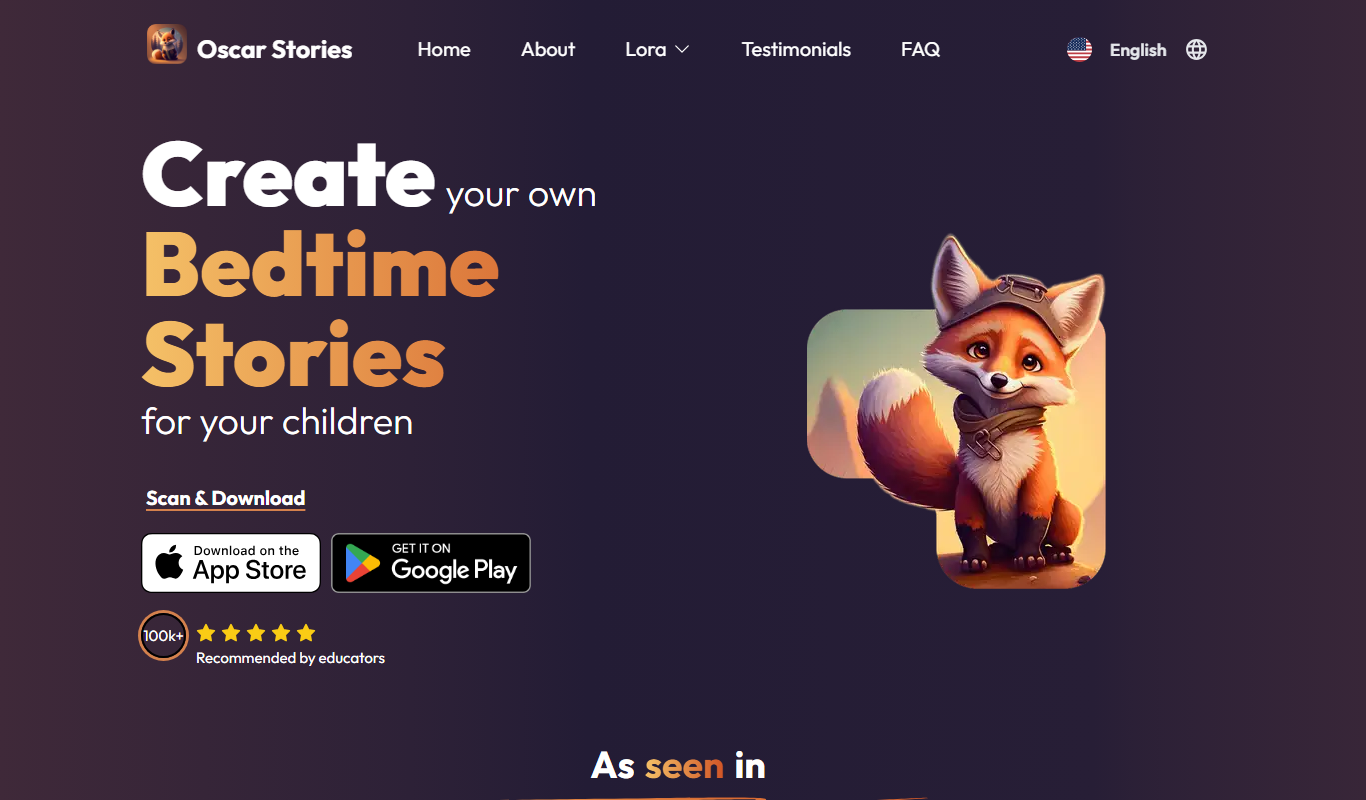
Free
Oscar – bedtime story generator
Oscar is an AI-powered bedtime story generator that creates personalized stories for children based on their name and preferences, helping parents provide engaging and unique stories every night.
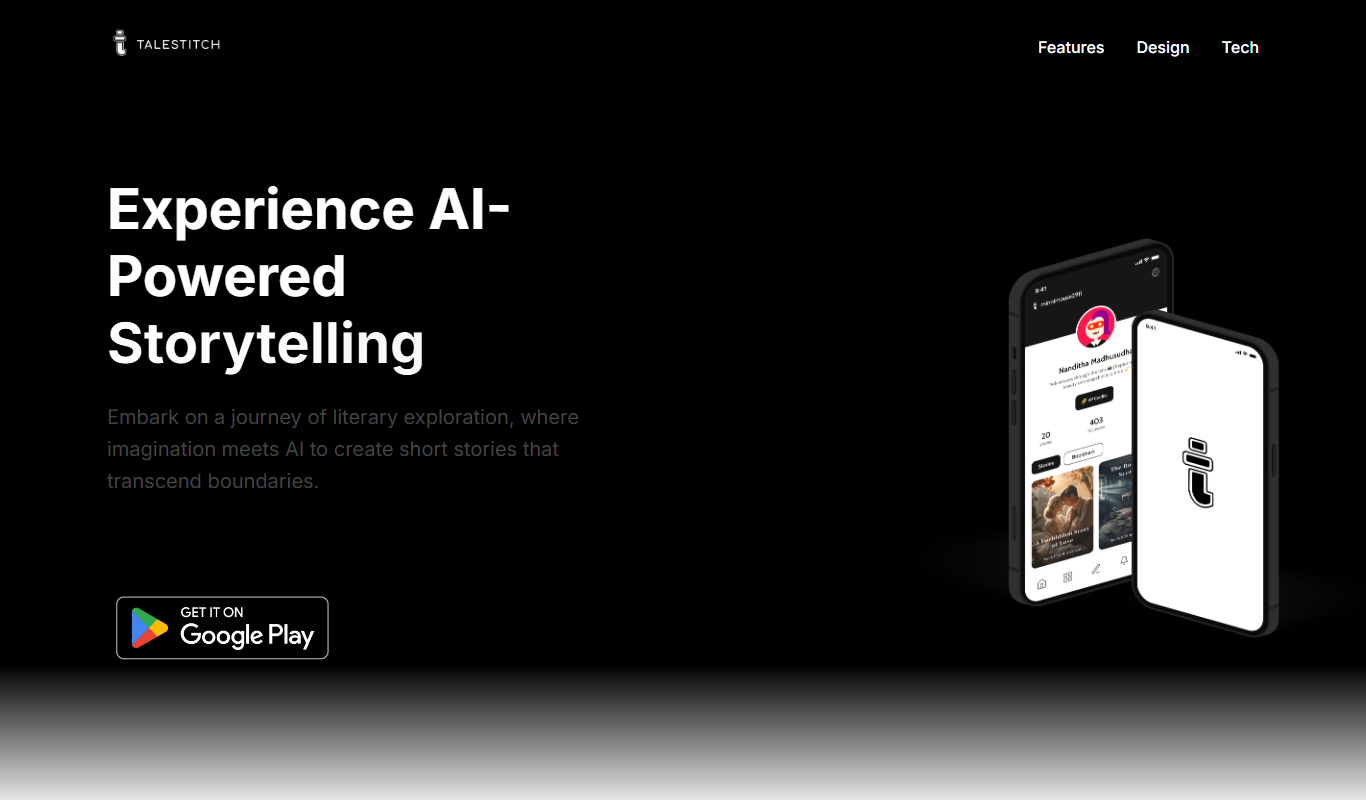
Free Trial
TaleStitch
TaleStitch is an AI storytelling tool that generates original stories based on user prompts, supporting creative writing and content creation.
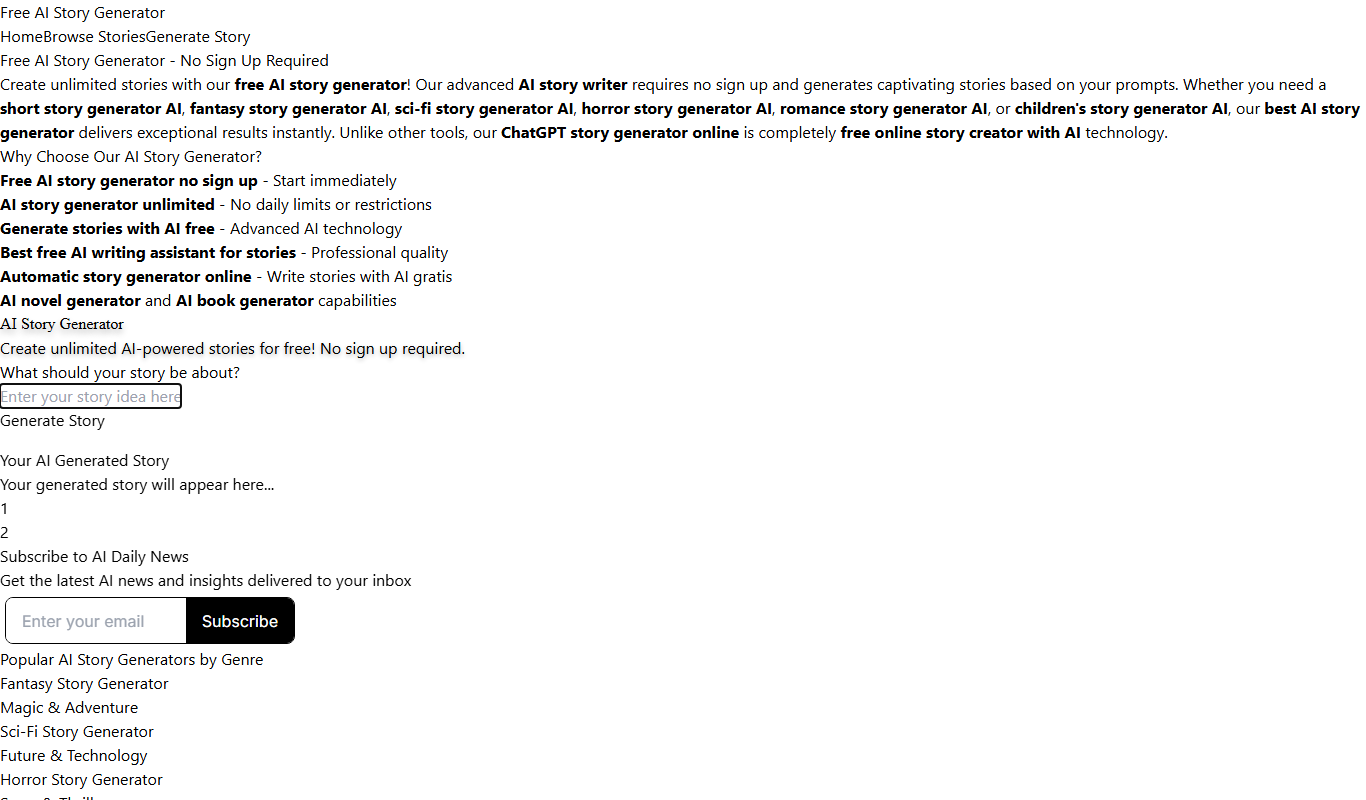
Free
Free AI Story Generator
Free AI Story Generator is a web-based tool that creates original stories from user input keywords, helping writers and creators generate ideas quickly without cost or registration.

Free
Neurotale
Neurotale is an AI storytelling platform that helps users create interactive, branching narratives using artificial intelligence to generate dynamic story content.

Free
RealmWeave
RealmWeave is an AI-driven creative writing platform that helps users generate fantasy stories and build fictional worlds through customizable prompts and an intuitive web interface.

Freemium
Artemis AI: Bedtime stories with heart
Artemis AI is a web-based platform that uses artificial intelligence to create personalized bedtime stories for children, allowing customization of characters and themes to engage young readers.