

Verse.ai AI agent platform for lead qualification and appointment setting
Verse.ai provides AI agents and AI texting that engage, qualify and convert sales leads and book appointments for your team.
- Best for
- Sales lead qualification
- Key capability
- AI texting and omnichannel follow-up
Save Verse.ai, follow its updates and vote on it — everything stays in your account.
Sign in or create a free account
What is Verse.ai?
Verse.ai is an AI agent platform for sales and marketing. Its AI agents respond to leads by text and follow up across email, voicemail and voice calls, qualify them through conversation, book appointments, and live transfer ready prospects to a phone call with an AI voice agent or the sales team.
Key features of Verse.ai
Verse combines conversational AI texting with follow-ups by email, voicemail and voice call, AI appointment setting, live transfers, compliance tools in its trustContact suite and CRM integrations such as Salesforce and HubSpot.
AI texting and omnichannel follow-up
AI reaches out immediately, first via text, with follow-ups across email, voicemail and voice calls.
Lead qualification through conversation
The AI agent qualifies leads through conversation, handles tasks like quote generation and FAQ handling, and updates your CRM.
AI appointment setting
AI books appointments or calls with qualified leads for your team.
Live transfers with CallConnect
Live transfer prospects from a text conversation to a phone call with an AI voice agent or your team.
Built-in compliance
The trustContact suite includes guidance for federal, state and carrier regulations and visibility into message deliverability.
Pros and cons of Verse.ai
Pros
- Responds to every lead in 15 seconds or less
- Compliance guidance built in with trustContact
- Fully-managed human concierge service to supplement AI
- Integrates with CRMs such as Salesforce and HubSpot
Cons
- No public prices; every plan is contact us for pricing
- No publicly available free trial for hands-on testing
- Limited language support, primarily English
Key use cases for Verse.ai
Sales lead qualification
Automate lead qualification, appointment setting and cold calling.
Call center transfers
Transfer live SMS-qualified prospects to your contact center.
Re-engaging old leads
Follow up with leads of any age from any source.
Pipeline Management
Track and manage sales activities and prospect interactions in one centralized platform.
Sales Analytics
Gain insights into campaign performance and sales team productivity through detailed reporting.
How Verse.ai works
- 1
Leads come in
An AI digital assistant on your website generates first-party leads, and Verse can follow up with leads of any age from any source.
- 2
AI engages
AI reaches out immediately by text, with follow-ups across email, voicemail and voice calls.
- 3
AI qualifies
The AI agent qualifies through conversation and updates your CRM.
- 4
Appointments booked
AI books appointments or calls with qualified leads for your team.
- 5
Optimize and Scale
Use insights to refine messaging and scale successful outreach strategies.
Who is using Verse.ai
Verse.ai pricing
Starter
Contact us for pricing
Base plan: appointment setting, live transfers, call scheduling, up to 1 month conversation duration, up to 5 conversation campaigns.
Professional
Contact us for pricing
For larger teams: up to 3 month conversation duration, enhanced setup and integration, advanced analytics dashboard.
Enterprise
Contact us for pricing
Built for scale: 6 month+ conversation duration, unlimited conversation campaigns.
Plans and prices are as published by the vendor and can change. Check the official site before you buy. Open the pricing page (opens in a new tab)
Frequently asked questions about Verse.ai
Yes. Verse can follow up with leads of any age from any source.
Yes. Verse can integrate with popular CRMs through Zapier, webhooks or its API.
Yes. CallConnect live transfers prospects from a text conversation to a phone call with an AI voice agent or your team.
Verse states that its AI agents deploy in 30 days.
This tool is designed to help users accomplish its core tasks more efficiently. It is typically used by individuals or teams looking to improve productivity and workflow.
Integration support depends on the tool and its available connectors or API. Check the official documentation or integrations page to confirm what is supported.
It depends on your specific needs and how you plan to use the tool. The official website and documentation are the best sources for the latest details.
Some tools offer a free plan or trial with limited features. Availability can vary, so confirm on the official website.
Conclusion
A new lead gets a text first: Verse’s AI reaches out immediately and then follows up across email, voicemail and voice calls, including leads of any age from any source. The AI agent qualifies the lead through conversation, updates the CRM and books appointments or calls for the sales team. When a prospect is ready, CallConnect live transfers the text conversation to a phone call with an AI voice agent or a person.
Two details set it apart from a plain texting tool: a fully-managed human concierge service supplements the AI, and the trustContact suite builds in guidance on federal, state and carrier rules. Sales, marketing and call center teams are the target users. All three plans are quoted on request, with no public prices.
Sources
Sign in to review this tool.
Sign In to ReviewNo reviews yet
Be the first to share how this tool worked for you.
Ask about pricing, limits, or how it compares — or answer someone else.
Sign In to AskNo questions yet
Have a question about using or paying for this tool? Be the first to ask.
Featured on TiorAI



More AI Chatbot & Conversational Tools tools
Other tools in the same category, for when this one is not quite the fit.

yonderhq.com
Yonder helps tourism businesses automate calls, chats, reviews, bookings and guest conversations with AI built for tour operators.

Its Bot
Its Bot offers a suite of AI agents that automate marketing, sales and customer support for growing businesses, including voice, email, SMS, WhatsApp and chat agents.

Hexabot
Hexabot is a self-hosted AI workflow automation platform for AI assistants, customer support automation, internal tools and recurring operations.

AICamp
AICamp is a collaborative AI workspace where teams use top LLMs in one place, build custom agents and share prompts, with control over data and costs.
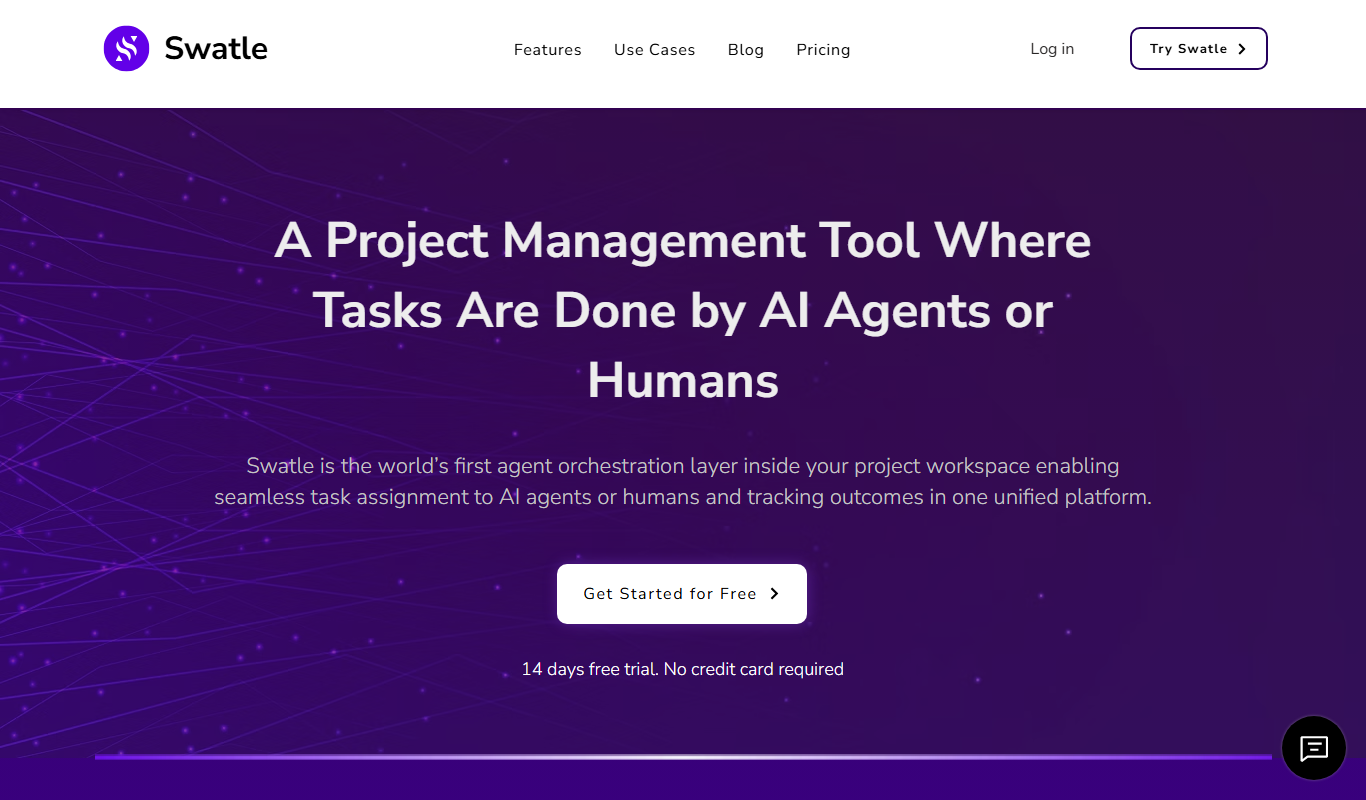
Swatle
Swatle is an all-in-one project management and AI Work OS for teams: manage projects, collaborate in real time, automate workflows, document knowledge and deploy AI in one platform.

Quin AI
Quin is a personal AI healer app that uses tarot readings and AI conversation to offer guidance on love, school, career and life.

Convertlyio
Convertlyio is an AI lead generation quiz funnel builder that creates no-code quizzes to capture, qualify and recommend products to leads.
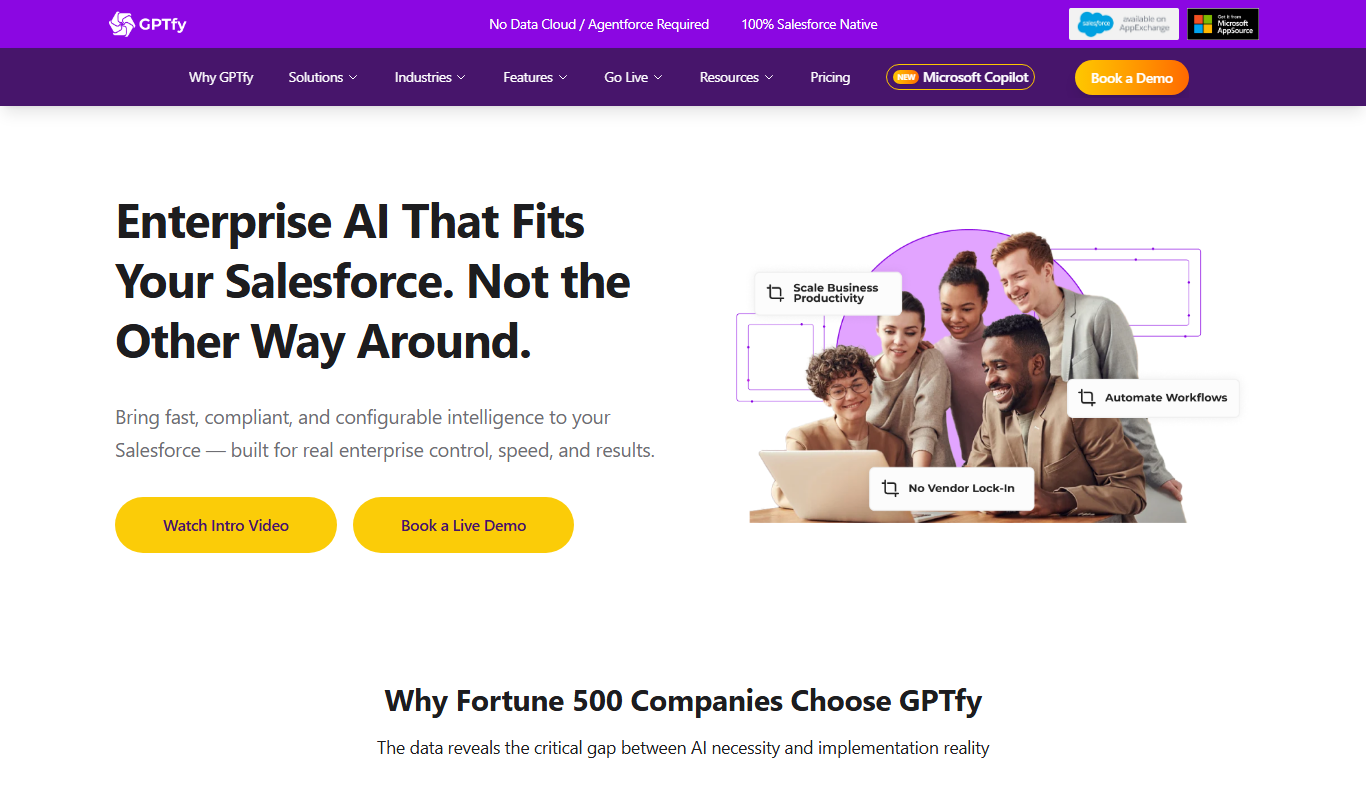
GPTfy
GPTfy is a Salesforce-native alternative to Agentforce that runs OpenAI, Claude, Gemini or 15+ models inside Salesforce at fixed per-user pricing.