

From my experience with Unthread, I found it excels at quickly distilling lengthy chat conversations into clear, actionable summaries. This capability is especially valuable for teams who want to save time on note-taking and ensure everyone stays aligned without rereading entire chat logs. The tool’s sentiment analysis and keyword extraction add useful context that helps interpret the tone and main topics of discussions. However, Unthread currently supports only English and lacks mobile apps, which might limit accessibility for some users. Overall, if you need efficient chat summarization to boost productivity and collaboration, Unthread delivers solid, user-friendly results.
Unthread AI Chat Summarizer for Efficient Conversation Insights and Analysis
Unthread is an AI-powered tool that summarizes chat conversations into concise, actionable summaries to save time and enhance understanding.
- Best for
- Meeting Summaries
- Key capability
- Automated Chat Summarization
Your actions
Save Unthread, follow its updates and vote on it — everything stays in your account.
Sign in or create a free account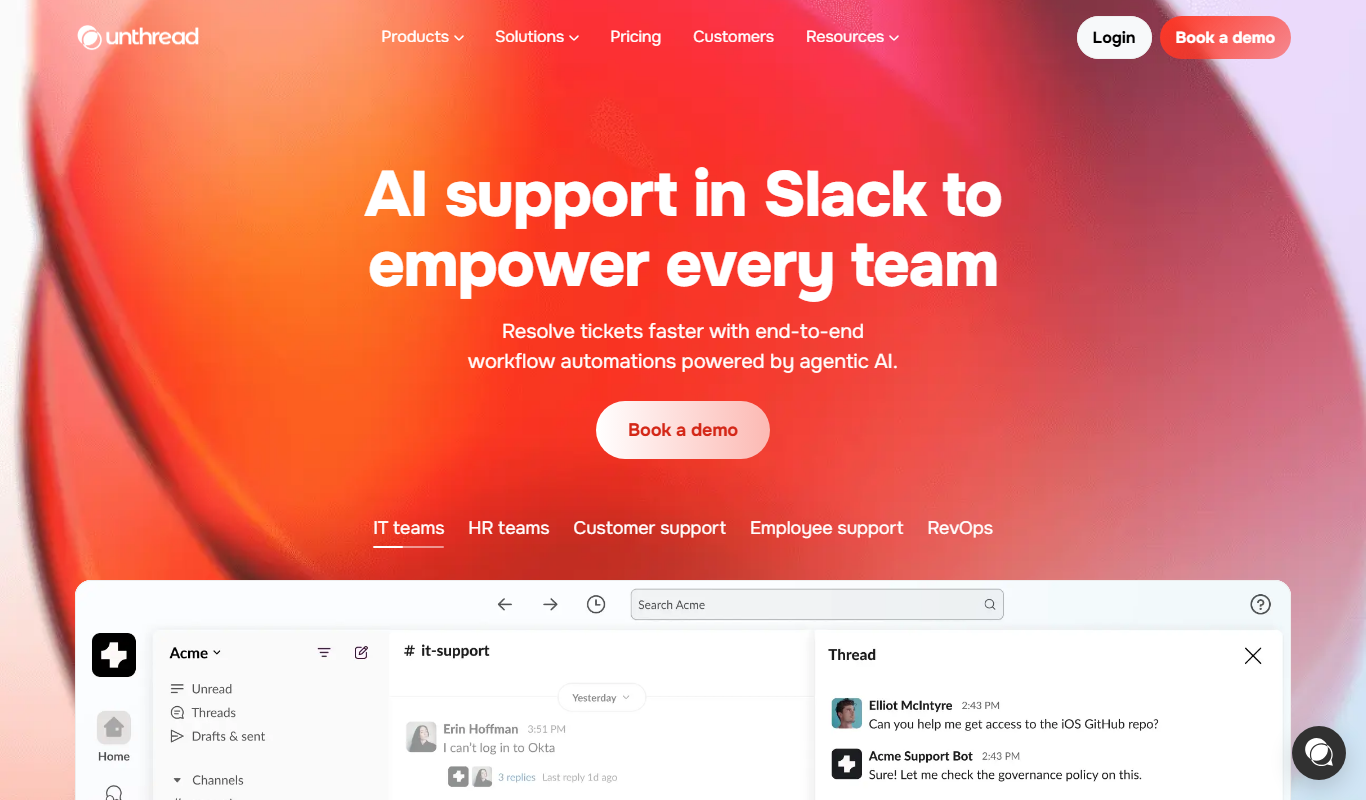

What is Unthread?
Unthread is an AI-powered chat summarization tool designed to transform lengthy conversations into clear, concise summaries. It helps users quickly grasp the essential points from chat threads, meetings, or customer interactions without manually reading through all messages. By leveraging natural language processing, Unthread enhances productivity and decision-making by providing actionable insights from conversations.
Key features of Unthread
Unthread offers automated chat summarization, keyword extraction, sentiment analysis, and conversation threading to organize and highlight critical information within chats. Its intuitive web interface allows users to upload or connect chat logs and receive structured summaries that improve understanding and follow-up efficiency.
Automated Chat Summarization
Transforms long chat threads into brief, readable summaries.
Keyword and Topic Extraction
Highlights important terms and topics discussed in conversations.
Sentiment Analysis
Detects the emotional tone of messages to gauge conversation mood.
Conversation Threading
Organizes chats into logical threads for easier navigation.
Export Options
Allows exporting summaries in various formats for documentation or sharing.
Pros and cons of Unthread
Pros
- Saves time by automating chat summarization
- Improves team communication with clear insights
- Easy-to-use web interface
- Includes sentiment and keyword analysis
Cons
- Limited language support (English only)
- No mobile app available yet
- Customization options for summaries are limited
Key use cases for Unthread
Meeting Summaries
Automatically generate concise summaries from chat conversations to save time on note-taking.
Customer Support Analysis
Analyze customer support chats to identify key issues and improve response quality.
Team Collaboration
Keep teams aligned by summarizing lengthy chat threads into actionable insights.
Sales Conversations
Extract important points and follow-up actions from sales chat interactions.
Research and Feedback
Summarize user feedback and research discussions captured in chat formats.
How Unthread works
- 1
Upload or Connect Chat Data
Users provide chat logs by uploading files or integrating supported platforms.
- 2
AI Processes Conversation
The AI analyzes the chat to identify key points, themes, and sentiment.
- 3
Receive Summaries and Insights
Users get concise summaries, keyword highlights, and actionable insights.
- 4
Export or Share Results
Summaries can be exported or shared with team members for collaboration.
Who is using Unthread
Customer support teams
Sales professionals
Project managers
Marketing agencies
Remote teams
Unthread pricing
Free
$0/month
Basic chat summarization with limited usage and features.
Pro
$15/month
Unlimited summarization, advanced features, and priority support.
Plans and prices are as published by the vendor and can change. Check the official site before you buy. Open the pricing page (opens in a new tab)
Frequently asked questions about Unthread
Unthread supports uploading chat logs from popular platforms and plans to integrate more direct connections in the future.
Yes, Unthread follows industry-standard security practices to protect user data and privacy.
Currently, Unthread provides concise summaries optimized by AI, with limited customization options.
At this time, Unthread primarily supports English language chats.
It depends on your specific needs and how you plan to use the tool. The official website and documentation are the best sources for the latest details.
Some tools offer a free plan or trial with limited features. Availability can vary, so confirm on the official website.
Yes, it can help with that use case depending on how you configure it and what features are available. You’ll get the best results with clear inputs and a defined goal.
Sign in to review this tool.
Sign In to ReviewNo reviews yet
Be the first to share how this tool worked for you.
Ask about pricing, limits, or how it compares — or answer someone else.
Sign In to AskNo questions yet
Have a question about using or paying for this tool? Be the first to ask.
Featured on TiorAI



More AI Chat Generator tools
Other tools in the same category, for when this one is not quite the fit.

Free
Chatroulette
Chatroulette is a free web-based platform that pairs users randomly for live video chats with strangers worldwide, requiring no registration and supporting multiple languages.

Free Trial
CustomGPT
CustomGPT is a no-code AI chat generator platform that lets you build personalized AI chatbots trained on your own data, suitable for customer support, content generation, and internal knowledge assistance.

Free
Genius
Genius is a free platform offering song lyrics and community-driven annotations that explain the meaning behind music, with artist participation and mobile app support.

Freemium
Baidu Wenxin
Baidu Wenxin is an AI-powered platform by Baidu that offers advanced Chinese language conversational AI, content generation, and copywriting tools accessible via web and API.

Free
ChatExcel
ChatExcel is an AI-powered chat tool that allows users to analyze, automate, and generate insights from Excel spreadsheets using natural language commands without needing complex formulas.

Custom Pricing
Haptik
Haptik is an AI-powered conversational platform that enables businesses to build chatbots and voice assistants for automating customer service and enhancing engagement across multiple channels.

Free
Seneca Learning
Seneca Learning is an AI-powered online platform that helps students revise school subjects through interactive quizzes, summaries, and personalized learning paths aligned with UK curricula.
Free
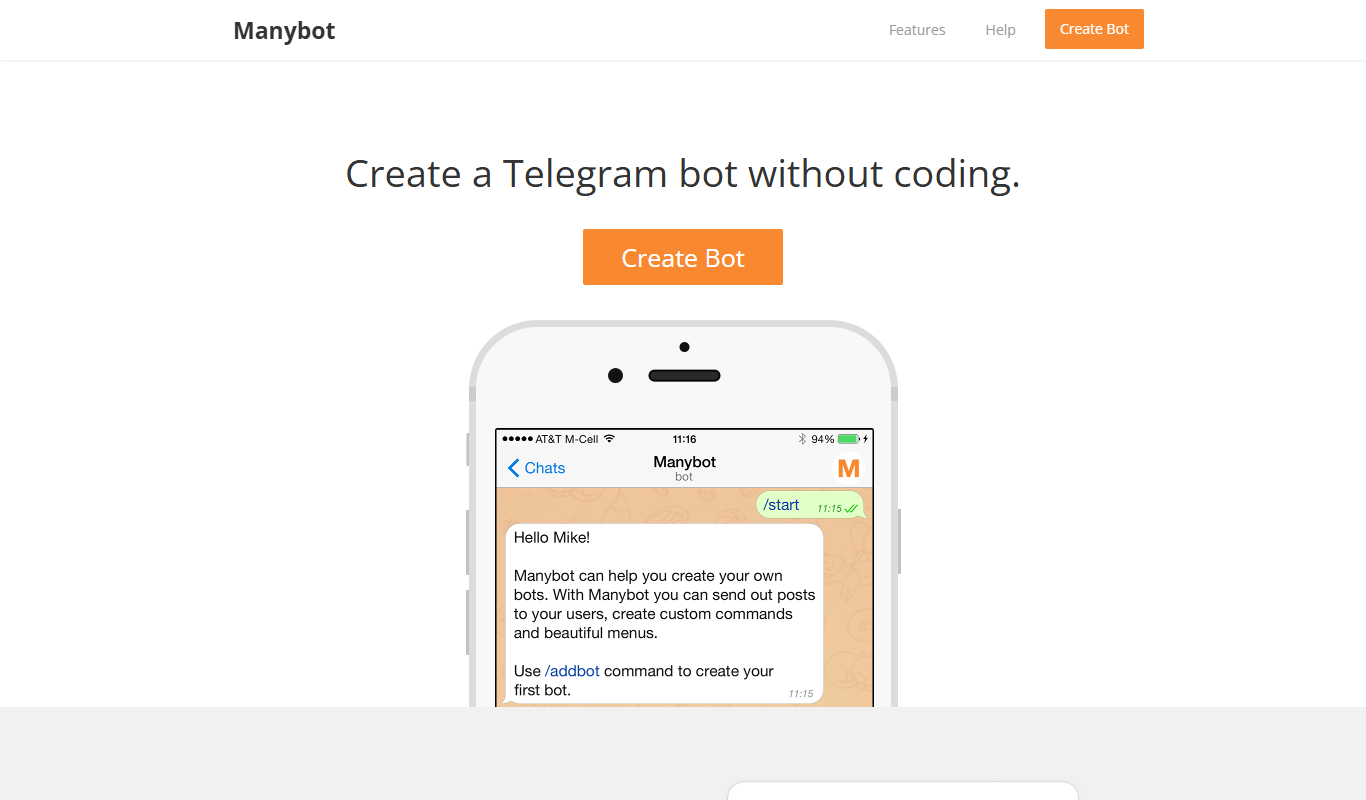
ManyBot
ManyBot is a no-code platform that enables users to create and manage Telegram chatbots for marketing, customer support, and automation without programming skills.