

From my experience with Unmixr AI, I found it excels at quickly and accurately separating vocals and instrumental stems directly in the browser without any software installation. The tool is particularly well-suited for music producers, remixers, and karaoke enthusiasts who need clean isolated tracks for creative projects. However, the free tier limits usage and audio length, which might require upgrading for frequent or professional use. Overall, Unmixr AI provides a straightforward and effective solution for online audio stem separation and vocal removal.
Unmixr AI Vocal Remover and Audio Stem Separation Tool Online
Unmixr AI is a web-based tool that uses artificial intelligence to separate vocals and other stems from music tracks, enabling users to create instrumentals, karaoke tracks, or remix songs easily.
- Best for
- Vocal Removal
- Key capability
- AI-Powered Stem Separation
Your actions
Save Unmixr AI, follow its updates and vote on it — everything stays in your account.
Sign in or create a free account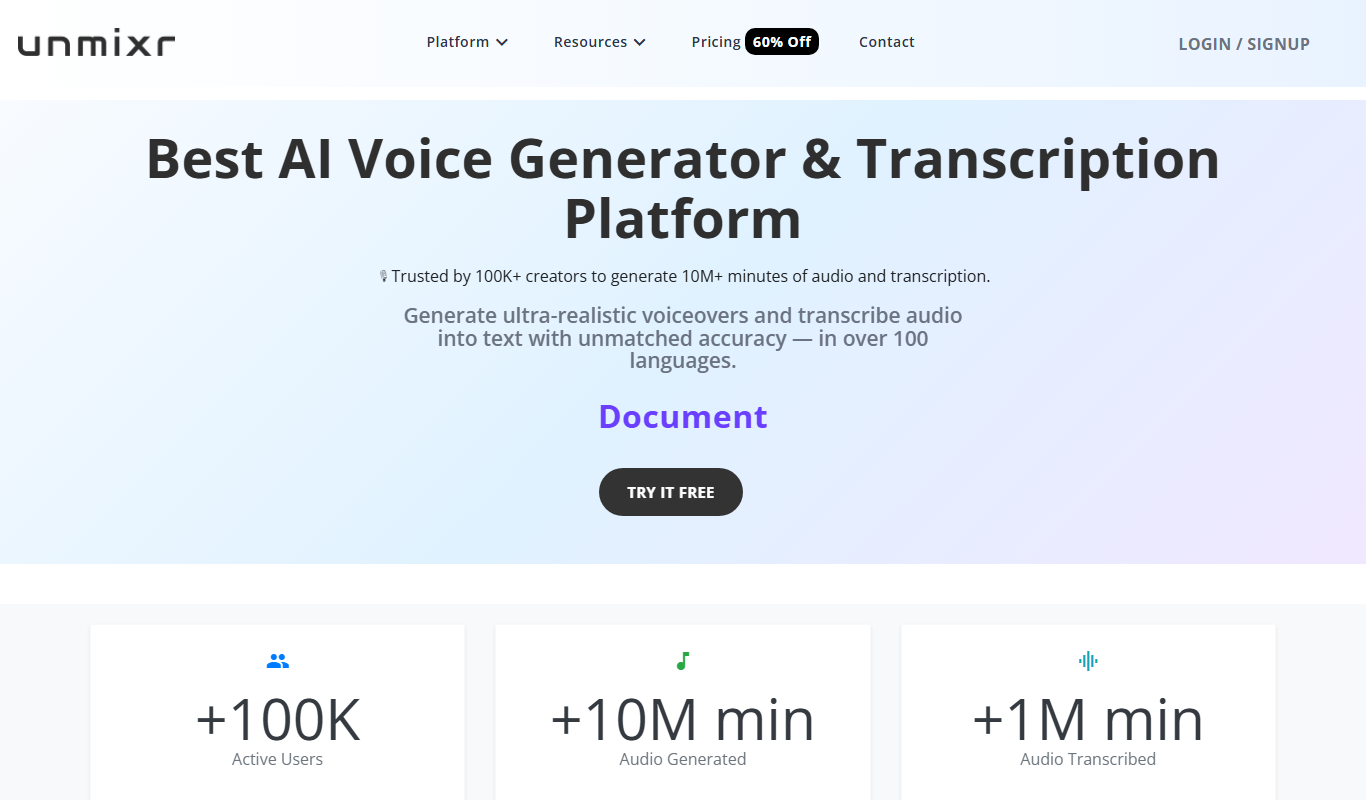

What is Unmixr AI?
Unmixr AI is an online audio separation tool that uses artificial intelligence to isolate vocals and instrumental stems from music tracks. It enables users to extract individual components of a song such as vocals, drums, bass, and other instruments, facilitating remixing, karaoke creation, and audio analysis.
Key features of Unmixr AI
Unmixr AI offers fast and high-quality vocal removal and stem separation directly in the browser without requiring software installation. It supports multiple audio stems extraction and provides an intuitive interface for uploading and processing audio files.
AI-Powered Stem Separation
Advanced AI algorithms isolate multiple audio stems with high accuracy.
Vocal Removal
Quickly remove vocals to create instrumental or karaoke versions of songs.
Web-Based Interface
No software installation required; works directly in modern web browsers.
Multiple Stem Outputs
Extract vocals, drums, bass, and other instruments as separate audio files.
Pros and cons of Unmixr AI
Pros
- Easy-to-use web interface with no installation
- High-quality vocal and stem separation
- Supports multiple stems beyond just vocals
- Free tier available for casual users
Cons
- Limited free usage with subscription required for heavy use
- Processing speed depends on server load and file size
- No desktop or mobile app versions currently
Key use cases for Unmixr AI
Vocal Removal
Remove vocals from songs to create karaoke tracks or instrumentals.
Stem Separation
Separate audio tracks into stems such as vocals, drums, bass, and other instruments for remixing or analysis.
Music Remixing
Use separated stems to remix or re-arrange songs creatively.
Audio Analysis
Analyze individual components of a song for educational or production purposes.
How Unmixr AI works
- 1
Upload Audio File
Users upload their music track in supported formats directly on the website.
- 2
AI Processing
The AI model analyzes the audio and separates it into individual stems such as vocals, drums, bass, and others.
- 3
Download Stems
Users download the separated audio stems for use in remixing, karaoke, or further editing.
Who is using Unmixr AI
Music producers and remixers
Karaoke enthusiasts
Audio engineers and educators
Content creators needing isolated audio stems
Unmixr AI pricing
Free
$0/month
Limited number of free audio separations with basic features.
Subscription
$9.99/month
Unlimited audio separations, faster processing, and priority support.
Plans and prices are as published by the vendor and can change. Check the official site before you buy. Open the pricing page (opens in a new tab)
Frequently asked questions about Unmixr AI
Unmixr AI supports common audio formats such as MP3 and WAV for uploading and processing.
Yes, users can use the separated stems for personal and commercial projects, but should ensure they have rights to the original audio.
The free plan has limits on audio length and number of separations; subscription plans offer higher limits.
It depends on your specific needs and how you plan to use the tool. The official website and documentation are the best sources for the latest details.
Some tools offer a free plan or trial with limited features. Availability can vary, so confirm on the official website.
Yes, it can help with that use case depending on how you configure it and what features are available. You’ll get the best results with clear inputs and a defined goal.
Sign in to review this tool.
Sign In to ReviewNo reviews yet
Be the first to share how this tool worked for you.
Ask about pricing, limits, or how it compares — or answer someone else.
Sign In to AskNo questions yet
Have a question about using or paying for this tool? Be the first to ask.
Featured on TiorAI



Alternative Tools
Explore similar AI tools that might fit your needs

Free
Moises.ai
Moises.ai is an AI-based music tool that separates audio tracks into individual stems like vocals and instruments, allowing users to edit, remix, and create karaoke tracks easily.
More AI Ai Tools tools
Other tools in the same category, for when this one is not quite the fit.

Freemium
REimagine Home
REimagine Home is an AI-driven platform that transforms your room photos into virtual interior design makeovers, helping you visualize new furniture and decor styles quickly and easily.

Subscription
Free AI QR Code Generator by MyQRCode
MyQRCode is a web-based QR code generator for restaurants, vCards, events and businesses, with custom designs, editable links, logos and colors.

Free
AIQRHub
AIQRHub is an online tool that uses AI to turn the QR code for a URL into an artistic QR code in a preset style.

Free
AI QR Codes
AI QR Codes is a web platform that uses artificial intelligence to generate customizable and visually appealing QR codes suitable for marketing and branding.

Subscription
AutoRFP.ai
AutoRFP.ai is an AI-powered platform that automates RFP response creation, enabling sales teams to quickly generate tailored proposals and manage content efficiently.

Free
PromptPoint
PromptPoint is a web platform that helps users create, manage, and optimize AI prompts to improve the quality and relevance of AI-generated content, with features for collaboration and analytics.

Subscription
ChefGPT
ChefGPT is an AI recipe and calorie tracking app that generates recipes from pantry ingredients, builds meal plans and logs calories from meal photos.

Free
Quizbot.ai
Quizbot.ai is an AI-driven platform that helps users create interactive quizzes by generating questions from input content, enabling quick and engaging assessments.