

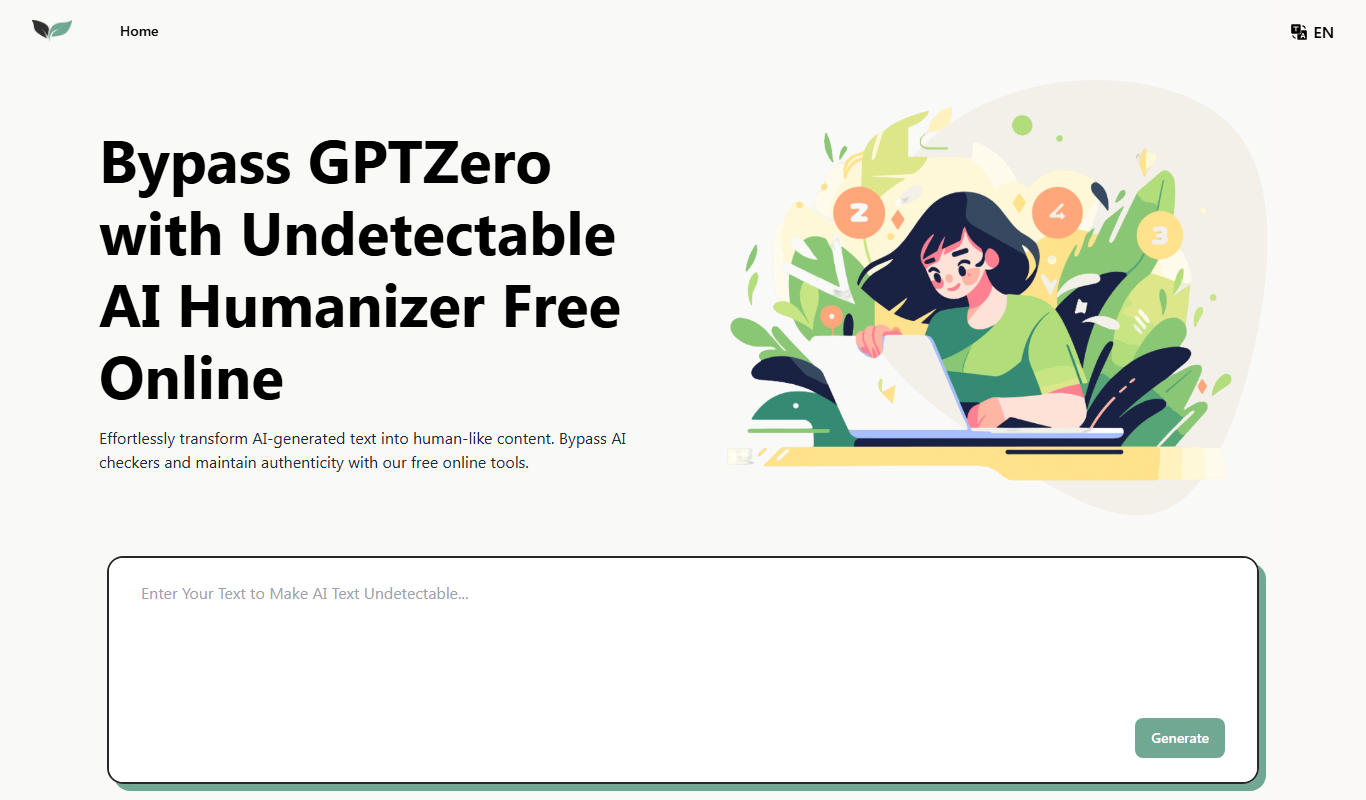
From my experience with UndetectableGPT.ai, I found it to be a straightforward and effective tool for humanizing AI-generated text to reduce detection by AI content detectors. Its free and no-signup approach makes it accessible for quick use, especially for content creators and students who want to refine AI drafts. However, the tool offers limited customization and cannot guarantee complete undetectability due to the evolving nature of detection algorithms. Overall, if you need a simple, fast way to make AI text appear more natural, UndetectableGPT.ai delivers solid results without complexity.
UndetectableGPT.ai - Free AI Humanizer to Bypass AI Content Detection Online
UndetectableGPT.ai is a free online tool that rephrases AI-generated text to make it appear human-written, helping users bypass AI content detection systems.
- Best for
- Bypass AI Content Detectors
- Key capability
- AI Humanizer
Do you recommend this tool?
What is UndetecableGPT.ai: Bypass AI Detection with AI Humanizer Free Online?
UndetectableGPT.ai is a free online AI humanizer tool designed to modify AI-generated text so it bypasses AI content detection systems. It works by rephrasing and adjusting the input text to make it appear more natural and human-written, helping users avoid detection by AI content detectors commonly used in academic, publishing, and content creation environments.
Key features of UndetecableGPT.ai: Bypass AI Detection with AI Humanizer Free Online
The tool offers a simple web interface where users can input AI-generated text and receive a humanized version that reduces AI detection scores. It focuses on paraphrasing, sentence restructuring, and vocabulary variation to enhance naturalness without changing the original meaning.
AI Humanizer
Transforms AI-generated content to mimic human writing style.
Free Online Access
Accessible via web browser without any cost or signup.
Simple User Interface
Minimalistic design for easy text input and output.
Fast Processing
Quickly rephrases text to save user time.
Pros and cons of UndetecableGPT.ai: Bypass AI Detection with AI Humanizer Free Online
Pros
- Free and easy to use without signup
- Helps reduce AI detection scores effectively
- Fast text processing with minimal input required
Cons
- No advanced customization options
- Limited to English language support
- Cannot guarantee full undetectability
Key use cases for UndetecableGPT.ai: Bypass AI Detection with AI Humanizer Free Online
Bypass AI Content Detectors
Transform AI-generated text to appear more human-like and avoid detection by AI content detection tools.
Content Paraphrasing
Rephrase existing text to improve uniqueness and reduce similarity scores for plagiarism checks.
Improve Content Naturalness
Enhance the flow and tone of AI-generated content to sound more natural and engaging for readers.
Academic and Professional Writing
Use the tool to humanize AI-generated drafts for academic papers, reports, or professional documents.
How UndetecableGPT.ai: Bypass AI Detection with AI Humanizer Free Online works
- 1
Input Text
Paste or type the AI-generated text into the input field on the website.
- 2
Process Text
The tool applies AI humanizing algorithms to rephrase and restructure the text.
- 3
Receive Humanized Output
Get the transformed text that appears more human-like and is less likely to be flagged by AI detectors.
- 4
Copy or Download
Copy the output text or download it for use in your projects.
Who is using UndetecableGPT.ai: Bypass AI Detection with AI Humanizer Free Online
Content creators using AI writing tools
Students and academics concerned about AI detection
Digital marketers optimizing AI-generated content
Freelance writers and bloggers
SEO specialists
UndetecableGPT.ai: Bypass AI Detection with AI Humanizer Free Online pricing
Free
$0
Unlimited access to AI humanizer features without payment.
Plans and prices are as published by the vendor and can change. Check the official site before you buy. Open the pricing page (opens in a new tab)
Frequently asked questions about UndetecableGPT.ai: Bypass AI Detection with AI Humanizer Free Online
Yes, the tool is free and does not require any registration or payment.
While it significantly reduces detection likelihood, no tool can guarantee complete bypass due to evolving detection algorithms.
The tool aims to preserve the original meaning while rephrasing for naturalness.
There are no clearly stated limits, but very large texts may need to be processed in parts.
It depends on your specific needs and how you plan to use the tool. The official website and documentation are the best sources for the latest details.
It depends on your specific needs and how you plan to use the tool. The official website and documentation are the best sources for the latest details.
Yes, it can help with that use case depending on how you configure it and what features are available. You’ll get the best results with clear inputs and a defined goal.
The best alternative depends on your workflow, features you need, and budget. Compare plans, integrations, and output quality to choose the closest fit.
Sign in to review this tool.
Sign In to ReviewNo reviews yet
Be the first to share how this tool worked for you.
Ask about pricing, limits, or how it compares — or answer someone else.
Sign In to AskNo questions yet
Have a question about using or paying for this tool? Be the first to ask.
Featured on TiorAI



More AI Content Optimization Tools tools
Other tools in the same category, for when this one is not quite the fit.

Free Trial
TikNeuron
TikNeuron is an AI-driven platform that helps TikTok creators and marketers grow their accounts by providing analytics, trend discovery, and content optimization recommendations.

Freemium
AlphaRank
AlphaRank is an AI-driven SEO platform that helps users track keyword rankings, optimize website content, analyze competitors, and generate SEO reports to improve search engine performance.

Free
FREE AI Meta Description Generator
The FREE AI Meta Description Generator by SEO Roast creates concise, SEO-friendly meta descriptions for webpages using AI technology, helping improve search engine snippets and click-through rates.
Freemium
Mango SEO AI
Mango SEO AI is an AI-powered SEO tool that analyzes and optimizes website content by providing keyword research, competitor analysis, and actionable SEO recommendations to improve search rankings.

Freemium
White Hat
White Hat AI is an AI chatbot focused on providing ethical SEO guidance and content optimization to improve website rankings without violating search engine policies.
Free
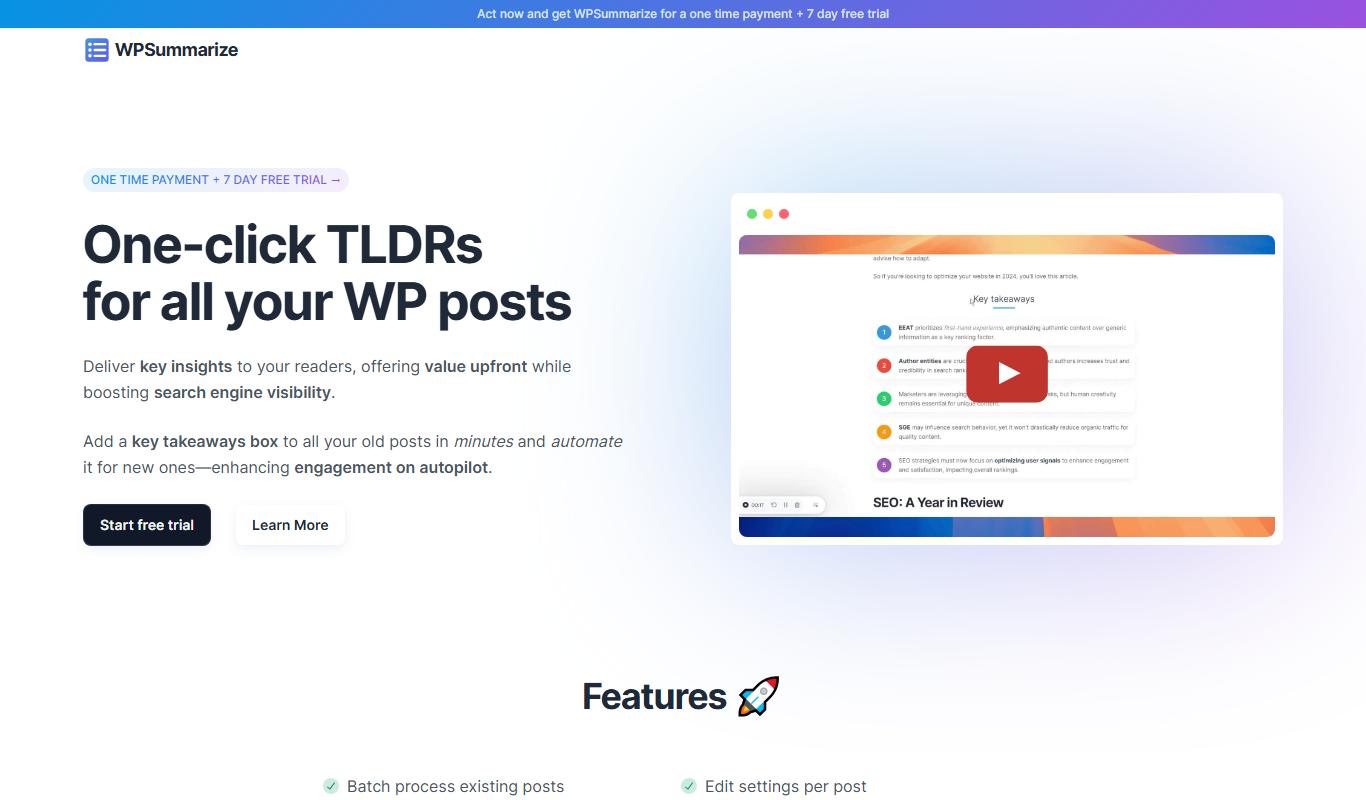
WPSummarize
WPSummarize is an AI-based WordPress plugin that creates concise summaries of long articles to enhance readability and SEO.

Freemium
Stealthly AI Humanizer
Stealthly AI Humanizer is an AI tool that rewrites AI-generated or robotic text into natural, human-like language to improve readability and engagement.

Free Trial
Content Optimizor
Content Optimizor by Clearscope is a web-based SEO tool that helps marketers optimize content by providing keyword research, content grading, and competitor analysis to improve search rankings.