

Unbounce Smart Copy AI Writing Tool for Marketing and Content Creation
Smart Copy is the AI copywriting assistant built into the Unbounce builder that rewrites, expands and summarizes landing page copy.
- Best for
- Marketing Copy Generation
- Key capability
- Expand, summarize and rewrite
Save Unbounce Smart Copy, follow its updates and vote on it — everything stays in your account.
Sign in or create a free account

What is Unbounce Smart Copy?
Smart Copy is the AI copywriting assistant built into the Unbounce landing page builder. It rewrites, expands and summarizes landing page copy in a few clicks, directly within the page design, and returns several options for each request.
Key features of Unbounce Smart Copy
Smart Copy works inside the Unbounce builder: add draft copy, then expand, summarize or rewrite it, choose from several AI suggestions and apply the favorite with one click while seeing the change on the page.
Expand, summarize and rewrite
Build a rough line into a complete paragraph, shorten wordy sections or get fresh takes on existing copy.
Customizable Outputs
Tailor AI-generated text to match brand voice and campaign goals.
Collaboration Tools
Share and collaborate on copy drafts with team members within the platform.
Integration with Unbounce
Seamlessly connect copywriting with landing page creation for faster campaign launches.
Pros and cons of Unbounce Smart Copy
Pros
- Wide variety of marketing-focused AI templates
- Easy to use with minimal setup
- Integrates well with Unbounce landing pages
- Helps overcome writer’s block quickly
Cons
- Supports only English language
- Limited free tier usage
- Customization options can be basic for advanced users
Key use cases for Unbounce Smart Copy
Marketing Copy Generation
Create persuasive marketing copy for ads, landing pages, emails, and social media posts quickly.
Content Creation
Generate blog intros, product descriptions, and other content snippets to speed up writing workflows.
Idea Brainstorming
Use AI to brainstorm headlines, taglines, and creative ideas for campaigns and promotions.
Landing Page Optimization
Craft compelling calls-to-action and value propositions tailored to target audiences.
How Unbounce Smart Copy works
- 1
Sign Up
Create an account on the Unbounce website to access Smart Copy.
- 2
Add draft copy
Add your draft copy to the Unbounce builder and choose to expand, refine or tighten it.
- 3
Input Details
Provide key information such as product name, target audience, and tone to guide AI output.
- 4
Generate Copy
Let the AI produce multiple copy variations based on your inputs.
- 5
Edit and Export
Review, customize, and export the generated copy for use in campaigns or content.
Who is using Unbounce Smart Copy
Unbounce Smart Copy pricing
Build
$99 USD/month, or $74 USD/month billed annually
Unbounce plan that adds AI copywriting, plus unlimited pages, popups and sticky bars, multi-step forms and 1000+ integrations; traffic up to 20k, 1 user.
Experiment
$149 USD/month, or $112 USD/month billed annually
All Build plan features plus unlimited A/B testing; traffic up to 30k, 3 users.
Optimize
$249 USD/month, or $187 USD/month billed annually
All Experiment plan features plus AI traffic optimization; traffic up to 50k, 5 users.
Plans and prices are as published by the vendor and can change. Check the official site before you buy. Open the pricing page (opens in a new tab)
Frequently asked questions about Unbounce Smart Copy
Smart Copy is built right into the Unbounce builder, and AI copywriting is included from the Build plan upward.
Currently, Smart Copy supports English language content generation.
AI copywriting is part of the Unbounce Build plan and the plans above it, and Unbounce offers a free 14-day trial.
This tool is designed to help users accomplish its core tasks more efficiently. It is typically used by individuals or teams looking to improve productivity and workflow.
Yes, it can help with that use case depending on how you configure it and what features are available. You’ll get the best results with clear inputs and a defined goal.
Pricing depends on the plan and included features. For the most accurate and up-to-date details, check the official pricing page.
Conclusion
Copy editing happens inside the Unbounce builder, where draft text on a landing page can be expanded, summarized or rewritten in a few clicks. Every AI request returns several options to choose from, the favorite is applied with one click, and changes show in real time so each edit fits the design. Expand turns a rough line into a complete paragraph, Summarize shortens wordy sections, and Rewrite gives fresh takes on existing copy to test.
Because it is built right into the Unbounce builder, AI copywriting comes with the Build plan and every plan above it. Digital marketers, marketing agencies and e-commerce professionals are the audience it is meant for. Unbounce offers a free trial before billing starts, and yearly billing is cheaper than paying monthly.
Sources
Sign in to review this tool.
Sign In to ReviewNo reviews yet
Be the first to share how this tool worked for you.
Ask about pricing, limits, or how it compares — or answer someone else.
Sign In to AskNo questions yet
Have a question about using or paying for this tool? Be the first to ask.
Featured on TiorAI



More AI Writing & Content Tools tools
Other tools in the same category, for when this one is not quite the fit.

Sonnet
Sonnet AI is a meeting assistant and notetaker that records without bots, transcribes, writes custom notes, extracts action items and updates your CRM.

MyReport
MyReport by Alaba.ai generates complete reports and essays from a title and description, searching the web and citing its sources.
MagicBlog
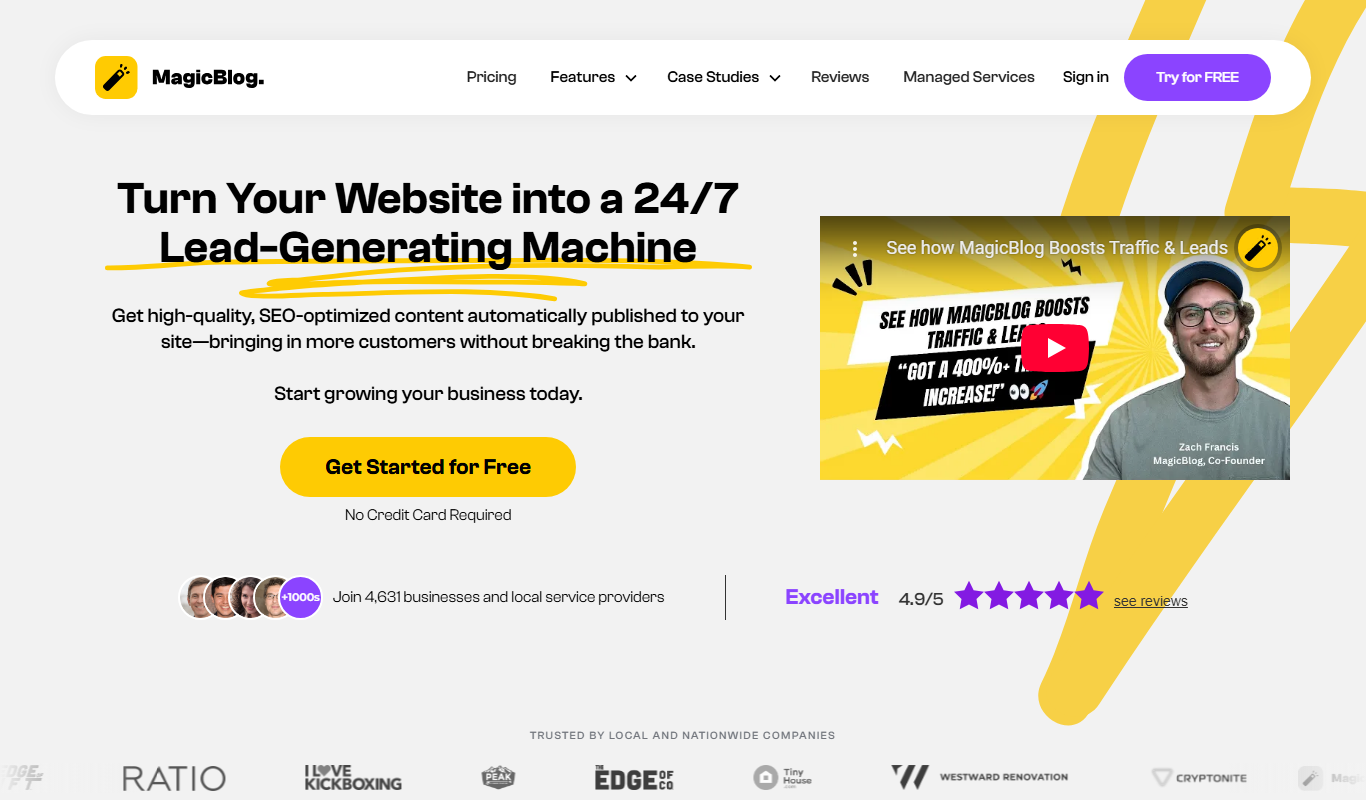
MagicBlog is an AI-powered SEO autoblogger that writes SEO-optimized blog content and publishes it automatically to your blog.

FixMeBot
FixMeBot is an AI writing assistant for 90+ languages that corrects, rewrites, translates and shortens text in any browser text field and in Telegram.

smudge.ai
Smudge.ai is a Chrome extension that gives you ChatGPT-powered shortcuts in your right-click menu to summarize, correct, refine or translate text on any web page.

Snazzy Send
Snazzy Send connects your Gmail or Outlook inbox and drafts polished replies from a short prompt, with reply logs, drafts and an automatic signature.

The Listly
The Listly uses AI to write custom real estate listing descriptions in less than a minute from your property details and photos.
Fast Rhymes
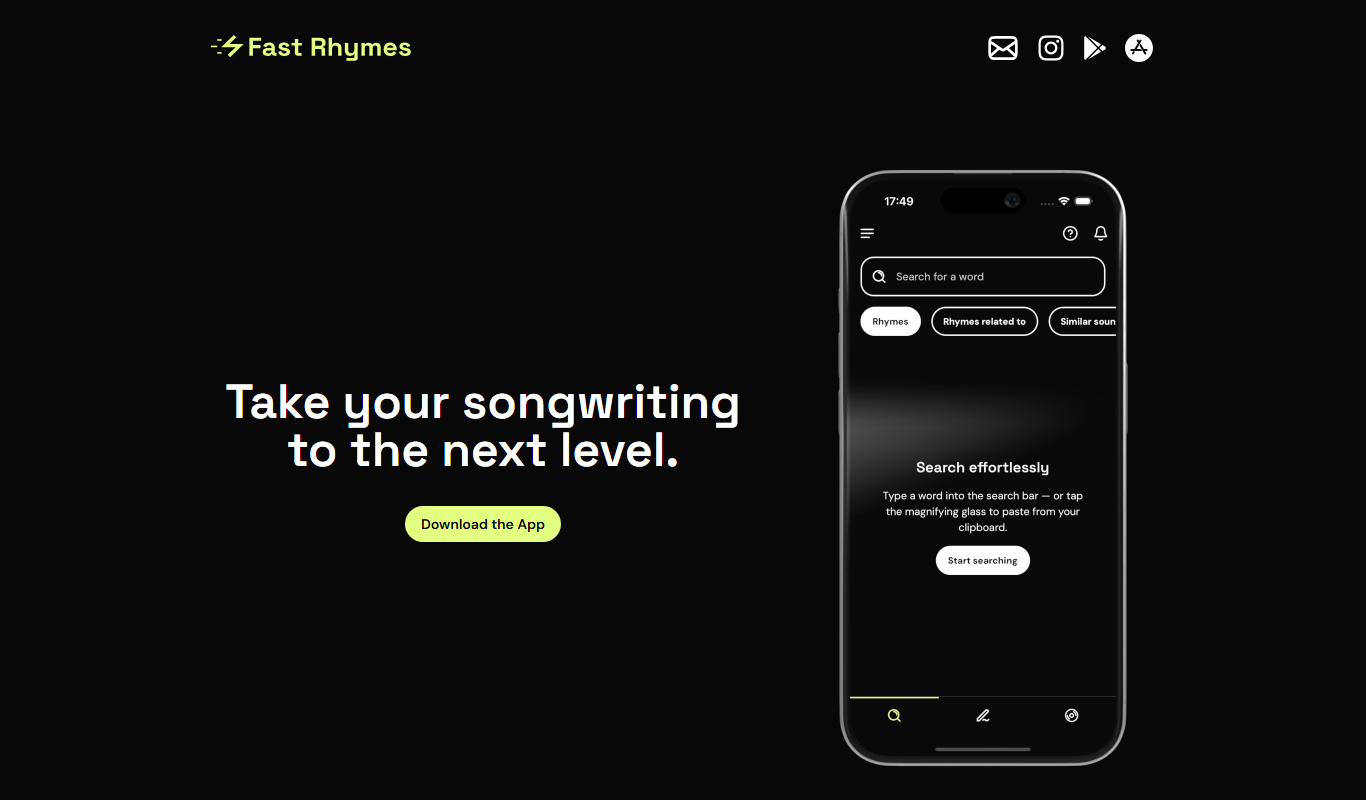
Fast Rhymes is an all-in-one songwriting app for iOS and Android to find rhymes and synonyms, write lyrics with a syllable counter, loop beats and get ideas from the AI Ghostwriter.