

From my experience with Tweet Fast, I found it excels at delivering real-time Twitter analytics that are crucial for timely marketing decisions. The platform’s straightforward dashboard makes it easy to monitor engagement and track campaigns without overwhelming complexity. It’s particularly well-suited for social media marketers and small businesses looking for affordable, actionable insights. However, the lack of a mobile app and limited features on the free plan can be a drawback for users who need more flexibility or advanced tools. Overall, if you want to stay on top of Twitter trends and optimize your social media strategy efficiently, Tweet Fast offers solid value.
Tweet Fast - Real-Time Twitter Analytics and Engagement Tool for Marketers
Tweet Fast is a web-based platform providing real-time Twitter analytics and engagement tracking to help marketers optimize their social media strategies.
- Best for
- Real-Time Twitter Monitoring
- Key capability
- Real-Time Analytics
Your actions
Save Tweet Fast, follow its updates and vote on it — everything stays in your account.
Sign in or create a free account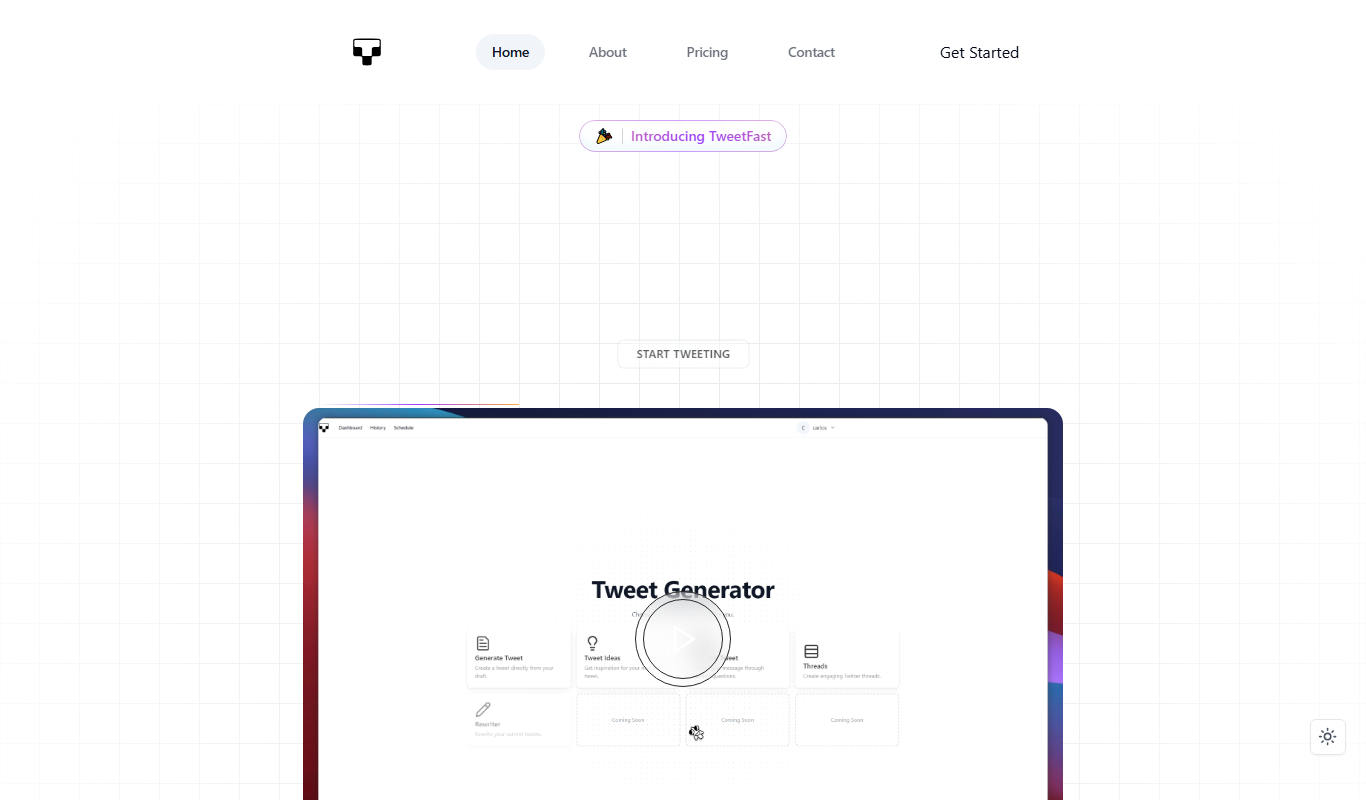
What is Tweet Fast?
Tweet Fast is a web-based platform that provides real-time analytics and monitoring for Twitter accounts and conversations. It helps marketers, social media managers, and businesses track engagement metrics, monitor trends, and analyze Twitter activity to make data-driven decisions and optimize their social media strategies.
Key features of Tweet Fast
Tweet Fast offers real-time Twitter data tracking, detailed engagement metrics, campaign performance insights, competitor benchmarking, and influencer identification tools—all accessible through an intuitive web dashboard.
Real-Time Analytics
Access up-to-the-minute data on tweets, engagement, and trending topics.
Engagement Metrics
Detailed breakdowns of likes, retweets, replies, and impressions.
Campaign Tracking
Monitor the effectiveness of Twitter marketing campaigns with performance reports.
Competitor Benchmarking
Compare your Twitter metrics against competitors to identify strengths and weaknesses.
Influencer Discovery
Identify influential Twitter users relevant to your brand or industry.
Pros and cons of Tweet Fast
Pros
- Real-time Twitter data provides immediate insights
- User-friendly web dashboard simplifies analytics
- Affordable pricing with a free tier for basic use
- Useful for marketers and social media managers
- Includes competitor and influencer analysis
Cons
- Limited features on the free plan
- No mobile app available, web-only platform
- Tech stack and integrations are not publicly detailed
Key use cases for Tweet Fast
Real-Time Twitter Monitoring
Track Twitter conversations and trends as they happen to stay ahead of the curve.
Engagement Analysis
Analyze tweet engagement metrics such as likes, retweets, and replies to optimize content strategy.
Marketing Campaign Tracking
Monitor the performance of Twitter marketing campaigns with detailed analytics.
Competitor Analysis
Compare your Twitter presence and engagement against competitors to identify opportunities.
Influencer Identification
Discover key influencers and active users relevant to your niche or campaign.
How Tweet Fast works
- 1
Sign Up
Create a free account on the Tweet Fast website to access basic analytics features.
- 2
Connect Twitter Account
Authorize Tweet Fast to access your Twitter data for personalized insights.
- 3
Set Up Monitoring
Define keywords, hashtags, or accounts to monitor real-time Twitter activity.
- 4
Analyze Data
Use the dashboard to view engagement metrics, track campaigns, and identify influencers.
- 5
Optimize Strategy
Leverage insights to adjust your Twitter marketing and content plans for better results.
Who is using Tweet Fast
Social media marketers
Small to medium businesses
Content creators
Marketing agencies
Brand managers
Tweet Fast pricing
Free
$0/month
Basic access with limited real-time monitoring and analytics features.
Pro
$19/month
Advanced analytics, unlimited monitoring, and detailed reports for professional use.
Plans and prices are as published by the vendor and can change. Check the official site before you buy. Open the pricing page (opens in a new tab)
Frequently asked questions about Tweet Fast
Yes, you need to connect your Twitter account to access personalized analytics and monitoring.
The Pro plan allows monitoring of multiple Twitter accounts and expanded analytics.
Tweet Fast offers a limited free plan; details on Pro plan trials can be found on their website.
Data is updated in real-time to provide the most current Twitter analytics.
This tool is designed to help users accomplish its core tasks more efficiently. It is typically used by individuals or teams looking to improve productivity and workflow.
It depends on your specific needs and how you plan to use the tool. The official website and documentation are the best sources for the latest details.
Some tools offer a free plan or trial with limited features. Availability can vary, so confirm on the official website.
Yes, it can help with that use case depending on how you configure it and what features are available. You’ll get the best results with clear inputs and a defined goal.
Sign in to review this tool.
Sign In to ReviewNo reviews yet
Be the first to share how this tool worked for you.
Ask about pricing, limits, or how it compares — or answer someone else.
Sign In to AskNo questions yet
Have a question about using or paying for this tool? Be the first to ask.
Featured on TiorAI



More AI Twitter Assistant tools
Other tools in the same category, for when this one is not quite the fit.

Free
GIF with Sound
GIF with Sound is a free web tool that converts video clips into animated GIFs with audio, allowing users to create engaging multimedia content without software installation.
Freemium
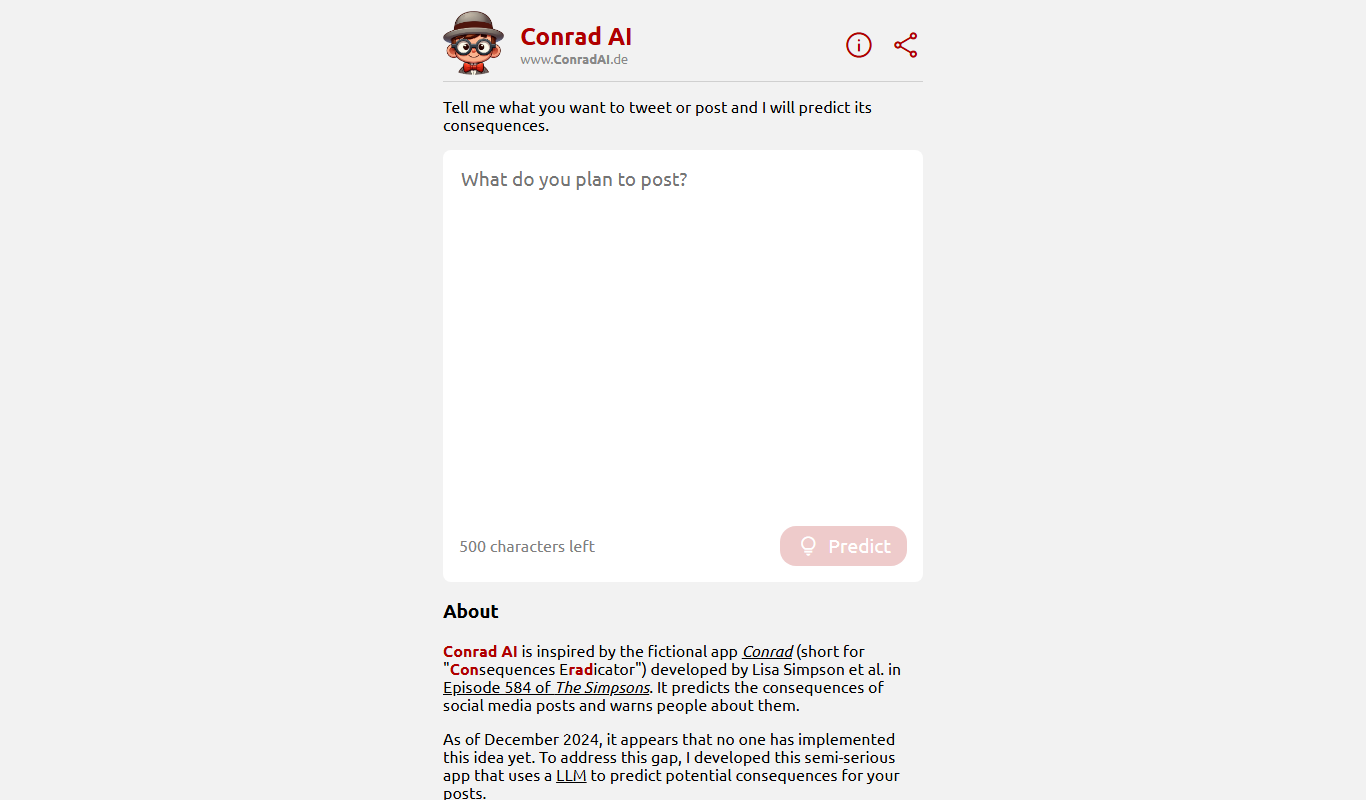
ConradAI.de
ConradAI.de is a German AI chatbot platform that automates customer support and lead generation using conversational AI technology.

Free
postfity.com
Postfity is a web platform that enables users to schedule and automate social media posts across multiple networks, offering features like bulk uploads, content calendar, team collaboration, and basic analytics.

Free
NapiBot
NapiBot is an AI chatbot platform that enables businesses to automate customer interactions, support, and lead generation through an easy-to-use visual builder and multilingual support.
Free Trial
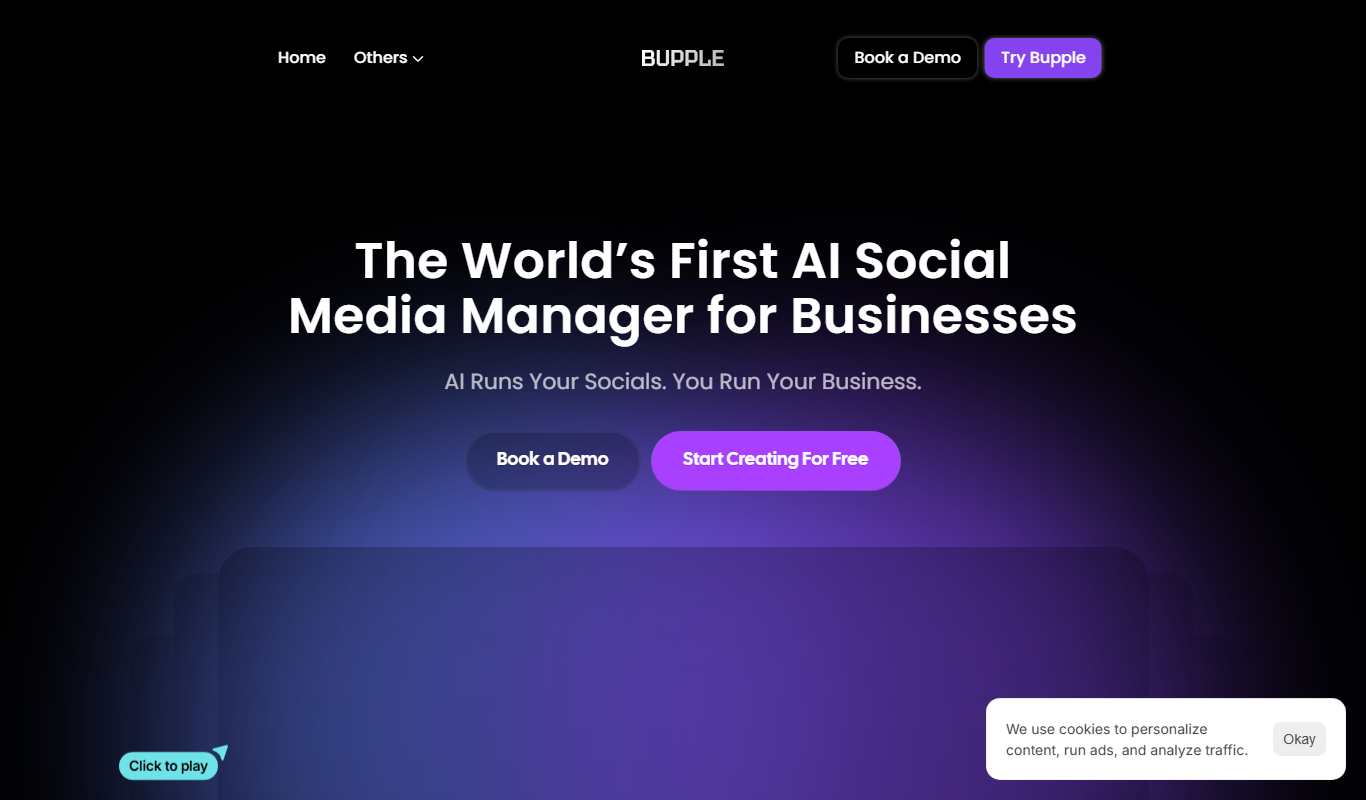
Bupple
Bupple is an AI chatbot platform that helps businesses automate customer support and engagement through customizable conversational workflows and analytics.

Free Trial
ReplyPulse.com
ReplyPulse is an AI-powered email automation tool that helps sales and marketing teams automate personalized follow-up sequences to increase reply rates and streamline outreach.

Freemium
ContentRadar
ContentRadar is an AI-driven content research platform that helps marketers discover trending topics, keywords, and competitor insights to optimize content marketing and SEO strategies.
Freemium
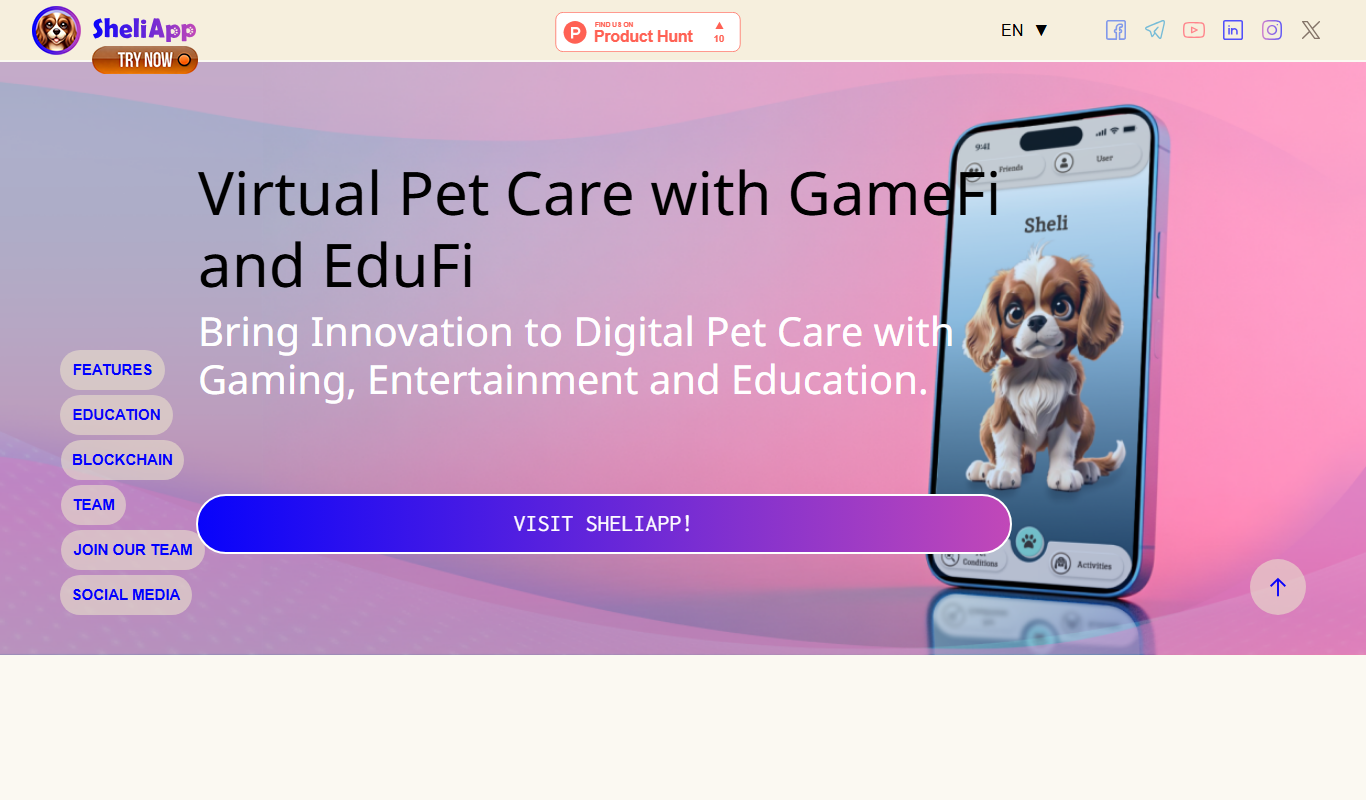
SheliApp
SheliApp is a no-code AI chatbot platform designed to automate customer support and engagement by creating intelligent chatbots easily integrated into websites.