

From my experience with Tutory, I found it excels at simplifying worksheet creation for educators who need quick, customizable teaching materials without technical hassle. The drag-and-drop editor and template library make it accessible even for teachers with limited design skills. It’s particularly well-suited for school teachers and tutors looking to streamline lesson planning and student assessments. However, the free plan has some limitations, and the lack of a mobile app might restrict on-the-go editing. Overall, if you want an efficient web-based tool to create and share worksheets collaboratively, Tutory delivers solid, practical results.
Tutory - Online Worksheet Creator for Teachers and Educators
Tutory is a web-based platform that enables teachers to create, customize, and share worksheets and teaching materials efficiently using an intuitive drag-and-drop editor and collaborative features.
- Best for
- Worksheet Creation
- Key capability
- Drag-and-Drop Editor
Your actions

Do you recommend this tool?
What is Tutory?
Tutory is an online platform designed to help teachers and educators create, customize, and share worksheets and teaching materials efficiently. It offers an intuitive drag-and-drop editor with various content blocks such as text, images, and exercises, enabling educators to tailor resources to their classroom needs without requiring advanced design skills.
Key features of Tutory
Tutory provides a user-friendly interface for worksheet creation, a library of templates and content blocks, options for collaborative editing, and easy export and sharing capabilities. It supports multiple languages and is accessible via web browsers without installation.
Drag-and-Drop Editor
Intuitive interface for easy creation and customization of worksheets without technical skills.
Template Library
Access to a variety of pre-made templates suitable for different subjects and educational levels.
Collaborative Editing
Allows multiple users to work together on worksheet creation and editing.
Export Options
Download worksheets as PDFs or share them online for easy distribution.
Multilingual Support
Supports English and German languages for a wider user base.
Pros and cons of Tutory
Pros
- User-friendly drag-and-drop interface
- Wide range of customizable templates
- Supports collaboration among educators
- Easy export and sharing options
Cons
- Limited free plan features
- No mobile app available
Key use cases for Tutory
Worksheet Creation
Teachers can create customized worksheets for their students quickly and easily using a variety of templates and content blocks.
Lesson Planning
Educators can organize and prepare lesson materials in a structured way to enhance classroom teaching.
Collaborative Content Development
Multiple educators can collaborate on worksheet creation and share resources within their teaching teams.
Student Assessment
Tutory allows creation of exercises and tests to assess student knowledge and track progress.
How Tutory works
- 1
Sign Up
Create a free account on the Tutory website to access the worksheet editor.
- 2
Choose or Create a Template
Start with a blank worksheet or select from pre-designed templates tailored for different subjects and grade levels.
- 3
Add Content Blocks
Use the drag-and-drop editor to add text, images, exercises, and other elements to customize your worksheet.
- 4
Collaborate and Review
Invite colleagues to collaborate on the worksheet or review the content before finalizing.
- 5
Export and Share
Download the worksheet as a PDF or share it directly with students or other educators.
Who is using Tutory
School teachers
Educational institutions
Homeschooling parents
Tutors and trainers
Curriculum developers
Tutory pricing
Free
$0/month
Basic access with limited worksheet creations and features.
Pro
€6.99/month
Unlimited worksheet creation, advanced features, and priority support.
Plans and prices are as published by the vendor and can change. Check the official site before you buy. Open the pricing page (opens in a new tab)
Frequently asked questions about Tutory
Tutory offers a free plan with limited features and a paid Pro plan with full access.
Yes, Tutory supports collaborative editing allowing multiple educators to work together.
Worksheets can be exported as PDF files for easy printing and sharing.
No, Tutory is a web-based platform accessible through modern browsers.
It depends on your specific needs and how you plan to use the tool. The official website and documentation are the best sources for the latest details.
Some tools offer a free plan or trial with limited features. Availability can vary, so confirm on the official website.
Yes, it can help with that use case depending on how you configure it and what features are available. You’ll get the best results with clear inputs and a defined goal.
Yes, it can help with that use case depending on how you configure it and what features are available. You’ll get the best results with clear inputs and a defined goal.
Sign in to review this tool.
Sign In to ReviewNo reviews yet
Be the first to share how this tool worked for you.
Ask about pricing, limits, or how it compares — or answer someone else.
Sign In to AskNo questions yet
Have a question about using or paying for this tool? Be the first to ask.
Featured on TiorAI



Alternative Tools
Explore similar AI tools that might fit your needs

One-time purchase
Worksheet Crafter
Worksheet Crafter is a desktop software that enables educators to design and customize worksheets and teaching materials for various subjects and student levels, featuring templates, clipart, and automatic exercise generation.
More AI Content Creation Tools tools
Other tools in the same category, for when this one is not quite the fit.

Freemium
Swifty
Swifty is an AI writing assistant that helps users create and edit English content quickly with AI-generated suggestions and grammar corrections.
Freemium
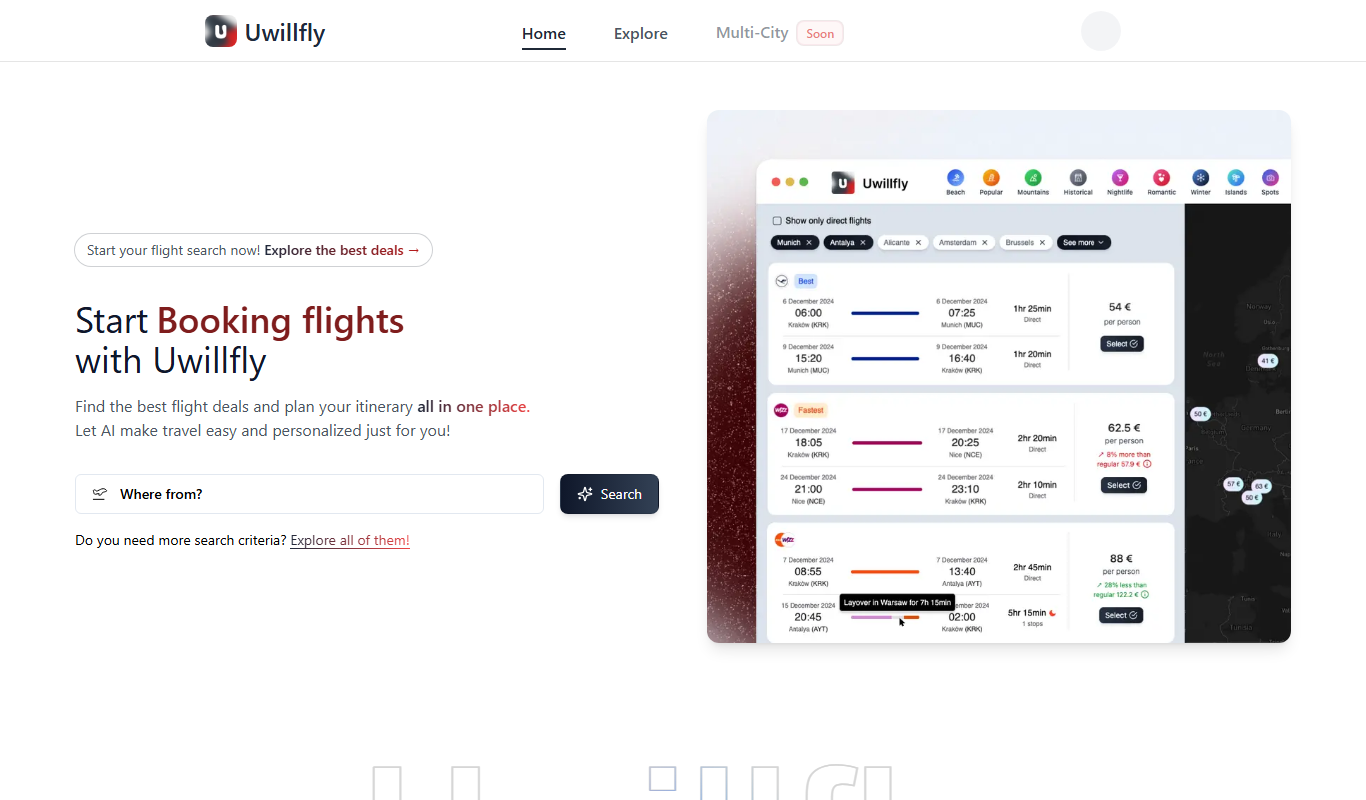
Uwillfly
Uwillfly is an AI-powered writing assistant that generates SEO-optimized articles, marketing copy, and content in English and Chinese to help marketers and writers create content faster.

Freemium
Smart Pineapple
Smart Pineapple is an AI-powered writing assistant designed to generate SEO-friendly content, including blog posts and marketing copy, through an easy-to-use web platform.

Freemium
Explra
Explra is an AI-powered writing assistant designed to help marketers and content creators generate SEO-friendly content quickly and efficiently.
Freemium
Ai & Stuff
Ai & Stuff is a web platform providing multiple AI-powered tools for generating text and images, automating content tasks, and assisting creative workflows.

Free
AI Listify
AI Listify is an AI-driven tool that generates structured lists for content marketing, SEO, and idea organization, helping users create engaging and readable lists quickly.

Freemium
iSamurai
iSamurai is an AI-powered writing assistant that generates SEO-friendly content including blog posts and marketing copy to help businesses and creators save time and improve content quality.

Free
AITorke
AITorke is an AI writing assistant that helps users generate, optimize, and edit content with SEO tools and AI-powered suggestions.