

From my experience with TryHairstyle.com, I found it excels at providing a straightforward and free way to preview hairstyles and hair colors without any software installation. The tool’s simplicity and variety of styles make it ideal for anyone curious about changing their look but hesitant to commit. However, the platform lacks advanced 3D modeling and mobile app support, which can limit realism and convenience on smartphones. Overall, if you want a quick, no-cost way to experiment with hairstyles and colors online, TryHairstyle.com delivers reliable and user-friendly results.
TryHairstyle.com Virtual Hair Makeover Tool for Hairstyle Previews
TryHairstyle.com is a free web-based virtual hair makeover tool that allows users to upload their photos and try on different hairstyles and hair colors to preview new looks before visiting a salon.
- Best for
- Virtual Hairstyle Testing
- Key capability
- Photo Upload and Face Detection


Do you recommend this tool?
What is TryHairstyle.com?
TryHairstyle.com is a free online virtual hair makeover tool that lets users upload their photos and experiment with different hairstyles and hair colors. It provides a realistic preview of how various haircuts and colors would look on the user, helping them make confident decisions before visiting a salon.
Key features of TryHairstyle.com
The tool offers an intuitive interface for uploading photos, selecting from a wide range of hairstyles and colors, and adjusting the fit to match the user’s face shape. It supports quick hairstyle changes and color swaps, making it easy to explore multiple looks.
Photo Upload and Face Detection
Easily upload photos and the tool detects facial features for accurate hairstyle fitting.
Wide Hairstyle Library
Access a diverse collection of hairstyles including short, long, curly, and straight options.
Hair Color Customization
Try on multiple hair colors with realistic shading and blending.
User-Friendly Interface
Simple and intuitive controls for quick hairstyle changes and adjustments.
Pros and cons of TryHairstyle.com
Pros
- No cost to use all features
- Large variety of hairstyles and colors
- Simple and quick to use
- Helps visualize hair changes before commitment
Cons
- No mobile app available
- Limited advanced editing or 3D modeling
- Results depend on photo quality
Key use cases for TryHairstyle.com
Virtual Hairstyle Testing
Users can upload their photo and try on different hairstyles virtually before making a real-life change.
Hair Color Experimentation
Allows users to preview various hair colors on their own image to find the best match.
Salon Consultation Aid
Helps users communicate hairstyle ideas more effectively with their hairstylists by showing virtual previews.
Personal Style Exploration
Enables users to explore new looks and styles from the comfort of their home.
How TryHairstyle.com works
- 1
Upload Your Photo
Start by uploading a clear photo of your face to the platform.
- 2
Select Hairstyles
Browse and choose from a variety of hairstyles and haircuts.
- 3
Apply Hair Colors
Experiment with different hair colors to see what suits you best.
- 4
Adjust and Preview
Fine-tune the hairstyle placement and view the final look.
Who is using TryHairstyle.com
Individuals considering a new hairstyle
Beauty enthusiasts exploring hair colors
Salon clients preparing for appointments
Hair stylists seeking client consultation tools
TryHairstyle.com pricing
Free
$0
Full access to hairstyle and color try-on features without any cost.
Plans and prices are as published by the vendor and can change. Check the official site before you buy. Open the pricing page (opens in a new tab)
Frequently asked questions about TryHairstyle.com
Yes, the virtual hair makeover tool is completely free with no hidden charges.
You should upload a clear, front-facing photo for the best hairstyle fitting results.
TryHairstyle.com is optimized for desktop web browsers; mobile support may vary.
Yes, you can save the images to your device or share them with friends and stylists.
It depends on your specific needs and how you plan to use the tool. The official website and documentation are the best sources for the latest details.
Yes, it can help with that use case depending on how you configure it and what features are available. You’ll get the best results with clear inputs and a defined goal.
It depends on your specific needs and how you plan to use the tool. The official website and documentation are the best sources for the latest details.
Sign in to review this tool.
Sign In to ReviewNo reviews yet
Be the first to share how this tool worked for you.
Ask about pricing, limits, or how it compares — or answer someone else.
Sign In to AskNo questions yet
Have a question about using or paying for this tool? Be the first to ask.
Featured on TiorAI



Alternative Tools
Explore similar AI tools that might fit your needs

Free
TheHairStyler.com
TheHairStyler.com is an online platform that lets you upload your photo and try on various hairstyles and hair colors virtually to preview new looks before making changes.
More AI Selfie Generator Lite tools
Other tools in the same category, for when this one is not quite the fit.

Freemium
Fake Social
Fake Social is an AI tool that generates realistic social media profiles and posts for marketing, testing, and creative purposes without using real user data.

Freemium
KI Bewerbungsfoto-erstelle KI Businessfoto und AI Profilbild
KI Bewerbungsfoto-erstelle is an AI-based online tool that creates professional profile and business photos by enhancing your portrait with AI retouching and background replacement, ideal for CVs and LinkedIn.
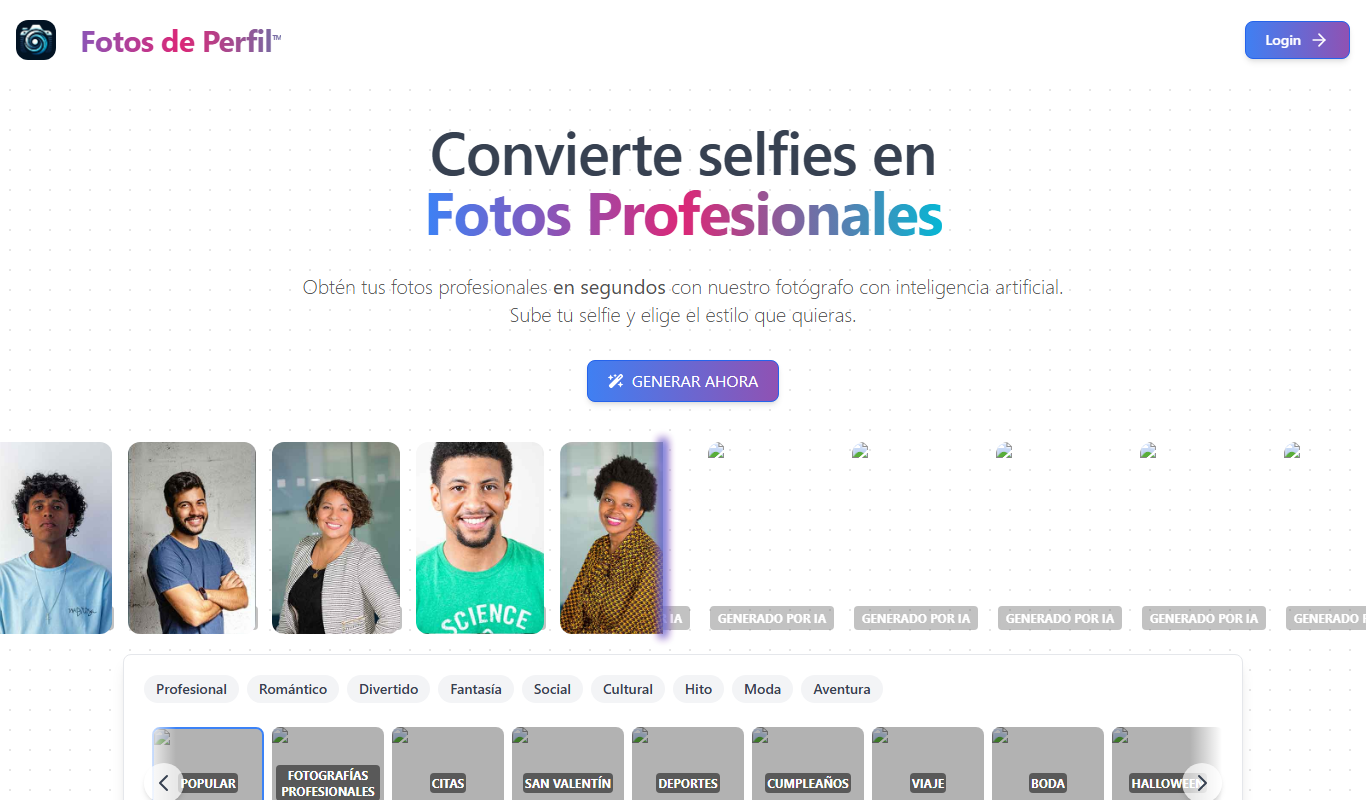
Free
Fotos de Perfil
Fotos de Perfil is a free web-based tool that lets users create and customize profile pictures and avatars easily without registration.
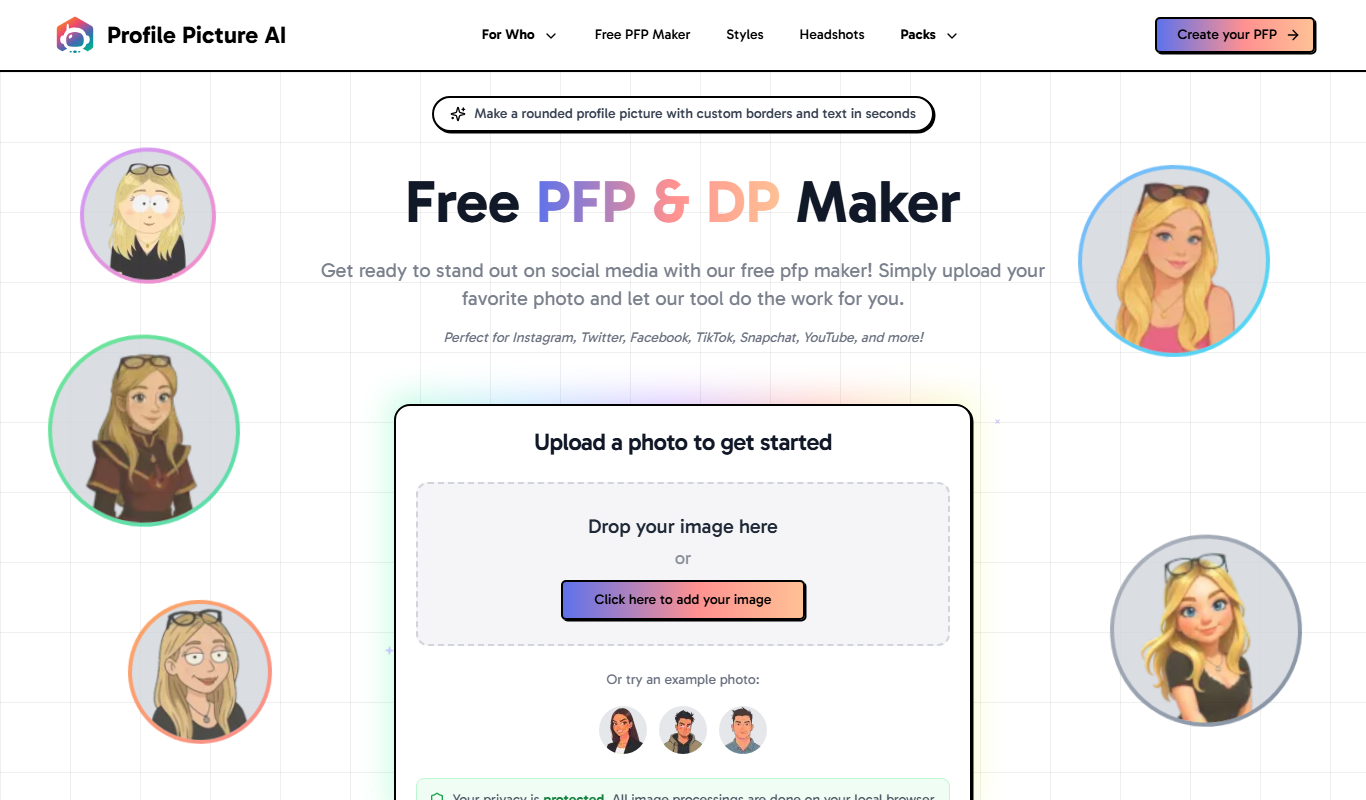
Free
profilepicturemaker.com
ProfilePictureMaker.com is a free online tool that lets you create and customize profile pictures quickly without registration, offering background and frame options.

Freemium
iSamurai
iSamurai is an AI-powered writing assistant that helps users generate SEO-friendly content, including blog posts and marketing copy, through an easy-to-use web platform.

Freemium
Instaheadshots – AI Headshots in a flash
Instaheadshots is an AI-powered web tool that generates professional-quality headshots from your photos quickly, offering customizable styles and high-resolution downloads.

Free Trial
Emotsy
Emotsy is an AI-driven sentiment analysis tool that processes textual data to identify emotions and sentiment polarity, enabling businesses to better understand customer feedback and market sentiment.
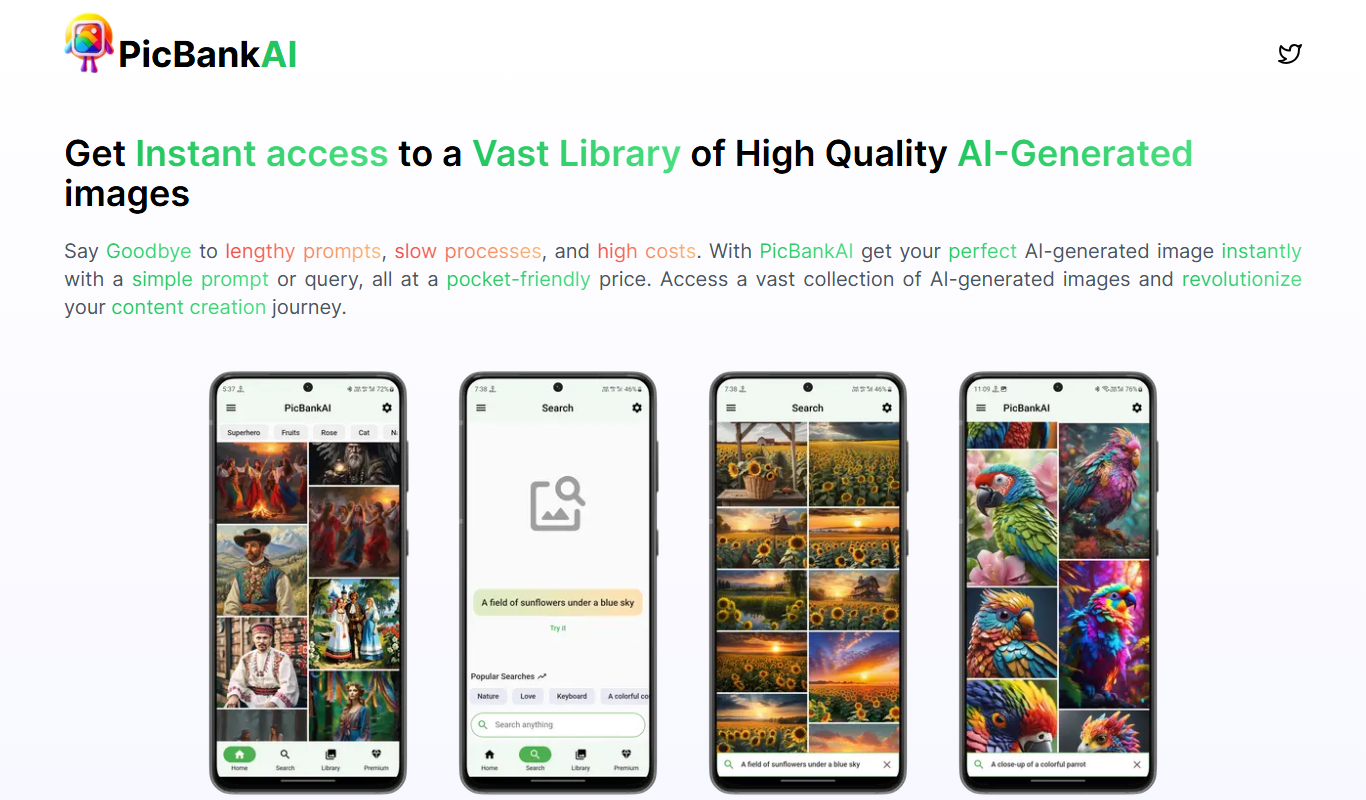
Freemium
PicBankAI
PicBankAI is an AI-based platform that generates royalty-free stock images from text prompts, enabling easy creation of custom visuals for commercial use.