

TrendsCritical - Trend-powered AI workspace with community trend templates
TrendsCritical is a trend-powered AI workspace that brings local expert insights, global signals and real-world experiences together with trend templates and a community for testing ideas.
- Best for
- Trend-based creator sponsorships
- Key capability
- Trend templates
Save Trends Critical AI, follow its updates and vote on it — everything stays in your account.
Sign in or create a free account
What is Trends Critical AI?
TrendsCritical is a trend-powered AI workspace backed by collective human intelligence and scientific publications. It brings local expert insights, global signals and real-world experiences into one AI workspace, where users shape trends with templates, test ideas with the community and develop them into brand collaboration candidates.
Key features of Trends Critical AI
TrendsCritical combines private context, global trends, best practices and AI support in one workflow. Users start from user reactions, shape the signal with TrendsCritical templates, test ideas with the community on the TC Board and develop strong reactions into brand collaboration candidates.
Trend templates
Ready-to-use trend templates shape a signal into a trend with before/after logic and partner-fit thinking.
Community idea testing
Test ideas with the community first and develop strong reactions into brand collaboration candidates.
Creator-brand collaboration
Collaborative themes for creators and brands based on actively discussed trends and Best Practice, including trend-based brand sponsorships.
Private-by-default AI workspace
Combines private context, global trends, best practices and AI support in one workflow; your content stays private by default.
Revenue Sharing
Approved knowledge can be used in eligible AI Workspaces; participation does not guarantee compensation or payouts.
Pros and cons of Trends Critical AI
Pros
- 46 trend templates ready to use
- Community idea testing before brand collaboration
- Content stays private by default
- Multilingual interface
Cons
- Official collaboration is subject to a separate review process
- AI may produce errors; templates advise consulting a TC Advisor or partner before acting
Key use cases for Trends Critical AI
Trend-based creator sponsorships
Creators register as a TrendsCritical Creator, and the team analyzes channel fit and recommends a monetization plan with trend-based brand sponsorships.
Brand campaign review
Brands can review campaigns, product tests and co-created content opportunities by referencing user reactions and community discussions.
Public-sector and local projects
Trends identified on the TC Board can become starting points for public institutions and local governments to review policy experiments and local projects.
Marketing and sales strategy templates
Free strategy templates such as Marketing Action Strategy turn product, customer and channel inputs into next moves.
Investment Research
Identify promising sectors and trends for informed investment decisions.
How Trends Critical AI works
- 1
Start from user reactions
Use fan reactions, comments, videos, field notes or lived experience as the source of new trend ideas.
- 2
Use TrendsCritical templates
Shape the signal into a trend with Before / After logic and partner-fit thinking.
- 3
Test with the community
Test ideas with the community first and develop strong reactions into brand collaboration candidates.
- 4
Review and collaboration
Trends can become starting points for brands, public institutions and local governments; official collaboration is subject to a separate review process.
Who is using Trends Critical AI
Trends Critical AI pricing
Free
Free
Sign up free; paid subscriptions revert to the free plan after cancellation.
Pro (Yearly)
$300.00/year
40,000 credits/month, Pro features.
Power (Monthly)
$150.00/month
200,000 credits/month, Power features, access to Power/Pro templates.
Power (Yearly)
$1,000.00/year
200,000 credits/month, all features.
Plans and prices are as published by the vendor and can change. Check the official site before you buy. Open the pricing page (opens in a new tab)
Frequently asked questions about Trends Critical AI
A trend-powered AI workspace that brings local expert insights, global signals and real-world experiences into one AI workspace.
Creators register as a TrendsCritical Creator; the team then analyzes channel fit and recommends a monetization plan tailored to the channel.
Yes. You can sign up free, and a cancelled paid subscription reverts to the free plan.
If you have not used any app content within 7 days of your purchase, you are eligible for a full refund.
The interface is multilingual, with English, Korean, Japanese, Chinese and Traditional Chinese among its languages.
Annual plan members get access to exclusive offline Fireside Chats and online Webinars with global experts.
Conclusion
Trends start with people rather than a prompt: users bring fan reactions, comments, field notes or lived experience, then shape the signal with TrendsCritical templates. Ideas are tested with the community first, and strong reactions are developed into brand collaboration candidates. The workspace combines private context, global trends and AI support in one workflow, with content kept private by default.
Creators are one side of the service: after registration the team analyzes channel fit and recommends a monetization plan built on trend-based brand sponsorships. On the other side, brands, public institutions and local governments can use trends identified on the TC Board as starting points for campaigns and local projects. The platform is multilingual, with Korean, Japanese and Spanish among its interface languages.
Signing up is free, while paid Pro and Power subscriptions add monthly credits and access to Power templates. Official collaboration is subject to a separate review process, and AI output may contain errors, so consulting a TC Advisor or partner before acting is advised.
Sources
Sign in to review this tool.
Sign In to ReviewNo reviews yet
Be the first to share how this tool worked for you.
Ask about pricing, limits, or how it compares — or answer someone else.
Sign In to AskNo questions yet
Have a question about using or paying for this tool? Be the first to ask.
Featured on TiorAI



Alternative Tools
Explore similar AI tools that might fit your needs

Exploding Topics
Exploding Topics is a trend research platform that identifies rapidly growing topics and niches early, helping marketers and businesses capitalize on emerging opportunities.
More Marketing & Advertising tools
Other tools in the same category, for when this one is not quite the fit.
LightPDF
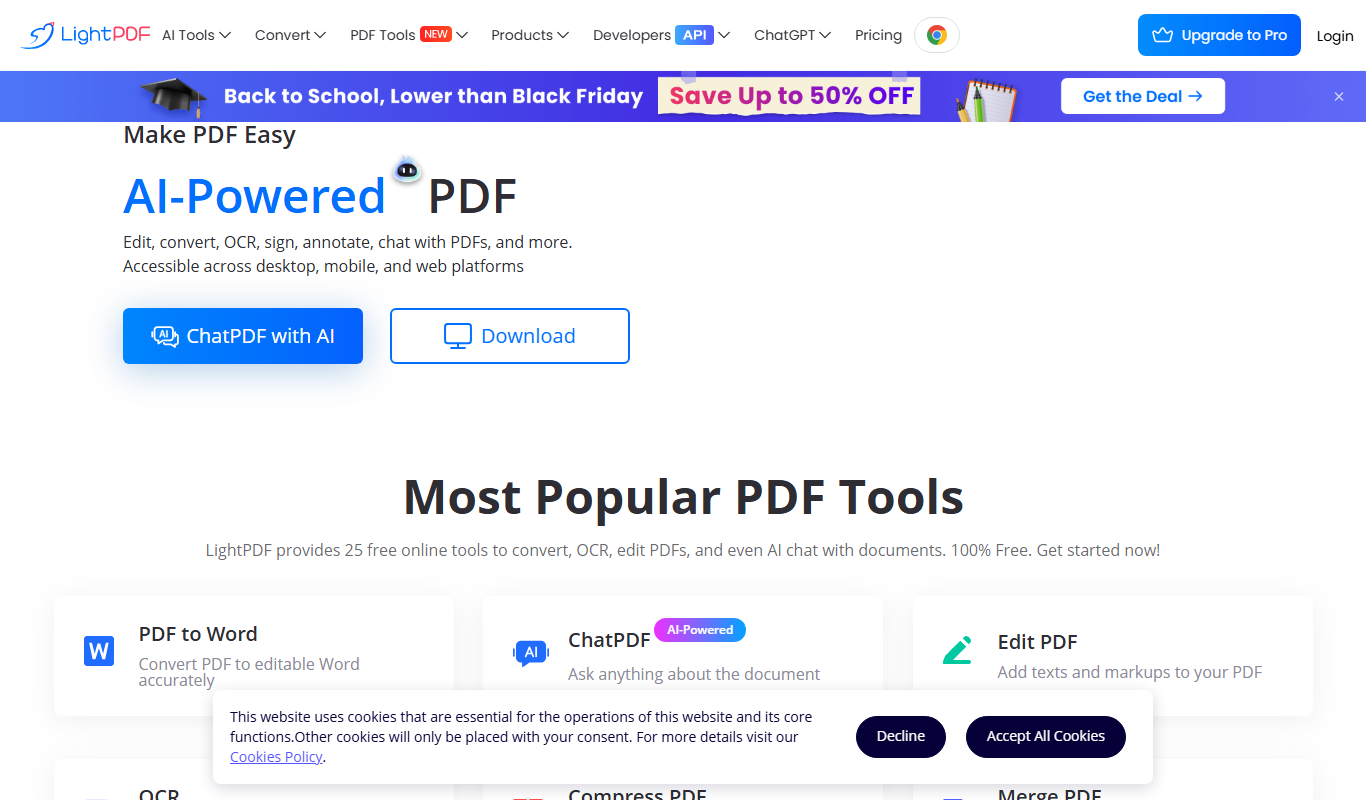
LightPDF is a web-based PDF editor and converter that allows users to edit, convert, compress, merge, split, and secure PDF documents easily without installing software.

WordRocket AI
WordRocket AI is a web-based AI writing assistant that helps users generate SEO-optimized content, including blog posts and marketing copy, with customizable tone and style.

Outlit AI
Outlit monitors long-tail customers, surfaces risks and growth opportunities, builds action plans, and completes approved work within your controls.

BudgetSEO
BudgetSEO is an AI SEO article generator that goes from keywords to published blog content, with GPT-4 articles, generated images, WordPress posting and free blog tools.

Lava Metrics
Lava Metrics provides the B2B marketing reports you wish HubSpot had, built automatically from your live HubSpot data.

Octolens AI
Octolens is an AI social listening tool that tracks brand mentions across Reddit, X, LinkedIn and 10+ platforms, with API, MCP and webhooks on every plan.

WebsiteAuditAI
WebsiteAuditAI runs AI-powered UX, CRO and copywriting audits of any web page and returns scored reports with actionable recommendations.

Insight7
Insight7 analyzes customer calls, scores every conversation, coaches reps and deploys AI voice and chat agents for customer teams.