

Trellus - AI Power and Parallel Dialer with Live Call Coaching
Trellus embeds an AI power and parallel dialer with real-time call coaching directly in Salesloft, Outreach, HubSpot and other sales platforms.
- Best for
- Outbound SDR call blocks
- Key capability
- Power and parallel dialing
Save Trellus, follow its updates and vote on it — everything stays in your account.
Sign in or create a free account
What is Trellus?
Trellus is an AI sales calling tool that brings power and parallel dialing, real-time AI call coaching and call review into the CRM or sales engagement platform a team already uses, such as Salesloft, Outreach or HubSpot. It runs as a Chrome extension and adds practice voice bots, a virtual sales floor, call analytics and a LinkedIn inbox.
Key features of Trellus
Trellus offers power dialing and parallel dialing of up to 5 lines inside your SEP, voicemail drops, real-time AI coaching during calls, practice voice bots built from past calls, automatic scoring of every call, a virtual sales floor, number health checks and a consolidated LinkedIn inbox.
Power and parallel dialing
Dial up to 5 parallel lines and automate voice drops from one tab inside your sales engagement platform.
Real-time AI coaching
Live guidance during calls with prebuilt objection scenarios or your own talk tracks.
Practice voice bots
AI voice agents that act like prospects, created from your team's past calls.
Call analytics
Score 100% of your team's calls to track key performance metrics.
Number health
Automated number health checks and rotation to stay out of spam lists.
Pros and cons of Trellus
Pros
- Works inside your existing CRM or sales engagement platform
- Interactive product tour with sample data
- Call Data API and MCP documentation
- Detailed analytics for campaign optimization
- User-friendly interface with easy sequence creation
Cons
- Dialing modes and saved results differ by platform
- Team analytics and custom coaching need the Business plan with custom pricing
- No dedicated mobile app currently
Key use cases for Trellus
Outbound SDR call blocks
Outbound call blocks and SDR-to-AE handoffs for B2B SaaS teams.
Inbound call handling
Voice agents for inbound call routing, intake data collection and support questions.
Rep ramp and practice
Reps rehearse with AI voice agents that act like prospects.
Remote sales floor
Listen to live calls and coach together in a virtual sales floor.
LinkedIn inbox management
A consolidated view across LinkedIn and Sales Nav messages.
How Trellus works
- 1
Install the extension
Install the Trellus Chrome extension and sign in.
- 2
Connect your platform
Follow the setup guide for your supported CRM or sales platform.
- 3
Run a call block
Work through a contact list with power or parallel dialing and live AI coaching.
- 4
Review calls
Review scored calls and team performance.
Who is using Trellus
Trellus pricing
Power
$99.99/month
For individuals: power dialing on all supported platforms, voicemail drop, 5 additional phone numbers with spam remediation, LinkedIn inbox, standard limits.
Power + Parallel
$149.99/month
For individuals: everything in Power plus parallel dialing, unlimited AI practice calls, 8 additional phone numbers and high dialing limits.
Business
Custom pricing
For teams: customizable AI research and realtime coaching, team analytics, conversational intelligence and custom reporting.
Plans and prices are as published by the vendor and can change. Check the official site before you buy. Open the pricing page (opens in a new tab)
Frequently asked questions about Trellus
It brings power and parallel dialing, live AI coaching and call review into supported CRMs and sales platforms.
Power dialing calls one number at a time; parallel dialing calls several numbers at once and connects you when someone answers.
Install the Trellus Chrome extension, sign in and follow the setup guide for your platform.
Supported platforms include Salesloft, Outreach, Apollo, HubSpot, Salesforce and Google Sheets, with features differing by platform.
Yes. An interactive product tour shows dialing, coaching, salesfloor and practice bots with sample data.
Yes. The developer section includes the Call Data API reference and MCP setup guides.
It depends on your specific needs and how you plan to use the tool. The official website and documentation are the best sources for the latest details.
Some tools offer a free plan or trial with limited features. Availability can vary, so confirm on the official website.
Conclusion
Calling happens inside the sales platform a team already works in: Trellus runs from a Chrome extension and adds power dialing, or parallel dialing of up to 5 lines with automated voicemail drops, to tools such as Salesloft, Outreach and HubSpot. During each call an AI coach offers live guidance on objections, either from prebuilt scenarios or from a team’s own talk tracks. Reps can rehearse first with voice bots that act like prospects, and every call is scored for performance tracking.
Outbound SDR teams are the core users, with recruiting, insurance and real estate teams also covered, and support teams can deploy voice agents for inbound routing. Individual Power and Power + Parallel plans are billed monthly, while team analytics and custom coaching sit in a Business plan with custom pricing, and dialing modes can differ by platform.
Sources
Sign in to review this tool.
Sign In to ReviewNo reviews yet
Be the first to share how this tool worked for you.
Ask about pricing, limits, or how it compares — or answer someone else.
Sign In to AskNo questions yet
Have a question about using or paying for this tool? Be the first to ask.
Featured on TiorAI



More AI CRM tools
Other tools in the same category, for when this one is not quite the fit.

Lava Metrics
Lava Metrics provides the B2B marketing reports you wish HubSpot had, built automatically from your live HubSpot data.

Kaizan
Kaizan is an AI platform for client service professionals that unifies client meetings, emails and chats, scores relationship health and uses AI Helpers to grow existing clients and spot risks early.

Culture Counter
Culture Counter helps organizations measure and improve company culture with anonymous employee surveys and actionable insights based on the Love As A Business Strategy framework.

chaterimo.com
Chaterimo is an AI chatbot platform that helps businesses automate customer support and engagement through customizable conversational bots on websites.

Cloud Contracts 365
Cloud Contracts 365 is IT contract management software for MSPs, ISVs, SaaS providers and Microsoft partners, with tools to build, review and manage contracts.
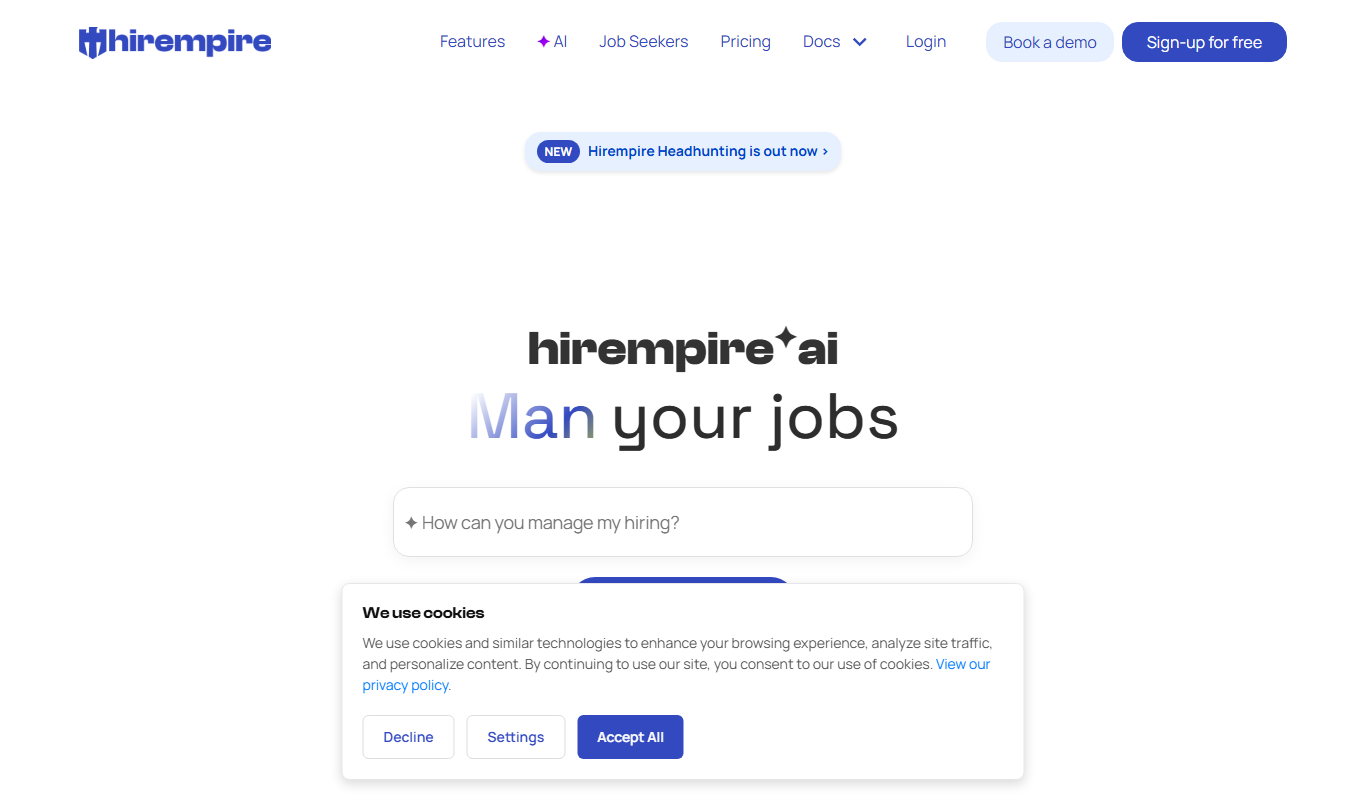
Hirempire
Hirempire is a cloud-based recruitment software that helps businesses manage applicant tracking, resume screening, job postings, and interview scheduling to streamline their hiring process.

Outpost CRM
Outpost is an AI copilot for client driven businesses that keeps users on top of their deals with AI-driven lead prioritization and outreach suggestions.

onboard.io
Onboard.io is customer onboarding software that helps B2B customer success teams make every client implementation repeatable, on time and visible to the customer.