

From my experience with TransLinguist, I found it excels at delivering contextually accurate AI translations that suit a variety of business needs, especially for website localization and multilingual content creation. The platform’s API integration and glossary management features make it a practical choice for teams aiming to maintain translation consistency and streamline workflows. However, the free plan limits translation volume, which might not suffice for larger projects, and enterprise pricing requires direct consultation. Overall, if you need reliable AI-powered translation with flexible integration options, TransLinguist is a solid option to consider.
TransLinguist AI Translation Tool for Multilingual Content and Localization
TransLinguist is an AI-driven translation platform that provides high-quality multilingual translations, API integration, and tools for managing localization projects.
- Best for
- Website Localization
- Key capability
- Neural Machine Translation
Your actions
Save TransLinguist, follow its updates and vote on it — everything stays in your account.
Sign in or create a free account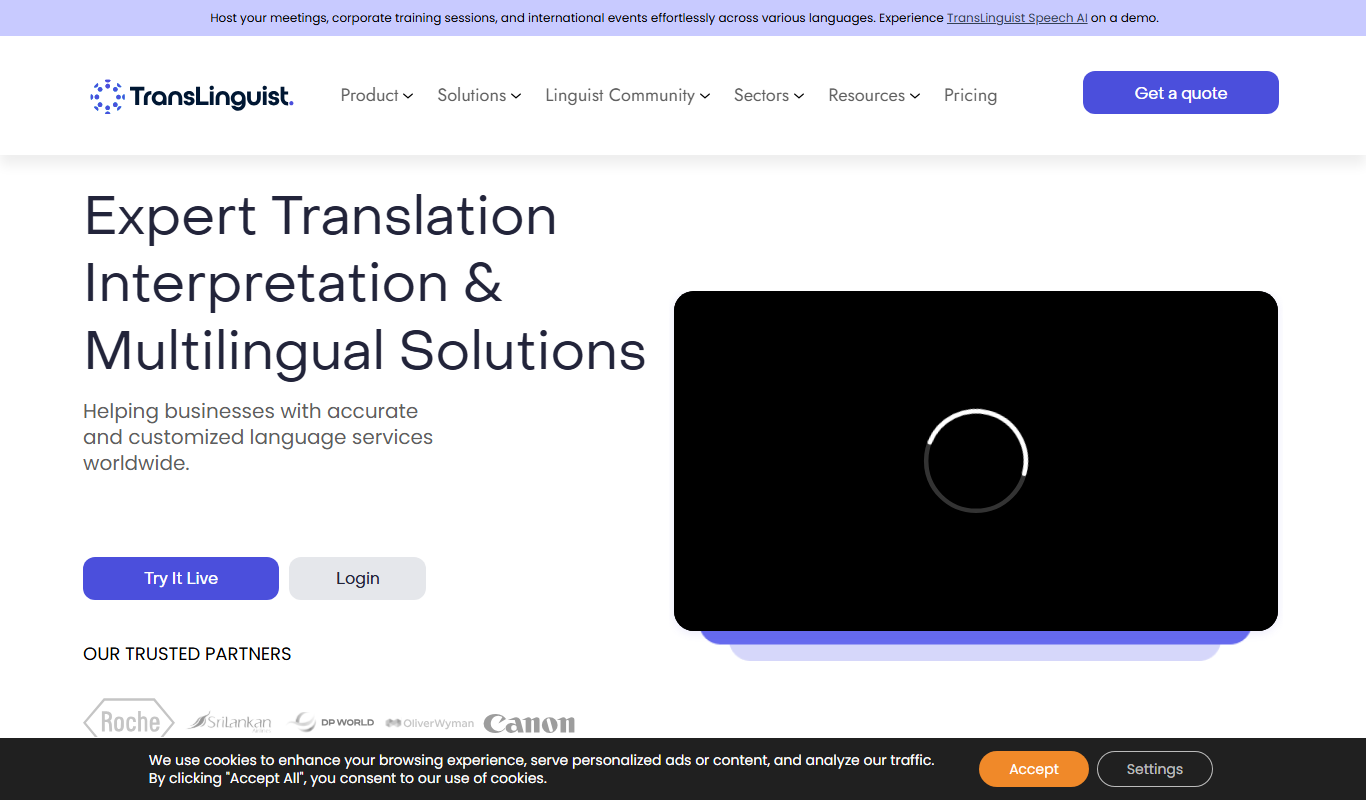
What is TransLinguist?
TransLinguist is an AI-powered translation and localization platform designed to help businesses and content creators translate text accurately across multiple languages. It leverages advanced neural machine translation technology to provide context-aware translations suitable for websites, documents, and customer communications.
Key features of TransLinguist
TransLinguist offers real-time AI translation, API integration for seamless workflow, support for over 50 languages, and tools for managing translation projects and glossaries to maintain consistency.
Neural Machine Translation
Provides high-quality, context-aware translations using advanced AI models.
API Access
Allows developers to integrate translation capabilities directly into applications.
Glossary Management
Maintain consistent terminology across translations with customizable glossaries.
Multi-format Support
Supports translation of various file types including DOCX, HTML, and JSON.
Collaboration Tools
Facilitates team collaboration with shared projects and translation memory.
Pros and cons of TransLinguist
Pros
- High-quality AI translations with contextual understanding
- API available for seamless integration
- Supports a wide range of languages and file formats
- Glossary and collaboration tools enhance consistency
- User-friendly interface suitable for non-technical users
Cons
- Free plan has limited translation volume
- Enterprise pricing is not publicly listed
- Some niche languages may have less accurate translations
Key use cases for TransLinguist
Website Localization
Translate and localize website content to reach global audiences effectively.
Multilingual Content Creation
Generate accurate translations for blogs, articles, and marketing materials.
E-commerce Product Translation
Translate product descriptions and details to expand international sales.
Customer Support Translation
Provide multilingual support by translating customer queries and responses.
Document Translation
Translate business documents, manuals, and reports with contextual accuracy.
How TransLinguist works
- 1
Sign Up
Create an account on TransLinguist’s website to access the platform.
- 2
Upload Content
Upload text, documents, or connect your website for translation.
- 3
Select Target Languages
Choose one or multiple languages for translation.
- 4
Review and Edit
Use the platform’s editor to review AI translations and make adjustments.
- 5
Download or Integrate
Download translated content or use API to integrate translations into your systems.
Who is using TransLinguist
Marketing agencies
E-commerce businesses
Content creators and bloggers
Localization teams
Customer support departments
TransLinguist pricing
Free
$0/month
Limited translations per month with basic features.
Pro
$49/month
Increased translation limits, API access, and priority support.
Enterprise
Custom pricing
Tailored solutions with dedicated support and advanced integrations.
Plans and prices are as published by the vendor and can change. Check the official site before you buy. Open the pricing page (opens in a new tab)
Frequently asked questions about TransLinguist
Yes, TransLinguist offers API access for developers to integrate translation services into their applications.
The platform supports over 50 languages including major global languages.
Yes, it supports multiple file formats for document translation such as DOCX and HTML.
Yes, TransLinguist offers a free plan with limited monthly translations.
Yes, it can help with that use case depending on how you configure it and what features are available. You’ll get the best results with clear inputs and a defined goal.
Integration support depends on the tool and its available connectors or API. Check the official documentation or integrations page to confirm what is supported.
Some tools offer a free plan or trial with limited features. Availability can vary, so confirm on the official website.
Sign in to review this tool.
Sign In to ReviewNo reviews yet
Be the first to share how this tool worked for you.
Ask about pricing, limits, or how it compares — or answer someone else.
Sign In to AskNo questions yet
Have a question about using or paying for this tool? Be the first to ask.
Featured on TiorAI



Alternative Tools
Explore similar AI tools that might fit your needs

Enterprise
Smartling
Smartling is a cloud-based translation management platform that helps businesses automate and manage the localization of digital content across websites, apps, and marketing materials with features like translation memory, machine translation integration, and quality assurance.
More AI Ai Tools tools
Other tools in the same category, for when this one is not quite the fit.

Subscription
Free AI QR Code Generator by MyQRCode
MyQRCode is a web-based QR code generator for restaurants, vCards, events and businesses, with custom designs, editable links, logos and colors.

Free
AIQRHub
AIQRHub is an online tool that uses AI to turn the QR code for a URL into an artistic QR code in a preset style.

Free
AI QR Codes
AI QR Codes is a web platform that uses artificial intelligence to generate customizable and visually appealing QR codes suitable for marketing and branding.

Subscription
AutoRFP.ai
AutoRFP.ai is an AI-powered platform that automates RFP response creation, enabling sales teams to quickly generate tailored proposals and manage content efficiently.

Free
PromptPoint
PromptPoint is a web platform that helps users create, manage, and optimize AI prompts to improve the quality and relevance of AI-generated content, with features for collaboration and analytics.

Subscription
ChefGPT
ChefGPT is an AI recipe and calorie tracking app that generates recipes from pantry ingredients, builds meal plans and logs calories from meal photos.

Free
Quizbot.ai
Quizbot.ai is an AI-driven platform that helps users create interactive quizzes by generating questions from input content, enabling quick and engaging assessments.

Freemium
Questgen.ai
Questgen.ai is an AI-based platform that automatically generates multiple-choice, true/false, and short answer questions from text to assist educators and content creators in building assessments quickly.