
From my experience with Toqan, I found it excels at simplifying complex data analysis through automation, making it accessible even for users without technical backgrounds. The platform’s predictive analytics and customizable dashboards provide valuable insights that can drive smarter business decisions. However, its limited mobile support and the need to contact sales for enterprise pricing might be a consideration for some organizations. Overall, if you need an AI-powered tool to streamline data workflows and generate actionable insights, Toqan delivers a practical and user-friendly solution.
Toqan AI Platform for Automated Data Analysis and Insights Generation
Toqan is an AI-driven platform that automates data analysis, providing predictive analytics and customizable dashboards to help businesses extract actionable insights from their data.
Categories:
AI Artificial Intelligence Tools
AI Business Intelligence Tools
AI Meeting Assistant
Data Analysis
Tech Stack:
Python
React
TensorFlow
What is Toqan?
Toqan is an AI-powered data analysis platform designed to automate the extraction of actionable insights from complex datasets. It leverages advanced machine learning algorithms to simplify data processing, enabling businesses to make informed decisions faster and with greater accuracy.

Key Features of Toqan
Automated Data Processing
Reduces manual effort by automatically cleaning and preparing data for analysis.
Predictive Modeling
Applies machine learning to forecast future trends and behaviors.
Customizable Dashboards
Allows users to tailor visualizations and reports to specific business metrics.
Integration Capabilities
Connects with popular data sources and business applications for seamless workflows.
User-Friendly Interface
Designed for users with varying technical skills to easily navigate and utilize the platform.
Pros and Cons of Toqan
Pros
- Automates complex data analysis tasks
- User-friendly interface for non-technical users
- Customizable dashboards and reports
- Supports multiple data formats and integrations
- Offers predictive analytics capabilities
Cons
- Limited mobile platform support
- Pricing details for enterprise plans require direct contact
Key Use Cases for Toqan
Automated Data Analysis
Automatically process and analyze large datasets to extract meaningful insights without manual intervention.
Business Intelligence Reporting
Generate comprehensive reports that help businesses make data-driven decisions.
Predictive Analytics
Use machine learning models to forecast trends and outcomes based on historical data.
Data Visualization
Create interactive charts and dashboards to visualize complex data clearly.
Workflow Automation
Streamline repetitive data processing tasks to improve efficiency and reduce errors.
How Toqan Works
-
1
Sign Up
Create an account on Toqan’s web platform to access the AI-powered tools.
-
2
Upload Data
Import datasets in various formats such as CSV or connect to data sources directly.
-
3
Configure Analysis
Select analysis types and customize parameters based on your business needs.
-
4
Generate Insights
Let Toqan process the data and produce reports, visualizations, and predictions.
-
5
Export and Share
Download reports or share dashboards with your team for collaborative decision-making.
Who's Using Toqan
Small to medium businesses
Data analysts and business intelligence teams
Marketing agencies
Financial analysts
Operations managers
Toqan Pricing
Free Trial
$0 for 14 days
Access core features with limited data volume to evaluate the platform.
Professional
$49/month
Full access to all features with higher data limits and priority support.
Enterprise
Custom pricing
Tailored solutions with dedicated support and advanced integrations.
Frequently Asked Questions About Toqan
Toqan supports common formats like CSV, Excel, JSON, and can connect to databases and cloud storage.
No, Toqan is designed with an intuitive interface suitable for users without deep data science knowledge.
Yes, Toqan offers integrations with popular platforms to streamline your data workflows.
Yes, it includes machine learning models to help forecast trends and outcomes.
Data handling and security practices vary by provider. Review the official privacy policy to understand how your data is stored and used.
It depends on your specific needs and how you plan to use the tool. The official website and documentation are the best sources for the latest details.
Yes, it can help with that use case depending on how you configure it and what features are available. You’ll get the best results with clear inputs and a defined goal.
It depends on your specific needs and how you plan to use the tool. The official website and documentation are the best sources for the latest details.
Share your review
Reviews are limited to one per logged-in user and are published after moderation.
You need an account to review this tool.
0.0
★
★
★
★
★
0 reviews
5 star
0
4 star
0
3 star
0
2 star
0
1 star
0
No reviews yet
Be the first to share how this tool worked for you.
Questions from the community
Read questions and answers about this tool, or ask your own.
No questions yet
Start the conversation by asking the first question about this tool.
Is this tool helpful?

Freemium
Delphos | AI Music
Delphos AI Music is an AI-driven web platform that enables users to create original music tracks by selecting styles, moods, and tempos, suitable for content creators and media producers.
Freemium
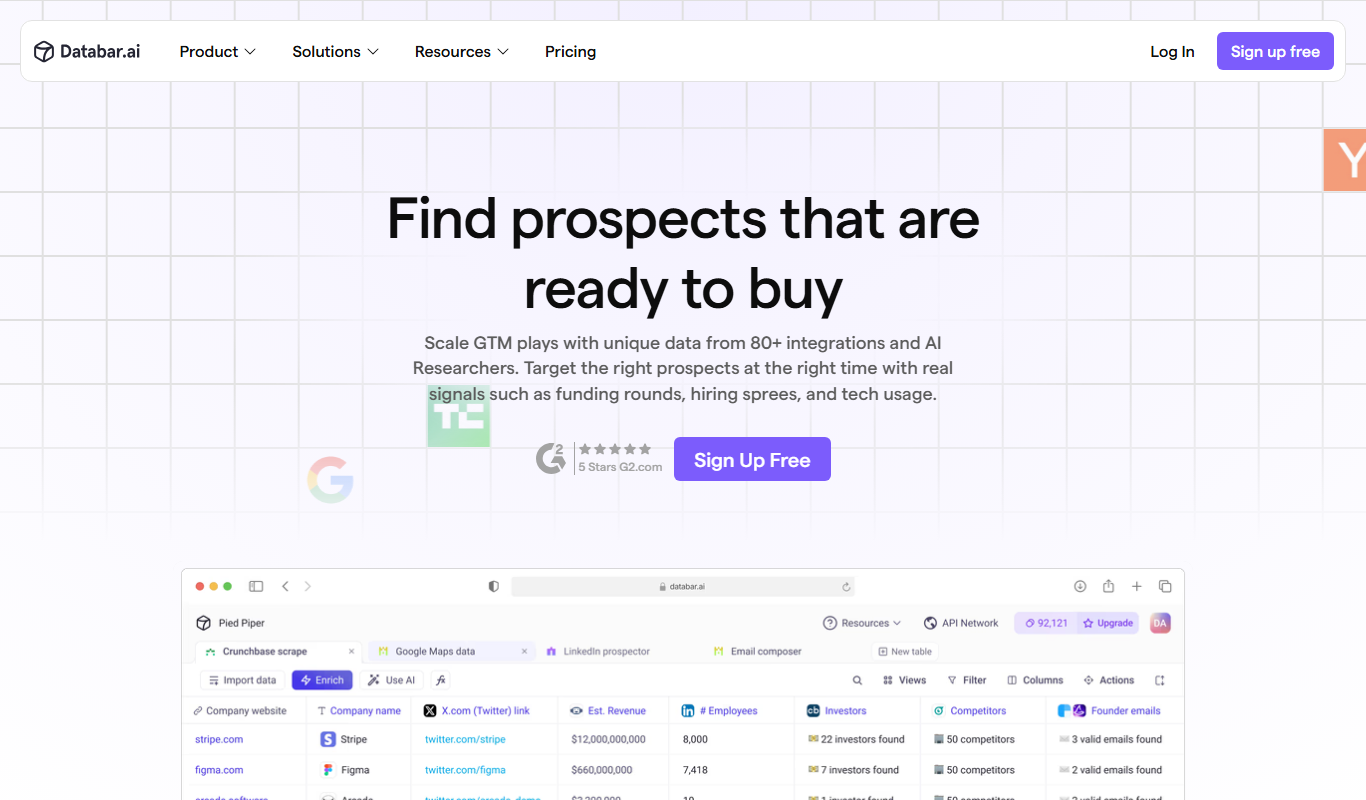
Databar.ai 2.0
Databar.ai 2.0 is an AI-powered platform that automates data analysis, reporting, and visualization to help businesses gain actionable insights without needing technical expertise.

Freemium
ai2006
ai2006 is a web-based AI platform that provides advanced data analytics, business process automation, and machine learning model deployment to help organizations optimize operations and gain insights.
Freemium
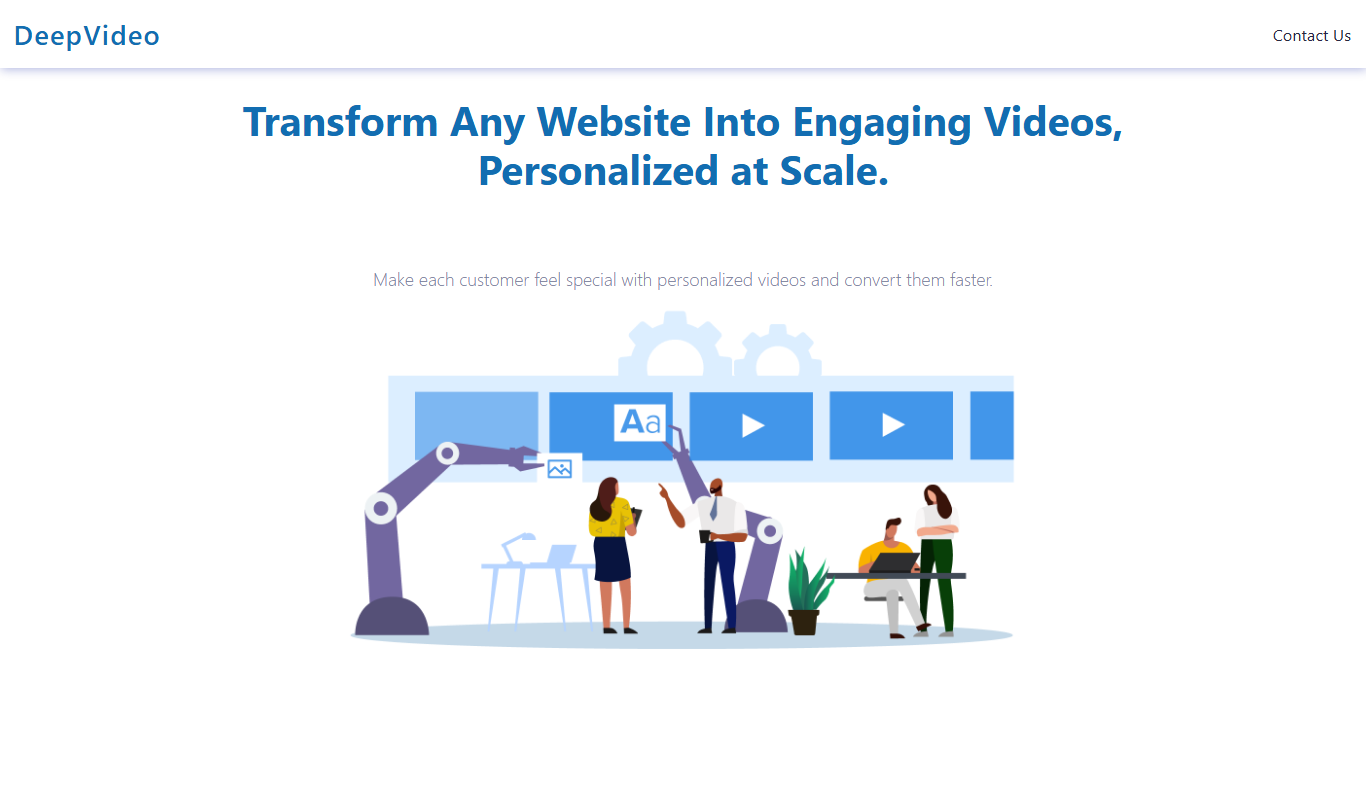
DeepVideo
DeepVideo is an AI-driven video generation platform that converts text scripts into realistic videos using AI avatars and voice synthesis, ideal for marketing, training, and social media content.

Freemium
aiinteriordesign.io
AIInteriorDesign.io is a web-based AI tool that helps users generate interior design layouts, style recommendations, and virtual staging for residential and commercial spaces without prior design experience.

Custom Pricing
Smartrazor
Smartrazor is an AI-driven data annotation platform that provides automated and manual labeling services for images, videos, and text to help build high-quality training datasets for machine learning models.

Contact Sales
Data On Demand
Data On Demand is an AI-driven platform by Humanli AI that provides real-time data access through customizable APIs, enabling businesses to automate data retrieval and integrate diverse data sources efficiently.

Freemium
Petsy AI
Petsy AI is an AI-driven pet care assistant that provides personalized health advice, symptom analysis, and wellness tracking to help pet owners manage their pets' health effectively.