

From my experience with Top Social Tools, I found it excels at providing a broad range of free social media marketing utilities in one convenient web platform. It’s especially useful for small businesses and content creators who want to manage their social presence without investing in multiple paid tools. The interface is straightforward, making it accessible even for beginners. However, the trade-off is that it lacks some advanced automation and integration features found in premium platforms. Overall, if you need a no-cost, easy-to-use toolkit for scheduling, analytics, and hashtag research, Top Social Tools delivers solid value.
Top Social Tools Review - Best Free Social Media Marketing Tools 2024
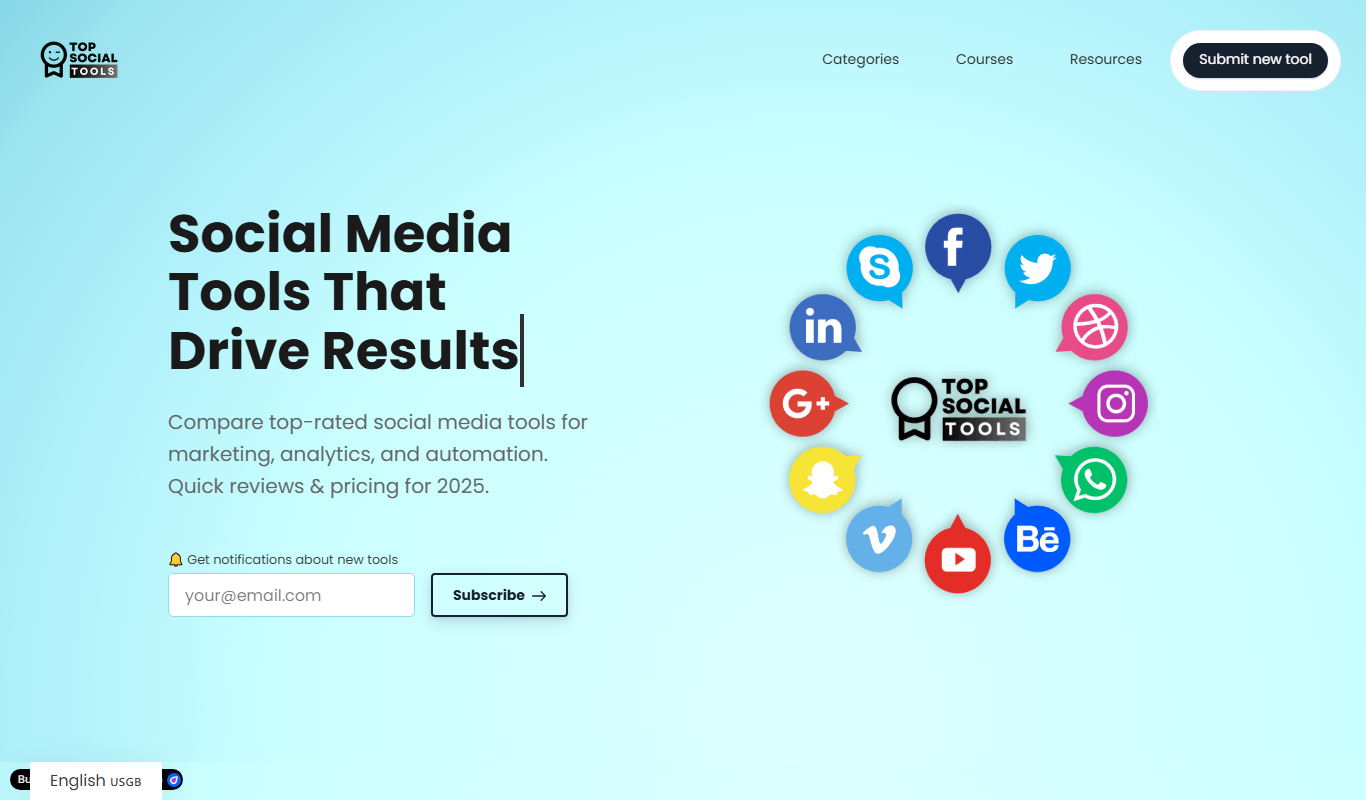
Top Social Tools is a free web-based platform providing a suite of social media marketing tools including scheduling, analytics, hashtag research, and content editing to help marketers manage and optimize their social presence.
- Best for
- Social Media Management
- Key capability
- Free Access to Multiple Tools
Do you recommend this tool?
What is Top Social Tools?
Top Social Tools is a free online platform offering a comprehensive suite of social media marketing tools. It aggregates various utilities such as content schedulers, analytics, hashtag generators, and media editors to help marketers, influencers, and businesses streamline their social media efforts without the need for multiple subscriptions.
Key features of Top Social Tools
The platform provides a wide range of free tools including social media post schedulers, hashtag research, analytics dashboards, image and video editing, and follower tracking. It is designed to be an all-in-one resource for social media marketers seeking cost-effective solutions.
Free Access to Multiple Tools
Provides a variety of social media marketing tools at no cost.
User-Friendly Interface
Simple and intuitive design makes it easy for users of all skill levels.
Comprehensive Toolset
Includes scheduling, analytics, hashtag research, and media editing.
No Installation Required
Fully web-based platform accessible from any device with internet.
Pros and cons of Top Social Tools
Pros
- Completely free access to multiple social media tools
- No software installation required, fully web-based
- Wide variety of tools covering scheduling, analytics, and content creation
- User-friendly and accessible for beginners
Cons
- Limited advanced features compared to paid platforms
- No dedicated mobile app available
- Some tools may require manual input without direct API integration
Key use cases for Top Social Tools
Social Media Management
Manage multiple social media accounts efficiently using a variety of integrated free tools.
Content Scheduling
Schedule posts across different social platforms to maintain consistent engagement.
Social Media Analytics
Analyze social media performance and track metrics to optimize marketing strategies.
Hashtag Research
Discover trending and relevant hashtags to increase post visibility and reach.
Image and Video Editing
Use built-in tools to create and edit visual content tailored for social media platforms.
How Top Social Tools works
- 1
Access the Website
Visit topsocialtools.com to explore the available social media marketing tools.
- 2
Select a Tool
Choose from various free tools such as post schedulers, hashtag generators, or analytics.
- 3
Use the Tool
Input your social media account details or content to utilize the selected tool’s features.
- 4
Analyze and Optimize
Review analytics and insights to improve your social media marketing strategy.
Who is using Top Social Tools
Small business owners
Social media marketers
Content creators and influencers
Marketing agencies
Freelancers managing social accounts
Top Social Tools pricing
Free
$0/month
Access to all tools without any subscription or payment.
Plans and prices are as published by the vendor and can change. Check the official site before you buy. Open the pricing page (opens in a new tab)
Frequently asked questions about Top Social Tools
Yes, all tools on Top Social Tools are available for free without any hidden charges.
Most tools can be used without an account, but creating one may provide additional features.
The tools support major platforms like Facebook, Instagram, Twitter, LinkedIn, and TikTok.
Yes, the platform includes post scheduling tools for various social networks.
It depends on your specific needs and how you plan to use the tool. The official website and documentation are the best sources for the latest details.
Some tools offer a free plan or trial with limited features. Availability can vary, so confirm on the official website.
Yes, it can help with that use case depending on how you configure it and what features are available. You’ll get the best results with clear inputs and a defined goal.
Sign in to review this tool.
Sign In to ReviewNo reviews yet
Be the first to share how this tool worked for you.
Ask about pricing, limits, or how it compares — or answer someone else.
Sign In to AskNo questions yet
Have a question about using or paying for this tool? Be the first to ask.
Featured on TiorAI



Alternative Tools
Explore similar AI tools that might fit your needs

Free
Later
Later is a social media management tool that enables users to visually plan, schedule, and analyze posts across multiple platforms including Instagram, Facebook, Twitter, and Pinterest.
More AI Social Media Tools tools
Other tools in the same category, for when this one is not quite the fit.

Freemium
HolaBob
HolaBob is an AI-powered video creation platform that automates video generation from text and images, designed for marketers and content creators to produce social media and marketing videos quickly without needing editing skills.

Free
Post Roaster
Post Roaster is a web-based social media scheduling tool that helps users plan, schedule, and automate posts across multiple platforms with a visual calendar and team collaboration features.

Custom Pricing
Seekfluence
Seekfluence is an influencer marketing platform that helps brands discover influencers, manage campaigns, and analyze results to improve marketing ROI.
Free
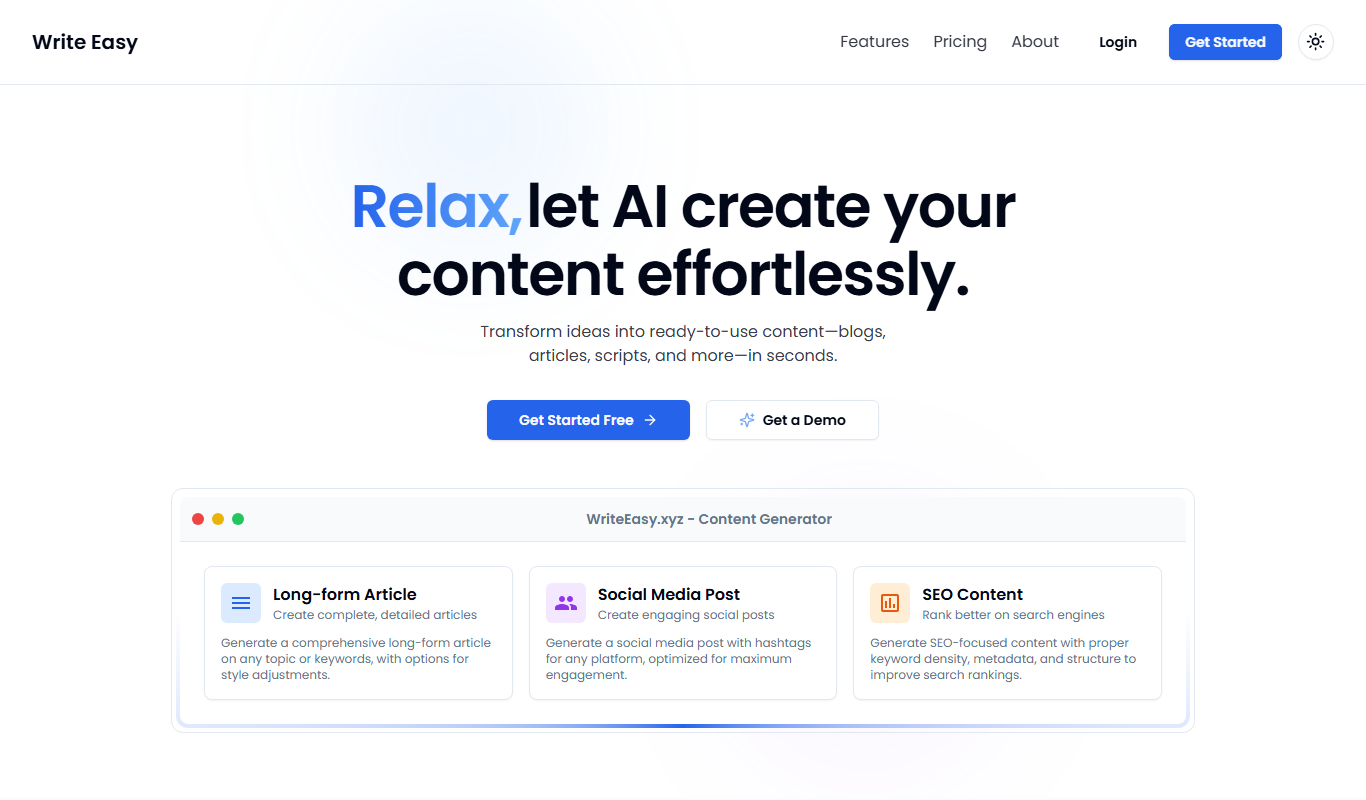
Writeasy
Writeasy is an AI writing assistant that helps users generate and edit English content with grammar and style corrections through a web platform.

Freemium
Olly 2.0
Olly 2.0 is an AI-driven social media assistant that generates content ideas, crafts posts, and automates scheduling to help users maintain consistent social media engagement.

Freemium
TweetSyncAI – AI Twitter Bot
TweetSyncAI is an AI-driven Twitter bot that automates tweet scheduling, generates content, and manages engagement to help users grow their Twitter accounts efficiently.
Free
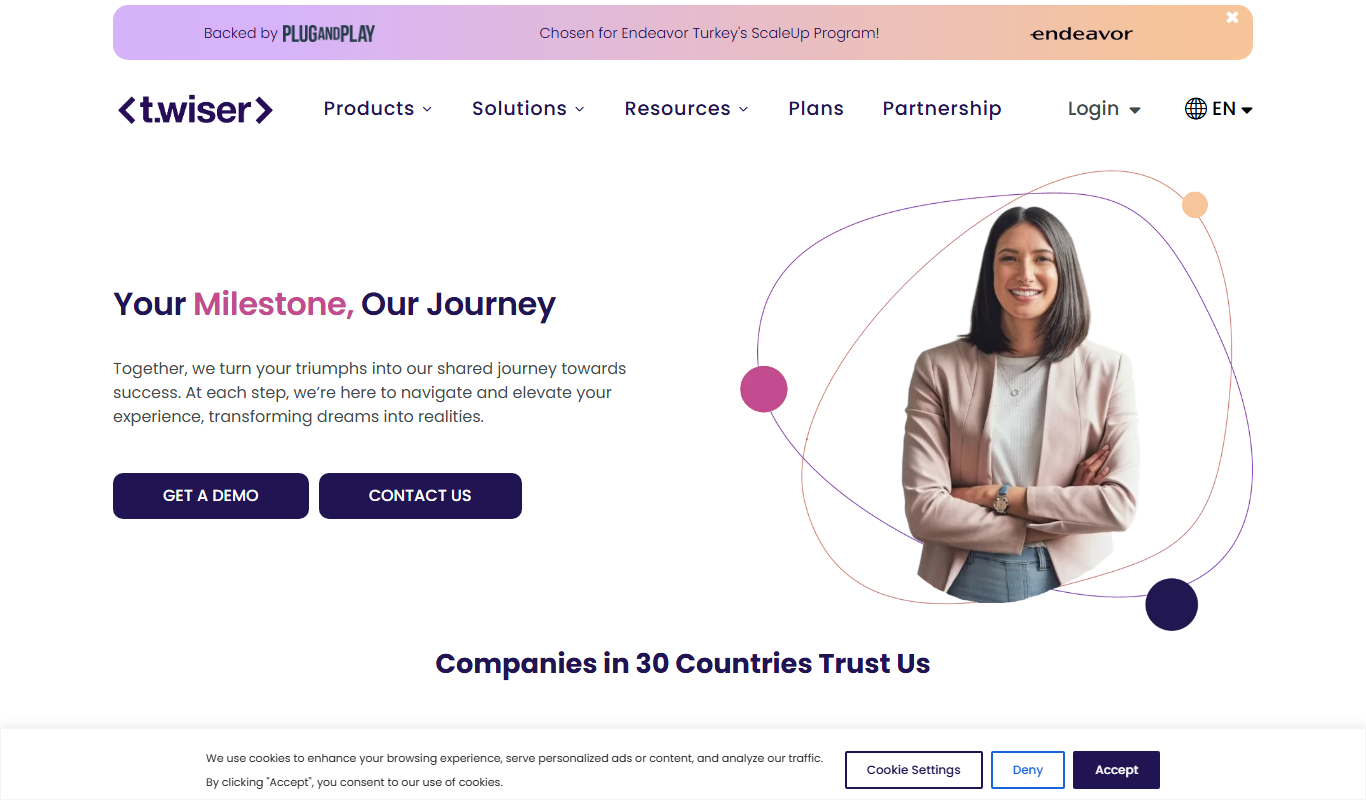
Twiser
Twiser is an AI tool that generates engaging Twitter threads and social media content to help marketers and creators save time and boost engagement.

Free Trial
PowerIn – Automate LinkedIn Comments
PowerIn is a web-based tool that automates posting comments on LinkedIn posts to increase engagement and save time for marketers and professionals.